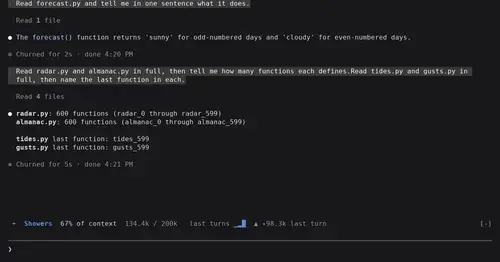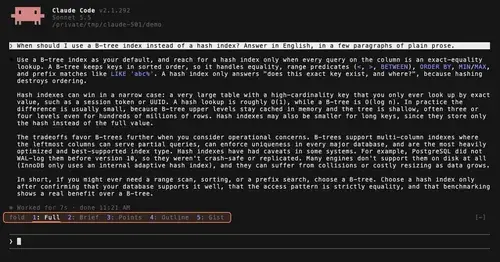
TextFold
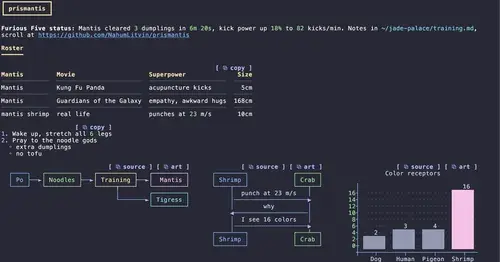
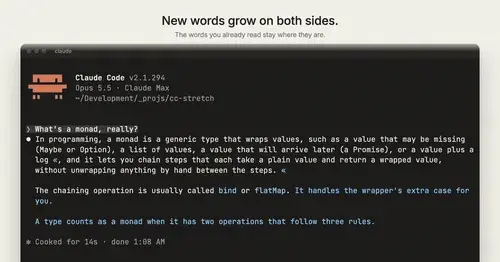
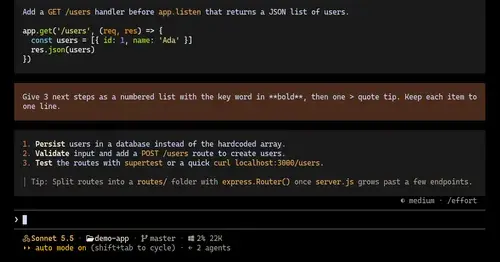
Every reply at five levels, from every word to the answer in one sentence. One key each.
813
Unofficial directory·Claude Code 2.1.287 and later
293 plugins that run inside Claude Code, each checked by hand, with the two commands that install it.
GitHub stars gained in the last 7 days
Every reply at five levels, from every word to the answer in one sentence. One key each.
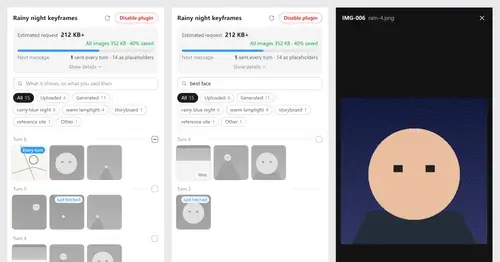
Pick which past images go out with your next message; the rest become placeholders.
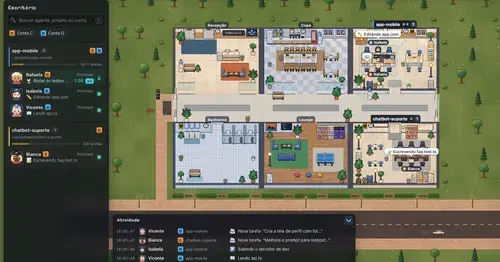
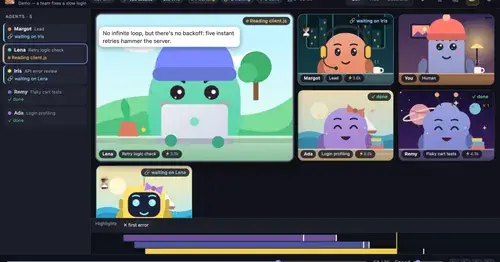
A pixel-art office where each Claude Code agent shows, live, what it is doing.
Hides tool rows and swaps the spinner for a sailboat. Toggle with /calm, zero tokens.
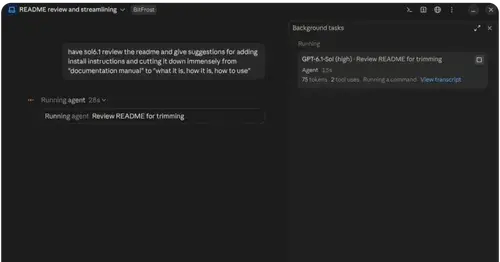
A Chromium browser in a pane beside the transcript, for previews and agent browsing.
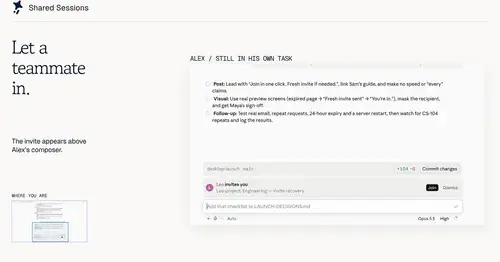
Share a session by link: teammates join from their Claude Code and prompt it live.
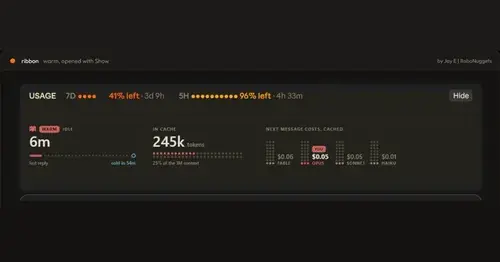
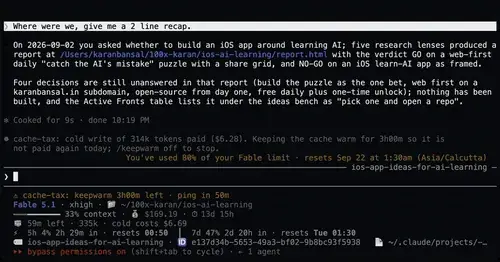
Usage left, reset times and prompt cache warm or cold, in one band above the prompt.
Claude's replies in 15 themes: colored tables, highlighted code, diagrams and charts.
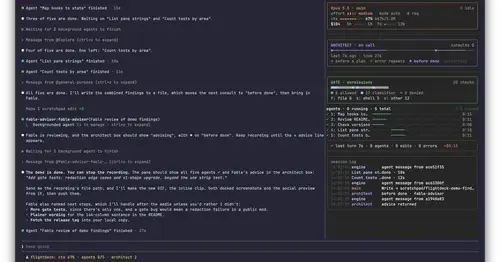
Subagents, permission checks, advisor consults, context and cost, live in a pane.
Keeps the prompt cache warm during breaks and stops a cold send once with its price.
Running, finished and planned subagents with model, context, cost and time, in one panel.
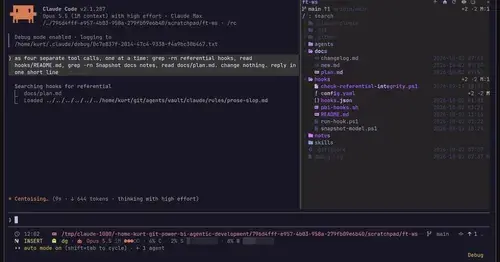
Sidebar file tree with git status that lights up what Claude reads, edits and commits.
Most-starred community mods on GitHub, one per repository
A Chromium browser in a pane beside the transcript, for previews and agent browsing.
Every tool call on a branching timeline with snapshots: inspect, restore, branch, rerun.
A pixel-art office where each Claude Code agent shows, live, what it is doing.
Every reply at five levels, from every word to the answer in one sentence. One key each.
A board of the tickets and issues kept in .story/, in a pane beside the transcript.
Share a session by link: teammates join from their Claude Code and prompt it live.
Today's Apple Reminders above the prompt, plus tools for Claude to manage them.
Pick which past images go out with your next message; the rest become placeholders.
Replies arrive short; click a phrase and it grows in place, click « to fold it back.
Your context window as one stacked bar above the prompt, a color per category.
A line above the prompt when another Claude Code session waits for you, plus toasts.
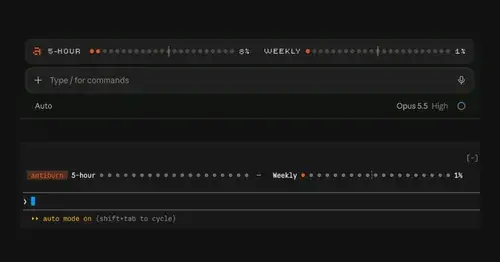
Five-hour and weekly usage meters above the prompt, with reset times and pace.
Usage left, reset times and prompt cache warm or cold, in one band above the prompt.
Agent tree, live status and the current request's work steps in one side pane.
Writes a handoff doc after 50 idle minutes, while the prompt cache is still warm.
Holds a burst of agents, a huge prompt or a retry loop before it eats your plan window.
Tips on your prompt cache, context and plan limits, plus a status line and a pane.
Context, plan limits with a pace forecast, cost and live subagents above the prompt.
The calls Claude made without being asked, above the prompt, each with a rethink button.
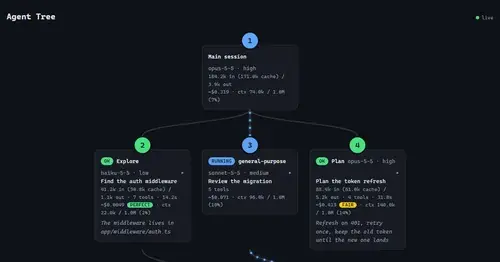
Live tree of the main session and its subagents: model, tokens, tools and cost.
Keeps the prompt cache warm while you're away and compacts at a size you choose.
Usagi or Chiikawa types, thinks and dozes in a pane while Claude works.
Your agents as Clawds in a pixel house, plus a plan usage band above the prompt.
A smug fan-made companion who sits above the prompt and reacts to every bug Claude hits.
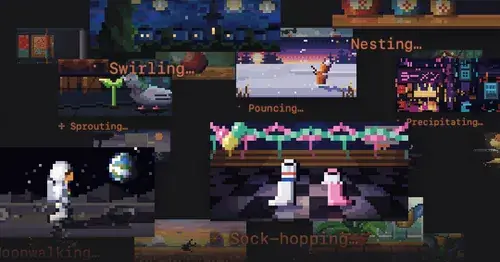
A looping pixel-art picture above the spinner for each of its 188 verbs.
Every reply at five levels, from every word to the answer in one sentence. One key each.
Pick which past images go out with your next message; the rest become placeholders.
Replies arrive short; click a phrase and it grows in place, click « to fold it back.
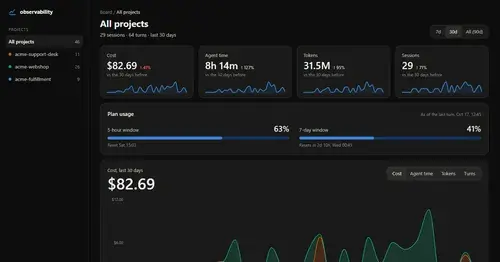
Cost, tokens, tools and plan usage of every turn, on a local HTML board.
Complexity, test status and CRAP scores of the functions Claude edits, above the prompt.
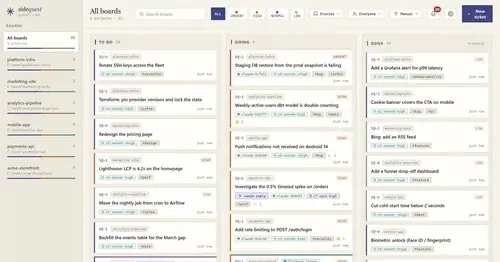
A local Kanban board of tickets that survive compaction, plus verified parallel work.
Queue tasks for after the current one, without steering Claude mid-turn.
Hover a pasted [Image #N] to see the picture; click it to open the file.
The 5-hour and weekly subscription windows as a bar in the footer. Zero tokens.
What jevmem recalled, what its guard decided and what it saved, beside the chat.
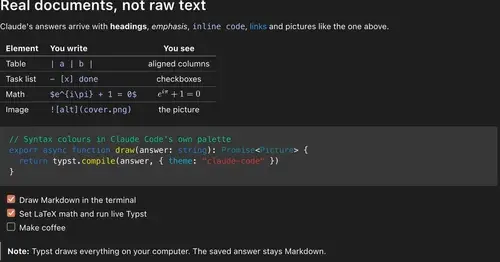
Claude's answers as typeset pictures: Markdown, LaTeX math, charts and diagrams.
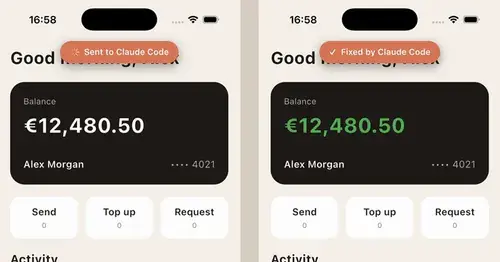
Long press a UI bug in your iOS app in the simulator and Claude Code gets the report.
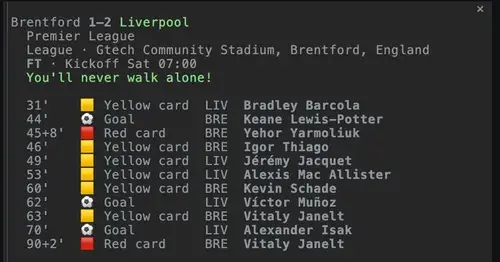
Live football scores or the next kickoff above the prompt, goal toasts and a match pane.
Padded, coloured prompt and reply boxes, themed markdown and a matching status line.
Codex, GLM and other coding apps on your machine as Claude Code subagents.
Each answer rewritten as a Simplified Technical English manual page in a side pane.
Tool calls redrawn as cards with status, timing and result, output folded behind Details.
No mods match. Try another word or clear the filter.
Example mods published by Anthropic in the claude-code-playground repository
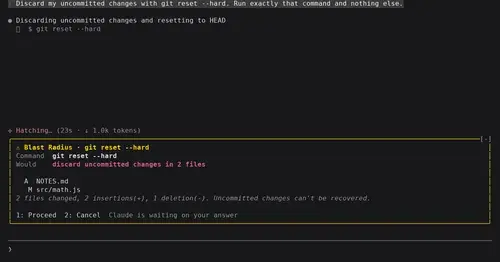
Shows what rm -rf or a force push would change and waits for Proceed or Cancel.
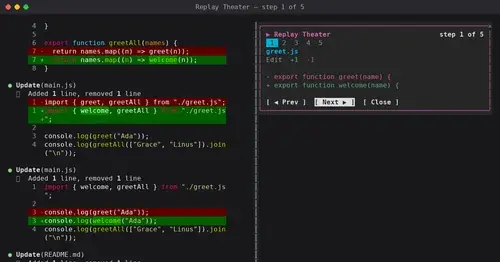
A /replay pane that walks through the last turn's file edits, one diff per step.
Context window fill as a weather forecast above the prompt, with a chart of recent turns.
A Claude Mod is a Claude Code plugin whose behavior lives in a hooks module: a JavaScript or TypeScript file that Claude Code loads into its own process. The module registers functions on the engine's events, such as a tool call, a turn finishing, or a component being drawn. Each function can act before the event, after it, instead of it, or change it on the way through. Anthropic first called the mechanism function hooks. It launched officially as Claude Mods in Claude Code 2.1.287, on October 1, 2026.
This is not the same as the shell hooks Claude Code has had for a while. A shell hook is a separate process that reads JSON and answers with an exit code. A mod runs in-process, with typed events, in a fixed order, and it can draw.
claude --version says 2.1.287 or later. Mods are on by default; there is nothing to enable.claude, or run /reload-plugins in an open session. /plugin names the mods that loaded.The full guide, with troubleshooting, is at Install a Claude Mod.
Mods require Claude Code 2.1.287 or later, and they are on by default. They draw in the terminal and in the Code tab of the Claude Desktop app. A mod runs with your permissions and is not sandboxed, so the install guide shows how to review one before you install it. Events and methods can still change between releases, and every listing here names the Claude Code version its author tested with. Anthropic's own documentation starts at the mods overview.
Every mod listed here is public source code on GitHub, written by its author and published under the author's own license. Claude Mods links to the repository, credits the author, and never hosts the code. Anthropic's own built-in mods, the /diff pane among them, are published in theclaude-code repository.
GitHub is scanned every day for public repositories whose hooks.json declares a hooks module. Each candidate is checked by hand: the mod has to install, do what its README says, and carry a license or a clear author. Star counts come from GitHub and refresh daily, so the "Most stars" order is the ecosystem's own ranking, not ours.
Claude Mods are Claude Code plugins that run JavaScript or TypeScript inside Claude Code's own process. They hook into its events to draw above the prompt or in a side pane, block or rewrite tool calls, and change what Claude Code shows. They launched officially in Claude Code 2.1.287 on October 1, 2026.
A plugin is the package you install. A mod is a plugin with a hooks module: code that runs in-process, with typed events, and can draw. Shell hooks are separate processes that read JSON and answer with an exit code, and they cannot draw. Skills are instructions the model reads; they do not run code on Claude Code's events.
By GitHub stars, the most popular community mods right now are terminal-browser, Agent Time Machine, Habblaud, TextFold, storybloq. The ranking above refreshes every day, and the "Trending this week" list shows which mods are gaining stars fastest.
Check that claude --version says 2.1.287 or later; mods are on by default. Add the mod's marketplace with claude plugin marketplace add, install it with claude plugin install, then start claude or run /reload-plugins. Every listing here shows its two commands.
A mod is not sandboxed: it runs with your permissions and can read and write files, run commands and use the network. Install mods from authors you trust, and review one first with claude plugin validate. Every mod listed here is public source code on GitHub, checked by hand before it is listed.
Mods draw in claude in a terminal (including editor terminals and the JetBrains plugin) and in the Code tab of the Claude Desktop app. In the VS Code extension's chat panel their hooks run but nothing they draw appears.
Disable one mod from /plugin. For a single session, start with claude --safe-mode. To stop every mod in every session, set "disableAllHooks": true in ~/.claude/settings.json.
This directory lists 293 mods and adds new ones every day. Scans of GitHub find thousands of repositories that declare a hooks module; a mod is listed here once it installs, does what its README says and carries a license or a clear author.