While you wait·terminal · desktop·MIT
Vibehaus
Your agents as Clawds in a pixel house, plus a plan usage band above the prompt.
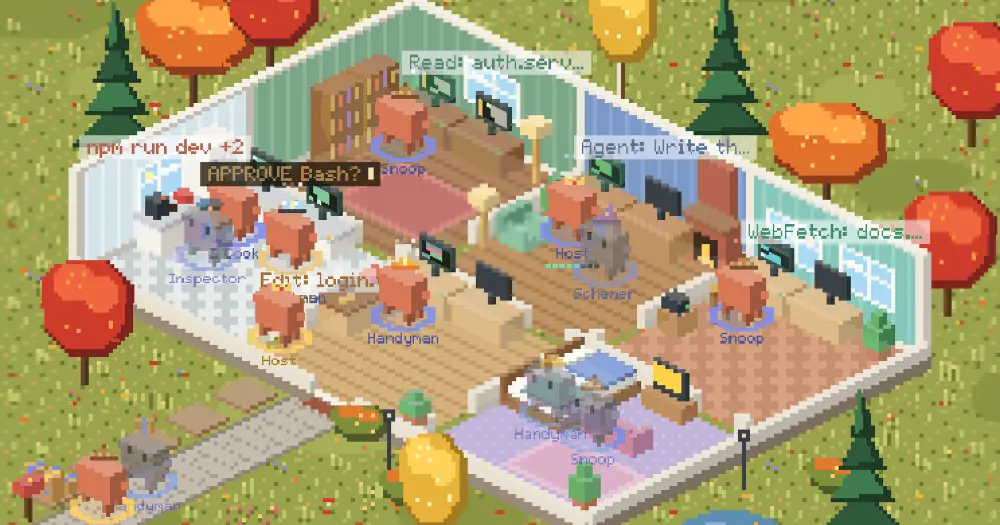
Vibehaus opens a pane with a pixel house where the agents of your Claude Code sessions live as a household of Clawds. The lead, every subagent and every background task works at a desk in the room for its kind of job, carries a box out to the yard when it finishes, and naps, reads or watches TV when idle. A band above the prompt shows your five-hour and weekly plan usage. Clawd is the pixel crab from Claude Code’s own branding; Vibehaus is an unofficial fan project by rmguney, not made or endorsed by Anthropic.
What it does
- A room for each kind of work. Reads and searches send an agent to the library, edits to the workshop, shell commands and monitors to the kitchen, and web fetches, web searches and MCP tools to the sunroom. The lead and every other tool use the study, and idle Clawds drift to the bedroom lounge. Desk screens follow the tool in use, and a label over each agent names the tool and its file or command.
- Roles with hats. The lead is the Host in a crown. Explore agents are Snoops in deerstalkers, Plan agents the Schemer in a wizard’s hat and general-purpose agents Handymen in hard hats. Background shells are Cooks, monitors the Neighbor and workflows the Butler; any other agent type gets a role from its name.
- Permission prompts. When an agent stops for your approval, an amber tag goes up over it until the call goes ahead or you refuse it.
- Shipping. A finished task walks out of the front door with a box and stacks it on the pallets by the mailbox. The day’s boxes from all your sessions pile up there, and a sign counts them.
- Your other sessions. Agents from other Claude Code sessions on the same machine walk in from the street and leave the same way. Each session gets its own colour on the rings at its agents’ feet, on the box tape and on the names. A session idle for five hours moves out until it is busy again.
- Hover cards. Hover a Clawd for its role, task, current action, how long it has been at it, its tokens and which session it came from. Token counts cover this session’s agents only; the Host’s is the week’s total across your sessions, cache reads left out.
- The usage band. Two bars,
5HandWeek, with the percentage used and when each window resets, next to a ◧ Vibehaus button that shows or hides the house. Every session shows the newest reading any of them took.
If you would rather watch one Clawd act out each tool call, clawdhouse puts him above the prompt.
Install
Needs Claude Code 2.1.295 or later. The usage bars fill only on a Claude subscription; with other sign-ins they show --.
claude plugin marketplace add rmguney/vibehaus
claude plugin install vibehaus@vibehaus
The house opens by itself when a session starts. In a terminal it does so only at 144 columns wide or more (110 after you have opened it yourself, until you close it by hand). /haus opens it anywhere. /haus demo moves a made-up household in for five minutes, and running it again sends them home. /haus snapshot saves the house as an animated SVG you can open in a browser.
Desktop and terminal
The author supports the terminal and the Code tab of the Claude desktop app. The desktop gets the isometric picture from the demo: a sunny day in light mode, a lamplit night with fireflies in dark mode, and more garden in a taller pane.
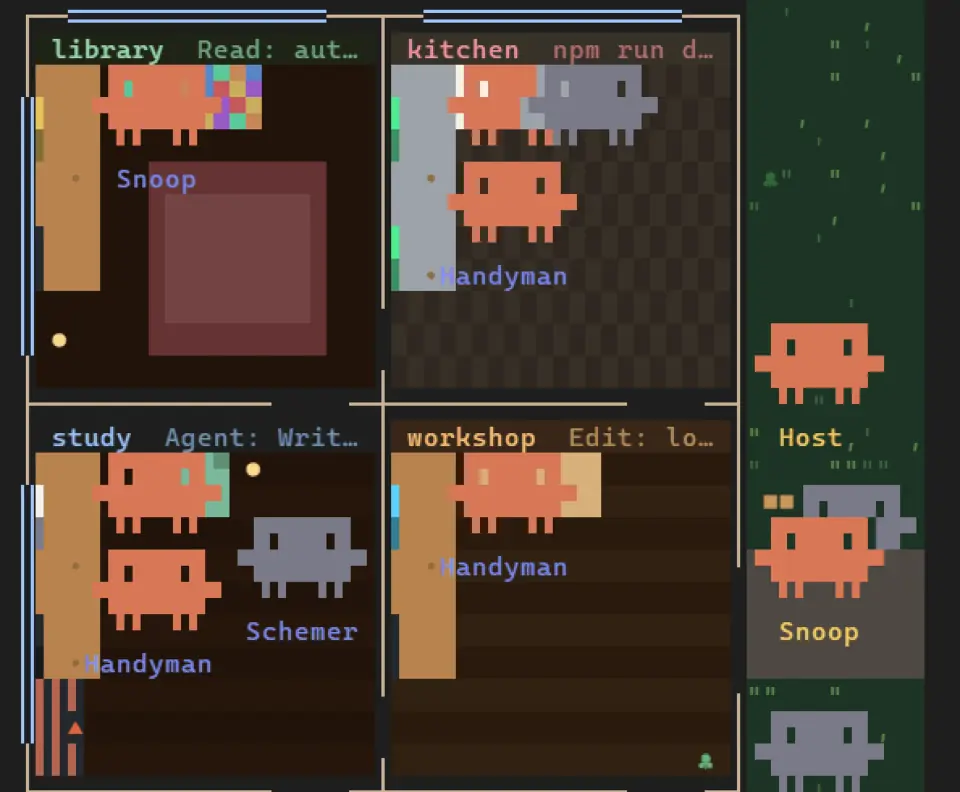
A terminal cannot show that picture, so there Vibehaus draws the house as a floor plan seen from above, in character cells. The plan is turned a quarter so the six rooms run down the pane in two columns, with the yard and front door at the side. It keeps the furniture and a Clawd for each agent with its role written underneath, redraws five times a second and grows with the pane. Hover cards and the usage band work in both.
How it works
Every hook passes its event on unchanged. Vibehaus never blocks or rewrites a tool call, a prompt or a turn, and it answers only its own /haus command. It makes no network calls, calls no model, runs no processes and starts no agents, so it costs none of your usage.
To place and label agents, tool.call reads each call’s tool name and the first of its command, file name, search pattern, URL, query or description, cut to one line of 160 characters. From the result it takes only whether the call failed and the id of any background task it started. turn.step gives it each response’s token counts, and session.measure the five-hour and weekly windows that Claude Code reads off its own responses. The classic Stop, SubagentStop and session.append hooks keep the house in step with Claude Code’s list of background work. UserPromptSubmit and SessionStart are used only for the session’s title, not your prompt, and Notification only for permission prompts.
It also writes to Claude Code’s local plugin store, which every session on the machine can read: the Host’s hourly token counts for a week, the newest usage reading, today’s shipped boxes and each session’s household. A household holds the session’s title (its folder name until it has one) and, per agent, its type, role, task name, room, status, timings and tool, with the file name for file tools but never a command, pattern, URL or query. Entries go when a session ends or falls silent for an hour, and counts once they are a day or a week old.
The only file it writes is vibehaus-snapshot.svg, in the folder Claude Code runs in, when you run /haus snapshot; each snapshot replaces the last. It shows only this session’s household, but with what each agent is doing, commands included, so look it over before you share it.
Limitations
- The author marks Vibehaus as a work in progress, and the events and methods it uses can change between Claude Code versions.
- In the terminal, a pane narrower than the smallest plan shows only a note with the width it needs. Drawn above the prompt rather than docked, the plan takes at most 22 rows.
- Where an organization manages Claude Code, classic hooks run only for plugins it allows. Without them there is no amber tag, no sync with the background task list and no session titles.
Similar Claude Mods

claude-pokemon
A pixel Pokémon above the prompt that follows Claude's tools, levels up and evolves.
pixelband
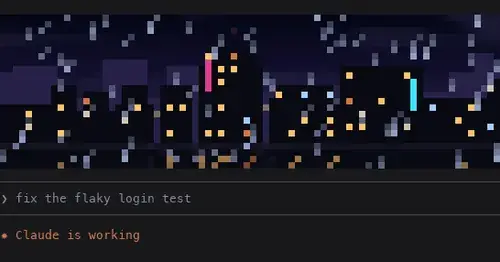
Pixel art above the prompt that reacts to Claude: seven scenes, or your own image or GIF.
flow-scenes
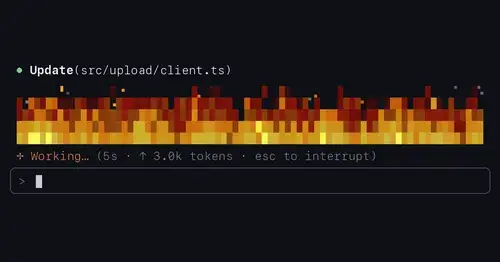
Eleven ambient scenes above the prompt that grow busier as Claude works.

claude-pets
A pixel pet in a pane that reacts to your session and levels up as you work.
Popular Claude Mods
The whole directory →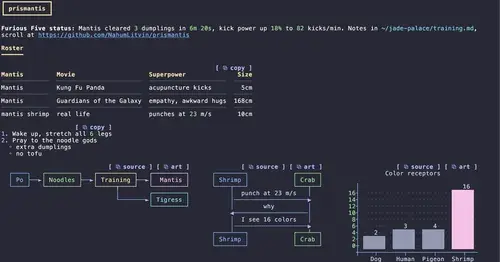
prismantis
Claude's replies in 15 themes: colored tables, highlighted code, diagrams and charts.
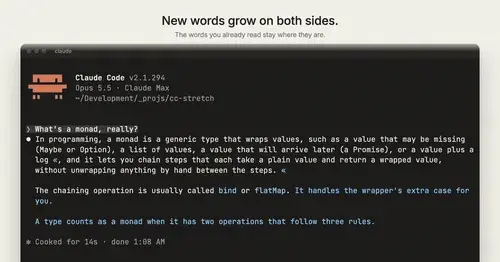
cc-stretch
Replies arrive short; click a phrase and it grows in place, click « to fold it back.
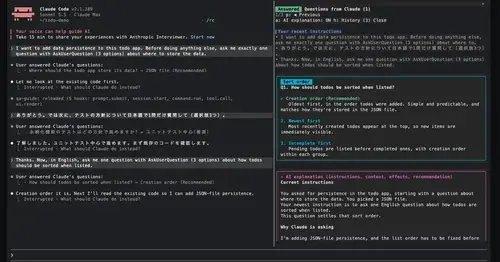
qa-guide
Explains each question Claude asks in a side pane: context, option effects, history.
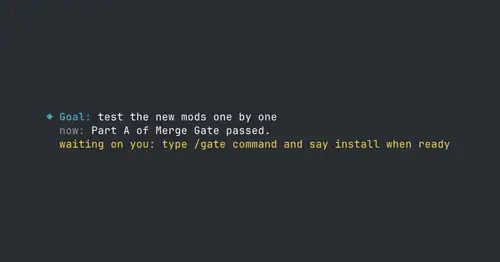
where-am-i
Goal, what Claude is doing now, what waits on you and the next step, above the prompt.