While you wait·terminal · desktop·MIT
flow-scenes
Eleven ambient scenes above the prompt that grow busier as Claude works.
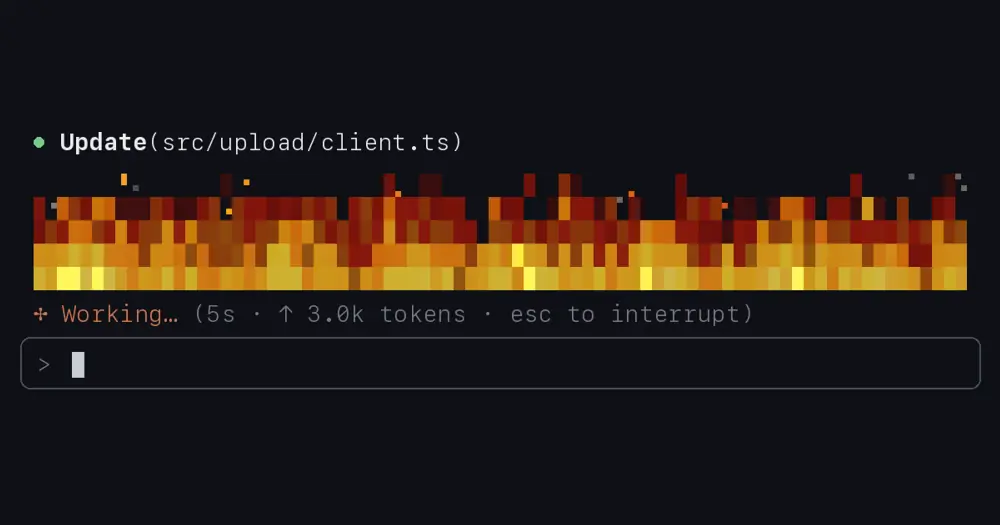
Flow, installed as flow-scenes, draws an animated scene above the Claude Code prompt that moves with what Claude is doing. The default is a fire: blue pilot lights while idle, climbing with each tool call, roaring when subagents join in, and dying back down when the turn ends. Ten other scenes follow the work the same way, from the surf and a ski run to two rockets and a train.
What it does
- Eleven scenes: fire, warp (stars speeding up to hyperspace), avalon (a colony ship whose shield burns up asteroids), balloon, engine (a steampunk machine), falcon and starship (rockets that launch, stage and bring their boosters home), surf, ski, bubbles and train. Each runs from level 0 (off) to 10. Balloon, the rockets, surf, ski and train have a night version and bubbles turns into a stout; night follows your local clock, 19:00 to 7:00, unless you pin day or night.
- Auto mode, the default, sets the level from the work. A turn starts at a floor set by effort (2 at
lowup to 6 atmax) and gains a level for every 30 seconds it runs. Edits push it up by the lines written, commands throw sparks, reads and other tools add small ones. The author puts a plain answer around 5 and an edit-and-test loop around 8; 10 takes several subagents or a long turn. - States you can read at a glance: a failed command or a compaction shows as smoke, a context 85% full turns the scene blue, and while Claude waits on you (a permission, its question, a plan to approve) the scene drops to 2 and breathes slowly in sepia.
- A companion per subagent in nine of the scenes: a small fire beside the main one, a mini rocket on its own pad, a train on the next track. It works while the subagent works, goes quiet after 20 seconds without activity, signals when that subagent waits on you, and leaves when it finishes.
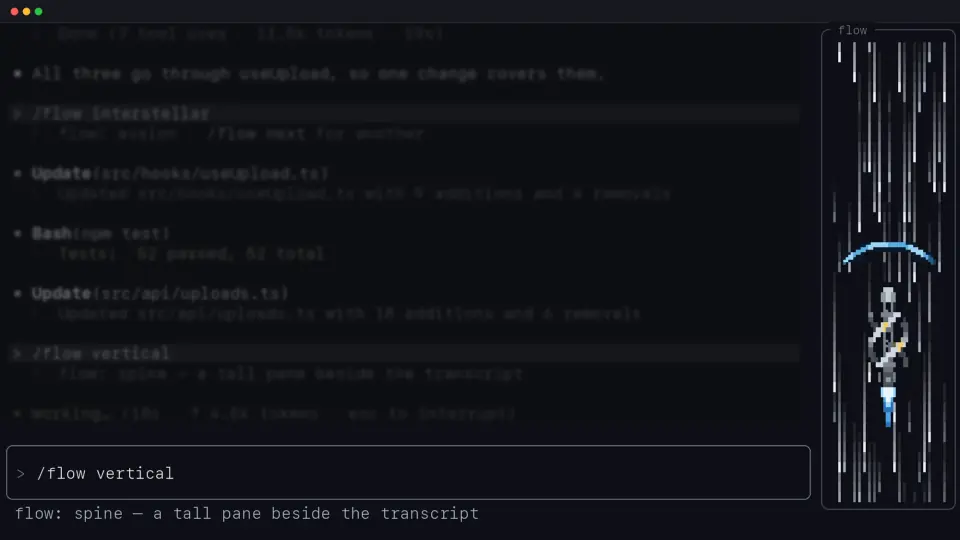
- Two layouts: a 5-row band above the prompt, or with
/flow spine(also/flow vertical) a tall pane docked beside the transcript. - Sound, off by default and macOS only: a soundscape per scene that swells with the level, the events on screen as they happen (a wave breaking, a train’s horn, a rocket staging), and a soft chime when Claude starts waiting on you.
/flow sound 1to10sets the volume. - The
/flowcommand:/flow surf(or any scene),/flow pickto choose from every scene running live side by side,/flow next,/flow night,/flow 1to10to hold a level,/flow idle darkto show nothing between turns,/flow off. Each session keeps its own settings, also through a resume./flow savemakes them the default for new sessions and/flow resetgoes back to it./flow helplists the rest.
Install
Needs Claude Code 2.1.289 or later, plus macOS for sound.
claude plugin marketplace add robdmac/flow
claude plugin install flow-scenes@robdmac
Run /reload-plugins in an open session. Flow starts on the fire, glowing low until Claude gets to work. In the Claude desktop app you can also add the marketplace robdmac/flow from + → Plugins → Add plugin in the Code tab; the app and the terminal share installed plugins. If you installed it earlier as flow@robdmac, uninstall that first: the command is still /flow, but defaults saved in /config don’t carry over.
How it works
The hooks only watch. Every event passes on unchanged, and Flow never blocks, allows or rewrites a tool call, permission or prompt. It reads the tool’s name, how many lines an edit adds (not the text), whether a Bash command failed, the length of streamed text, that a key was pressed in the prompt (not which), how full the context is, and the running subagents with their task. A call’s arguments are held only while it runs, to tell which call a permission dialog belongs to.
It makes no network calls. It keeps each session’s /flow settings in Claude Code’s plugin store (the 100 most recent sessions, none unused for 60 days) and which tips you’ve seen, and writes /config only on /flow save. Sound plays the plugin’s own clips through afplay, and only after someone has typed or run a turn in the session.
Scenes are drawn in 24-bit color from block, quadrant and braille characters, several pixels to a cell, about 14 frames a second while busy and 8 when calm. Unchanged frames and off-screen panes are skipped; the author measures the heaviest scene at under 2 ms a frame. The Desktop app has no character grid, so there each frame is drawn as an image, at most 10 times a second, and hovering a companion shows its subagent’s task.
The same scenes also run as an extension for pi (pi install git:github.com/robdmac/flow), without the spine, companions, sound or the waiting state.
Limitations
- The author built it against Claude Code 2.1.289 and warns that a later release can break it until it’s updated: mod events and methods can change between versions.
- Draws in the terminal and the Desktop app’s Code tab, in local sessions only. Nothing appears in the VS Code extension’s chat panel, in cloud sessions or on mobile.
- The spine docks beside the transcript in fullscreen mode; otherwise it sits above the prompt, 12 rows tall.
- The author notes that mods load only against the Anthropic API: not on Bedrock, Vertex, other third-party providers or with a custom
ANTHROPIC_BASE_URL.
Similar Claude Mods

claude-pomodoro
Pomodoro timer above the prompt: one-click focus blocks, live countdown, break chimes.
pixelband
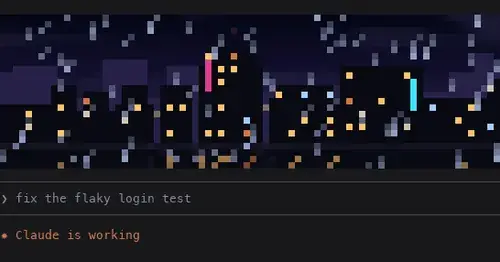
Pixel art above the prompt that reacts to Claude: seven scenes, or your own image or GIF.
Claude Fables
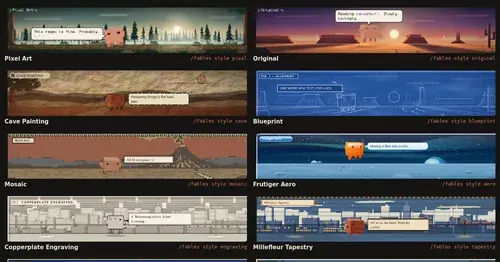
Short animated cartoons of Claude's work above the prompt, scripted by Sonnet or Haiku.
claude-pokemon
A pixel Pokémon above the prompt that follows Claude's tools, levels up and evolves.
Popular Claude Mods
The whole directory →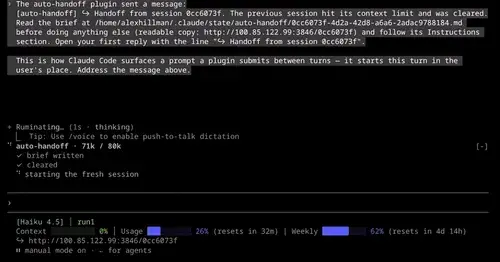
auto-handoff
Hands a long session to a fresh one with a Haiku-written brief instead of compacting.
next-steps
Up to six suggested next steps after each reply. Tick some and Haiku writes the prompt.
mission-control
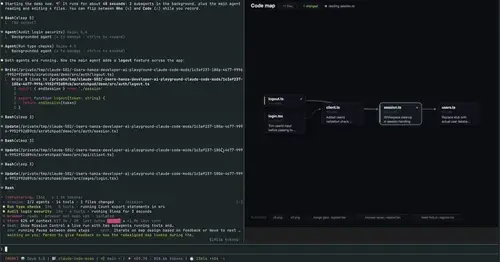
Main agent, subagents and every tool call in a pane, plus a map of the files they touch.

codex-computer-use
Claude's computer use on Codex's engine: one session per chat, per-app approval.