Automation·terminal · desktop·MIT
codex-computer-use
Claude's computer use on Codex's engine: one session per chat, per-app approval.
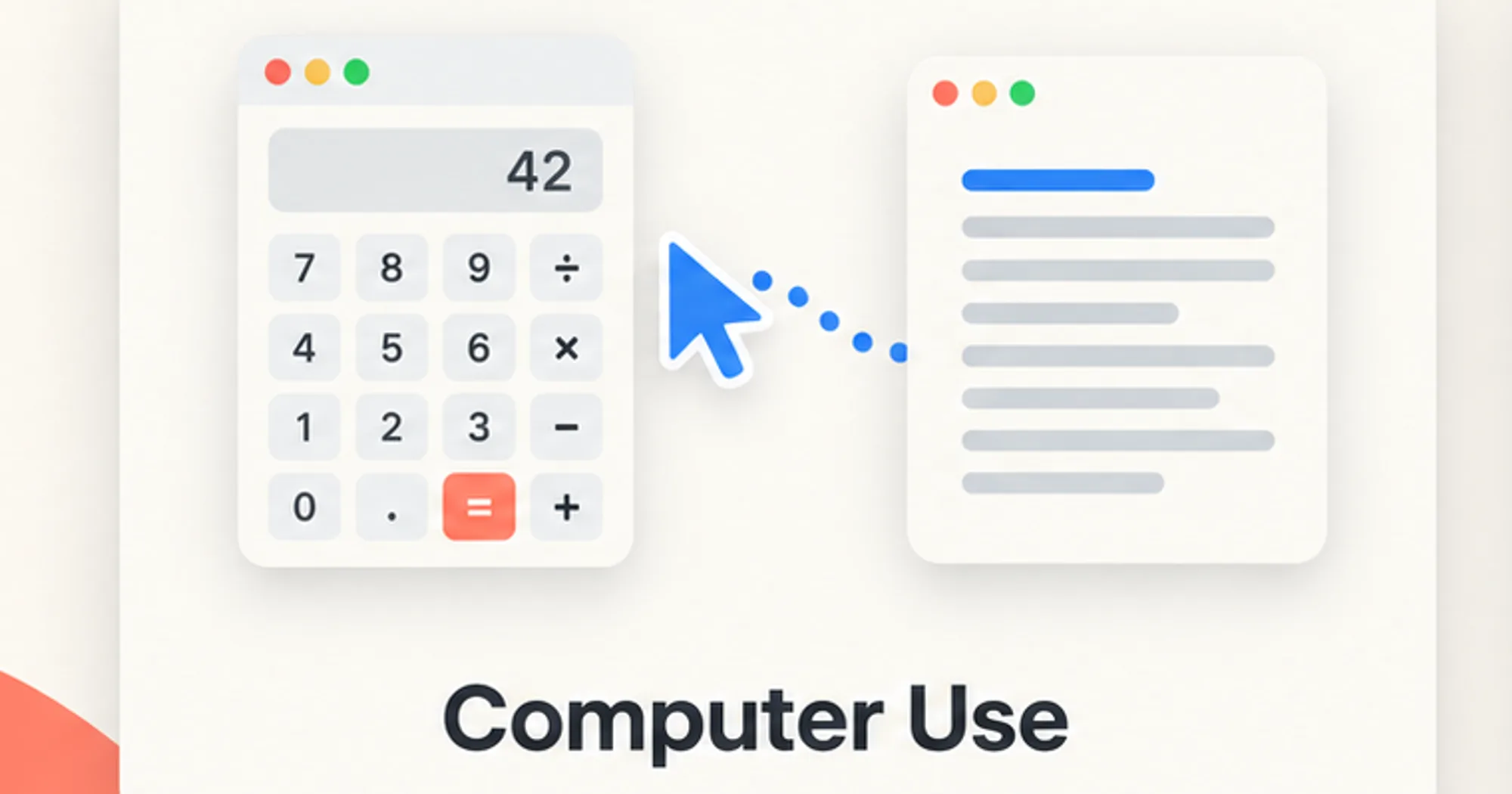
codex-computer-use hands Claude Code’s computer use, Claude operating the native apps on your Mac, to the computer-use engine of Codex that comes with the ChatGPT Mac app. Claude still decides every step; Codex’s engine performs the clicks and keystrokes in the background, without moving your cursor. Each Claude session, and each subagent inside it, gets its own Codex session, so several chats can drive different apps at the same time.
What it does
- Swaps the tools. While the mod is on, Claude’s own computer-use tools (
mcp__computer-use__*) are refused and Claude gets acuatool instead. It runs JavaScript against Codex’s engine: open an app, read its accessibility tree, click elements by index, type, press shortcuts, drag. There is no hover. “Desktop computer use” in the author’s wording means these Mac apps, not the Claude desktop app. - Asks per app. The first time Codex needs an app, a small pane asks you: allow for this session, always allow, or deny. Your answer goes to Claude as a message from you, and it retries or stops.
/codex-cu auto onlets every app through without asking; the mod notes that Codex’s own safety blocks still apply. - Leases apps. An app one session is driving belongs to that session until two minutes after its last call, or until it resets or ends. Another session that tries the app is told to use a different one or wait.
- One command.
/codex-cu offand/codex-cu onswitch the route,/codex-cu statusshows the route, the approved apps and which sessions are using the engine, and/codex-cu forget <app>(orforget all) clears always-allowed apps. A status line readsCodex CU onwhile it is on.
It was built alongside the same author’s threads, whose helper sessions each get their own Codex session through this mod.
Install
Needs Claude Code 2.1.287 or later, plus macOS, the ChatGPT Mac app in /Applications and Codex computer use already set up on that Mac. The computer-use runtime is not in the repository.
The marketplace commands in the fact box install the plugin, but not the bridge daemon it talks to, which it expects in ~/.claude/mcp/codex-cu/. Without the daemon, the first call fails with a message that it did not start. The author’s documented install is a setup script, run from a permanent copy of the repository, that only checks your machine and prints its plan until you add --apply:
git clone https://github.com/promptadvisers/claude-mods-computer-use-threads
cd claude-mods-computer-use-threads
python3 scripts/setup.py
If the checks pass, read the repository’s install notes, then run:
python3 scripts/setup.py --applyOpen a new Claude Code chat and run /codex-cu status. The author’s first test is a task that takes a result from Calculator into TextEdit.
How it works
The mod is on from the moment it is installed. While on, it adds about 500 words of instructions to Claude’s system prompt, on how to drive Codex’s engine and how to behave around approvals and leases, so every request carries that text.
On the first cua call, it starts the bridge daemon with the Node runtime bundled in the ChatGPT app, logging to ~/.claude/mcp/codex-cu/daemon.log, and talks to it over a local Unix socket. Each call sends the JavaScript, your session id (plus the subagent’s id, if any) and the apps you allowed in this session. The mod makes no network requests of its own. When a session ends, it tells the daemon to free that session’s Codex session and leases.
It hooks only its own tools, Claude’s computer-use tools and the tools of a directly connected codex-cu server; every other tool call passes by unseen. Always-allowed apps and the auto-approve switch are saved in ~/.claude/mcp/codex-cu/always-allowed.json, the on/off state in Claude Code’s plugin store, and per-session approvals only in memory.
Claude does the reasoning, so the work counts against your Claude usage like any task; each approval answer starts a new turn. The mod needs no extra API key; your existing accounts, usage limits and provider terms still apply.
Limitations
- macOS only, with the ChatGPT app at its standard path: the daemon’s Node runtime is looked up inside
/Applications/ChatGPT.app. - The author calls it an unofficial, experimental integration, captured on 5 October 2026, and not affiliated with Anthropic or OpenAI. An update to the ChatGPT app or to Claude Code can break the bridge. Its seven tests run against simulated engine behavior, not a fresh end-to-end install.
- Installing it blocks Claude’s own computer-use tools until you run
/codex-cu off. - Two sessions cannot drive the same app at once.
- App behavior varies; the author’s demo avoids dragging on canvases.
More mods
The whole directory →
agent-router
Pick the exact model for each subagent role, from any Anthropic-compatible endpoint.
Agent Time Machine
Every tool call on a branching timeline with snapshots: inspect, restore, branch, rerun.
autodev-core
Autonomous sprint loop: brainstorm, auto, iterate, audit, review, ship. Redacts secrets.
autoresearch
Claude tries an idea, benchmarks it, keeps or reverts it with git, and goes again.