Interface·terminal · desktop·MIT
next-steps
Up to six suggested next steps after each reply. Tick some and Haiku writes the prompt.
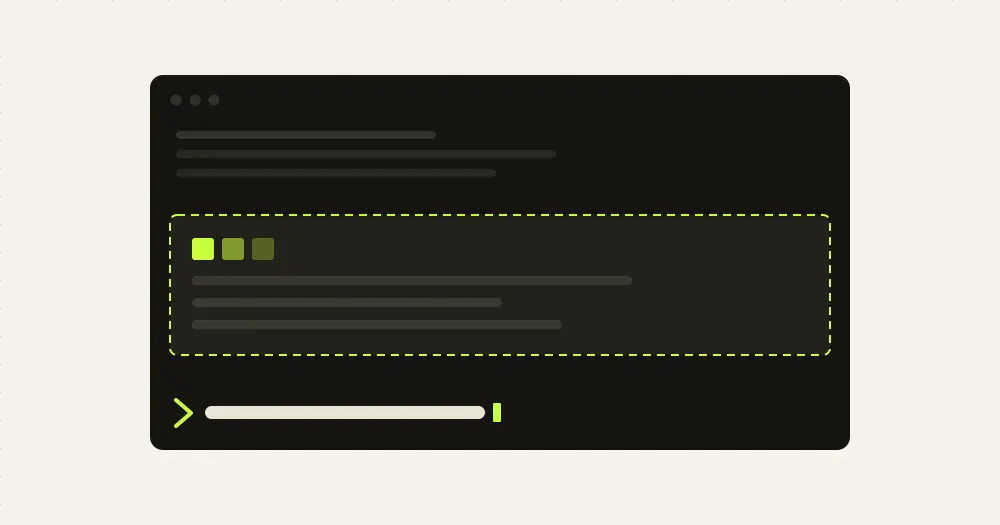
next-steps suggests what to ask Claude next. After each reply, up to six short next steps appear above the prompt. Tick one or more, press Send, and Haiku writes them up as a full prompt that goes to Claude as your message. Every set of suggestions and every Send is a model call that draws on your Claude Code usage.
What it does
- Suggestions. Up to six labels in two columns of three. Each is an imperative of five words or fewer, under 30 characters, written for the request and answer you just had.
- Send. The ticked steps go out as one message in the first person that names the files, commands and values from the conversation and says what done looks like. Several steps become a numbered list to do in order. Clear unticks everything.
- Timing. The suggestions hide while Claude works, refresh after each answer and disappear when you type your own message. With nothing to pick, a dim hint keeps the line, so the band always takes a row above the prompt.
/mod-bench. Times the mod’s storage reads and writes and its model calls.
Install
Needs Claude Code 2.1.287 or later.
claude plugin marketplace add pawandeepdhall/claude-mods
claude plugin install next-steps@my-claude-mods
The my-claude-mods marketplace also carries usage-band, the author’s band for the 5-hour and weekly limits, which installs separately. The repo shares its name with this site but is not related to it. Version 1.3.1 is current. Its plugin description still says up to three one-click buttons, but the code shows six with checkboxes and a Send button. Once installed, let Claude finish a reply, tick a suggestion and press Send.
How it works
prompt.submit saves the text you send as the last request and clears the old suggestions, without holding your message back. turn.complete fires when Claude finishes. If the main agent ended with an answer (subagent turns are skipped), the mod asks Haiku through $.model.complete for a JSON list of labels. That request carries your last request, cut at 3,000 characters, and Claude’s answer, cut at 6,000, at low effort with a 350-token cap. ui.render draws the AbovePrompt band, and session.start registers /mod-bench.
Send is a second call, to Haiku by default, with your request (up to 4,000 characters), Claude’s answer (up to 10,000) and the ticked labels, capped at 900 tokens. The reply goes straight to Claude through $.prompt.submit as your message: you do not see or edit it first. If the call fails or takes more than 25 seconds, the plain labels go instead.
Both calls run through your own Claude Code session, so they count toward your usage like any other model request. The author gives no figure for the cost. An identical request within 30 minutes is answered from an in-memory cache of 40 replies that a reload empties. The cache key is the whole request, conversation included, so a hit needs the exact same exchange.
The mod makes no network calls of its own. It keeps your last request, Claude’s last answer and the current suggestions in its plugin state. The only file it writes is bench.json in the plugin’s folder, and only when you run /mod-bench. That command also makes three model calls on the current conversation: Haiku for labels, then the Send prompt with Haiku and with Sonnet.
Limitations
- There is no setting for the Send model. The author suggests setting
SEND_MODELto'sonnet'inhooks/register.tsxfor more detailed prompts, which means editing the installed code. - The README says the author’s mods work in the Desktop app’s Code tab and in the terminal. In the VS Code chat panel,
claude -pand cloud sessions nothing is drawn, but hooks still run there and the code does not check the surface, so the Haiku call after each answer still happens.
Similar Claude Mods
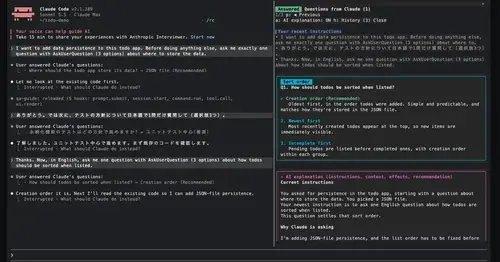
qa-guide
Explains each question Claude asks in a side pane: context, option effects, history.
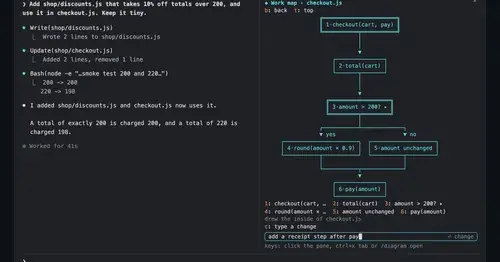
diagram-pane
Every diagram Claude draws, pinned in a side pane, plus a live map of the work.
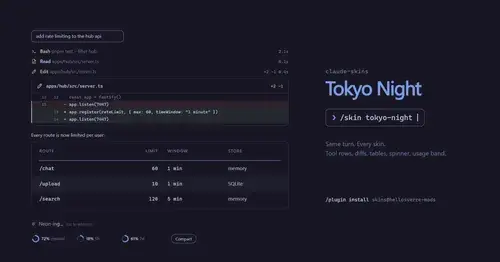
claude-skins
Fifteen transcript skins: timed tool rows, diff, table and chart cards, a usage band.
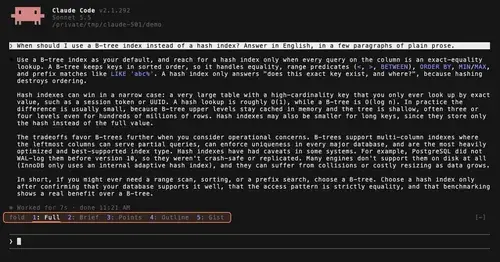
TextFold
Every reply at five levels, from every word to the answer in one sentence. One key each.
Popular Claude Mods
The whole directory →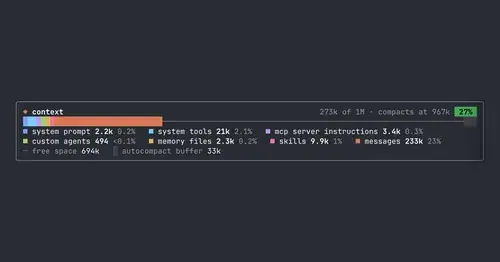
context-bar
Your context window as one stacked bar above the prompt, a color per category.
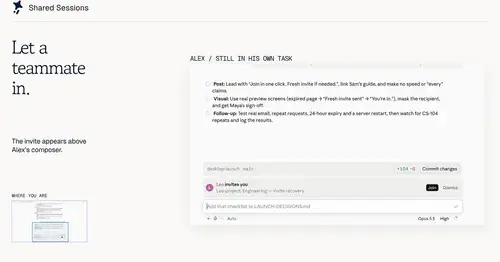
shared-session
Share a session by link: teammates join from their Claude Code and prompt it live.
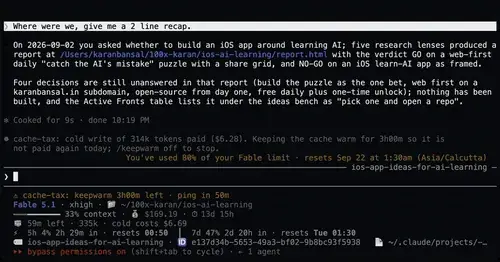
cache-tax
Keeps the prompt cache warm during breaks and stops a cold send once with its price.
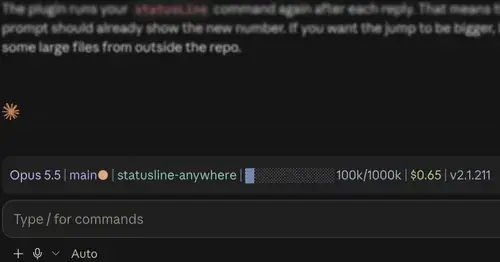
statusline-anywhere
Your Claude Code status line, drawn above the prompt in the Claude Desktop app.