Interface·terminal·MIT
diagram-pane
Every diagram Claude draws, pinned in a side pane, plus a live map of the work.
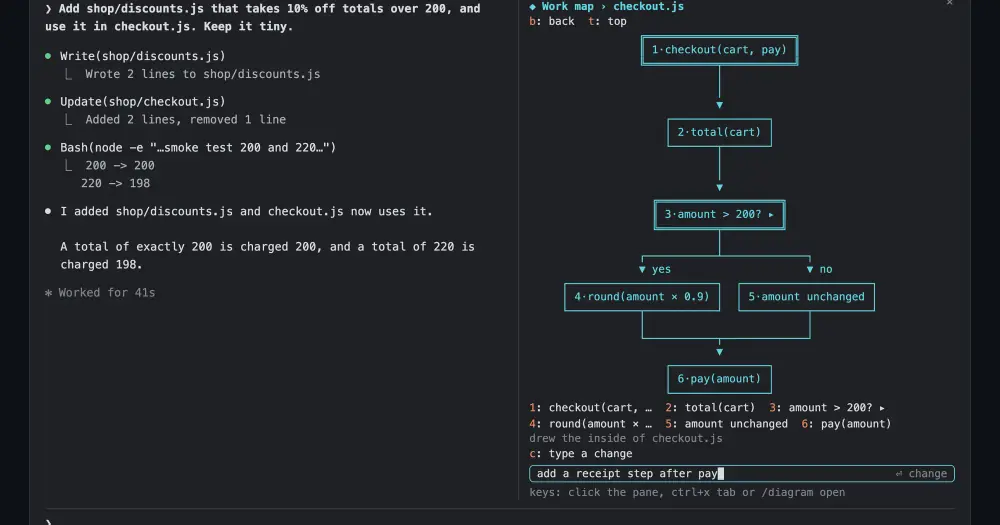
diagram-pane opens a side pane beside the Claude Code transcript with a live picture of the work. Every diagram Claude writes is pinned there and redrawn as boxes and arrows, and every few turns a fork of the session draws a small map of the files, components and steps Claude is working on. You can open any box to see what is inside it, and change a diagram by typing in the pane or by asking Claude.
In a terminal, a mermaid block shows as raw code and scrolls away, and the shape of the work lives only in Claude’s context. claude-mermaid handles the first part by redrawing each block in place, inside the transcript. diagram-pane keeps the diagrams in a pane that stays put, and adds the map.
What it does
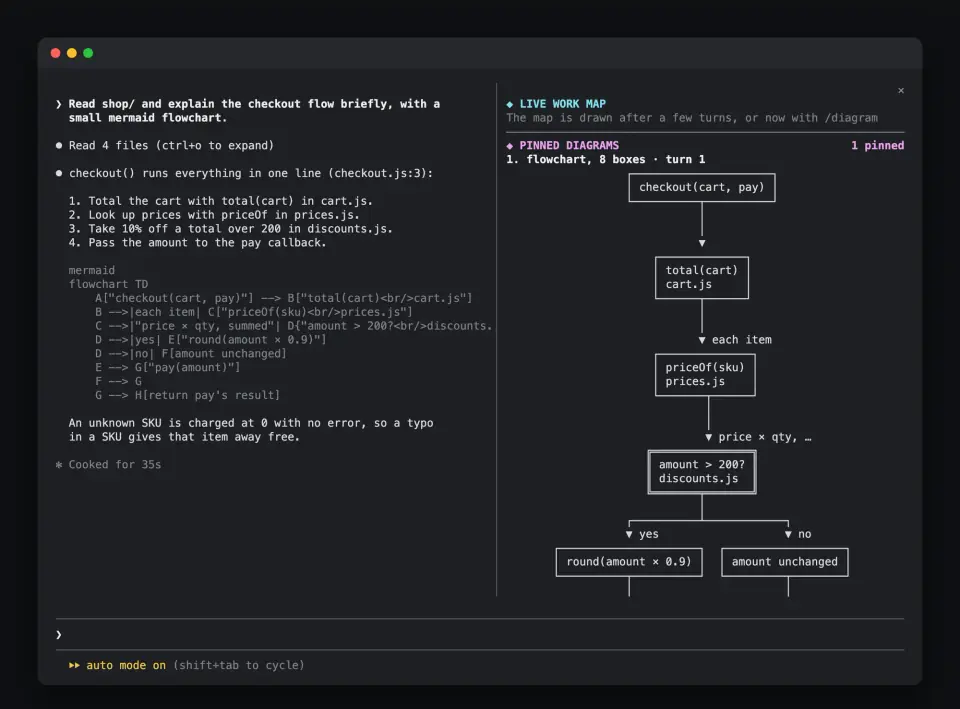
- Pinned diagrams. When a turn ends, each mermaid block or ASCII box diagram in Claude’s replies is pinned, newest first, five by default. Mermaid
graphandflowchartcharts are redrawn as boxes and arrows that fit the pane. Other mermaid types, and ASCII art from plain code blocks (no language, ortext), are shown as written. - Live work map. Every three turns by default, a Haiku check asks whether the work changed shape. Only on a yes does a fork of the session redraw the map: three to eight boxes, square for files, round for components, double for steps, with
▶on the one Claude is on now. - Boxes you can open. Boxes are numbered, and a number key opens one. A mermaid
subgraphopens at once; any other box gets its inside drawn by a fork.▸marks a box that already has a detail,bgoes back a level andtto the top. - Changes. Press
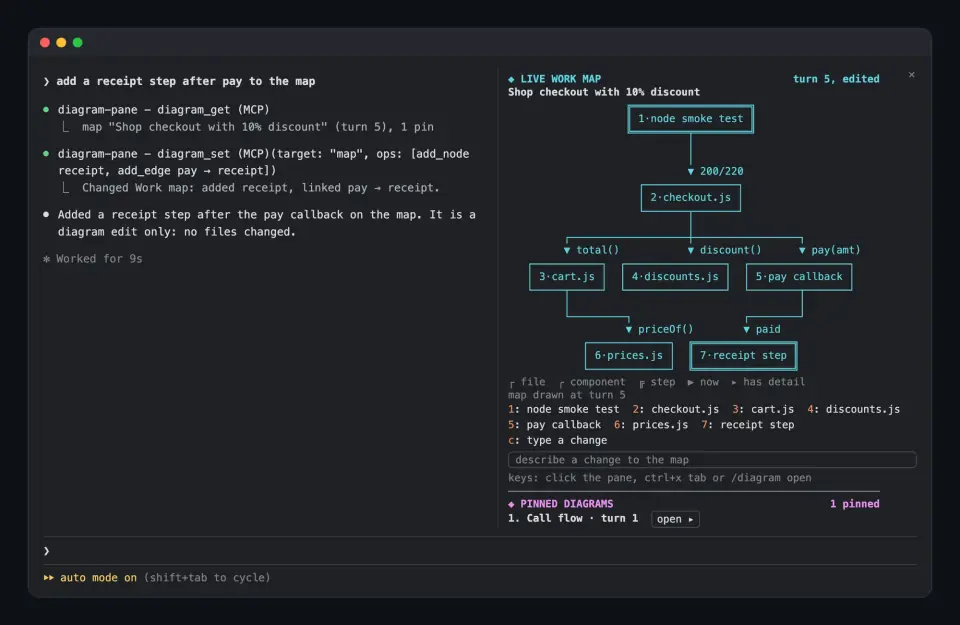
c, type a change and a fork redraws that level. Or ask Claude: it reads the pane with adiagram_gettool and edits it withdiagram_set. An edited map is markededited, and the next refresh keeps the edits instead of drawing over them.
Install
Needs Claude Code 2.1.287 or later.
claude plugin marketplace add ray-amjad/claude-code-mods
claude plugin install diagram-pane@claude-code-mods
In a terminal 144 columns or wider the pane opens on its own; in a narrower one, run /diagram once. With fullscreen rendering it docks beside the transcript, and in the classic renderer it sits above the prompt. Then ask for a diagram, such as a mermaid flowchart of a flow in your code, and it is pinned when the turn ends.
/diagramruns the check now./diagram forceskips it and draws the map from scratch, dropping your edits./diagram openhands the keyboard to the pane, so number keys work at once. Clicking the pane or ctrl+x tab does the same, and Esc gives the keys back to the prompt./plugin configure diagram-pane@claude-code-modssetseveryTurns(3) andmaxPins(5).DIAGRAM_PANE_EVERY=1 claudeoverrides the interval for one session.
Version 0.2.4 is current. The repo is Ray Amjad’s catalog of ten mods, each installed on its own, so skip the add if you already added it for another. Its marketplace name, claude-code-mods, is also used by arasovic, karanb192 and hamzafer: if claude plugin marketplace list already shows one of theirs, run claude plugin marketplace remove claude-code-mods first. This site also covers vercel-deploy-status from Ray Amjad’s earlier repo; a mod of that name is in this catalog too.
How it works
On session.start the module opens the pane, registers /diagram and adds its two tools. On turn.complete it reads the session transcript to find new diagrams in Claude’s replies and to count your prompts; subagent and aborted turns are skipped. tool.call is hooked only for its own two tools, and ui.render draws the pane.
Two kinds of model call do the drawing. The automatic ones run after a turn ends, not while Claude is working:
- The check is a
model.completecall to Haiku, capped at five output tokens. It sends the current map, the names of files Claude touched since that are not on it, and the last 40 lines of activity: your prompts (the first 160 characters of each) and, for each tool call, its file path, command, search pattern or description (the first 100 characters). It runs only once a map exists: the first map, at turn three, goes straight to a fork. - Forks (
model.fork) draw the map, the inside of a box you open and each change you type. A fork sees the whole conversation but cannot call tools, and the author says it is cheap and served mostly from the prompt cache. Each one is still a model request that spends from your usage; the author does not put a number on it.
Claude sees the pane only through diagram_get and diagram_set. diagram_get returns every diagram as mermaid, and that text enters the main context like any tool result. In a session with work but no saved map, it first runs a fork to draw one.
The map, the edited pins and the open view are saved per session in the plugin’s store, for the 20 most recent sessions, so they survive a hot reload or --resume. Pins are rebuilt from the transcript. Apart from the model calls, the module makes no requests and writes no files, except a text dump of the pane when you set DIAGRAM_PANE_DUMP for testing.
Limitations
- Every chart is drawn top to bottom, even
graph LR, because the pane is narrow. A sequence, class or state diagram stays raw untildiagram_setor a typed change turns it into a flowchart. - Edges that skip a row or point back up are not routed. They are listed under the drawing with
⇢and↺. - Number keys reach the first nine boxes of a level; Tab or a click reaches the rest. Pins on the home view have no numbers: open the pin first.
- A fork cannot call tools, so the inside of a box holds only what the session has already seen. The map is the model’s own summary of the work, so it can show a step such as running tests beside the files.
- Saved maps belong to the install: reinstalling the mod or moving it to another marketplace starts with none.
/clearresets the pane, though the old session’s map stays saved for--resume. - Before the first reply there is nothing to fork, and
/diagramsays so. - The author documents it only in the terminal.
Similar Claude Mods
figures
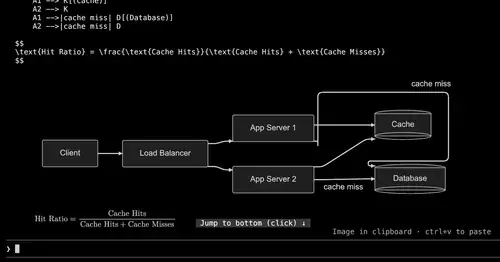
Diagrams, LaTeX math and tool-result images drawn as real pictures in kitty or Ghostty.
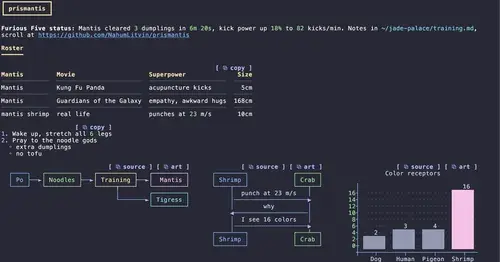
prismantis
Claude's replies in 15 themes: colored tables, highlighted code, diagrams and charts.
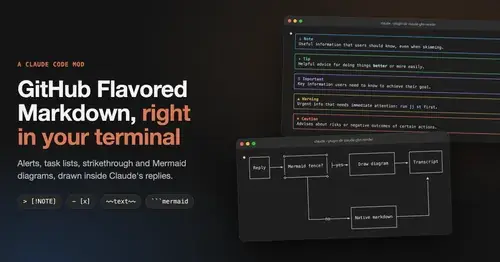
gfm-render
GitHub alerts as colored boxes, checkboxes, strikethrough and Mermaid art in replies.
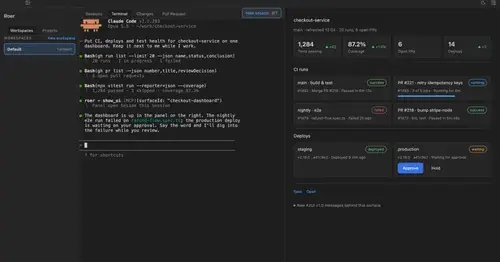
roer-ui
Claude draws forms, dashboards, tables and diffs you can click, in a pane. From JetBrains.
Popular Claude Mods
The whole directory →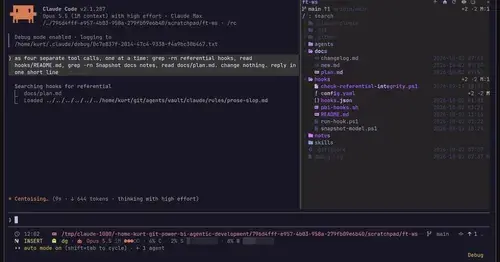
filetree
Sidebar file tree with git status that lights up what Claude reads, edits and commits.
xcode-mods
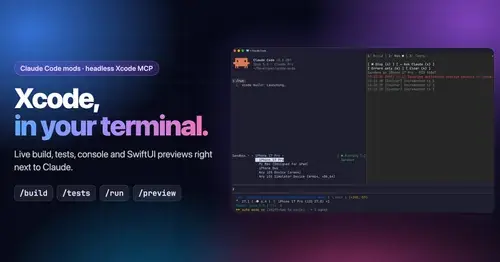
Xcode build, tests, console and SwiftUI previews in panes, plus a toolbar band.

cache-keeper
Prompt-cache timer, keep-warm pings, cold-send guard, a board of chats and a handoff.
claude-pokemon
A pixel Pokémon above the prompt that follows Claude's tools, levels up and evolves.