Interface·terminal·Apache-2.0
figures
Diagrams, LaTeX math and tool-result images drawn as real pictures in kitty or Ghostty.
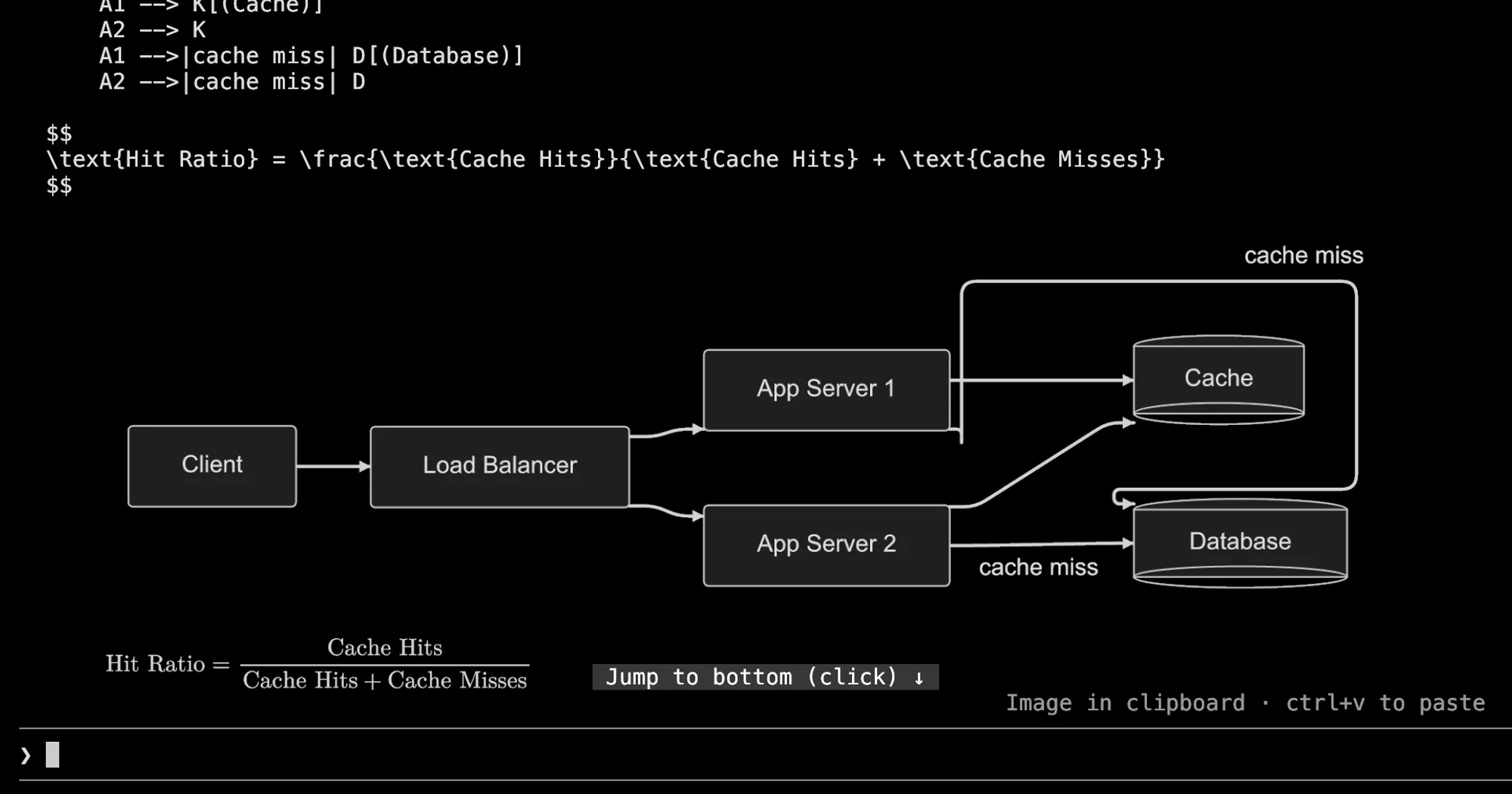
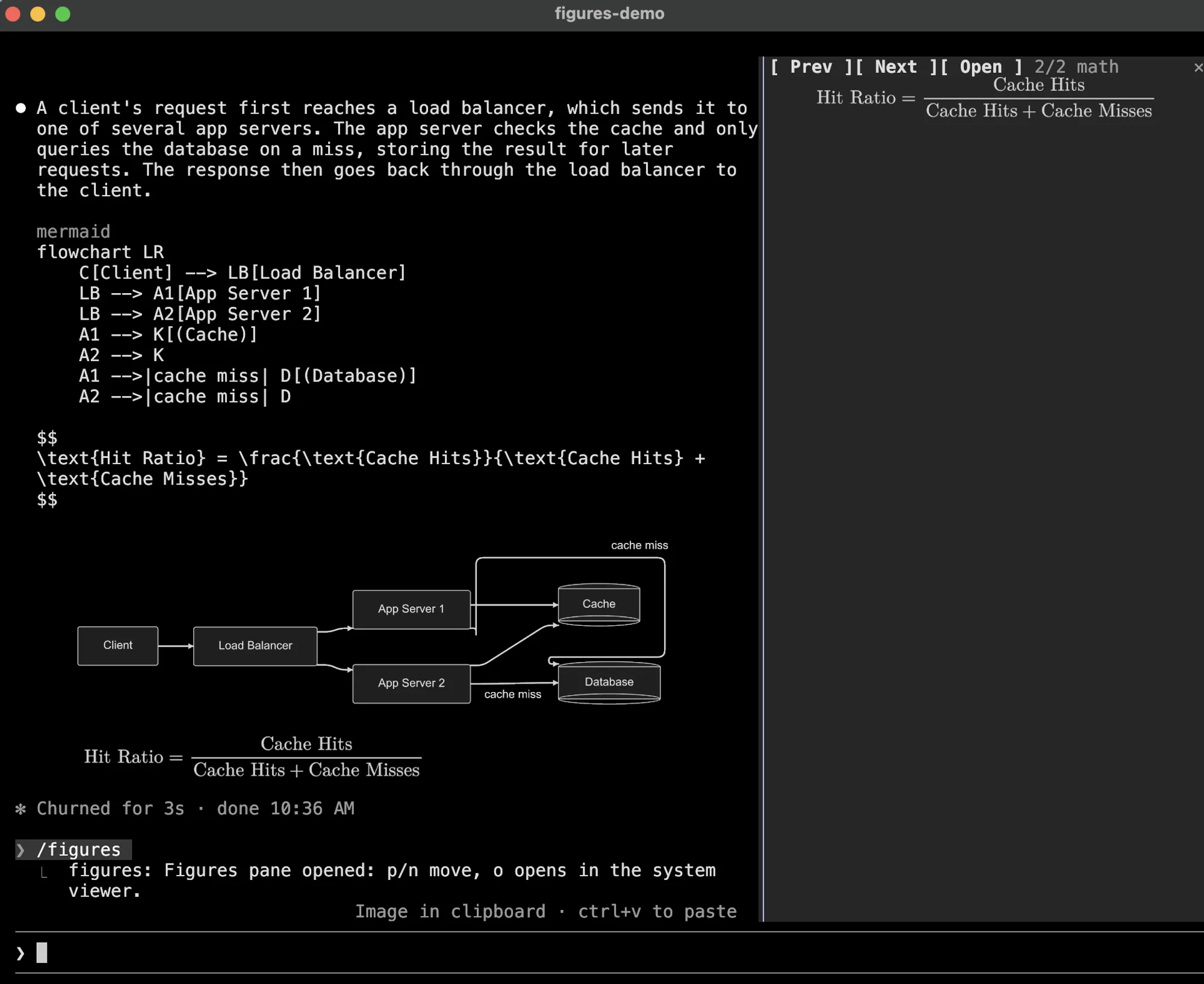
figures draws real pictures in the Claude Code transcript. When Claude’s reply holds a Mermaid, Graphviz, D2 or SVG code block, or a LaTeX formula, the rendered image appears under the reply while the source stays visible above it. An image a tool returns, such as Read on a PNG or an MCP screenshot, appears under the tool’s row. It needs a terminal that speaks the kitty graphics protocol, which in practice means kitty or Ghostty.
claude-mermaid and WhiteKr’s mermaid mod redraw Mermaid as box characters that any terminal can show; figures draws images and covers more languages, but only where the terminal can display them. For math in the desktop app, where figures draws nothing, there is claude-latex.
What it does
- Diagrams. Fences tagged
mermaid,dotorgraphviz,d2andsvg. - Math. Display math in
$$ … $$or\[ … \], or amath,latexortexfence, typeset by MathJax 4. MathJax and its font ship inside the plugin, so math needs no TeX or Node.js install. Inline$…$stays text, and alatexfence holding a whole document stays code. - Tool images. PNG, JPEG, GIF and WebP from
Reador an MCP tool, up to four per result. A collapsed tool group shows them as thumbnails; ctrl+o expands the group and draws them full size. - Small pictures. One the size caps would shrink below 60% may grow to the terminal’s height. If it is still small, a dim line under it gives the percentage and points to
/figures. /figures. Opens a pane with the session’s last 30 pictures, starting on the newest one drawn too small to read.pandnstep through them,oopens the file withopenorxdg-open, and Escape closes the pane.- A
diagramsskill that tells Claude which languages get drawn and how to write them so they render.
Install
Needs Claude Code 2.1.287 or later, plus kitty 0.28.0 or later or Ghostty, and the programs for each kind of picture on PATH:
- Mermaid:
mmdrormmdc(mermaid-cli). mmdr is tried first because it renders in milliseconds, while mmdc starts a headless browser. Withresvginstalled too, mmdr output is drawn at thescalesetting; without it, mmdr writes a soft 1x PNG. - Graphviz and D2:
dotord2, each withresvg. - Math and
svgfences:resvg. - Tool images other than PNG:
magick(ImageMagick) orsips, which macOS includes.
A block with none of its programs installed stays code, without an error.
claude plugin marketplace add natsukium/claude-code-figures-plugin
claude plugin install figures@figures
The README installs mmdr with Cargo:
cargo install mermaid-rs-rendererAsk Claude for a diagram or a formula, then run /figures to browse what was drawn.
Claude Code turns images on only when the terminal’s version reply names kitty or Ghostty; setting TERM or TERM_PROGRAM does not change that. Another terminal that supports kitty graphics gets a bracketed placeholder until you start Claude Code with the override the README gives, which also skips Claude Code’s tmux check:
CLAUDE_CODE_FORCE_TERMINAL_IMAGES=1 claudeInside tmux, the pictures also need set -g allow-passthrough on.
Settings live in /config or claude plugin configure figures: theme (auto follows Claude Code’s light or dark theme), background, scale, size caps in cells, tool_images to turn tool images off, and renderers to pick and order the programs, so mmdc alone skips mmdr for Mermaid.
How it works
The module hooks ui.render for Claude’s replies, tool rows and collapsed tool groups, and adds the pictures below Claude Code’s own row instead of replacing it. It scans reply text for the fences and display math above, and tool output for image data.
Rendering runs programs on your machine through process.run: mmdr or mmdc, dot, d2 and resvg. Tool images reach disk through sh and base64 -d, then magick or sips when they need converting. MathJax runs inside the hooks engine and reads its font glyphs from the plugin folder. The hooks make no network requests and ask the model nothing; the bundled skill is the only part Claude reads.
Every PNG is written to $TMPDIR/claude-figures/ (/tmp/claude-figures/ when TMPDIR is unset), named by a SHA-256 hash of the source and the drawing settings, so a resumed session draws its pictures again without rendering them. That folder also holds copies of the images tools returned, screenshots included. At each session start, find deletes the PNGs there older than seven days.
The /figures pane rebuilds its gallery from the session’s messages with session.messages, because render hooks cannot store state. config.list reads Claude Code’s theme setting when the plugin’s theme is auto. session.start registers the command and command.run opens the pane.
Limitations
- Terminal only. In the desktop app the hooks leave every row as it is.
- Mods are not told the terminal’s cell size in pixels, so the picture’s size in cells is estimated from
cell_width_px(8) andcell_aspect(2.1). Adjust them if pictures look stretched. themeset toautofollows Claude Code’s theme, not the terminal’s background. When Claude Code’s own theme is alsoauto,COLORFGBGdecides where the terminal exports it, and pictures are dark otherwise.- mmdr parses Mermaid on its own and gets some syntax wrong without an error, such as a chained edge with a label (
A --> B -->|ok| C). Write one edge per line, or setrendererstommdc. - The
/figurespane shares the screen with the prompt, so a short terminal leaves it only a few rows.oopens the picture at full size outside the terminal.
More mods
The whole directory →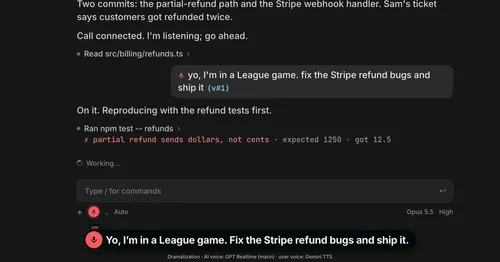
Better Call GPT
A Call button above the prompt: talk to Claude Code by voice while it works.

cc-changelog
The unofficial Claude Code changelog in a pane, plus fifteen tools the model can call.
cc-crayon
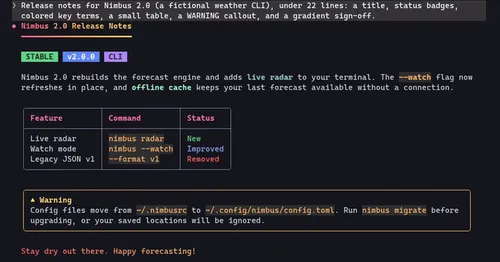
Every reply redrawn in color: themed Markdown plus inline tags the model can write.
cc-image-view
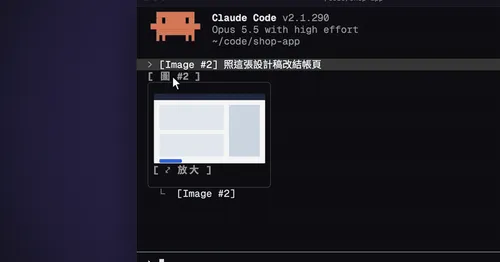
Thumbnails of pasted images above the prompt and under sent prompts, with a zoom pane.