Interface·terminal·MIT
cc-image-view
Thumbnails of pasted images above the prompt and under sent prompts, with a zoom pane.
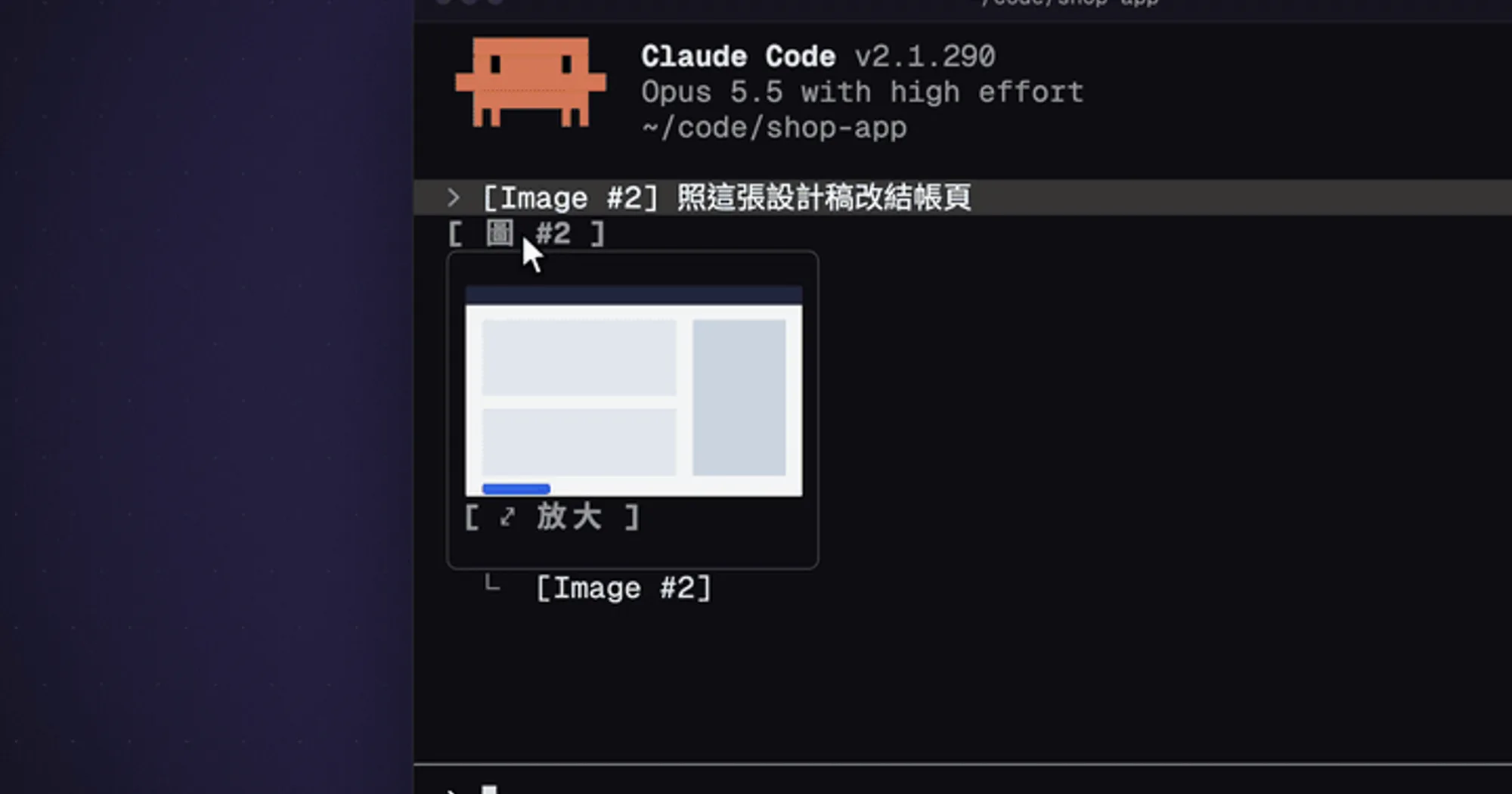
cc-image-view shows the images you paste into Claude Code as pictures instead of bare [Image #n] tags, in two places. While you write, numbered thumbnails sit above the prompt. After you send, the prompt keeps a button per picture that shows it again and opens it larger in a side pane. It runs locally and costs no tokens.
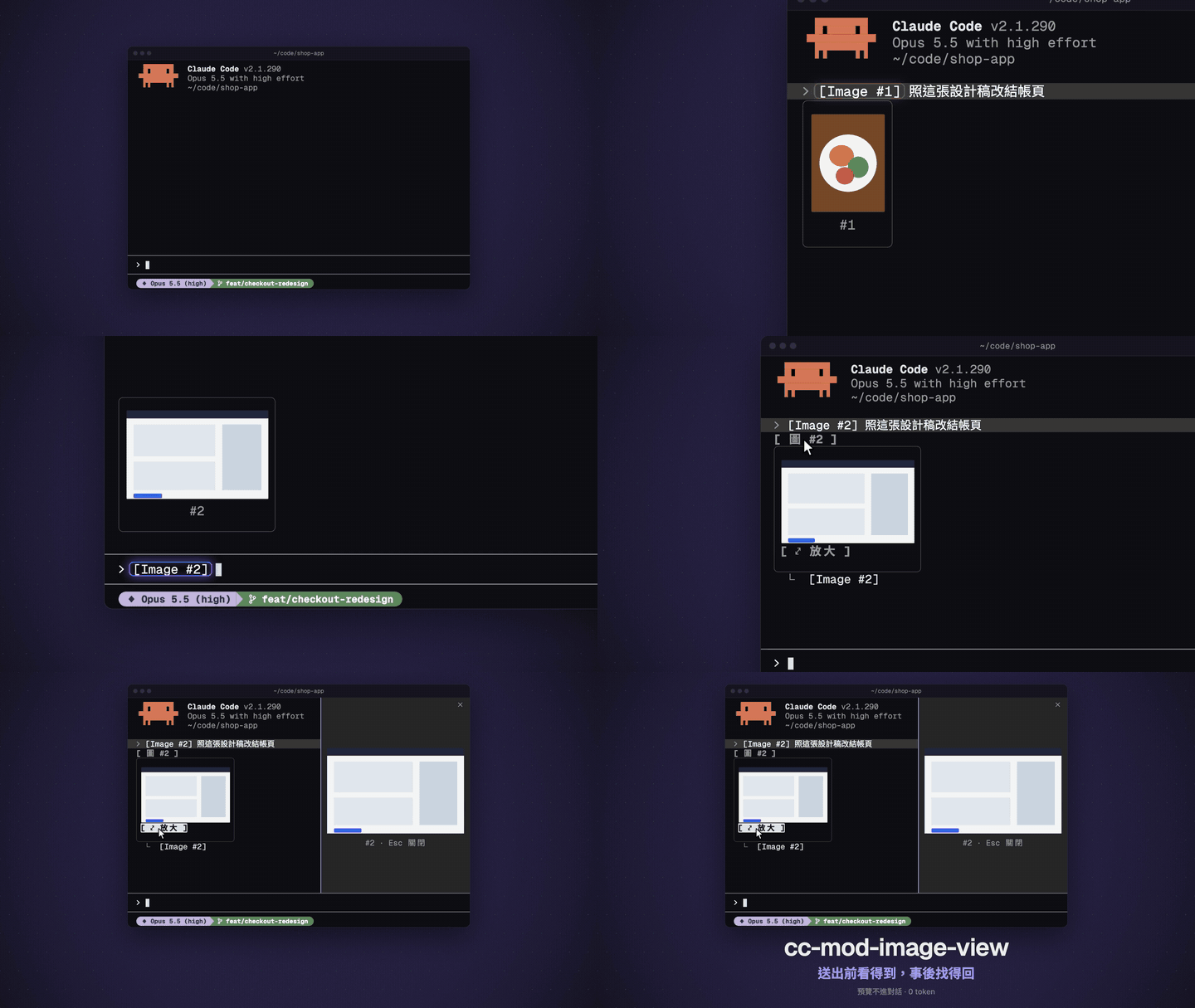
The demo is the author’s HTML reconstruction, not a screen recording. In a real terminal the side pane is narrower, about 29% of the window rather than 44%.
What it does
- Above the prompt, a row of numbered thumbnails appears while the draft holds image tags, sized to fit the band. With no tags, nothing is drawn.
- Under a sent prompt with pictures, a row of
[ img #n ]buttons. Hover one and its thumbnail opens right under it. Pressing the button, or⤢ Zoomunder the thumbnail, opens the picture in a side pane; Esc closes it. - JPG, GIF and WebP pastes are converted to PNG once, first frame only, because Claude Code’s image element draws only PNG.
- Pictures outlive a reboot. When the paste cache in the temp directory is gone, the mod rescues a sent prompt’s pictures from the session transcript.
- English or Traditional Chinese. The default follows the
languagein your Claude Code settings, thenLC_ALLorLANG. To pin one, find the plugin’s Language in/config.
cc-image-view is adapted from image-view, which the README credits as its upstream: the thumbnails above the prompt are the same idea. The buttons under sent prompts, the zoom pane, the format conversion and the rescue are what it adds. paste-view takes another direction, with previews of pasted text and nothing under sent prompts.
Install
Needs Claude Code 2.1.287 or later, macOS or Linux, and a terminal with kitty graphics, such as Ghostty or kitty. JPG, GIF and WebP previews also need one of sips (built into macOS), ffmpeg, magick or convert.
claude plugin marketplace add GGGODLIN/cc-mod-image-view
claude plugin install cc-image-view@cc-mod-image-view
The repository is cc-mod-image-view; the plugin is cc-image-view, version 0.3.1, named so it doesn’t clash with upstream’s image-view. Sessions started after the install load it: paste an image and the row appears. Under Herdr, Claude Code 2.1.288 reads the terminal as having no kitty graphics, so the README sets CLAUDE_CODE_FORCE_TERMINAL_IMAGES=1 for Herdr shells in the shell’s startup file; a new session picks it up. gggodlin also wrote cc-mod-park, which sets a session aside to resume it later.
How it works
The mod hooks three events and draws with Claude Code’s own Image element, so the terminal loads each picture from disk. It makes no network calls, asks no model and adds nothing to Claude’s context.
session.startstarts a timer that reads the whole draft every 200 ms and looks for[Image #n]tags; it polls because a paste raises no edit event. It also reads~/.claude/settings.jsononce, for the language.prompt.submitnotes when a prompt you send carries an image tag and passes it on untouched. The mod then checks the transcript every 300 ms until the prompt’s line is written, usually within a second, and only then draws its buttons.ui.renderdraws the row above the prompt, the buttons under sent prompts and the zoom pane. A sent prompt without bound pictures is left as it was.
Pictures come from Claude Code’s paste cache, under its temp directory: CLAUDE_CODE_TMPDIR, or /tmp/claude-<uid> built with id -u. The mod reads each PNG only for its size. For sent prompts it reads this session’s transcript through grep and sed, keeping only your rows that mention [Image #, with the base64 of every picture stripped, so a transcript of hundreds of MB never enters the mod’s memory. A button appears only for a picture the transcript ties to that prompt through imagePasteIds, the paste numbers Claude Code stores with it, so a typed [Image #1] never borrows an older picture. A full transcript line, base64 included, is read only to rescue a picture, which base64 decodes to a file.
Converted PNGs and rescued pictures go to <temp dir>/cc-image-view/<session id>/, in folders set to mode 700. Before each write the mod checks that the temp directory is yours, not a symlink and not writable by anyone else; if a check fails it writes nothing, so on a shared CLAUDE_CODE_TMPDIR conversions and rescues are off. It never deletes these files; the system’s temp cleanup does. Its other commands are sh, mkdir, chmod and mv, with paths passed as arguments rather than spliced into shell code. The converters get 10 seconds each and decode your files their own way, so the author counts them as part of what you trust when you install the mod.
Limitations
- Terminal only: on other surfaces the code passes everything through. A terminal without kitty graphics shows the
[Image #n]alt text instead of pictures. - The author tested on Herdr under macOS only. Converters on Linux, pasting from the clipboard with ctrl+v (only pasted file paths were tried), keyboard-only use of the buttons and fullscreen mode are untested.
- The thumbnail itself can’t be clicked, because Claude Code’s image element takes no presses. Use the button or Zoom.
- Two sent prompts with the same text but different pictures can’t be told apart, so neither gets buttons. If the transcript can’t be read in full, including when the matching rows pass 4 MiB, no sent prompt gets buttons until a read succeeds.
- A prompt whose transcript line is over 4 MiB can’t be rescued.
- Above the prompt, only the tag and the cache count: a typed tag whose number is still cached shows that old picture.
More mods
The whole directory →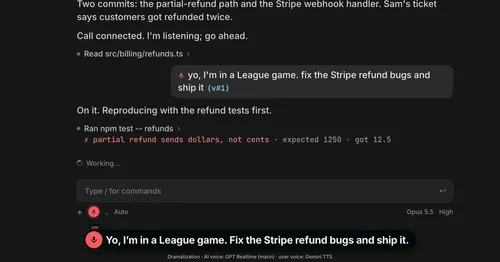
Better Call GPT
A Call button above the prompt: talk to Claude Code by voice while it works.

cc-changelog
The unofficial Claude Code changelog in a pane, plus fifteen tools the model can call.
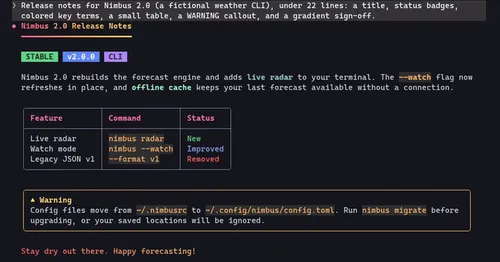
cc-crayon
Every reply redrawn in color: themed Markdown plus inline tags the model can write.
cc-mod-waitwhat
Buttons above the prompt retell the last reply in plain words. The model never sees it.