Interface·terminal · desktop·MIT
gfm-render
GitHub alerts as colored boxes, checkboxes, strikethrough and Mermaid art in replies.
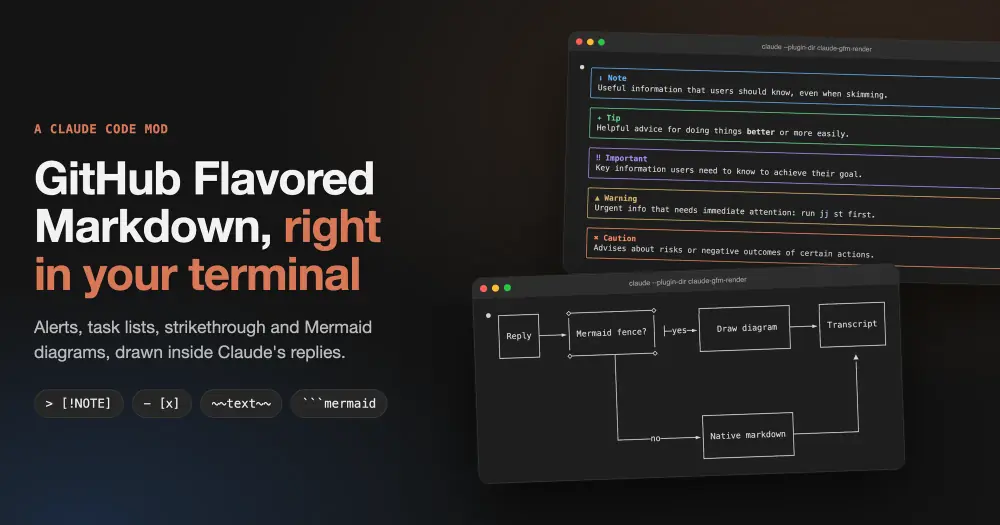
gfm-render draws the GitHub Flavored Markdown that Claude writes in its replies. Alerts such as > [!WARNING] become colored boxes, - [ ] and - [x] become checkboxes, ~~text~~ gets a line through it and mermaid code blocks become diagrams. Without the mod, the terminal shows all of these as raw text: a plain blockquote, bare brackets, a code block. The reply itself is not changed, so ctrl+o still shows what Claude wrote.
What it does
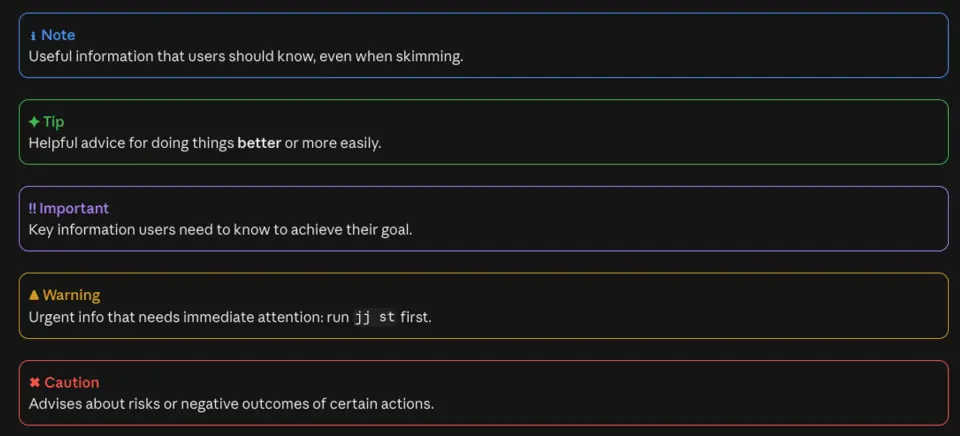
- Alerts. The five GitHub types,
NOTE,TIP,IMPORTANT,WARNINGandCAUTION, each in a rounded box with its own color, icon and label. The text inside keeps its Markdown, such as bold or inline code. - Task lists. Items marked
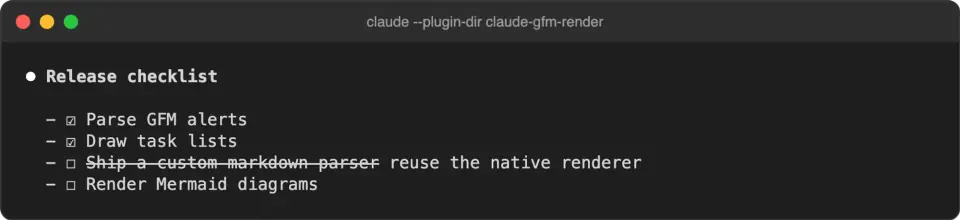
- [ ]or- [x], also with*,+or a number, show an empty or a ticked box. - Strikethrough.
~~text~~is drawn struck through, with a combining character on each letter. - Mermaid. Flowcharts, sequence, state, class and ER diagrams, and xy charts.
- Everything else stays native. Code blocks and inline code are never rewritten, and headings, tables and links go to Claude Code’s own renderer. Only Claude’s replies are touched, never your messages or tool output.
If diagrams are all you want, claude-mermaid and mermaid-inline also draw Mermaid in the transcript, and claude-mermaid uses the same beautiful-mermaid ASCII renderer. gfm-render adds the alerts, task lists and strikethrough.
Terminal and desktop
The mod behaves differently on each surface:
- Terminal. All four features. Mermaid becomes Unicode box art sized to the window: if a diagram is too wide, the mod tightens the spacing up to twice, and keeps the code block if it still does not fit.
- Desktop app. Alerts get the same colored boxes, with more room around and inside them. Task lists and strikethrough are left alone, because that renderer already draws them. Mermaid becomes an SVG that follows the light or dark theme, with a button above it that switches between the drawing and its source.
The README’s table puts the VS Code extension and mobile in the same column as the desktop app. The only capture outside the terminal, though, is from the desktop app; the SVG examples are the mod’s output opened in Chrome, not captures of the app.
Install
Needs Claude Code 2.1.287 or later and git, plus node on the session’s PATH for Mermaid as SVG in the desktop app.
git clone https://github.com/briangtn/claude-gfm-render.git ~/claude-gfm-render
claude --plugin-dir ~/claude-gfm-render
The repo has no marketplace, so there is no claude plugin install step: --plugin-dir loads the folder for that session. To load it in every session, terminal and desktop app alike, the README points CLAUDE_CODE_PLUGIN_DIRS at the folder in ~/.claude/settings.json:
{
  "env": {
    "CLAUDE_CODE_PLUGIN_DIRS": "~/claude-gfm-render"
  }
}
There is nothing to run. Ask Claude for a checklist or a diagram, and the drawing appears once the alert or the closing fence has streamed in.
How it works
The module hooks ui.render for the AssistantMessage component. Each text block of a reply is split into plain Markdown, alerts and Mermaid. A block with neither alerts nor diagrams goes to the native renderer as it was, with only the task-list and strikethrough rewrite in the terminal. The rest comes back as boxes, text and Markdown that Claude Code draws.
Terminal diagrams come from a bundled copy of beautiful-mermaid’s ASCII renderer, run in process. The desktop SVG needs the ELK layout engine, which is too large for a hooks module to import, so the mod runs node on its bundled renderer/svg.mjs once per diagram, with a 10-second timeout, and caches the result. It strips the SVG’s web-font import, so the drawing fetches no font. Without node, the desktop app shows the Unicode art inside a code block instead. The hooks module itself makes no network calls.
Drawing costs no tokens. What does use context is GFM.md, a short note telling Claude which of these elements the transcript can draw. A SessionStart command hook adds it to Claude’s context at startup, after /clear and after a compaction, so Claude writes alerts and checklists on its own, with no CLAUDE.md to edit. To keep only the rendering, turn the note off in ~/.claude/settings.json:
{
  "pluginConfigs": {
    "gfm-render": { "options": { "promptHint": false } }
  }
}
Limitations
- Other Mermaid types (gantt, pie, mindmap, gitGraph, journey, timeline, quadrant, sankey, C4 and the rest) keep their code block, as do diagrams with a syntax error. A one-line diagram such as
graph TD; A-->Bmay not parse: one statement per line works. - An alert inside a list item or inside another blockquote stays a plain blockquote.
- A text block over 10,000 characters gets the native rendering.
- Footnotes, emoji shortcodes,
#123and@userautolinks, math and raw HTML are left to Claude Code’s renderer. - In the terminal, an edge label leaving a decision node can show a stray
├, a quirk of the ASCII layout that the author notes. - Nothing draws in
claude -p.
Similar Claude Mods
cc-crayon
Every reply redrawn in color: themed Markdown plus inline tags the model can write.
figures
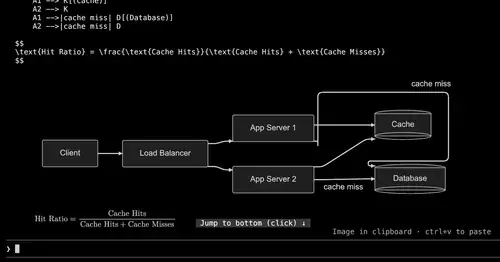
Diagrams, LaTeX math and tool-result images drawn as real pictures in kitty or Ghostty.
ui-themes
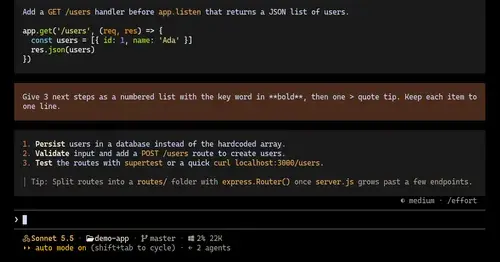
Padded, coloured prompt and reply boxes, themed markdown and a matching status line.
cc-intelligent-ui
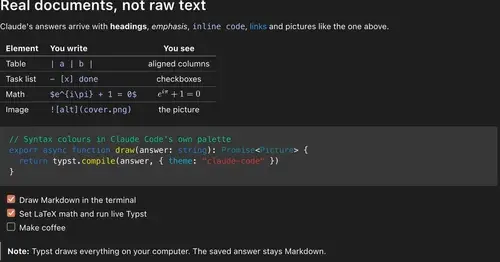
Claude's answers as typeset pictures: Markdown, LaTeX math, charts and diagrams.
Popular Claude Mods
The whole directory →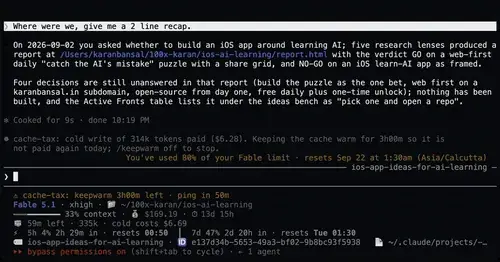
cache-tax
Keeps the prompt cache warm during breaks and stops a cold send once with its price.

Agent Time Machine
Every tool call on a branching timeline with snapshots: inspect, restore, branch, rerun.
show-your-work
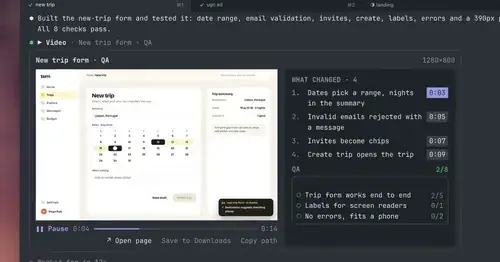
Claude shows screenshots and recorded Playwright runs in the chat, with before/after QA.
pin-memo
Notes and clickable todos pinned above the prompt, back when you resume the session.