Context & memory·terminal · desktop·no license file
pin-memo
Notes and clickable todos pinned above the prompt, back when you resume the session.
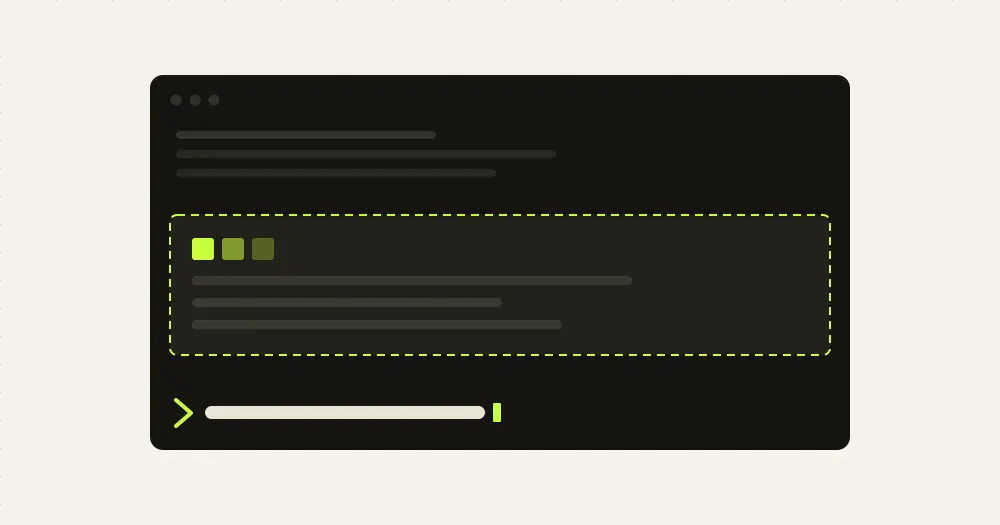
pin-memo keeps notes and todos in a band above the Claude Code prompt. Add one with /pin, tick a todo by clicking its checkbox, and the list comes back when you resume the same session in the same folder. The notes are for you: they never enter the model’s context on their own, so the band costs no tokens.
What it does
/pin Remember to run testsadds a note./pin - [ ] Check deployment secretsadds a todo, and- [x]adds one already done.- The band shows how many notes there are and how many todos are done, then one row per note. Done todos stay, dimmed and struck through. A multi-line note gets one shortened row;
/pin list, or/pinalone, prints the full text. - Click a checkbox, or press
ctrl+x tabto focus the band and then use Tab and Enter. There are no digit shortcuts, so nothing you type in the prompt gets caught. /pin toggle 2,/pin check 2and/pin uncheck 2change a todo from the prompt./pin edit 2 <text>rewrites a note, and an edit without a checkbox turns a todo into a plain note./pin remove 2deletes one and/pin clearempties the list. For a note that starts with one of these words, use/pin add.
Install
Needs Claude Code 2.1.287 or later.
claude plugin marketplace add YeonwooSung/my-claude-code-mods
claude plugin install pin-memo@my-claude-code-mods
Run /pin with your first note; /pin help lists the commands. The same marketplace has two other small mods installed the same way: model-effort-band, which shows the selected model and the effort it observes in a band above the prompt, and token-run, an ASCII runner game for the waits.
How it works
The list lives in Claude Code’s plugin store, under a key made of the session’s absolute folder and its session id. A new session or /clear starts an empty list, and resuming the old session in the same folder restores it. The same folder reached through a symlink counts as a different folder. Nothing expires on its own.
Each change is saved before it is reported as done, and a failed write keeps the previous list and shows an error. A damaged saved list blocks edits instead of being overwritten, until /pin clear resets it. The mod makes no network or model calls.
Limitations
- The band’s title, the command replies and the error messages are in Korean:
핀 2 (완료 1)means two notes, one done. Your notes show as you type them. - Up to 100 notes of 2,000 characters each, inside the 4 MiB the engine gives each plugin’s store. Two Claude Code processes editing the same session do not sync.
- The band draws in the terminal and the desktop app, and steps aside while a survey is showing. The author’s engine tests cover its rendering and checkbox clicks on both with Claude Code 2.1.292, but not live screens. The VS Code chat panel and headless sessions keep the commands and the saved list, without the band.
- The repository has no license file.
Similar Claude Mods
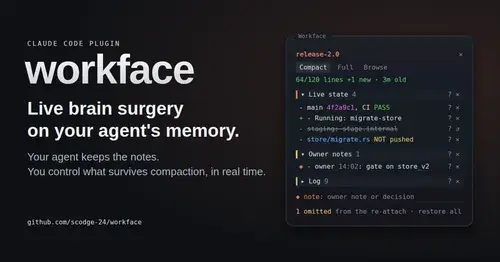
workface
Agent notes re-attached after every compaction, with a panel to steer what survives.
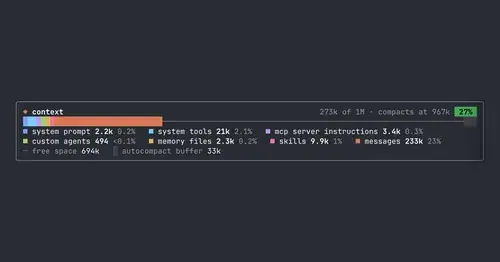
context-bar
Your context window as one stacked bar above the prompt, a color per category.
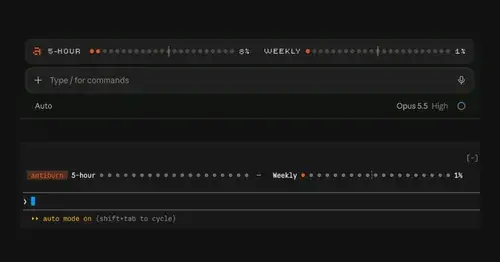
antiburn
Five-hour and weekly usage meters above the prompt, with reset times and pace.

agent-profiler
Model wait, tools and subagents as shares of session time, live, with OTLP export.
Popular Claude Mods
The whole directory →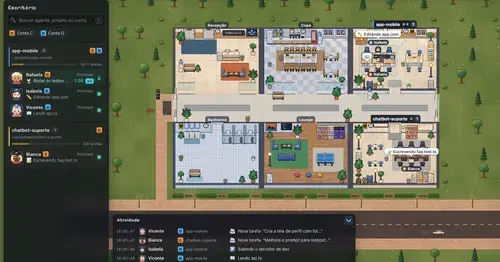
Habblaud
A pixel-art office where each Claude Code agent shows, live, what it is doing.
replay-theater
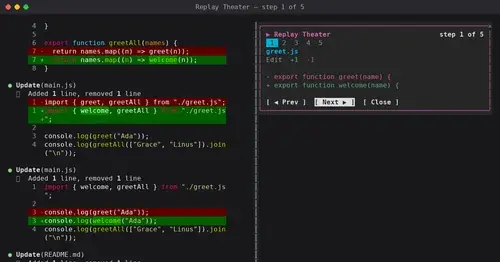
A /replay pane that walks through the last turn's file edits, one diff per step.
Claude Fables
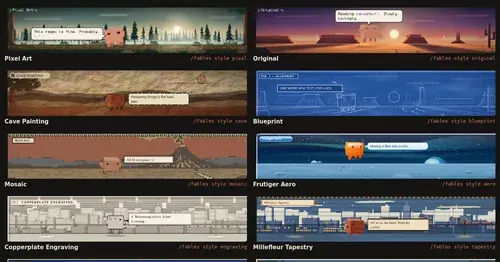
Short animated cartoons of Claude's work above the prompt, scripted by Sonnet or Haiku.
aside
Ask about the session so far in a read-only side pane. Nothing reaches the main thread.