Context & memory·terminal·MIT
workface
Agent notes re-attached after every compaction, with a panel to steer what survives.
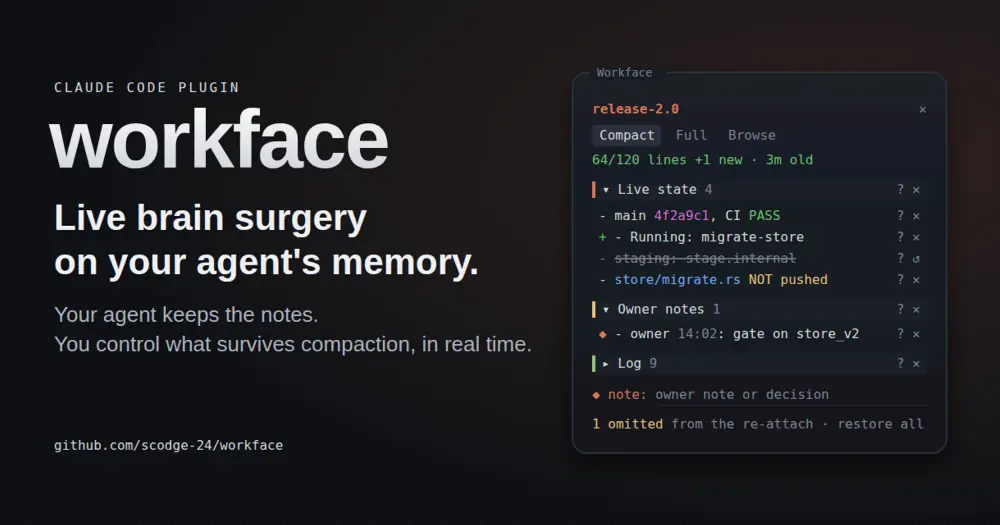
workface keeps a long-running agent’s working notes intact through Claude Code’s compactions. The agent keeps a short Markdown notes file; at every compaction, auto or manual, the mod tells the summarizer what those notes already cover and puts them back, read fresh, right after the summary. A panel beside the transcript shows the notes as the agent writes them and lets you cut, add or ask about lines before the agent gets them back.
It is meant for long orchestration runs, where after several compactions it is hard to know what the agent still remembers.
What it does
The unit is a tranche, one long piece of work. Its workface is the notes file for it, at ~/.claude/workface/<tranche>/workface.md: links to the documents and code that matter first, then what is true now, policies, and a dated log. The agent fills it in and rewrites it as work moves.
- Reminders to the agent. At 80% of the auto-compact threshold it asks the agent, once per compaction, to bring the notes up to date. Past 120 lines or 25 log entries it asks, once, for a trim.
- Log archive.
archivemoves all but the last 10 log entries, unchanged, into the tranche’slog/folder and indexes them inlog/README.mdwith a summary the agent writes, so a later agent can find them. - A panel you can steer.
/workfaceopens it. The header shows the line budget, the file’s age and how many commits landed since it was last written;+marks lines added since the last re-attach. Three tabs:Compact(sections on coloured bands, click to expand),Full(the exact text the summarizer and the agent will receive) andBrowse(every tranche, the sessions on it, its age and size). - Omit.
✕keeps a line or a whole section out of what the agent gets back, without touching the file. The agent is told how many items were left out.↺restores; editing the line drops the omission. - Owner notes. The
◆ notefield adds a timestamped line under## Owner notes. When the notes are handed over, the mod marks the lines it recorded as yours and strips that mark from every other line, so an agent cannot pass its own text off as your instruction. - Ask.
?puts a line or section on your next prompt, once. Press it again to take it back. - An agent tool. The agent gets the same verbs as the tool
mcp__workface__workface, so it can start or join a tranche when you ask. Its log entries go through the tool, which stamps the local time instead of trusting the agent’s guess.
Install
Needs Claude Code 2.1.287 or later.
claude plugin marketplace add scodge-24/workface
claude plugin install workface@workface
Run /reload-plugins in a session that was open during the install. Then /workface start <tranche> writes a skeleton for the agent to fill and attaches the session, and /workface opens or closes the panel. Tranche names take letters, digits, ., _ and -.
| Command | What it does |
|---|---|
/workface start <tranche> | Creates the notes from the skeleton and attaches this session |
/workface attach <tranche> | Joins an existing tranche and shows the agent its notes |
/workface resume | Shows the attached notes again |
/workface log <entry> | Adds a log line stamped with the local time |
/workface archive <summary> | Moves all but the last 10 log entries to the archive |
/workface detach | Stops this session using the tranche; the files stay |
Two kinds of option appear in /config. status_line, off by default, adds the tranche, line budget, age and commits since the last write to the status line. Seven color_* options set the panel’s colours; each takes a Claude Code theme key, a terminal colour name or a hex colour, and unset they follow your theme.
How it works
Until a session is attached to a tranche, the mod passes every event through untouched.
session.compact. The mod appends a brief to the compaction instructions. It holds the notes as they will be attached, minus your omissions, and asks the summarizer not to repeat them and to spend its words on what they lack: state changes since they were written, the step in flight, ids and shas verbatim, inferences marked as unverified. Notes longer than 12,000 characters go into the brief as section headings only. Once the summary is in, the mod reads the file again and inserts it as a message right after the summary, labelled as automated context rather than a message from you, with about 15 lines of update rules on top. A subagent’s own compactions are left alone.classic.SessionStart. On startup or resume, the same message goes in as added context.session.measure. It compares the context size with the auto-compact threshold to send the 80% reminder.tool.call. After the main session’sEdit,WriteandBashcalls it redraws the panel. It never blocks or changes a tool call; after anEditorWritethat takes the notes over budget, it adds the trim reminder to the result. Its own tool refuses subagents, which share their parent’s session id.prompt.submit. It adds a pending ask to your prompt and otherwise leaves prompts alone.
Token cost: the notes, which the agent is asked to keep within 120 lines, plus the brief and the update rules, after each compaction and at startup or resume. Ordinary turns carry nothing extra beyond the occasional reminder or ask.
It makes no network requests. It writes only under ~/.claude/workface/: the notes, the log/ archive and one marker file per attached session, at sessions/<session-id>, holding the notes’ path. It reads ~/.claude/sessions/ for the Browse tab and the HOME variable to find its folder, and no credentials. Its plugin store keeps your omissions, the lines you wrote, a copy of the file’s lines for the + marks, and whether the panel reopens on its own.
It runs three programs with fixed arguments: date for timestamps, git log -n 50 --format=%ct for the commits-since count, and rm -f to delete the session marker on detach and an old hand-kept log.md once archive has copied it. The count covers the session’s repo and up to eight repos the notes name in backticks, and refreshes every minute and after each Edit, Write or Bash call.
Limitations
- Main session only. Subagents cannot attach a tranche, and their compactions do not get the notes.
- Budget, not a cap. The 120-line limit is a rule the agent is asked to follow. The mod reminds; it does not cut.
- Terminal. The author documents the panel in the terminal: it docks beside the transcript in fullscreen and draws above the prompt otherwise.
- Unix-like systems. It calls
date,gitandrmand finds its folder throughHOME; the README says nothing about native Windows. Browseoutside Linux. It tells running sessions apart by looking under/proc, which only Linux has, so elsewhere attached sessions show as not running.
Similar Claude Mods
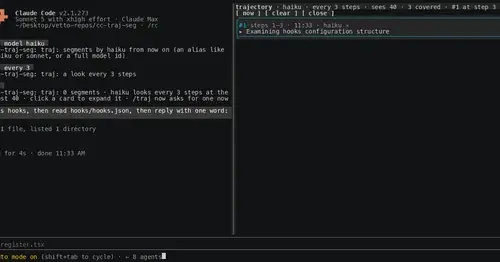
cc-traj-seg
Phase cards of what the agent did and why, written by Haiku every six steps.
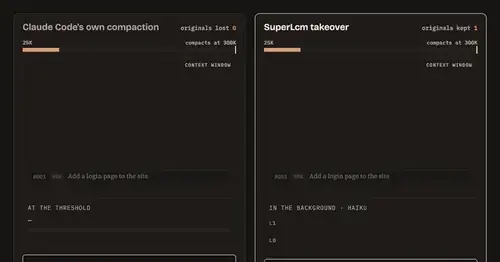
SuperLcm
One local archive for Claude Code and Codex chats, with summaries ready before compaction.

hunch
Chips above the prompt for the session's card, agents and memory, and shorter replies.
context-inspector
What fills the context window, what is waste and what compaction kept, with advice.
Popular Claude Mods
The whole directory →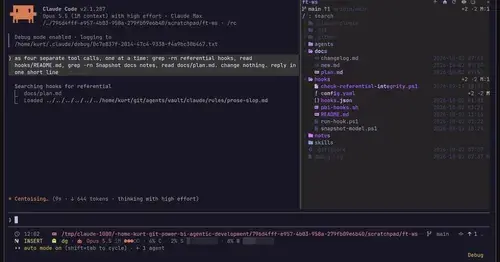
filetree
Sidebar file tree with git status that lights up what Claude reads, edits and commits.
terminal-browser
A Chromium browser in a pane beside the transcript, for previews and agent browsing.
multi-core
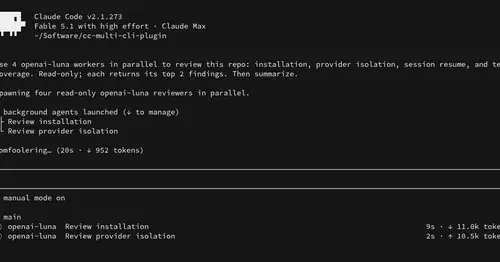
ChatGPT, Cursor, Zen, Antigravity and Grok models in one Claude Code session, via /model.
console-status
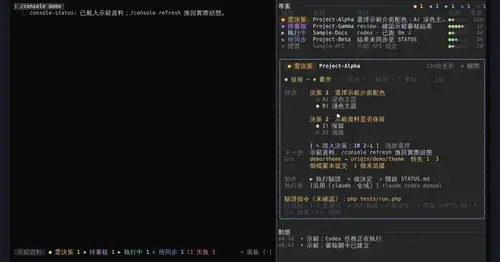
Every project in one pane: decisions, Git, CI, usage and dispatch to Claude or Codex.