Interface·terminal·MIT
terminal-browser
A Chromium browser in a pane beside the transcript, for previews and agent browsing.
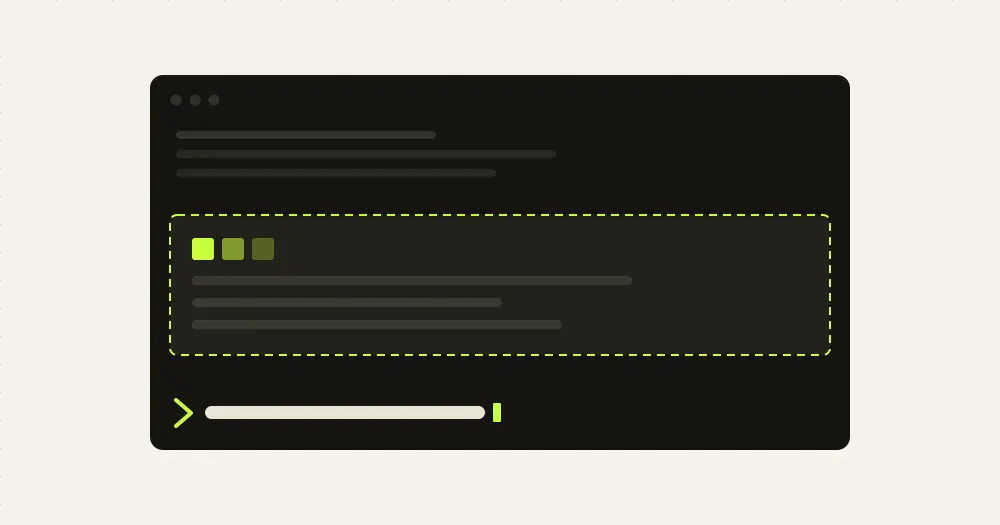
terminal-browser runs a real Chromium browser inside your terminal, and this plugin puts it in a pane next to the Claude Code transcript. Run /browser localhost:3000 to watch the app Claude is editing, open an HTML plan Claude just wrote, or let the agent drive the page itself. The pane shows pixels, not text, so the terminal has to speak the kitty graphics protocol: today that means ghostty, kitty or a terminal built on libghostty.
What it does
/browser [url]opens the pane to the right of the transcript./browser close, or/browseragain with no argument, closes it. A bare host name getshttps://;localhostand IP addresses gethttp://.- The page is live. Clicks, keys and scroll inside the pane go to the browser, and terminal-browser’s own shortcuts (tabs, URL bar, find in page, devtools) work as in the standalone app.
- Press ctrl+g in the browser and pick an element: its text lands in your prompt as a quoted line, so you can point Claude at something on the page.
- Claude can interact with the open page through the
terminal-browser actionCLI, which the author describes as agent-browser compatible. With theagentTooloption on, the plugin also registersopenandclosetools so the model can show a page in the pane by itself. - Other plugins get an API:
$.browser.open({ url })and$.browser.close()from their own hooks module, for an/open-pror/tldrawcommand of your own.
Install
Needs Claude Code 2.1.287 or later, the terminal-browser binary, macOS or Linux, and a terminal that implements the kitty graphics protocol with unicode placeholders: ghostty, kitty, cmux, supacode or another libghostty terminal. The author names no minimum Claude Code version and says to run claude update first; the current plugin draws through the runtime’s image frames, which older builds do not have.
brew install terminal-browser
claude plugin marketplace add zenbu-labs/terminal-browser
claude plugin install terminal-browser@terminal-browser
Without Homebrew, the first line is curl -fsSL https://terminal-browser.sh/install | bash. Start claude and run /browser, with or without a URL. Later, claude plugin update terminal-browser@terminal-browser updates the plugin and terminal-browser upgrade updates the binary.
To give the model the open and close tools, add this to ~/.claude/settings.json. It is off by default because Claude can already open the browser in a split pane through the CLI.
{
  "pluginConfigs": {
    "terminal-browser@terminal-browser": {
      "options": { "agentTool": true }
    }
  }
}
How it works
Two processes share the screen. The terminal-browser binary renders Chromium off screen into shared memory, one frame after another. The hooks module runs inside Claude Code, places an Image element in the pane and hands each new frame to the runtime with $.ui.blit; Claude Code itself writes the pixels to the terminal with the kitty graphics protocol. Before the fix of 1 October 2026 the binary wrote them through Claude Code’s TTY on its own, which is what the old 50 fps cap was about.
What the module runs: on the first /browser it executes terminal-browser capabilities to check that the installed binary reports embedding and image-frames, then terminal-browser claude-bridge launch, which answers with a port and a token. From then on every exchange is HTTP to 127.0.0.1 on that port, with the token as a bearer header. A watcher asks /state for anything newer than the version it has seen, retrying after 250 ms when the bridge does not answer, to learn the page title, the current frame and whether the browser is alive; it posts the pane size, batched mouse and key events, scroll ticks, the URL to open and the close signal. Nothing leaves your machine through the plugin; the page’s own traffic is the browser’s business.
What it reads: nothing of yours. The tool.call hooks match only the plugin’s two tools, command.run only /browser, and no hook looks at prompts, replies or other tools. The one thing that flows into Claude Code is the inbox: text you select with ctrl+g is fetched from the bridge, cleaned of control characters and placed in the prompt with $.prompt.fill, quoted, so you see it before you send it.
What it stores: nothing. There are no settings and no history on the plugin side. Token cost is zero until Claude decides to use the CLI or the optional tools.
Limitations
The author marks the plugin as experimental and documents these caveats:
- Terminal only, and only terminals with the kitty graphics protocol and unicode placeholders. In any other terminal, opening the browser may garble Claude Code’s interface. Nothing draws in the desktop app or on mobile;
/browseris not even registered there. - Multiplexers rewrite terminal output and break the graphics commands. tmux does not work through the plugin yet (the standalone app does support it), and performance inside herdr is poor.
- The mouse position can be slightly off, because Claude Code does not enable pixel-coordinate mouse reporting.
- Claude Code sets a high minimum width for the chat area, so the pane cannot always be as wide as you want.
- Your OS may ask whether the terminal can access the local network, because of the loopback HTTP server.
- The plugin sits on the function hooks API, which the author calls unstable, so it may break between Claude Code releases.
Similar Claude Mods
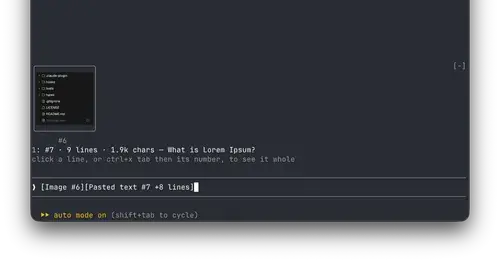
paste-view
Previews of pasted text and thumbnails of pasted images, drawn above the prompt.
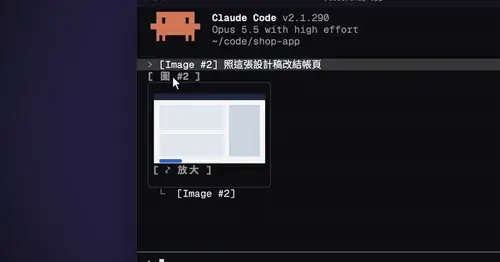
cc-image-view
Thumbnails of pasted images above the prompt and under sent prompts, with a zoom pane.
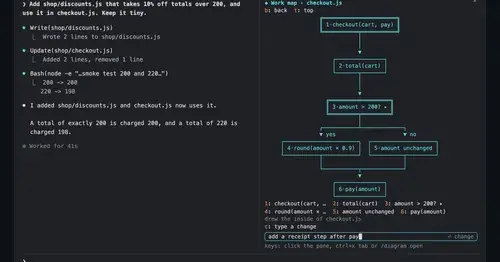
diagram-pane
Every diagram Claude draws, pinned in a side pane, plus a live map of the work.

aside
Ask about the session so far in a read-only side pane. Nothing reaches the main thread.
Popular Claude Mods
The whole directory →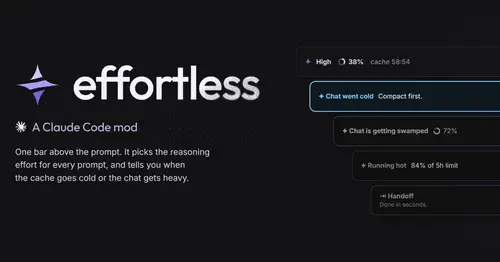
effortless
Picks the effort for every prompt and shows how long the prompt cache stays warm.
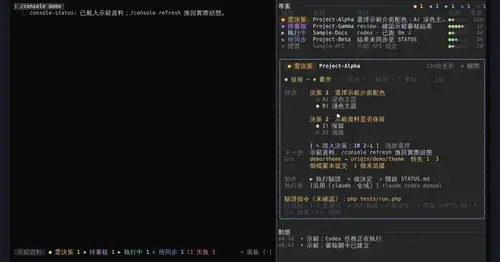
console-status
Every project in one pane: decisions, Git, CI, usage and dispatch to Claude or Codex.
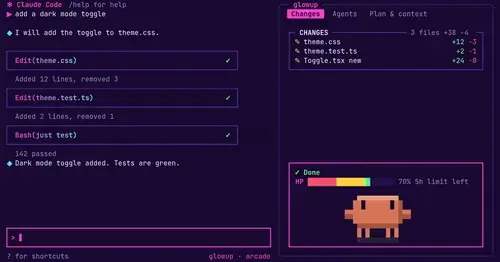
glowup
A live side pane for changes, subagents and context, shareable themes and a pixel pet.
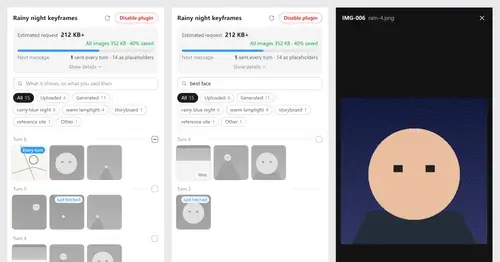
Context Attachment Manager
Pick which past images go out with your next message; the rest become placeholders.