Interface·terminal·MIT
paste-view
Thumbnails of pasted images and previews of pasted text, drawn above the prompt.
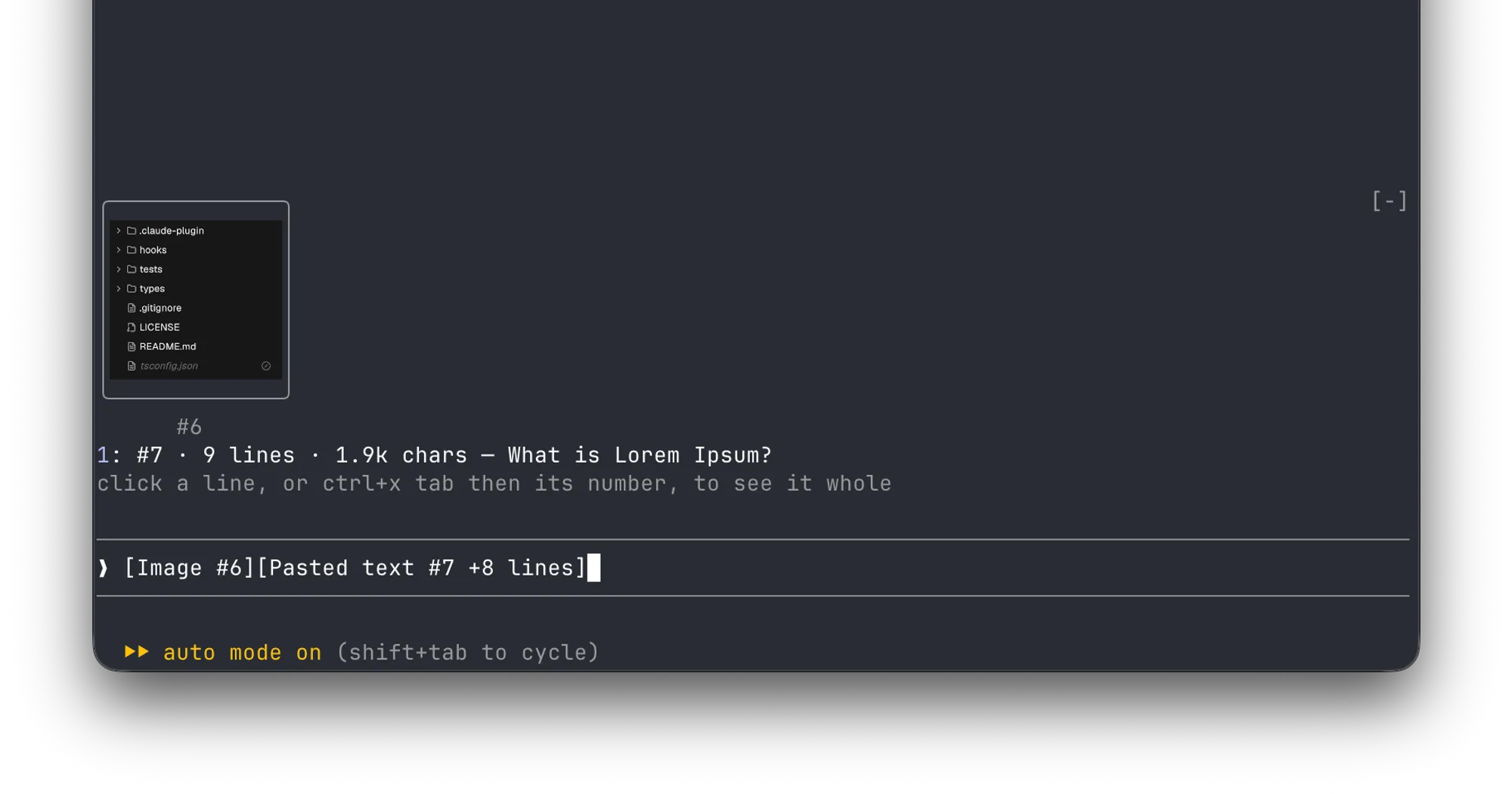
paste-view shows what you paste into Claude Code, right above the prompt. Without it, a paste leaves only a tag such as [Image #1] or [Pasted text #2 +41 lines]. With it, each image gets a thumbnail and each long text a one-line preview, so you can check what you are about to send. It runs locally and costs no tokens.
What it does
- Images become thumbnails labelled with their tag number. Each keeps its shape, and the row shrinks to fit the space above the prompt.
- Long text becomes one line with its tag number, line count, size and first line, for example
#7 · 9 lines · 1.9k charsfollowed by the opening words. - Whole pastes open on demand. Click a text line, or press ctrl+x tab then its number, and the full text opens in a pane: the arrow keys scroll it and Esc closes it. Your draft stays as it was.
- Images that can’t be drawn show as a line with their size, which you click to open the file in your system’s image viewer. That happens in terminals without picture support, such as iTerm2 or Terminal.app, and for any pasted image that isn’t a PNG.
- Previews clear when you send the prompt or delete the tag.
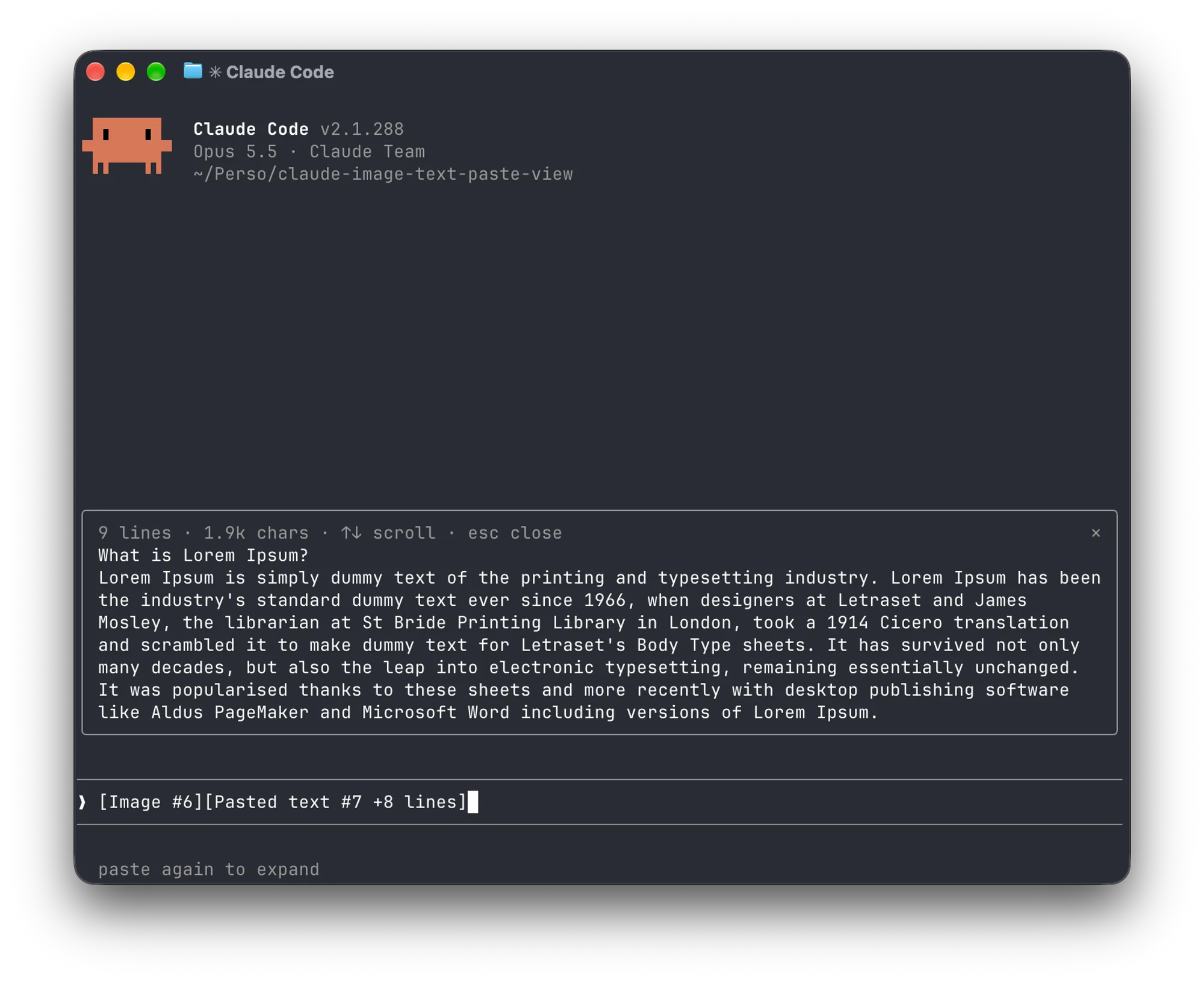
image-view draws the same kind of thumbnails for pasted images. paste-view adds the previews of pasted text, the pane that shows a paste whole, and, where thumbnails can’t be drawn, image lines that open the picture instead of the bare [Image #n] text.
Install
Needs Claude Code 2.1.287 or later, macOS or Linux, and for image thumbnails a terminal with the kitty graphics protocol, such as Ghostty or kitty. On Linux, text previews also need wl-clipboard or xclip.
claude plugin marketplace add Amorfx/claude-paste-view
claude plugin install paste-view@claude-paste-view
The repository is called claude-paste-view; the plugin it installs is paste-view, version 0.1.0. Run /reload-plugins in an open session, or start a new one, then paste an image or a long block of text.
How it works
The mod hooks three events. session.start reads a few environment variables (TERM, TERM_PROGRAM, KITTY_WINDOW_ID, TMUX, STY and two of Claude Code’s own) to decide whether the terminal can draw pictures. It then starts a timer that reads the prompt box every 200 ms and looks for image and pasted-text tags; it polls because a paste raises no edit event. ui.render draws the previews above the prompt and the pane, and ui.close notices when you close the pane.
For images, it finds the folder where Claude Code caches the session’s pasted images, under its temp directory. It takes that directory from CLAUDE_CODE_TMPDIR; if the variable is unset, it runs id -u once to build the default path, /tmp/claude-<your user id>. It reads each PNG’s header for its width and height, and Claude Code’s Image element draws the thumbnail. Opening an image line runs uname once, then open on macOS or xdg-open on Linux.
For text, there is no file to read: Claude Code keeps a collapsed paste to itself until you send the prompt. So when a new text tag appears, the mod reads your clipboard once, with pbpaste, wl-paste or xclip. It keeps that text only if its line count matches the tag, holds it in memory, and drops it when the tag leaves the prompt.
It makes no network calls, writes nothing to disk and adds nothing to Claude’s context.
Limitations
- Terminal only. The code draws nothing on other surfaces.
- Text previews come from the clipboard. If the clipboard changes within about 200 ms of the paste, or the paste didn’t come from it (a tmux buffer, a remote session over SSH), the line says
no previewinstead of showing the wrong text. A draft restored from history with several text tags gets no previews. - No thumbnails inside tmux or screen, or in a background session, because Claude Code turns terminal pictures off there; images show as lines. If your terminal passes the kitty graphics protocol through tmux, the README suggests setting
CLAUDE_CODE_FORCE_TERMINAL_IMAGESto"1"in theenvblock of~/.claude/settings.jsonand starting a new session. - Only PNG images become thumbnails. A pasted JPEG, WebP or other format is always a line.
- The tag formats and the image cache path are Claude Code internals. The author warns that a later version may change them and asks for an issue if previews stop appearing.
More mods
The whole directory →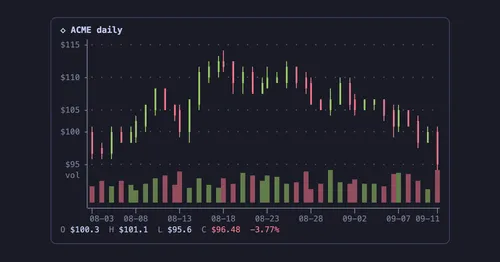
agent-charts
Claude's chart blocks drawn as line, candle, heatmap, pie and KPI charts in the terminal.
pin-board
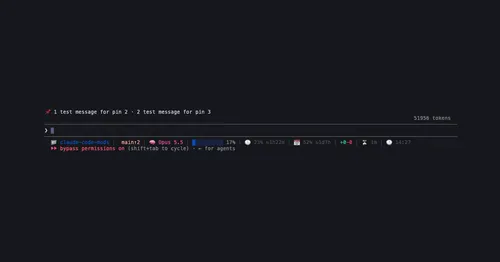
Pin standing notes with /pin; Claude keeps following them after /compact and /clear.
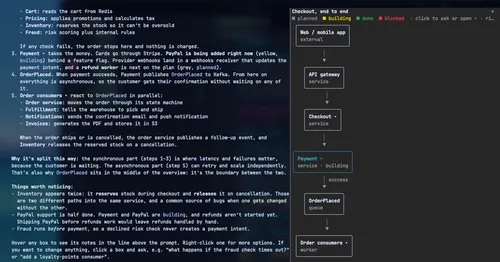
archpane
An architecture diagram Claude draws in a side pane and updates while you talk.

asd-ste100
Each answer rewritten as a Simplified Technical English manual page in a side pane.