Interface·terminal·MIT
pin-board
Pin standing notes with /pin; Claude keeps following them after /compact and /clear.
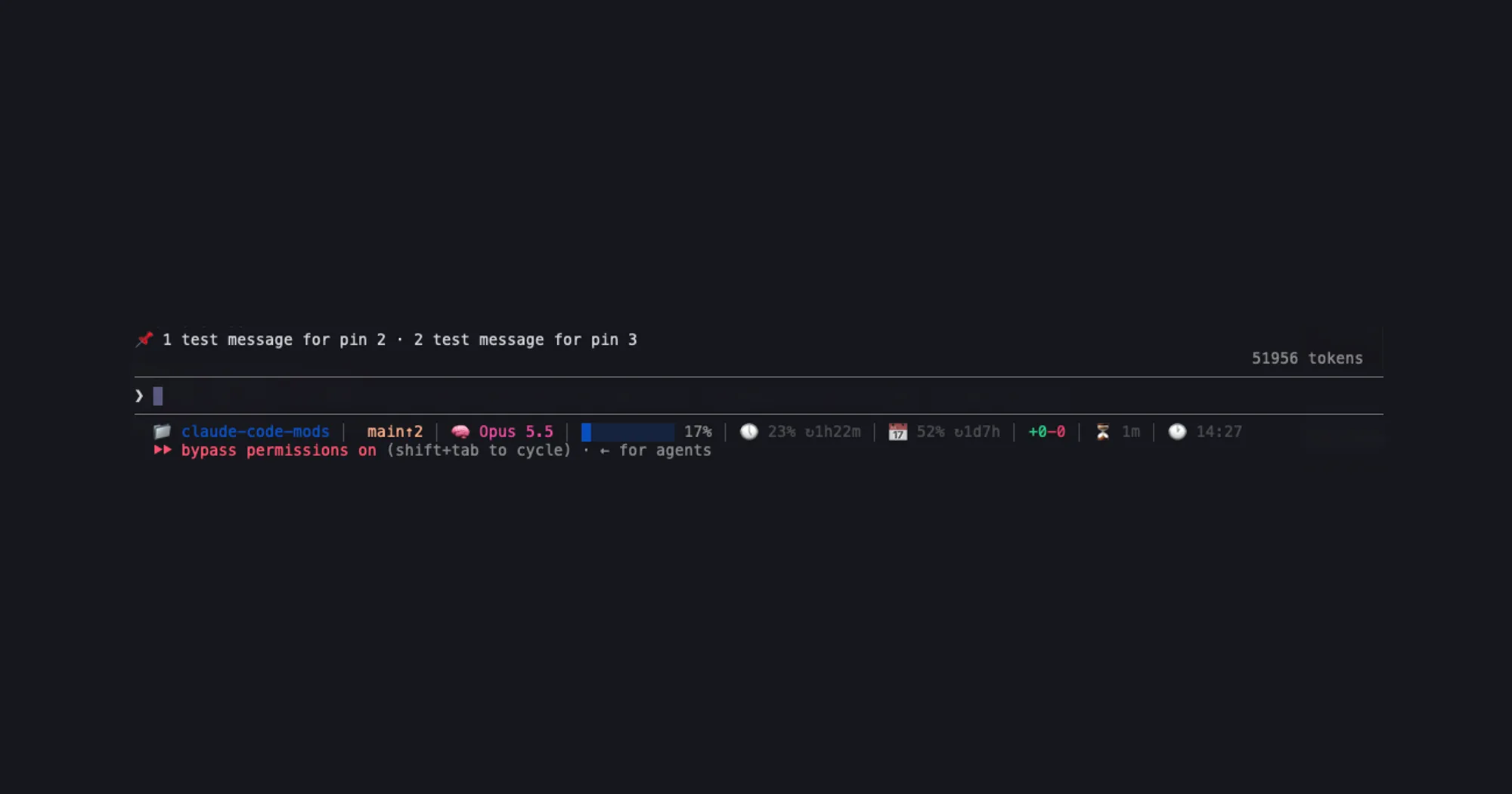
pin-board keeps standing instructions in front of Claude. /pin use pnpm, never npm adds a note that Claude follows from your next message on, and it survives /compact and /clear because it is written into the system prompt. The pins sit on one row above the prompt, so you always see what Claude is being told.
What it does
/pin <note>pins a note./pin <note> --keepalso saves it for the folder you started Claude Code in, and it comes back the next time you start there./pinon its own lists the pins, with kept ones marked./unpin <n>removes one pin and renumbers the rest./unpin allremoves every pin.- A pin without
--keeplasts until you quit Claude Code. When kept pins come back at start, a toast says how many, so a forgotten one does not steer Claude unnoticed.
All pins share one numbered row above the prompt, cut at the right edge when it runs long; /pin shows them in full. If other mods already use that band, set Where pins show to counter in /config, and only the count appears, at the right end of the line under the prompt.

Install
Needs Claude Code 2.1.287 or later.
claude plugin marketplace add arasovic/claude-code-mods
claude plugin install pin-board@claude-code-mods
Restart Claude Code, then /pin your first note.
One add serves all 14 mods in Mehmet Aras’s marketplace. Its name, claude-code-mods, is also used by other authors’ marketplaces, such as hamzafer’s and karanb192’s; if one of those is already added, run claude plugin marketplace remove claude-code-mods before the add.
How it works
Pins reach Claude in two ways. When you pin or unpin, the command’s reply carries a note to Claude, so the change counts from your next message. The full list is also a section of the system prompt, added through prompt.compose, with an instruction to follow the notes until you unpin them and to let a later /pin or /unpin win if the two disagree. Claude Code rebuilds the system prompt at the start of a session and after /compact and /clear, so the pins come back each time instead of riding along with every message. They cost the tokens of their own text; with no pins, the mod adds nothing.
Pins live in memory while Claude Code runs. Kept ones are also saved in the plugin’s own store, under the folder’s path. The mod reads no prompts or tool calls, runs no processes and makes no network calls.
Limitations
- Until the system prompt is rebuilt, the list in it can still hold a pin you removed. The unpin note tells Claude the later change wins.
- Changing Where pins show reloads the mod, which drops the pins that are not kept.
- Pins are instructions to the model, not rules Claude Code enforces. For a rule that must hold, use a hook that blocks the tool call, such as the author’s guardrails.
- The author documents it only in the terminal.
More mods
The whole directory →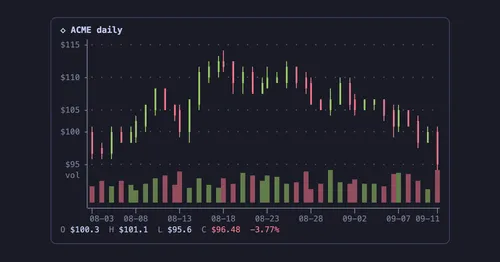
agent-charts
Claude's chart blocks drawn as line, candle, heatmap, pie and KPI charts in the terminal.
archpane
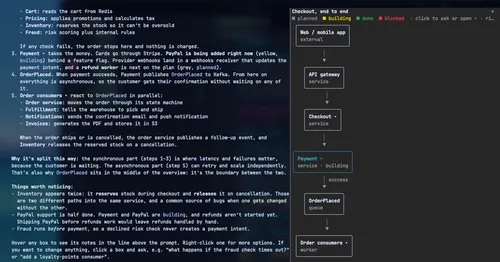
An architecture diagram Claude draws in a side pane and updates while you talk.

asd-ste100
Each answer rewritten as a Simplified Technical English manual page in a side pane.
Better Call GPT
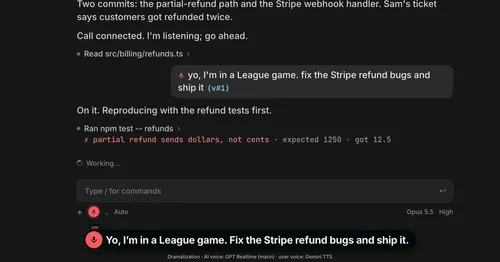
A Call button above the prompt: talk to Claude Code by voice while it works.