Interface·terminal·MIT
agent-charts
Claude's chart blocks drawn as line, candle, heatmap, pie and KPI charts in the terminal.
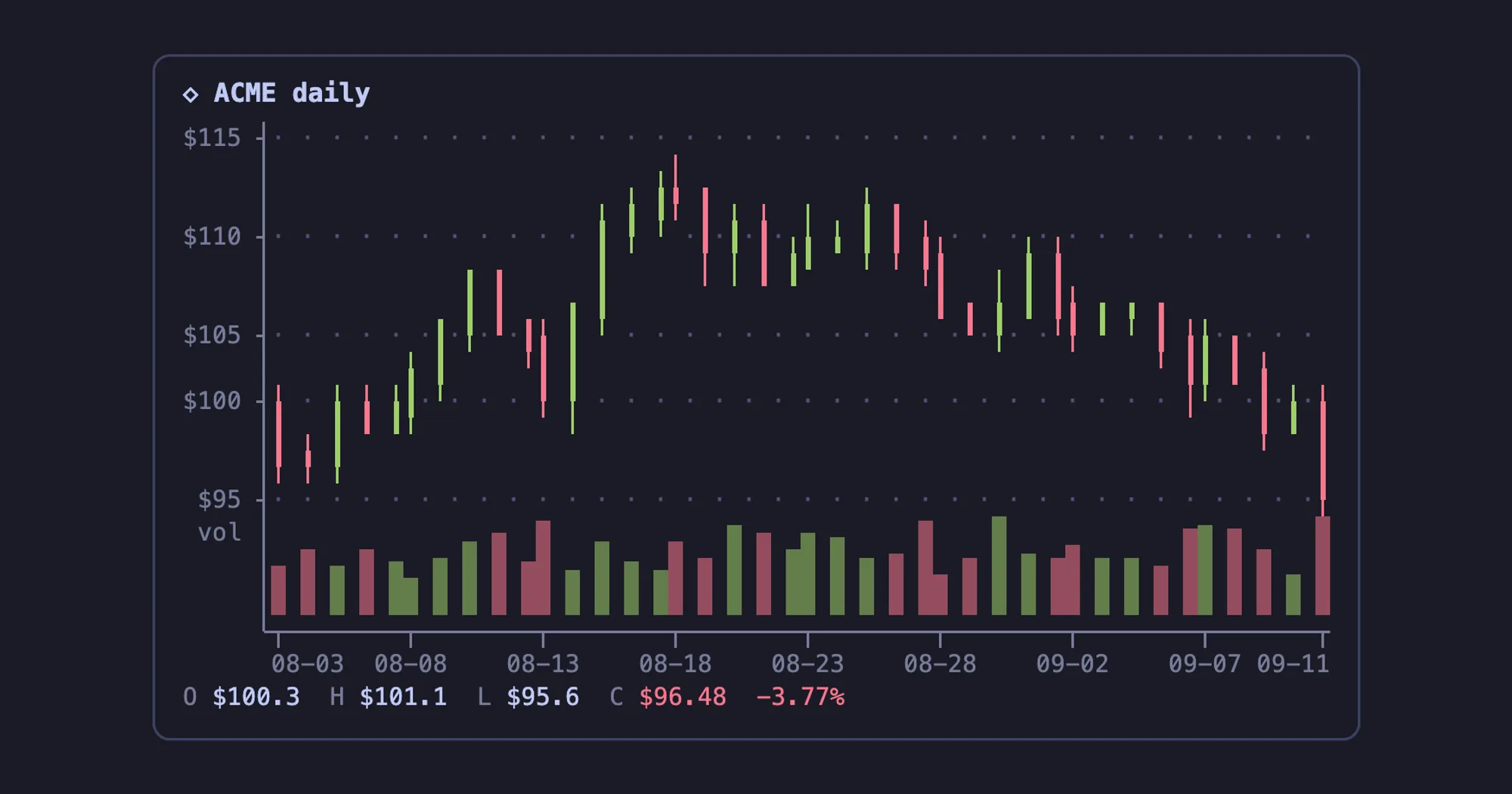
agent-charts turns the charts Claude writes into real charts in your terminal. When a reply contains a fenced chart block holding a short JSON spec, the transcript draws a line, candlestick, heatmap, pie or any of the other types below in its place, inside a rounded card. It draws with braille dots and block characters on the terminal grid, so there are no images and no runtime dependencies, and it works over SSH.
The plugin installs as charts. The same repository ships an OpenCode plugin built on the same chart engine.
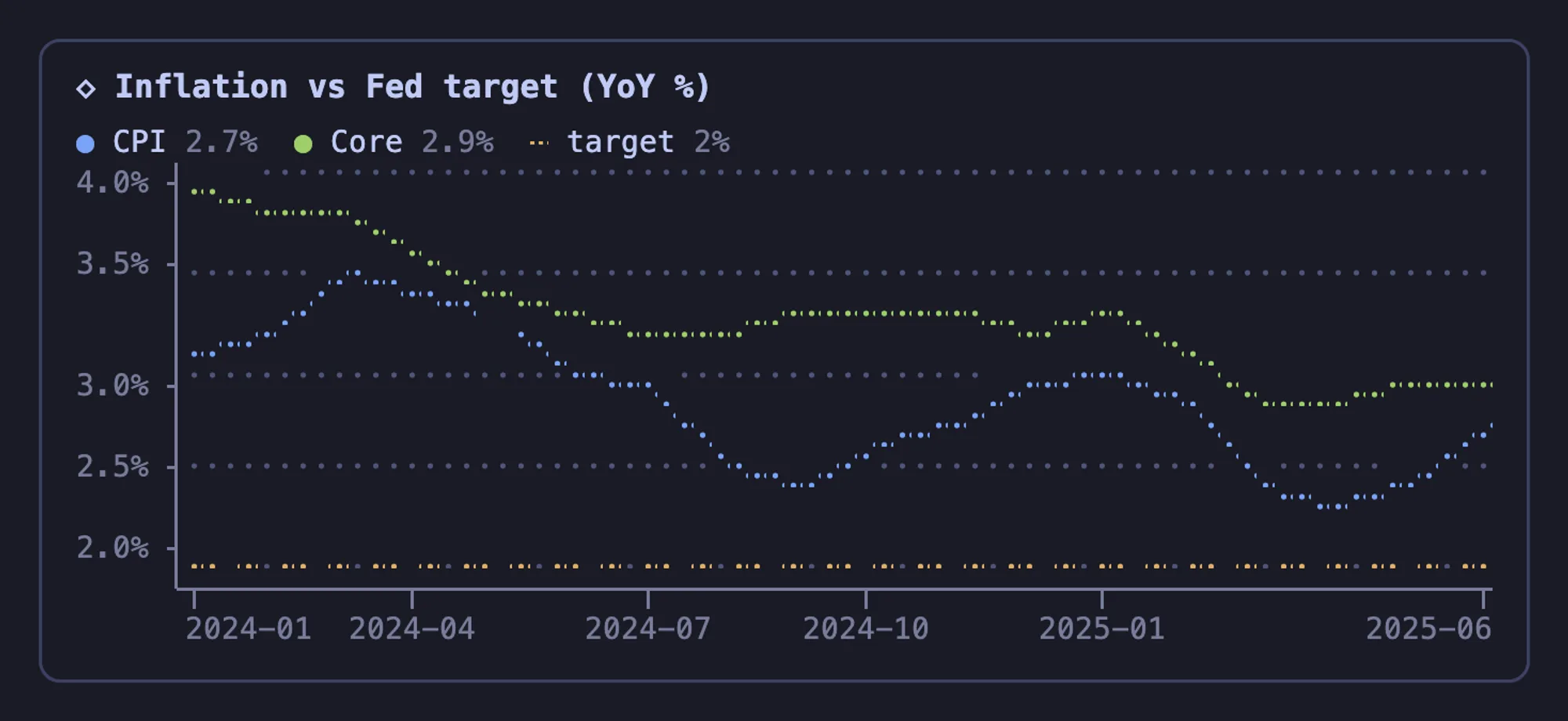
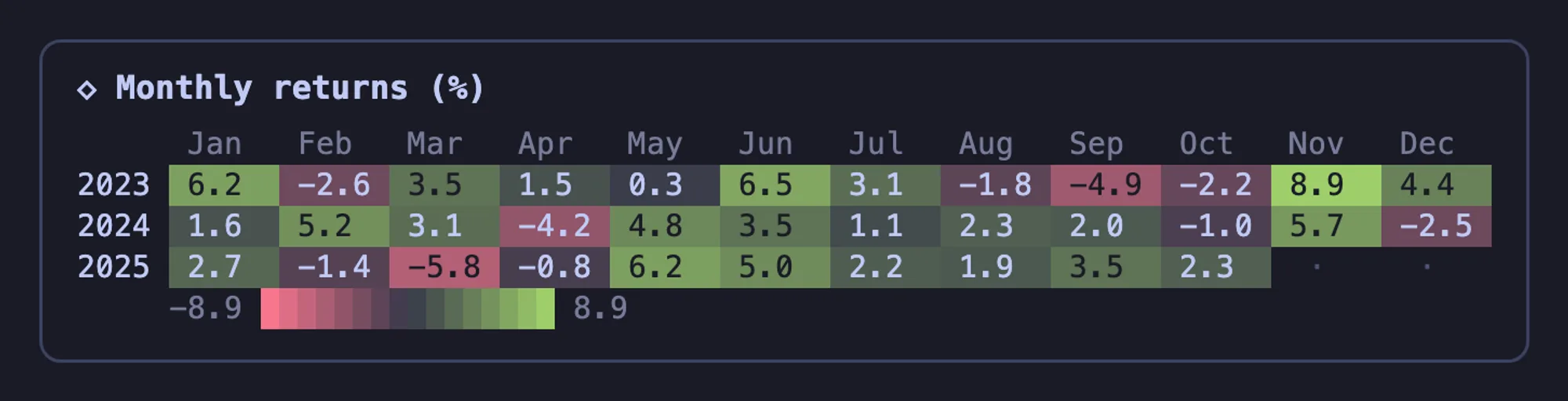
The images are the repository’s own renders in the TokyoNight theme. In Claude Code the colors follow your /theme.
What it does
- Chart types. Line, area (stacked or 100%), step, drawdown from the running peak, scatter with an optional trend line and r², bar and column (grouped, stacked or sorted, negatives diverging from zero), histogram with n, mean, median and σ, heatmap, GitHub-style calendar, candlesticks with a volume pane, pie and donut, gauge with thresholds and a target, KPI tiles with change and sparkline, dumbbell (before and after per category), box plot, waterfall, and sparklines that become a watchlist with several series.
- Time axis. Labels written as years, months, days or quarters (
2024-01,2024-Q3) sit on a real time axis, so the gaps between dates keep their size. A heatmap with mixed signs switches to a diverging red and green scale. - Forgiving parser. It accepts JSON with comments, trailing commas, single quotes or bare keys, numbers written as
"1,234"or"12%", Chart.jslabelsanddatasets, aliases such ascandlestickorheatmap, and bodies that are not JSON at all: a row of numbers,label: valuelines or CSV with a header row. - Spark blocks. A
sparkfence gives a one-line sparkline with the last value and the change. - Fits the width. Each chart is drawn for the transcript’s width, up to 140 columns, and never spills past it. A narrow chart gets a snug card.
- Quiet errors. A block still streaming in shows a dim drawing placeholder instead of raw JSON or a parse error. Only a finished block with a broken spec gets a red error card.
Install
Needs Claude Code 2.1.287 or later and an interactive terminal.
claude plugin marketplace add hashd1ve/agent-charts
claude plugin install charts@agent-charts
Inside a session, /plugin install charts --marketplace hashd1ve/agent-charts does the same in one step: answer y to add the marketplace, then pick a scope. Version 2.2.0 is current. There is nothing to run: ask Claude to chart some numbers, such as benchmark results or a CSV in your repo, and the chart appears in the reply.
How it works
Claude learns the format from a cheat sheet that the prompt.compose hook adds to the system prompt. It lists every chart type with its data shape, gives one example, and tells Claude to use a chart when a picture helps (a trend, a comparison, a distribution, a composition, a status) and to keep plain tables as Markdown. You don’t have to edit CLAUDE.md. The cost is roughly 2,300 characters of system prompt in every session, plus the output tokens of each chart’s JSON. In Claude Code the cheat sheet has no switch: the prompt: false option in the README belongs to the OpenCode plugin.
Drawing happens in a ui.render hook on Claude’s replies, in the terminal only. It splits each reply into Markdown and chart blocks, draws the Markdown with Claude Code’s own Markdown element and each chart as rows of colored text, and keeps the reply’s ⏺ gutter. The engine draws into a fixed grid of cells: braille dots (2×4 per cell) for lines, eighth blocks for bars, half-block pixels for pies.
While a reply streams, a classic.MessageDisplay hook swaps each chart block in the live display for a placeholder line and keeps the block’s text in the plugin’s session state, up to the newest 500. A chart is drawn as soon as its closing fence arrives, while the rest of the reply is still coming in. Only the display changes: the stored message, and what Claude reads on the next turn, keep the JSON. That is also why charts draw again when you resume a session.
Colors use Claude Code’s theme keys (claude, success, error, subtle and others), so charts follow /theme. At session start the mod reads the theme field of ~/.claude.json to choose a light or dark palette. Apart from Claude’s replies, that file is all it reads. It makes no network calls, runs no processes and asks the model nothing.
Limitations
- Charts draw only in the terminal. The desktop app and other surfaces show the block as JSON code, and nothing draws in
claude -p. - Claude decides when a chart helps. If it answers with a table, ask for a chart.
- The light or dark palette is chosen at session start. After switching between a light and a dark theme, start a new session.
More mods
The whole directory →
pin-board
Pin standing notes with /pin; Claude keeps following them after /compact and /clear.
archpane
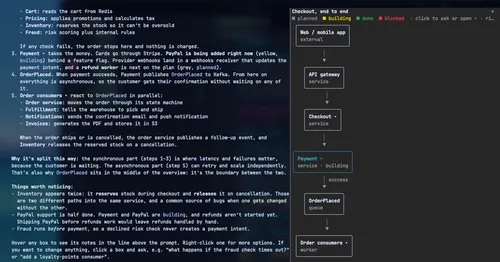
An architecture diagram Claude draws in a side pane and updates while you talk.

asd-ste100
Each answer rewritten as a Simplified Technical English manual page in a side pane.
Better Call GPT
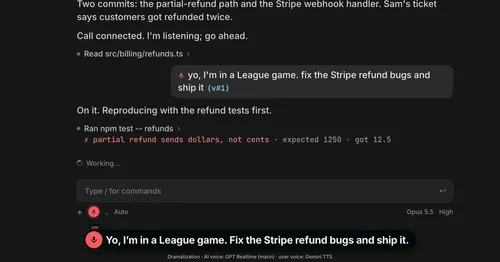
A Call button above the prompt: talk to Claude Code by voice while it works.