Automation·terminal · desktop·MIT
effortless
Picks the effort for every prompt and shows how long the prompt cache stays warm.
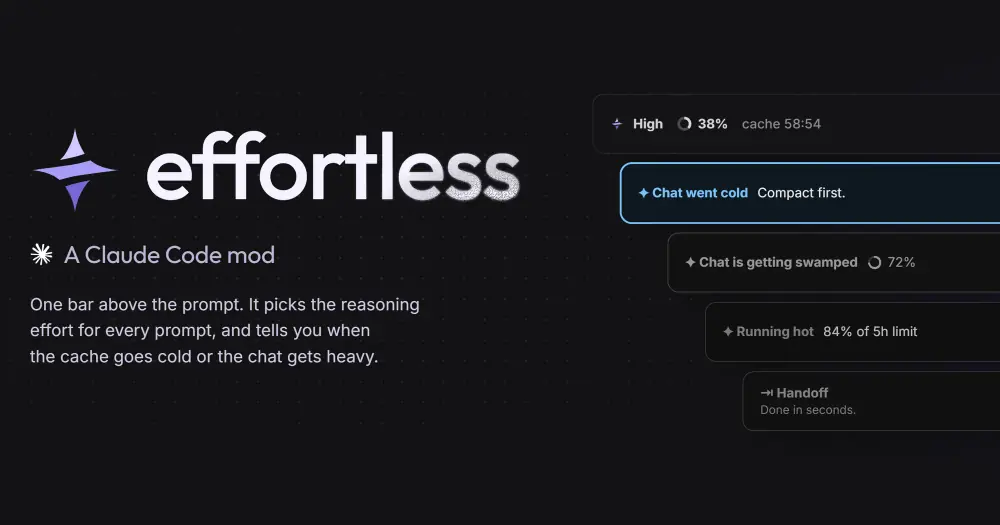
effortless picks the reasoning effort for every prompt you send in Claude Code: a quick question runs at Low, a refactor across five files at High, and you stop touching the Effort control. A bar above the prompt shows the effort it chose, how full the context is and how long the prompt cache stays warm, with Compact and Handoff one click away. The judge is Haiku 5.5 on your own Claude login, so every judged prompt adds a small Haiku call to your usage.
What it does
- Effort per prompt. Before your message goes out, the judge reads it with the end of the last exchange and picks Low, Medium, High, XHigh or Max. Short follow-ups such as “ok” or “go” keep the effort already picked without a judge call, and a prompt that names a level (“max effort”) runs at that level. Settings lean the close calls cheaper or smarter and set a floor and a ceiling.
- You stay in charge. Change the effort in the app yourself and Auto turns off at your next message, with a notice. Auto only changes effort on Opus 5.5 and Sonnet 5.5. On Fable 5.1 and older models it pauses, because the author measured that a change of effort there rewrote most of the prompt cache.
- Cache countdown. The timer runs to the moment the prompt cache goes cold, after which the next message pays full price to re-read the chat. It turns yellow at 20 minutes and red at 5. A big chat whose cache went cold gets an ice-blue band offering Compact or Handoff.
- Handoff. Quick writes a summary of the chat in a few seconds; Full checks git and saves
HANDOFF.md, or runs a handoff skill of your own. Then you clear and carry on, clear and wait, or keep the chat and copy the summary. From 30% of context, Haiku also checks every second message whether a fresh chat would pay off, and when it does the Compact button turns into a glowing Handoff with the reason. - Compaction by Haiku. Every compaction,
/compactand the automatic one included, is written by Haiku 5.5 instead of the chat’s model. If Haiku fails, Claude Code compacts as usual. Settings → Handoff → Compact with switches it back. - Warnings. Bands appear when the chat is getting swamped (70% of the window by default), when a 5-hour or weekly limit passes 80%, with a Save mode that caps effort at Medium, and when the judge stops answering.
- Off by default. Two experimental switches: run prompts the judge calls simple on Haiku 5.5 or Sonnet, never above the chat’s model and only when the switch pays (each model keeps its own cache), and have the judge pick an effort for each subagent before it starts.


If you would rather step the effort yourself with a key binding, effort-cycle is the manual counterpart.
Install
Needs Claude Code 2.1.287 or later, plus Opus 5.5 or Sonnet 5.5 for the effort to change.
claude plugin marketplace add HeyCubit/effortless
claude plugin install effortless@effortless
Run /reload-plugins. A short setup opens above the prompt: keep Haiku as the only judge, which needs no key, or add Jev, TypeSafe’s faster judge (about 0.25 s against about 1 s), then lean cheaper or smarter and pick how handoffs are written. /effortless setup runs it again, /effortless settings opens the settings and /effortless stats shows what the prompts Auto steered cost this session.
How it works
The mod never changes the app’s Effort setting. On prompt.submit it holds your message while the judge answers, and on turn.step it rewrites the effort of every request that turn makes. Subagents follow the turn’s effort, but not below Medium. Haiku gets six seconds to answer and Jev three; when Jev fails or is unsure, Haiku decides.
Model calls run on your Claude login and count against your usage:
- The effort judge is
claude-haiku-5-5at low effort, with at most 160 tokens out. It reads your message (attached images and files only by name), the first 400 characters of your previous message and the last 2,000 characters of Claude’s last reply. The app’s own slash commands, follow-ups and named levels skip it. - The handoff check is Haiku again, with at most 60 tokens out. It reads the chat’s first message, short excerpts of your recent messages and the end of the last reply.
- Compaction sends Haiku the whole transcript, with long tool calls and results cut outside the last six messages, and takes up to 16,000 tokens back. It replaces the compaction the chat’s model would have written.
- A Quick handoff is a
model.forkof the chat’s model, which reads the chat from the warm cache. When the cache is cold, Haiku writes it from the transcript instead. A Full handoff is an ordinary turn of the chat’s model.
Network and processes:
- Jev, only with a TypeSafe key: each judged prompt is posted to
api.typesafe.aiwith your message (up to 4,000 characters), the same excerpt of the chat and the current model and effort. A key entered with/plugin configuresits in Claude Code’s secure storage; one pasted in the setup or the settings is written in plain text to~/.config/jev/.env. - Update check, every six hours: a shallow
git fetchof the repo’sstablebranch from GitHub into a small folder in Claude Code’s plugin data. If git fails, it reads the same release file throughapi.github.comand runsclaude plugin marketplace update effortless. The Update button runsclaudeand copies the new version into place.
It keeps its settings and choices in Claude Code’s plugin store and writes ~/.claude/effortless-render-<chat>.log, a log of the last 300 times the app drew its bar. It also hooks tool.call for an agent panel that /effortless agents opens, which the README does not list: the tools each subagent runs, the files tools touch and the to-do list, kept in memory.
Limitations
- The savings the author measured, 21% less than medium on Opus 5.5 over 96 runs through the API, come from four mostly easy tasks in fresh chats. On hard work it picks more effort and saves less.
- In the desktop app’s split view, the bar draws only in the left pane. The right pane gets a small card under the newest reply naming the command to run instead (
/compact,/effortless handoffor/effortless save). - The author tested the terminal on 2.1.285, 2.1.286 and 2.1.288 at 80 and 120 columns. Below 90 columns the bands drop their pixel art.
Similar Claude Mods

noctis
Runs a Claude Code job queue overnight, pausing before usage limits and resuming after.
ripple
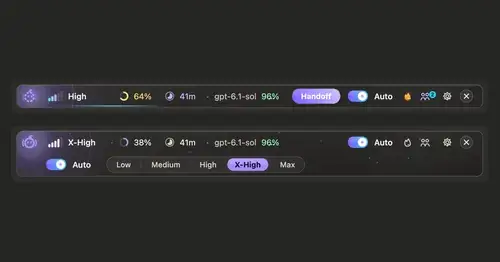
Effort per prompt, subagents routed to GPT, DeepSeek or Claude, and cache warnings.

cache-keeper
Prompt-cache timer, keep-warm pings, cold-send guard, a board of chats and a handoff.
auto-handoff
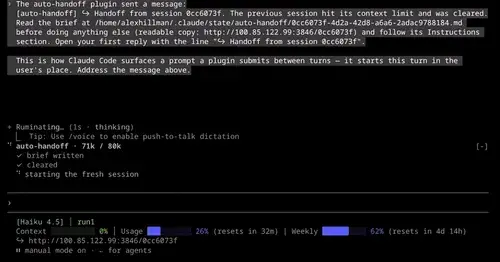
Hands a long session to a fresh one with a Haiku-written brief instead of compacting.
Popular Claude Mods
The whole directory →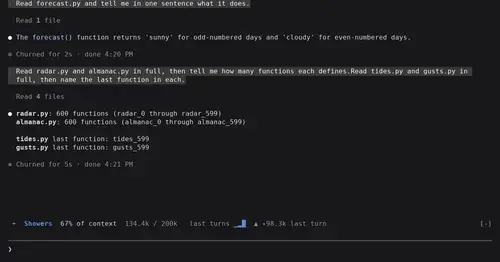
token-weather
Context window fill as a weather forecast above the prompt, with a chart of recent turns.
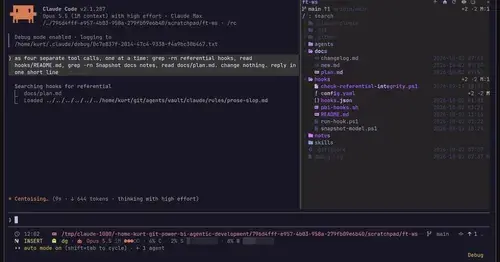
filetree
Sidebar file tree with git status that lights up what Claude reads, edits and commits.
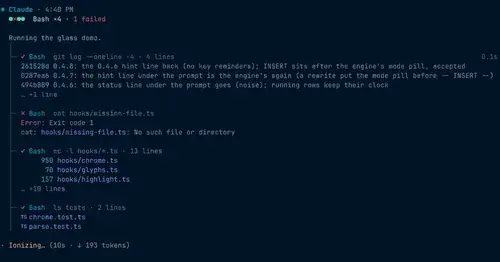
glass
The transcript redrawn like a desktop app: colored commands, a tool tree, code cards.
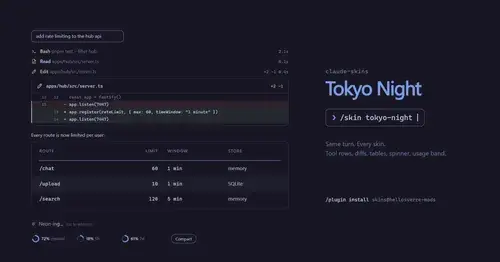
claude-skins
Fifteen transcript skins: timed tool rows, diff, table and chart cards, a usage band.