Interface·terminal · desktop·MIT
claude-skins
Seven transcript skins: timed tool rows, table cards, themed spinner words, a usage band.
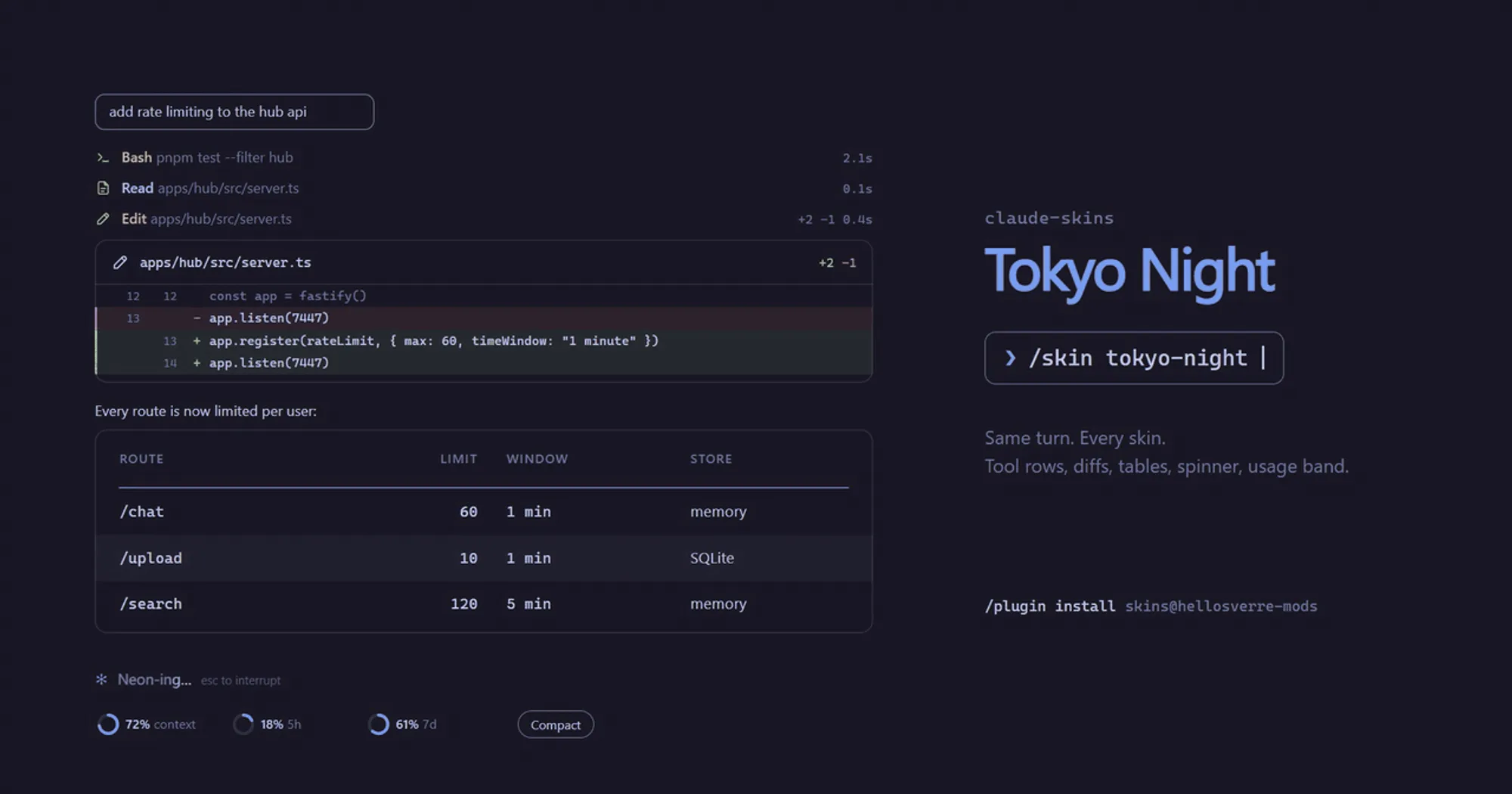
claude-skins redraws the Claude Code transcript in a theme. Tool calls become rows with their timings, tables in replies become cards, the spinner takes on the skin, and a band above the prompt shows your context and plan limits. Seven skins ship with it, /skin swaps them while you work, and Claude can design a new one with you.
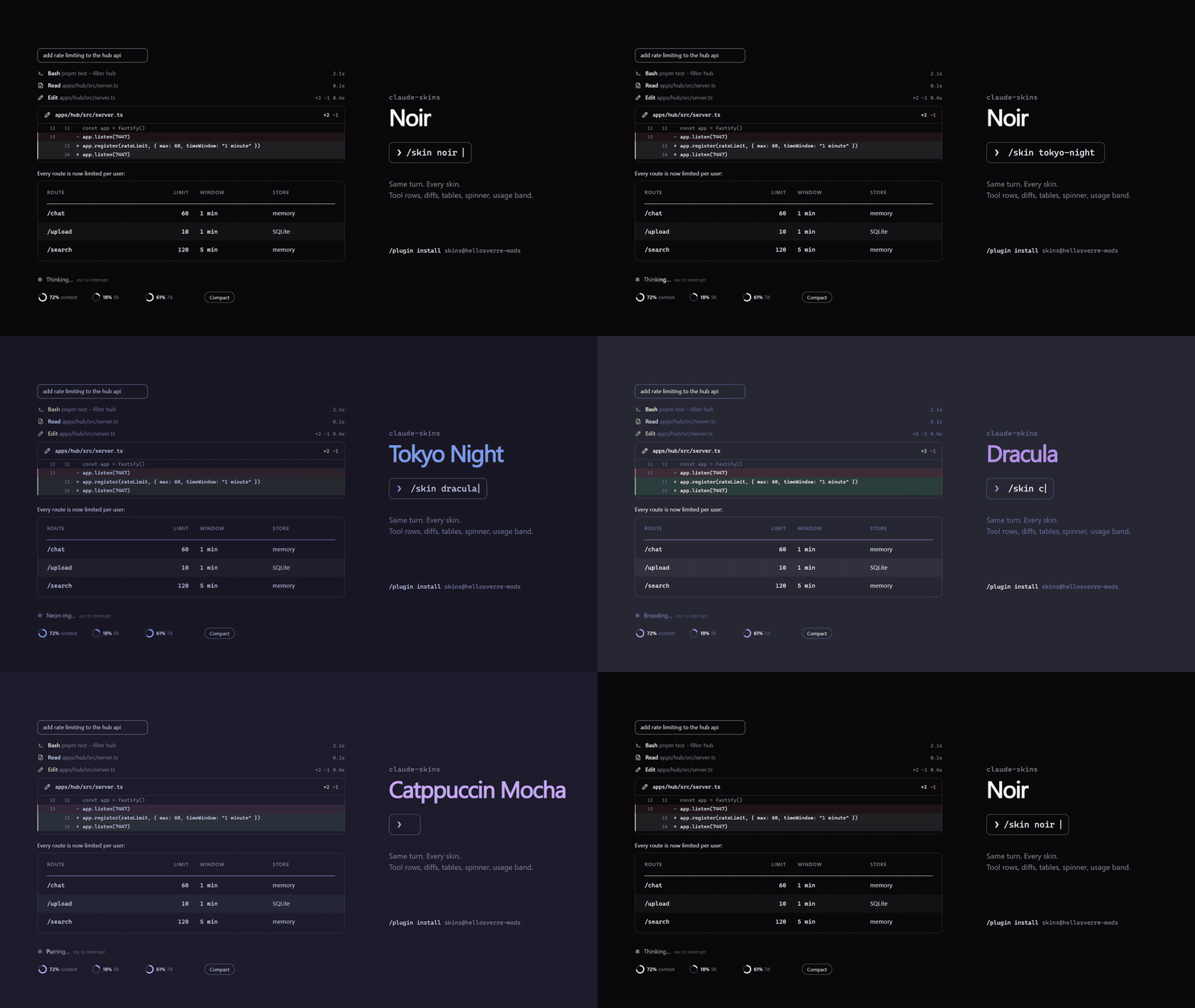
The diff card and the usage rings in the demo are what the desktop app draws. The terminal gets a plainer cut of the same ideas, listed below.
What it does
On both the terminal and the desktop app’s Code tab:
- Tool rows. Reads, edits, shell commands, searches, web calls and MCP calls each get a row in their kind’s colour: the command, file or pattern, how long the call took and, for edits, the lines added and removed. In the terminal the rows hang off a rail down the turn; on the desktop each one leads with a line icon that spins while the call runs. A folded run of reads and searches shows as one row, such as
Read 2 · Search 1. - Tables in replies get a marked header, zebra rows and a Copy button that puts the table back on the clipboard as markdown.
- The band above the prompt shows the context window and each plan limit, as block meters in the terminal and rings on the desktop, where a ring changes colour at 80% and again at 95%. Its Compact button runs Claude Code’s own
/compact, and only when you press it. From 70% context it becomes the main action and says how full the context is. Where the terminal reports no clicks, typing0alone into the empty prompt presses it. - Your prompts sit in a rounded outline sized to what you typed, and Claude’s question dialog gets a band naming its topics above the stock dialog.
- Light themes. When Claude Code’s theme is a light one, every skin switches to a light palette: noir carries its own, the others are deepened to read on white.
In the terminal only:
- The spinner shows the skin’s word with a band of light sweeping through it, plus the elapsed time. Dracula is Brooding and Haunting, Gruvbox is Brewing and Roasting.
- The turn footer gives the skin’s past-tense word, the turn’s time, the tool count and the lines changed.
In the desktop app only:
- Edits become diff cards with the file,
+N −Mand numbered lines in green and red, up to 30 lines. - Shell output becomes a terminal card with a status pill (ok, failed, interrupted, timed out), stderr in the error colour, long output folded to its first and last six lines, and a Copy button.
- Code blocks become cards with the language, line numbers, light highlighting and Copy. In the terminal they keep Claude Code’s markdown and gain a Copy button.
- The spinner is an animated icon per phase (thinking, running a tool, writing, waiting) beside Claude Code’s own description of the step.
Install
Needs Claude Code 2.1.287 or later, in a terminal or the desktop app’s Code tab.
claude plugin marketplace add hellosverre/claude-skins
claude plugin install skins@hellosverre-mods
The plugin installs as skins, from the author’s hellosverre-mods marketplace. Version 0.1.0 is current. The noir skin is on as soon as the mod loads, and /skin opens the settings.
Skins and settings
The seven built-in skins are noir (the default, black and white), tokyo-night, dracula, nord, gruvbox, catppuccin (Catppuccin Mocha) and mono (greys only). Each has a colour per tool kind and its own spinner and footer words.
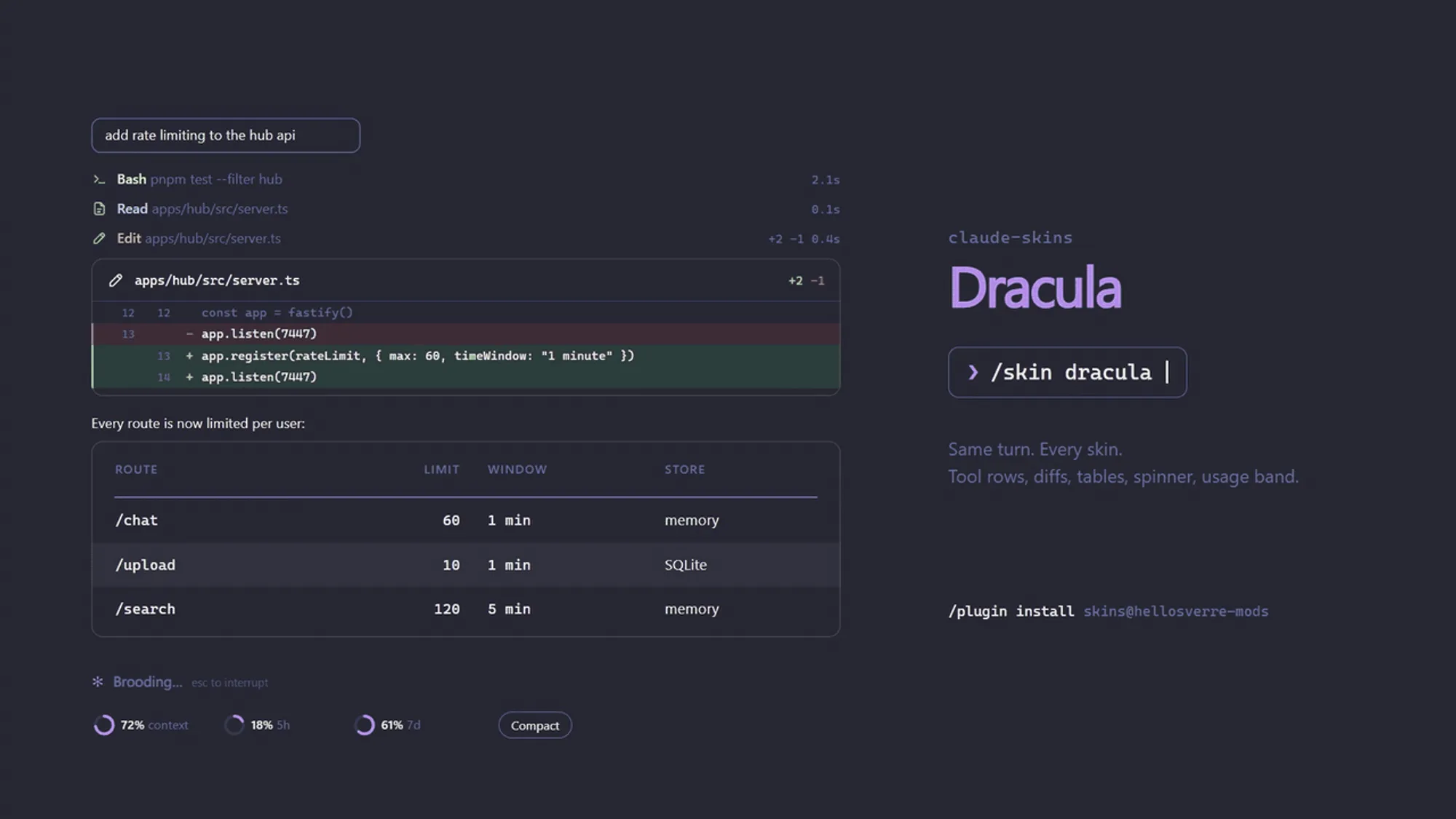
/skinopens a settings pane with a live preview of a sample turn. Number keys pick a skin, letter keys flip the toggles, and you can repaint any of the 15 colour slots with a hex value. Repainting a built-in skin saves a copy namedmy-<skin>, so the original stays as it was./skin gallerynumbers every element the current skin draws, so you can point Claude at the one you want changed.- Ask Claude. The mod gives Claude a
designtool. Describe a mood and Claude builds a skin on top of a built-in one, changing the colours you name and up to 12 spinner and 12 footer words, then applies it while you watch. The same tool lists, applies and deletes made skins and flips the settings. - Quick switches:
/skin <name>,/skin list,/skin off(alsodefaultorstock),/skin on,/skin icons unicode|ascii, and/skin rail|tables|shimmer|band|clip on|off.
The toggles turn off the terminal’s rail, the table and code-block redraw, the spinner’s sweep and the band. clip, off by default, folds long shell output in the terminal to its first 8 and last 4 lines. icons ascii swaps the status glyphs for plain characters. Your choices and your made skins survive restarts.
How it works
The mod changes only what is drawn. The stored conversation, and what Claude reads, stay as they were.
To draw a tool row it reads each call’s input and keeps one line of up to 120 characters: the command for Bash and PowerShell, the path for file tools, the pattern for searches, the URL or query for web tools, the first text field for MCP tools. It times every call by wrapping tool.call and counts lines from the patch an edit returns. On the desktop it also reads an edit’s patch and a shell command’s output to draw their cards. Those figures live in the session’s state. The only thing the mod saves is in its own store: your settings and the skins you made.
The other hooks do little: session.append notes whether a prompt carried an image, session.measure and turn.complete refresh the usage figures, config.set watches for a theme change and classic.SessionStart reloads your settings after /clear or /resume.
It starts no process, touches no file and makes no network call. Drawing costs no tokens. What Claude does see is the design tool: its description sits in Claude’s tool list, and it runs only when Claude calls it.
Limitations
- Agents, plan mode, to-dos and the permission prompt keep Claude Code’s own drawing, as does any tool outside the built-in file, shell, search and web tools and MCP.
- A prompt over 4,000 characters, or a reply with a very long stretch of text or code, keeps the stock drawing.
- Table cells drop bold and code marks. In the terminal, a table wider than the transcript has its cells cut with an ellipsis; desktop cards wrap a cell over up to six lines instead.
- The author documents the terminal and the desktop app’s Code tab. On mobile the settings pane only asks you to open it in one of those, and like every mod it draws nothing in
claude -por the VS Code extension’s chat panel.
More mods
The whole directory →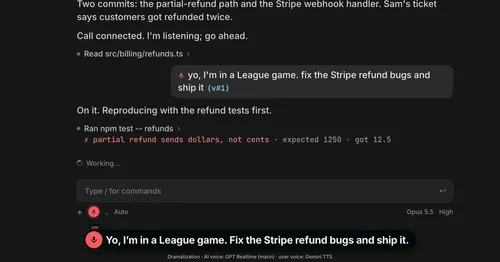
Better Call GPT
A Call button above the prompt: talk to Claude Code by voice while it works.

cc-changelog
The unofficial Claude Code changelog in a pane, plus fifteen tools the model can call.
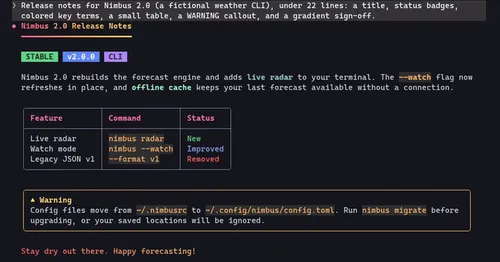
cc-crayon
Every reply redrawn in color: themed Markdown plus inline tags the model can write.
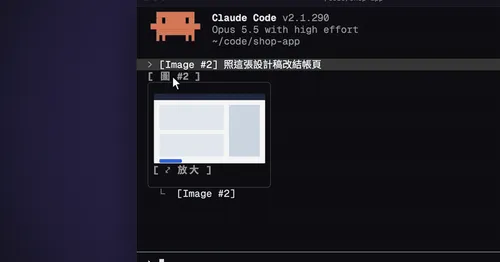
cc-image-view
Thumbnails of pasted images above the prompt and under sent prompts, with a zoom pane.