Context & memory·terminal · desktop·MIT
context-bar
Your context window as one stacked bar above the prompt, a color per category.
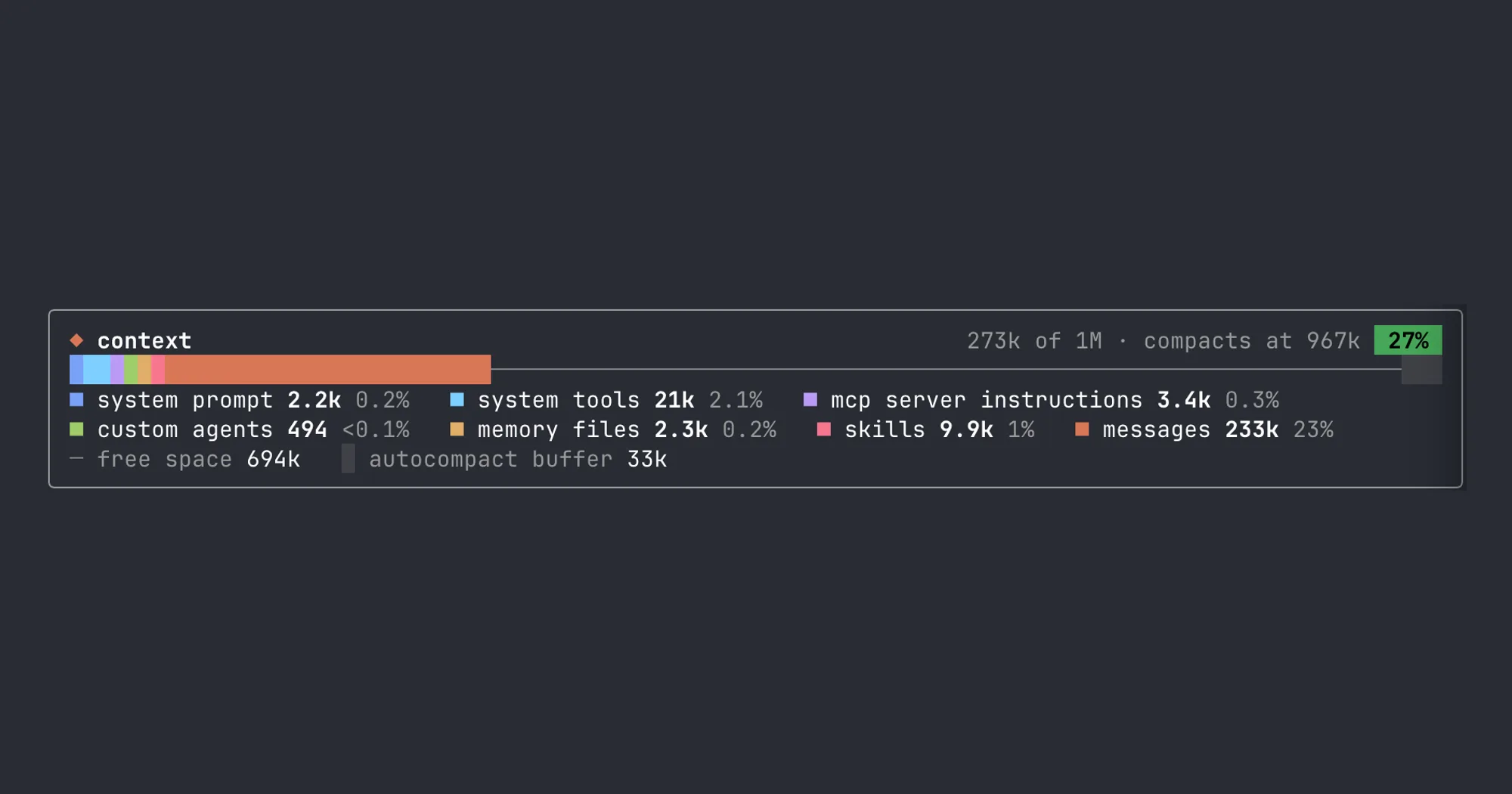
context-bar keeps your Claude Code context window on screen as one stacked bar above the prompt, a color per category, with the tokens each one takes. It tells you what is filling the window without running /context, and it costs no tokens.
What it does
- A header with the tokens in use against the window size, where auto-compaction runs, and a percentage badge. The badge turns yellow at 70% of the way to compaction and red at 90%.
- The bar splits the window into the categories
/contextlists, such as system prompt, system tools, MCP tools, memory files, skills and messages. Messages, the slice that grows, is drawn in the accent orange. Free space is a thin line and the autocompact buffer is shaded. - A legend under the bar gives each category’s tokens and its share of the window.
- It refreshes after each of your turns and after a
/compact. Subagent turns are ignored, because they fill their own window.
For the same categories in a pane, next to usage limits and tool counts, see session-meter.
Install
Needs Claude Code 2.1.287 or later.
claude plugin marketplace add hamzafer/claude-code-mods
claude plugin install context-bar@claude-code-mods
Other repos use the same marketplace name, among them arasovic/claude-code-mods and karanb192/claude-code-mods. If claude plugin marketplace list already shows a claude-code-mods, the add clashes with it: run claude plugin marketplace remove claude-code-mods first.
Restart Claude Code. The bar shows on its own. /context-bar hides it or brings it back, and the choice is kept across sessions.
How it works
The numbers come from Claude Code’s own /context breakdown, which the engine estimates locally without token-count calls, so the bar sends nothing anywhere. The only thing the mod saves is whether you hid the bar, as one value in its plugin store.
More mods
The whole directory →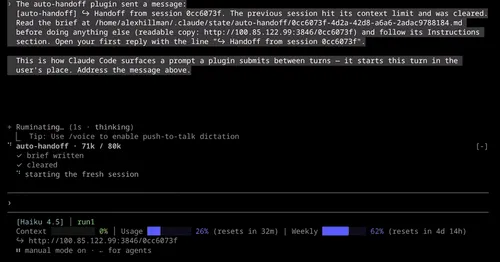
auto-handoff
Hands a long session to a fresh one with a Haiku-written brief instead of compacting.

cache-keepalive
Keeps the prompt cache warm while background tasks run, and caps what the pings cost.
cache-keeper
Prompt-cache timer, keep-warm pings, cold-send guard, a board of chats and a handoff.
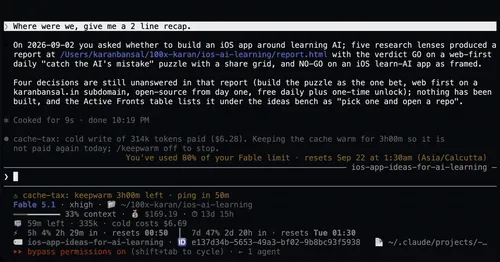
cache-tax
Blocks a cold prompt-cache send once with its price, then keeps the cache warm for hours.