Interface·terminal·MIT
cc-intelligent-ui
Claude's answers as typeset pictures: Markdown, LaTeX math, charts and diagrams.
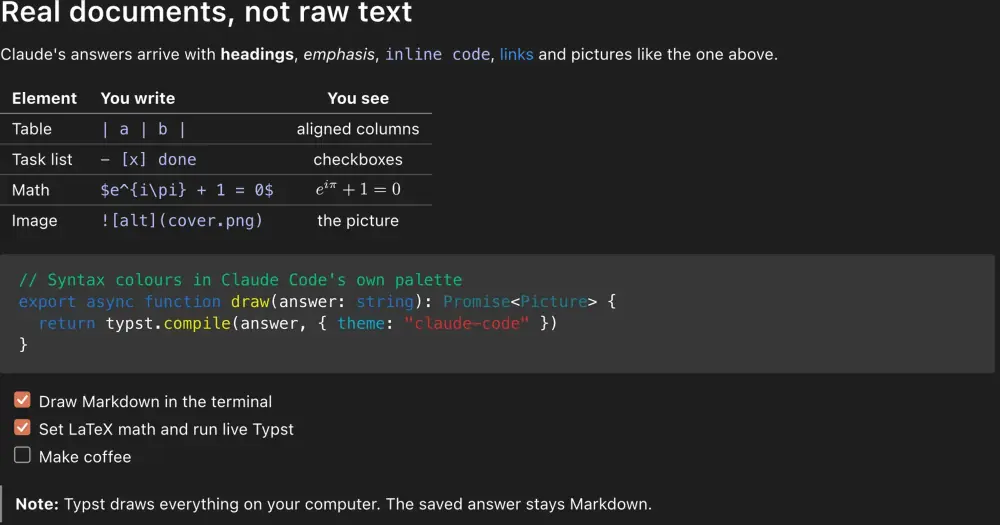
cc-intelligent-ui draws each answer from Claude as a typeset picture, made on your machine by Typst. Tables line up, code has syntax colors, LaTeX math looks like a paper, and Claude can write a Typst block when a chart or a diagram explains more than words. Only the drawing changes: the transcript keeps the Markdown Claude wrote, and in a terminal that cannot show pictures you see that text as usual.
What it does
- Markdown. Headings, tables, task lists, block quotes and fenced code, in your terminal’s own font.
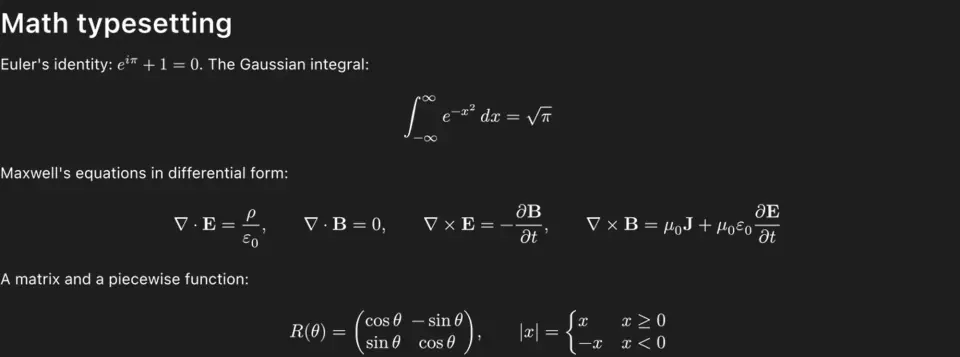
- Math. Inline
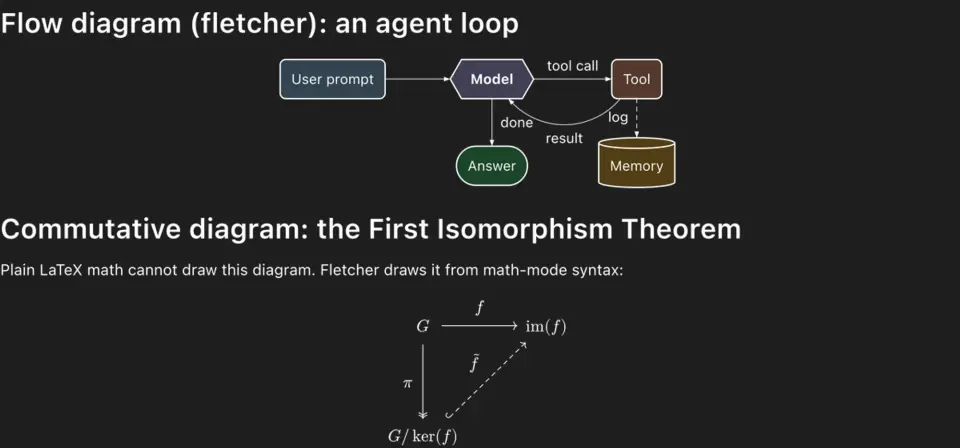
$…$and display$$…$$, typeset. - Live drawings. The mod tells Claude it may answer with a fenced
typstblock, using CeTZ, cetz-plot and fletcher for diagrams, plots and charts in the theme’s colors. A block that fails to compile shows as code. - Images and files. Images in an answer, images and Markdown files Claude sends you (PNG, JPEG, WebP, SVG, and a PDF one page at a time with page controls), and images you paste show in the transcript.
- Links under the picture. A picture holds no clickable text, so the links, file paths and commands of an answer appear as rows under it. A cmd+click opens a link; a click on a command copies it.
- Copy from pictures. In fullscreen mode, a mouse selection over a picture copies the text under it. On the main screen,
/iui grabdoes it. - Plans. In plan mode the plan shows rendered, with the mod’s own approve, edit or reject question under it.
- Themes.
claude-code(the default),vscode-modernandvscode, or your own in~/.claude/cc-intelligent-ui/themes/<name>/theme.json. Light or dark follows Claude Code’s theme setting, and the OS when that isauto.
Install
Needs Claude Code 2.1.298 or later, Typst 0.15, macOS or Linux (X11 or Wayland), and a terminal that shows pictures: kitty 0.28 or later, Ghostty or cmux with nothing to set, iTerm2 3.6 or later after /iui setup, or Rio 0.5.27 or later with CLAUDE_CODE_FORCE_TERMINAL_IMAGES=1 (the author has not tested Rio). Over ssh, pictures work from kitty or Ghostty.
Install Typst first. On macOS:
brew install typstOn Linux, cargo install --locked typst-cli, your distribution’s package or a release file from Typst’s GitHub page also work. Then install the mod:
claude plugin marketplace add razorback16/cc-intelligent-ui
claude plugin install cc-intelligent-ui@razorback16
Inside Claude Code, the README’s /plugin install cc-intelligent-ui --marketplace razorback16/cc-intelligent-ui does the same, with no restart. The author recommends fullscreen mode (/tui fullscreen); a toast reminds you once a session. /iui shows the state and anything that keeps pictures away; /iui details names the terminal, font and Typst the mod found. /iui on and off, theme, size (80 to 200 percent of your terminal text), width, height and grid change the drawing.
How it works
The mod hooks ui.render for Claude’s replies, and only on the terminal surface. While a reply streams, its row stays blank; the mod watches turn.step to know when a text block is final. Then it compiles the block with your Typst into PNG pages, two compiles at a time, and draws them with Claude Code’s own image support. If Typst fails, the text shows. Pages are cached in $TMPDIR/cc-intelligent-ui-<uid>, and folders unused for two days are deleted at the next start. An answer with drawings also leaves a tiny size file in ~/.cache/cc-intelligent-ui/designs (kept 180 days), so its drawings keep their share of the screen in later sessions. Settings go in the plugin’s store.
It downloads nothing to render. The mod does not fetch Typst: you install it, and the mod looks for it on your login shell’s PATH and in the usual folders (Homebrew, /usr/bin, /snap/bin, ~/.cargo/bin and a few more). The Typst packages Claude is told to use, CeTZ 0.5.2, cetz-plot 0.1.4 and fletcher 0.5.8, ship inside the plugin. Every Typst run gets its proxy variables pointed at a closed local port, so Typst cannot download a package either. Typst runs with its root at /, which is how an image by absolute path loads: a Typst block can read any file your user can read, and the result is a PNG in the cache.
The one network call is an update check. At most once a day, the mod fetches its own plugin.json from raw.githubusercontent.com with a plain GET and shows a toast when a newer version exists. It never installs anything; the toast gives the update commands. /iui updates off stops it, and so does CLAUDE_CODE_DISABLE_NONESSENTIAL_TRAFFIC, DISABLE_UPDATES or DISABLE_AUTOUPDATER.
Everything else runs locally through process.run and process.spawn, mainly typst compile, typst query and typst fonts; sh to make the cache folders and a folder of font links that speeds up plain-text compiles; the OS reads for light or dark mode (macOS appearance, GNOME, the desktop portal); and one watcher child process for the terminal size and clipboard changes.
The copy feature reads your clipboard. On your own machine only (not over ssh), once a picture has been drawn, the watcher reports each clipboard change and the mod reads the clipboard once, with pbpaste on macOS or wl-paste, xclip, xsel or GTK from python3 on Linux. Only a copy that holds picture cells is touched: in fullscreen, when it matches your selection, the mod writes back the text under the picture. On Wayland, a copy a password manager marks as sensitive is skipped. The text is read only after a change, never on a timer (on macOS the watcher checks the change count every 300 ms), and /iui off stops the reads. When Claude Code copies picture cells itself, ui.copy swaps in the words the same way.
In plan mode the mod takes over the approval. Its tool.call hook on ExitPlanMode reads the plan and its file, draws it, and asks its own question. Feedback denies the call so Claude revises the plan; an approval answers the matching PermissionRequest directly, so Claude Code’s own dialog does not show. Without Typst or a terminal that draws, and for subagents, Claude Code’s dialog asks as usual. A second tool.call hook on Write and Edit only counts which files are being written, so the plan can wait for its file; it does not read or change those calls.
/iui setup changes a file outside the plugin. For iTerm2, which Claude Code draws pictures in only with CLAUDE_CODE_FORCE_TERMINAL_IMAGES=1 set at start, it adds a marked block to your shell start file (~/.zshrc, ~/.bash_profile or a fish conf.d file) that sets the variable in iTerm2 outside tmux and screen. The mod offers this once a session in iTerm2, with a “Never ask” choice. /iui setup remove takes the block out.
The mod asks the model nothing itself, but it costs tokens. Whenever pictures can draw, prompt.compose adds a section of about 1,800 characters to Claude’s system prompt: reply in Markdown, use typst blocks for diagrams and plots, which packages exist and which theme colors to pass. That section is input on every request, and the Typst blocks Claude writes are output.
Limitations
- No pictures in tmux, screen, WezTerm, Konsole, Terminal.app, Alacritty, VS Code, Windows Terminal, GNOME Terminal or a background session; answers stay text. Warp support waits on an open Warp pull request. No Windows.
- The hooks draw only on the terminal surface, so the desktop app and
claude -pshow plain text. - A reply shows nothing while it streams. Its picture appears once the block is final and compiled; if that takes more than about two seconds, the text shows until it is ready.
- On the main screen (not fullscreen) the automatic copy is off: use
/iui grab. On Linux the copy needs one of the clipboard tools above. - If you only want diagrams, mermaid-inline draws Mermaid as pictures in Ghostty, cmux and kitty, and as box art in other terminals.
Similar Claude Mods
prismantis
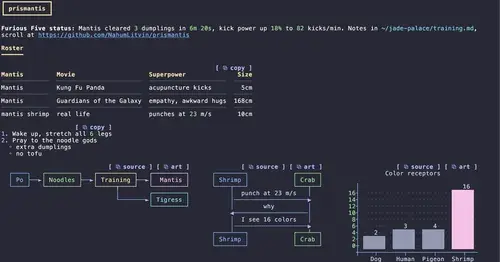
Claude's replies in 15 themes: colored tables, highlighted code, diagrams and charts.
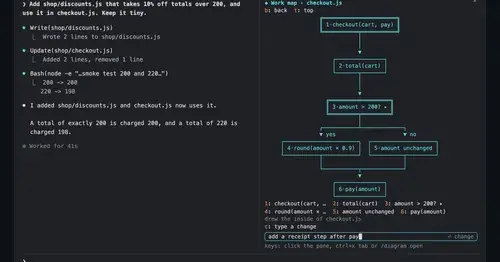
diagram-pane
Every diagram Claude draws, pinned in a side pane, plus a live map of the work.
md-prompt
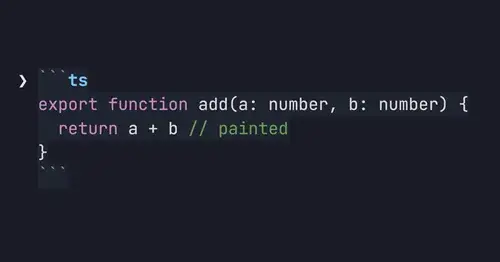
Markdown and syntax-highlighted code painted in the prompt box as you type.
archpane
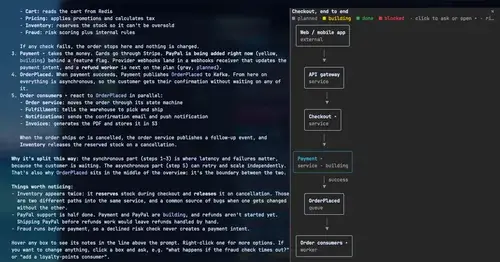
An architecture diagram Claude draws in a side pane and updates while you talk.
Popular Claude Mods
The whole directory →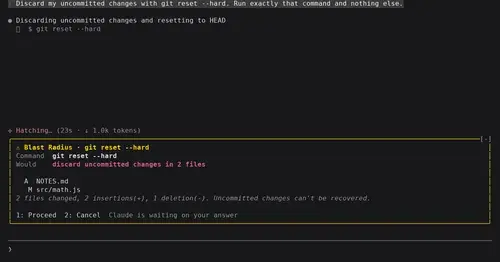
blast-radius
Shows what rm -rf or a force push would change and waits for Proceed or Cancel.
claude-toons
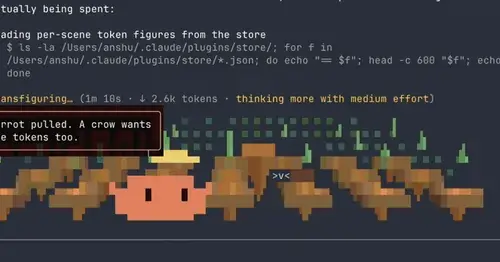
Cartoons of Clawd under the spinner that change with what Claude is doing.
cc-stretch
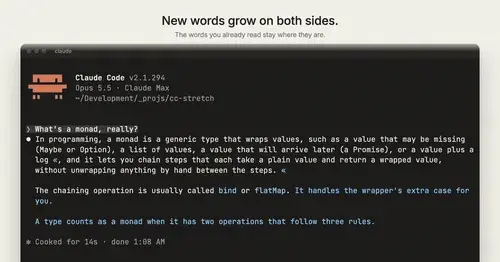
Replies arrive short; click a phrase and it grows in place, click « to fold it back.
rtl-text
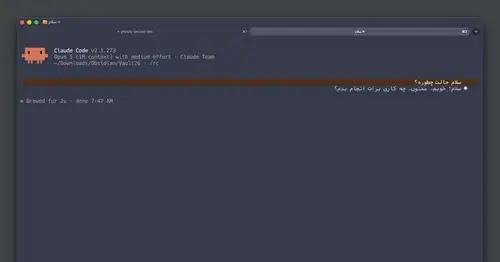
Persian, Arabic and Hebrew drawn joined, right-to-left and flush right in the transcript.