Interface·terminal·MIT
mermaid-inline
Claude's Mermaid diagrams as pictures in Ghostty, cmux and kitty, box art elsewhere.
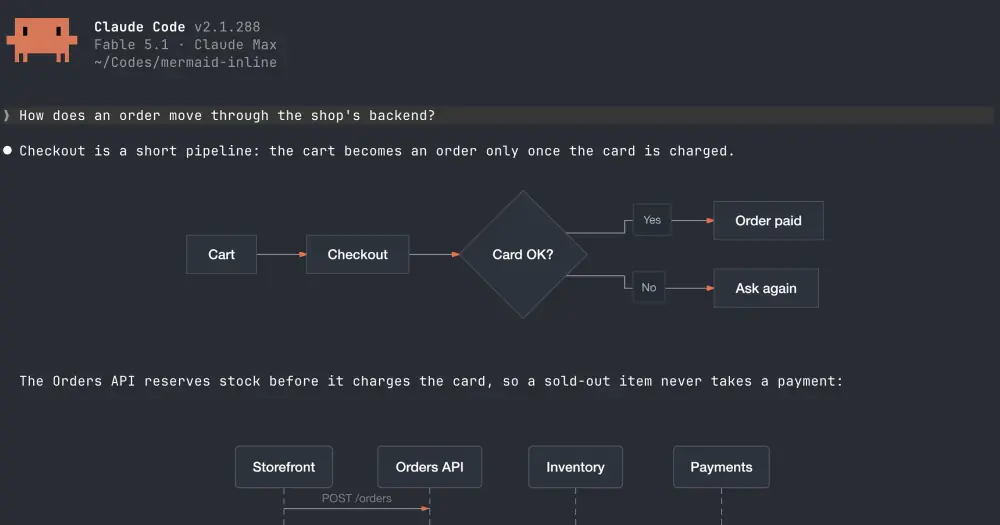
mermaid-inline draws the Mermaid diagrams in Claude’s replies inside the terminal. When Claude writes a mermaid code block, the diagram appears in its place: a real picture in Ghostty, cmux and kitty, with labels at the size of your text, and Unicode box drawing in every other terminal. Rendering is local and makes no network calls.
The directory’s two other Mermaid mods, claude-mermaid and WhiteKr’s mermaid, use the same layout library, beautiful-mermaid, but bundle only its text renderer into the hook, so they draw box art everywhere. mermaid-inline adds the pictures, at the price of Node.js, npm and a separate render process.
What it does
- Draws flowcharts (
graphandflowchart, any direction), sequence, state, class and ER diagrams, andxychart-betabar and line charts. Other kinds, such asgantt,pieormindmap, and blocks that don’t parse stay code. - Draws only closed blocks at the top level of a reply. A fence inside a list item or a block quote stays code, and so does one still streaming in.
- Shrinks a picture wider than the terminal to fit, and one taller than the screen toward its height, with labels no smaller than 60% of their size. Box drawing can’t shrink, so a drawing wider than the terminal stays a code block.
- Themes.
auto, the default, draws on your terminal’s own background in its text color, with Claude’s orange for arrow heads. Or pick one of beautiful-mermaid’s 15 themes, such astokyo-night,nordorgithub-light, drawn as a card.colorsoverrides single colors, for exampleaccent=#7aa2f7 line=#5c6370. - Modes.
modeisautoby default;onforces pictures,textforces box drawing andoffleaves the blocks as Claude wrote them. /mermaid-inlinesays whether this terminal gets pictures or box drawing and, for pictures, which font, colors and theme it found, plus any option value it could not use.
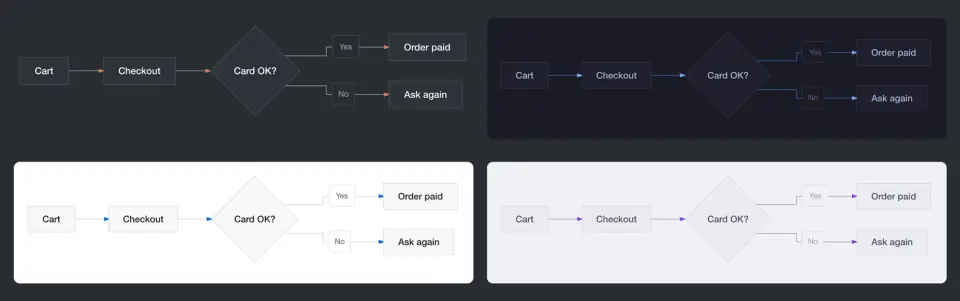
Set the options with /plugin configure mermaid-inline@mermaid-inline or in the /config panel. They are kept in your own settings, under pluginConfigs.
Install
Needs Claude Code 2.1.287 or later in a terminal session, plus Node.js 18 or later with npm on your PATH, and macOS or Linux. Pictures need Ghostty, cmux or kitty, outside tmux; any other terminal, iTerm2, WezTerm and Terminal.app included, gets box drawing.
claude plugin marketplace add dazebug/mermaid-inline
claude plugin install mermaid-inline@mermaid-inline
During the install Claude Code runs npm to fetch the renderer’s packages, beautiful-mermaid and resvg-js, pinned in package-lock.json. Start a new session or run /reload-plugins, then /mermaid-inline to see what this terminal gets, and ask Claude for a diagram. A new diagram shows as code for a moment, then the drawing replaces it.
To load a clone with claude --plugin-dir ./mermaid-inline, run npm ci --ignore-scripts in it first: Claude Code installs no packages for a plugin loaded in place. Version 0.1.0 is current, published on 2026-10-03.
How it works
ui.render, on assistant messages in the terminal only, splits a reply that holds a Mermaid block into its diagrams and the markdown around them. The mod draws the diagrams and hands the text back to Claude Code, or to another plugin rendering the same reply, such as the author’s LaTeX Inline for math. Only the screen changes: the stored message stays as Claude wrote it, so the drawing itself costs no tokens.
prompt.compose is the part that reaches the model. In sessions that draw pictures, it adds a section of about 150 words to Claude’s system prompt: this terminal shows Mermaid blocks as pictures, use one when it explains better than prose, stick to the six supported kinds, write node ids in ASCII, and keep a diagram to about 12 nodes with short one-line labels. Terminals that get box drawing get no section. Set teach_claude to false to leave the system prompt alone; Claude then writes diagrams only on its own or when you ask.
Rendering runs outside the hook. Every 200 ms the mod collects new diagrams and runs node bin/render.mjs from the plugin folder once per batch, with the Mermaid source on standard input. beautiful-mermaid lays each diagram out, and for pictures resvg rasterizes it to PNG, shown through the kitty graphics protocol. The pictures and a small JSON record per diagram are cached in $XDG_CACHE_HOME/mermaid-inline (~/.cache/mermaid-inline by default), and you can delete that folder at any time. If node or the packages are missing, every diagram stays code and the mod tries again next session.
To keep pictures undistorted and labels at text size, at session start in Ghostty, cmux or kitty it runs node bin/terminal.mjs, which reads your Ghostty or kitty config, with the files and themes it includes, and the headers of your font files, then sizes a cell the way the terminal does. On macOS, when your Ghostty theme follows dark mode, it also runs defaults read -g AppleInterfaceStyle. The auto theme takes its background and text colors from the same config. If the measured cell is off, for example after zooming the font, set font_metrics to manual and enter cell_aspect and line_height. If edge labels sit on patches of the wrong color, set bg in colors to your terminal’s background.
Nothing leaves your machine. There are no network requests at run time: the renderer strips the web font @import that beautiful-mermaid writes into each SVG, and resvg gets local font files only. The npm install is the only download, and the mod reads no credentials.
Limitations
- Terminal only. In the Desktop app, VS Code and
claude -p, replies are drawn as usual. - Copying a reply out of the terminal copies the picture placeholders, not the Mermaid source.
- beautiful-mermaid lays diagrams out its own way, which differs from mermaid.js in spacing and edge label placement, and it may not read the newest syntax.
- A flowchart whose node ids are not ASCII letters and digits stays code. Labels can be in any script.
- Claude’s thinking, shown with ctrl+o, keeps its code blocks: Claude Code gives mods no way to redraw it.
Similar Claude Mods
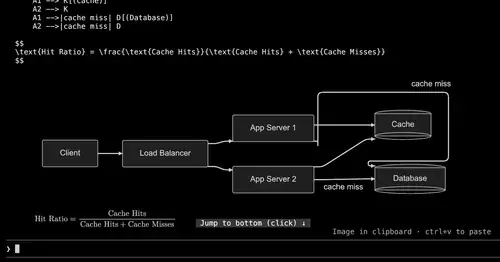
figures
Diagrams, LaTeX math and tool-result images drawn as real pictures in kitty or Ghostty.
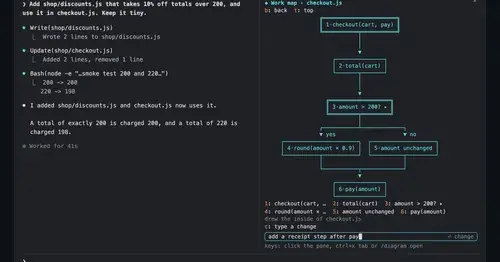
diagram-pane
Every diagram Claude draws, pinned in a side pane, plus a live map of the work.
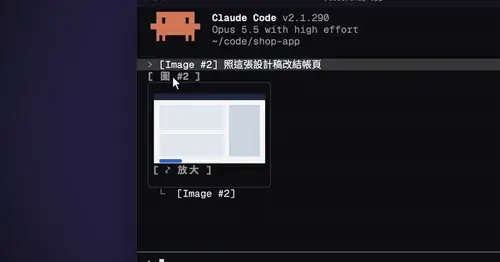
cc-image-view
Thumbnails of pasted images above the prompt and under sent prompts, with a zoom pane.
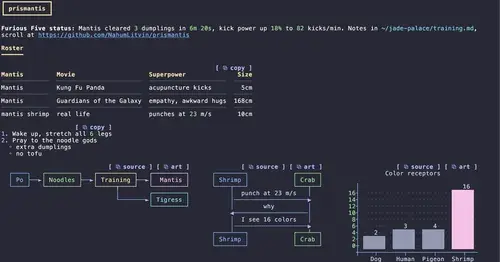
prismantis
Claude's replies in 15 themes: colored tables, highlighted code, diagrams and charts.
Popular Claude Mods
The whole directory →
storybloq
A board of the tickets and issues kept in .story/, in a pane beside the transcript.
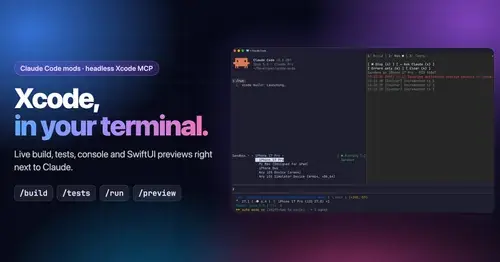
xcode-mods
Xcode build, tests, console and SwiftUI previews in panes, plus a toolbar band.
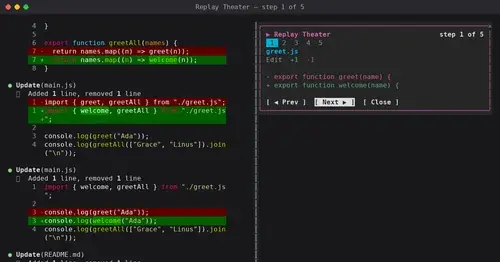
replay-theater
A /replay pane that walks through the last turn's file edits, one diff per step.
Agent Time Machine
Every tool call on a branching timeline with snapshots: inspect, restore, branch, rerun.