Interface·terminal·MIT
prismantis
Claude's replies in 15 themes: colored tables, highlighted code, diagrams and charts.
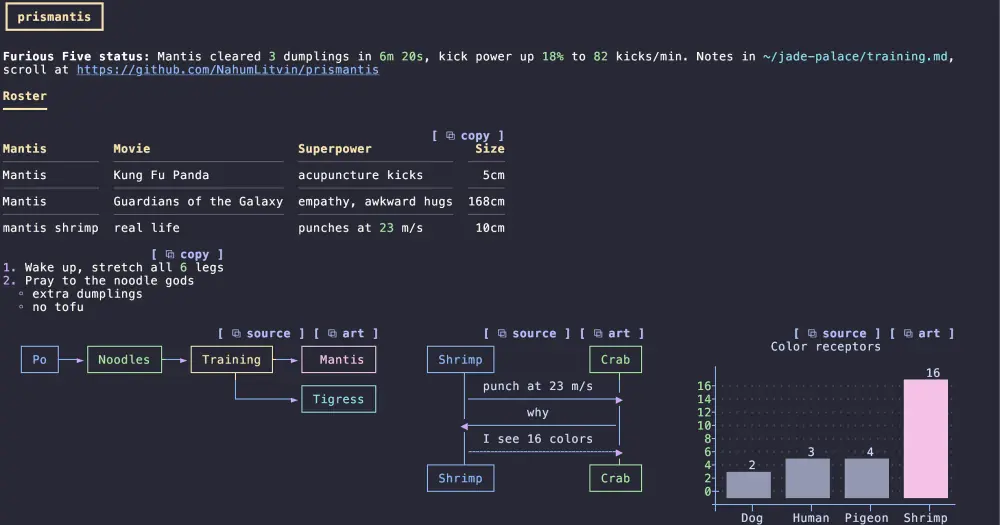
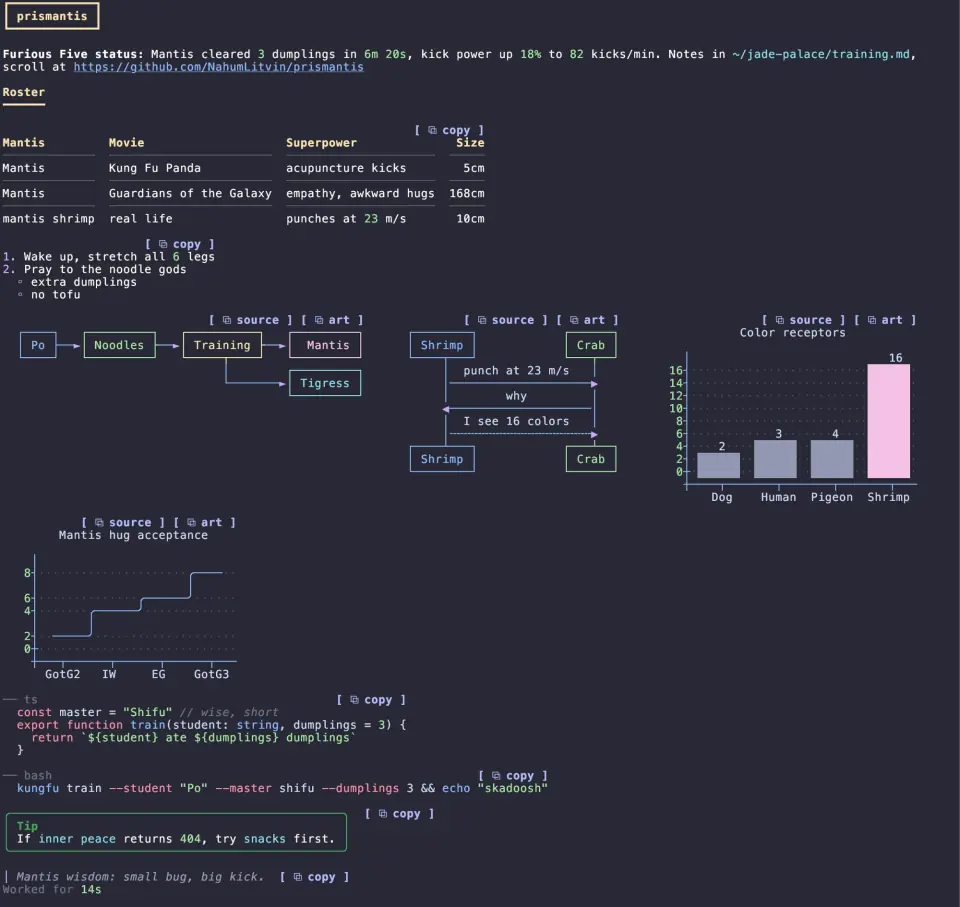
prismantis redraws Claude’s replies in the terminal with color and structure: tables with colored headers, highlighted code, mermaid diagrams and bar or line charts drawn as text art, one-line tool calls and copy buttons on almost every block. It ships 15 themes, from Catppuccin Mocha (the default) to Solarized Light, and switches between them with one command. It makes no network calls, but one setting that is on by default adds about 150 tokens to every prompt you type (see How it works).
What it does
- Themes. Ten dark palettes, five light ones, and
mono(bold and dim only). Any of the 20 color slots, from headings to diagram lines, can be overridden with a<slot>Coloroption in hex,rgb(),ansi256()or a name likecyan. - Text. Bold, italic, links, inline code, numbers, versions, durations and paths like
~/src/app.tseach take their own color. - Headings and alerts. An H1 sits in a box and an H2 over a heavy rule (
headingStylehas three other styles). GitHub alerts such as> [!WARNING]draw as colored boxes. - Tables. Colored header cells, rules between rows (
tableStyle:rules,gridorminimal), column alignment honored, columns shrunk to fit the terminal. - Code. A header row with the language and a copy button, then the code indented without a frame, so a mouse selection picks up only code. Prism highlights 24 languages, and shell blocks color the command, flags, strings and comments.
- Diagrams and charts.
mermaidblocks turn into colored text art: flowcharts, sequence, state, class and ER diagrams, andxychart-betabar and line charts sized to the terminal. Each box and bar gets its own color. Pie charts are not supported. - Side by side. Tables and diagrams that follow each other share a row and wrap when the terminal runs out of width.
- Copy buttons.
[ ⧉ copy ]on code, tables, lists and quotes puts the raw markdown on your clipboard. A diagram gets two,⧉ sourcefor the mermaid code and⧉ artfor the drawing. Pressctrl+x, thentabto reach the buttons and Enter to copy. - Tool rows. Each tool call becomes one line, like
Ran npm testorRead ~/src/app.ts, with a dot that is green when done, hollow while running and red on failure. A collapsed group becomes a summary such asRan 3 commands, read 2 files. Expanding it (ctrl+o) brings back Claude Code’s own rows. - Slash commands and the turn footer. Output from slash commands, built-in or from other plugins, gets the same styling. The
✻ Baked for 6m 20sline that ends a turn colors its duration.
If you only want the diagrams, claude-mermaid draws the same diagram and chart kinds with the same beautiful-mermaid renderer and nothing else. Both redraw the same fences, so pick one.
Install
Needs Claude Code 2.1.287 or later, an interactive terminal, and a font with box-drawing characters for the diagrams (or mermaidAscii on, which draws them with +, - and |).
claude plugin marketplace add NahumLitvin/prismantis
claude plugin install prismantis@prismantis
There is nothing to start: once the mod loads, it draws Claude’s replies. /prismantis lists the themes and /prismantis theme nord switches on the spot. To see every feature in one reply, ask Claude to print the repository’s docs/demo.md verbatim. Press ctrl+o on a reply to see the original, and turn the mod off in /plugin to get Claude Code’s own renderer back.
Every option has a row under prismantis in /config, or goes in ~/.claude/settings.json:
{
  "pluginConfigs": {
    "prismantis": {
      "theme": "tokyo-night",
      "tableStyle": "grid",
      "numberColor": "cyan"
    }
  }
}
Booleans such as toolRows, copyButtons, diagramHints and mermaid turn single features off.
How it works
The module hooks ui.render for Claude’s replies, slash command output, tool calls, collapsed tool groups and the turn footer. For a reply, it parses the markdown with its own parser and draws each block with Claude Code’s UI elements in place of the default rendering. That changes only what you see: the reply Claude wrote stays as it was. For a tool row, it reads the call’s command or file path only to print it on that line. Diagrams come from a bundled copy of beautiful-mermaid and highlighting from a bundled copy of Prism, both MIT.
One hook does change what the model sees. With diagramHints on, which is the default, prompt.submit attaches a short note to each prompt you type. The note tells Claude that prismantis draws its replies, that tables, alerts, fenced code and mermaid blocks render as colored graphics, and to add one small diagram or chart when a numeric series or a flow is easier to see than to read. You never see it, the author puts it at about 150 tokens per prompt, and you should expect more charts in replies. It is off whenever mermaid is off and skipped for claude -p runs and background notifications. Set diagramHints to false to drop it.
/prismantis theme <name> writes one setting through Claude Code’s config.set: the key prismantis.theme, the same theme option you can set by hand under pluginConfigs.prismantis. If Claude Code refuses the write, the command says so. Otherwise the mod makes no network calls, reads no files and runs no commands, and its caches live in memory only.
Limitations
- The author tested it in the terminal on macOS, and CI runs the tests on macOS, Linux and Windows. The desktop app, VS Code and mobile have not been checked by hand.
- The parser covers what Claude usually writes, not full CommonMark: nested quotes and HTML draw as plain text. Code in a language outside the 24 draws in a single color.
- A diagram wider than the window, longer than 80 lines or over 8,000 characters stays as code.
- Clicking a copy button needs a terminal that passes clicks through, such as fullscreen mode, and copy-on-select terminals like Warp may grab the word “copy” instead. The keyboard route works everywhere.
Similar Claude Mods
md-prompt
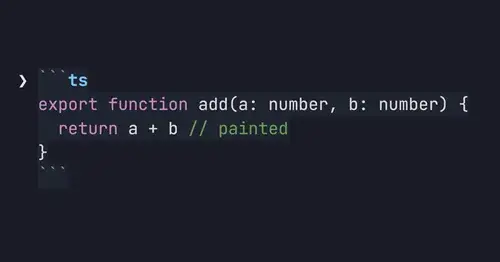
Markdown and syntax-highlighted code painted in the prompt box as you type.
cc-crayon
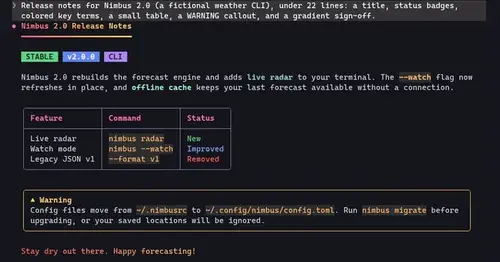
Every reply redrawn in color: themed Markdown plus inline tags the model can write.
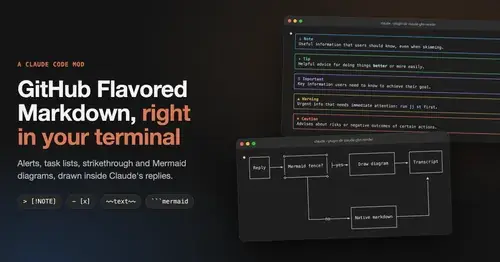
gfm-render
GitHub alerts as colored boxes, checkboxes, strikethrough and Mermaid art in replies.
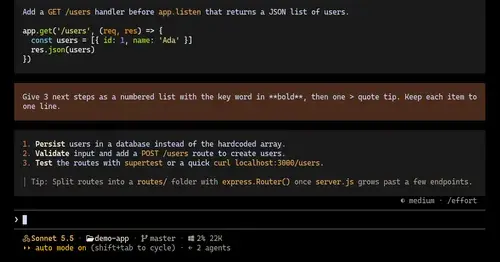
ui-themes
Padded, coloured prompt and reply boxes, themed markdown and a matching status line.
Popular Claude Mods
The whole directory →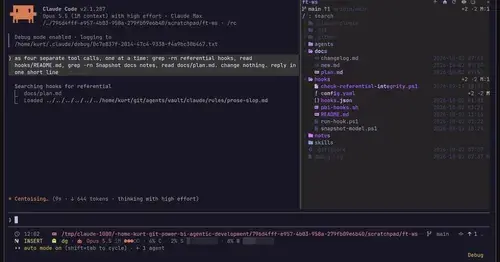
filetree
Sidebar file tree with git status that lights up what Claude reads, edits and commits.
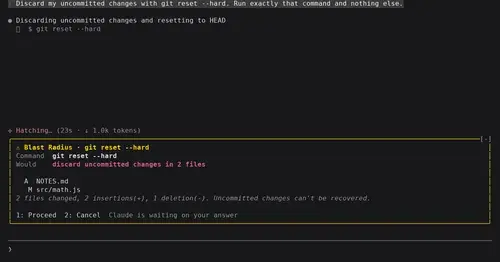
blast-radius
Shows what rm -rf or a force push would change and waits for Proceed or Cancel.
where-am-i
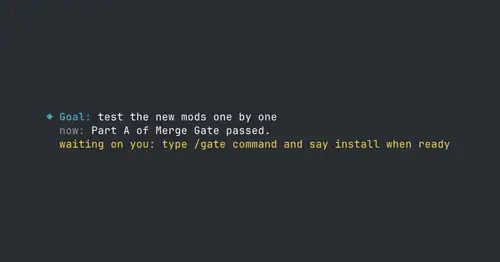
Goal, what Claude is doing now, what waits on you and the next step, above the prompt.
ripple
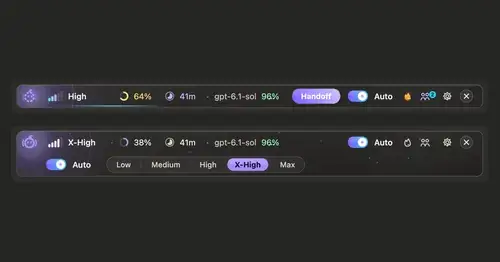
Effort per prompt, subagents routed to GPT, DeepSeek or Claude, and cache warnings.