Interface·terminal·MIT
md-prompt
Markdown and syntax-highlighted code painted in the prompt box as you type.
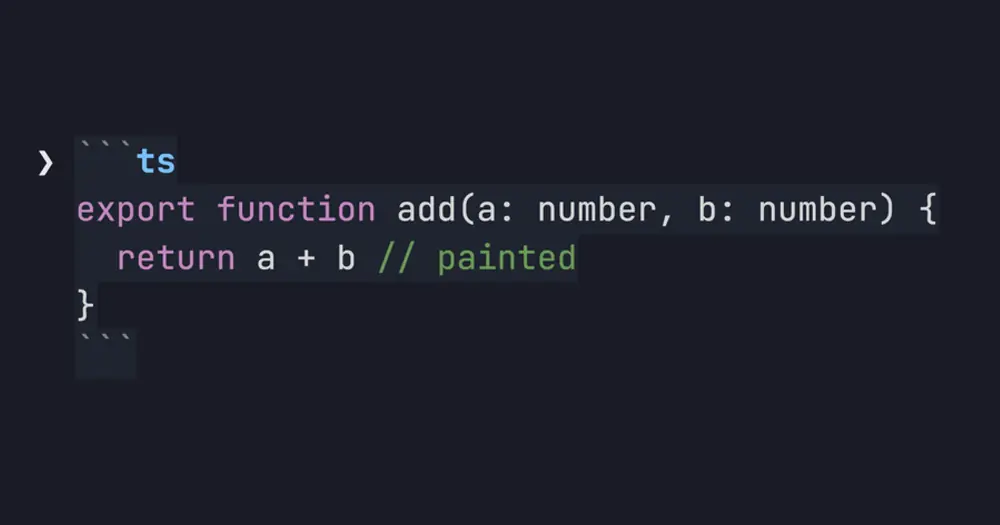
md-prompt paints Markdown onto the Claude Code prompt box while you type. A code fence turns into a syntax-highlighted card from the moment you open it, and headings, emphasis, lists, task boxes, quotes, tables and links get their own styles. It only colors characters: what you typed, and what the model receives, stays exactly the same.
What it does
Code gets the most work. A fenced block (``` or ~~~) or an indented one becomes a card with its own foreground and background colors, so it reads on light and dark themes alike. Highlighting starts at the opening fence, closed or not, and fences inside lists and quotes count too.

The highlighter knows JavaScript and TypeScript (with JSX), Python, shell, JSON, YAML, TOML, INI and .env files, Go, Rust, Swift, Java, Kotlin, C, C++, C#, PHP, Dart, Scala, Objective-C, Groovy, SQL, Ruby, Lua, HCL and Terraform, PowerShell, GraphQL, Elixir, Haskell, Zig, R, Perl, nginx config, Protocol Buffers, HTML, XML, SVG, Vue, Svelte, CSS, SCSS, Less, Markdown, Dockerfiles, Makefiles and diffs. Any other language, or none, gets strings and numbers only, so a wrong guess never turns prose into a comment.
Outside code:
- Inline code becomes a chip.
- Bold, italic and strikethrough are styled, nested and across lines, with their markers dimmed.
- Headings H1 to H6 step down from bold and underlined to faint italic.
- Lists and tasks get colored markers. A task box is amber while open and green when checked.
- Quotes are italic, tables get a bold header and dimmed pipes, and links are underlined with the URL dimmed. HTML tags and entities are colored, HTML comments dimmed.
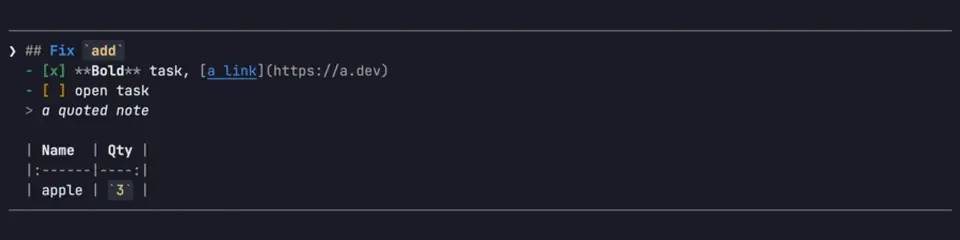
The markers stay on screen. A hook can color the draft but cannot redraw the box, so ** and the fences are dimmed rather than hidden. Text that only looks like Markdown, such as 2*3*4, src/*.ts, __init__ or Array<string>, stays plain: the parser departs from CommonMark on purpose there.
Install
Needs Claude Code 2.1.287 or later.
claude plugin marketplace add nogu66/md-prompt
claude plugin install md-prompt@nogu66
The installer may say one userConfig option is not yet set. Nothing to do: painting is on by default. Start a new session and type Markdown into the prompt. For a multi-line draft, end the line with \ and press Enter, or use Shift+Enter if your terminal supports it.
/md-prompt off leaves the prompt as plain text, /md-prompt on paints again, /md-prompt toggle flips between them and /md-prompt alone shows the mode. The same switch is the Markdown painting toggle in /config, and it is kept across sessions.
How it works
The module hooks prompt.edit, which fires on every keystroke or paste with the new draft, and prompt.fill, which fires when a plugin writes the draft. It reads that draft only to work out style runs, hands them back as decorations beside the unchanged text and cursor, and Claude Code paints them. A block pass reads quotes, lists, fences, headings and tables line by line, an inline pass handles code spans, links and emphasis, and a small tokenizer per language colors fence bodies. Every step is linear in the length of the draft, and the author’s tests check both passes against commonmark.js.
It makes no network calls and asks the model nothing, so it costs zero tokens. The only thing it saves is the on or off setting, through /config.
Limitations
- The author documents it only in the terminal.
- The card’s background covers characters only. It stops at the last character of each line and leaves a gap at blank lines, because a hook cannot pad a line without changing your text.
- A paste of four or more lines is not painted: Claude Code folds it into
[Pasted text #N +M lines]and never fires the edit event. Pastes of one to three lines are painted. - Not painted: math, YAML front matter,
> [!NOTE]callouts, hard line breaks, link definitions that span lines and HTML blocks other than comments. Drafts over 60,000 characters are left plain. - The colors were checked by eye on a dark terminal, not on a real light one. Whether a prompt recalled with the Up arrow gets painted is unconfirmed.
- Hooks modules load only in a workspace you have trusted. If nothing is painted and
/md-promptis an unknown command, accept the trust prompt for that folder; a freshly created orgit inited one is the usual case.
Similar Claude Mods
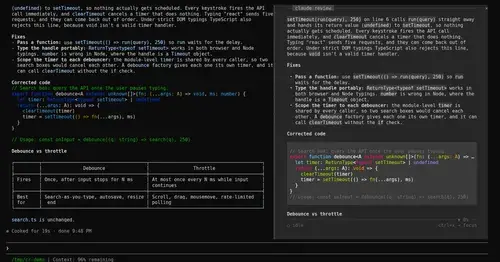
claude-review
The latest reply in a docked reading pane, with its plan, question and tasks a key away.
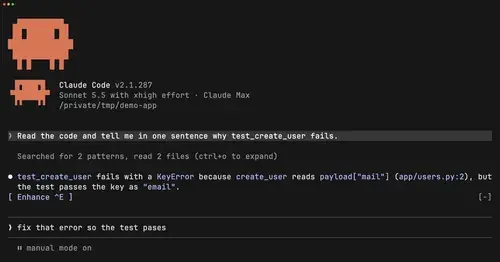
cc-prompt-enhance-mod
Enhance button above the prompt: Sonnet sharpens your draft using the conversation.
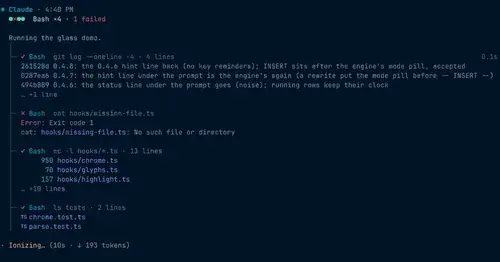
glass
The transcript redrawn like a desktop app: colored commands, a tool tree, code cards.
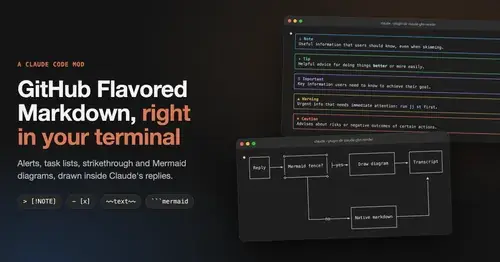
gfm-render
GitHub alerts as colored boxes, checkboxes, strikethrough and Mermaid art in replies.
Popular Claude Mods
The whole directory →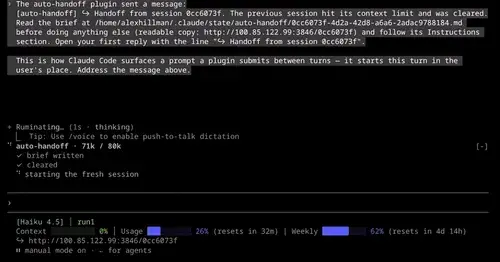
auto-handoff
Hands a long session to a fresh one with a Haiku-written brief instead of compacting.
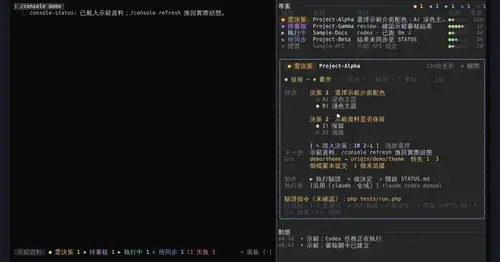
console-status
Every project in one pane: decisions, Git, CI, usage and dispatch to Claude or Codex.

Claude-sama
An unofficial kami mascot who reads above the prompt and reacts to what Claude is doing.
handoff-compact
Compaction becomes a handoff: goal, proof, decisions, dead ends and the next step.