Interface·terminal·MIT
cc-prompt-enhance-mod
Enhance button above the prompt: Sonnet sharpens your draft using the conversation.
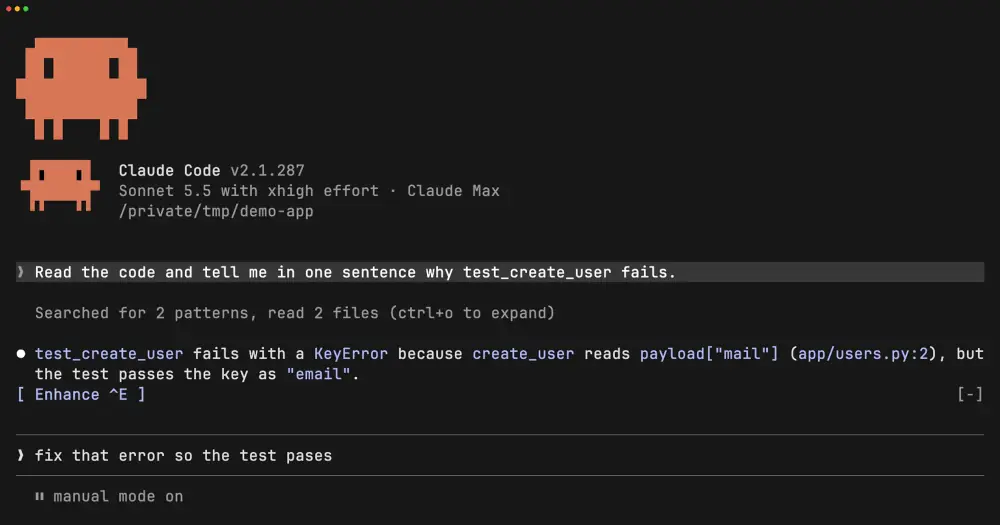
cc-prompt-enhance-mod puts an Enhance button above the Claude Code prompt. Press it and Sonnet rewrites your draft into a precise prompt, filling in what the recent conversation already settled, then leaves the result in the prompt box for you to read before you send it. Each press is one Sonnet call on your own account.
In the author’s recording, Claude has just explained a failing test. The draft fix that error so the test pases comes back as a prompt that names the KeyError, the line in app/users.py where it happens and the test that should pass.
What it does
- Resolves references. “This”, “that file” and “the error” become the exact path, symbol, command or error message the conversation points to, in backticks.
- Adds what the conversation settled. When the session shows how to tell the work is done, such as a test or a command, the rewrite names it. Constraints you already agreed on, like files to leave alone or a rejected approach, are carried over.
- Splits multi-part asks into a short numbered list in the order the work should happen. A single ask stays one or two sentences.
- Stays short. It fixes typos, keeps the language you wrote in and leaves out filler such as role lines or “think step by step”. A draft that is already specific comes back with only typo fixes. Choices you left open stay open, or become a question for Claude to raise.
- Reverts. After an enhance the button reads Revert, and pressing it brings your original draft back.
While Sonnet works, the button changes to “Enhancing with Sonnet…” and a rainbow runs across the draft. A draft under two words or ten characters turns red instead, with a toast saying it is too short to enhance.
Install
Needs Claude Code 2.1.287 or later, in a terminal.
claude plugin marketplace add yibudak/cc-prompt-enhance-mod
claude plugin install cc-prompt-enhance-mod@cc-prompt-enhance-mod
The README gives the same pair as /plugin commands to run inside Claude Code. Version 0.1.0 is current. Run /reload-plugins or start a new session, then type in the prompt: the button appears with the first character. Press Ctrl+X Tab, then E, to use it. In fullscreen rendering (/tui) you can also click it.
For Ctrl+E you add the key binding yourself, because a plugin can’t add one. Run /keybindings to open ~/.claude/keybindings.json and merge this entry with any bindings you already have:
{
  "bindings": [
    { "context": "Global", "bindings": { "ctrl+e": "app:cycleDiffBase" } }
  ]
}
A mod’s button can only be pressed through an existing Claude Code action, so the button borrows app:cycleDiffBase, which only the /diff panel uses. The binding has to be Global, because in the Chat context the prompt’s own Ctrl+E (end of line) wins. Two side effects: while /diff is open, Ctrl+E goes to the panel, and while the button shows, Ctrl+E no longer moves to the end of the line. Use End for that.
How it works
- Model. The
sonnetalias, called through your own Claude Code session and account, so it resolves on Anthropic, Bedrock and Vertex alike. One call per press, with up to 4,096 output tokens and a 60-second timeout. It counts toward your usage like any other request; the author gives no per-press figure. - What is sent. An instruction prompt (the system prompt in
hooks/register.tsx), your draft, and the last 10 messages of the session that contain text. Each message is cut at 2,000 characters and the whole context at 12,000, keeping the most recent part. Tool calls in those messages appear by tool name plus the file path or command they used, so shell commands from the session are part of what Sonnet reads. - Your draft. The rewrite replaces it in the prompt box. Nothing is sent to Claude until you press Enter yourself. If you keep typing while Sonnet answers, your version stays and a toast says the result was dropped. If the call fails or times out, a toast gives the reason and the draft is left as it was.
- Revert. The mod holds your original draft only so Revert can restore it. Editing the enhanced text or sending it clears Revert, and the next press enhances again.
- Nothing else. It reads no files, writes none, starts no processes and makes no network requests besides the model call.
ui.render draws the button in the band above the prompt. prompt.edit tracks whether there is a draft and drops Revert once you edit, prompt.submit resets both after you send from the prompt box, and session.start checks the box when a session opens.
Limitations
- The author documents it only in the terminal. It is untested in the Desktop app’s Code tab, and the author expects it not to work there: the app draws its own prompt box, which a mod can’t read or fill.
- While the rainbow runs, the mod repaints the draft every 100 ms, and a key typed at the exact moment of a repaint can be lost. The author notes this gap in the code.
Similar Claude Mods

asd-ste100
Each answer rewritten as a Simplified Technical English manual page in a side pane.
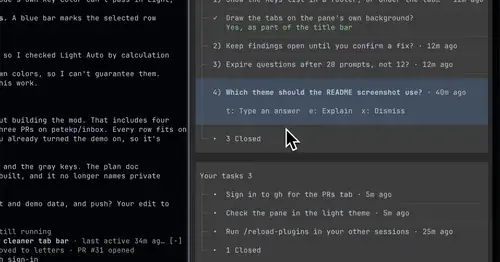
inbox
Claude's questions, your tasks, its findings and your PRs, sorted in one pane.
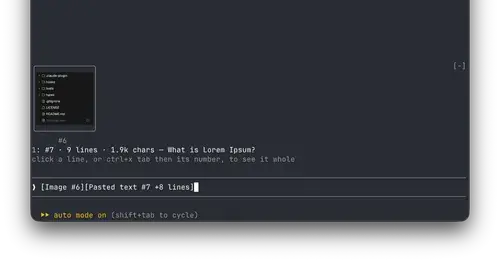
paste-view
Previews of pasted text and thumbnails of pasted images, drawn above the prompt.
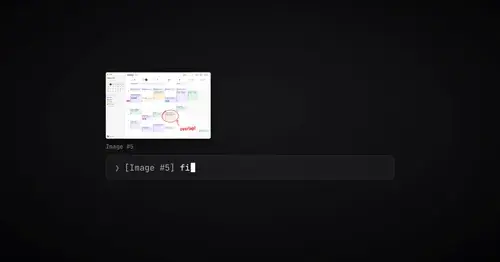
paste-preview
Thumbnails of pasted images, plus an editor to circle what matters before Claude sees it.
Popular Claude Mods
The whole directory →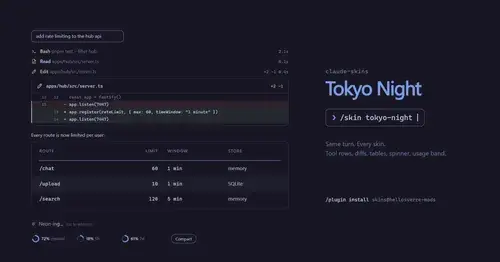
claude-skins
Fifteen transcript skins: timed tool rows, diff, table and chart cards, a usage band.
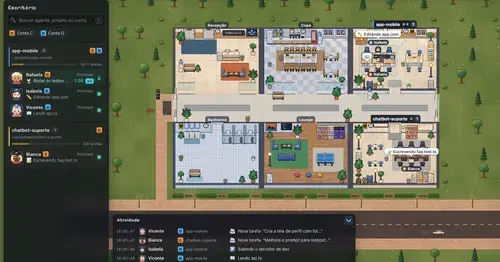
Habblaud
A pixel-art office where each Claude Code agent shows, live, what it is doing.
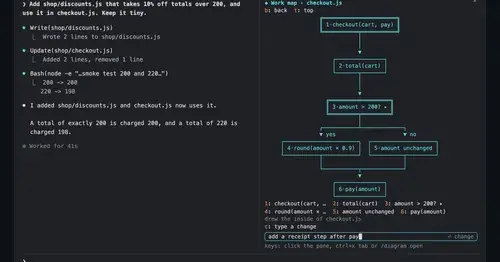
diagram-pane
Every diagram Claude draws, pinned in a side pane, plus a live map of the work.
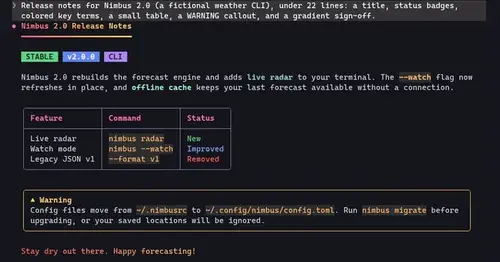
cc-crayon
Every reply redrawn in color: themed Markdown plus inline tags the model can write.