Interface·terminal·MIT
paste-preview
Thumbnails of pasted images, plus an editor to circle what matters before Claude sees it.
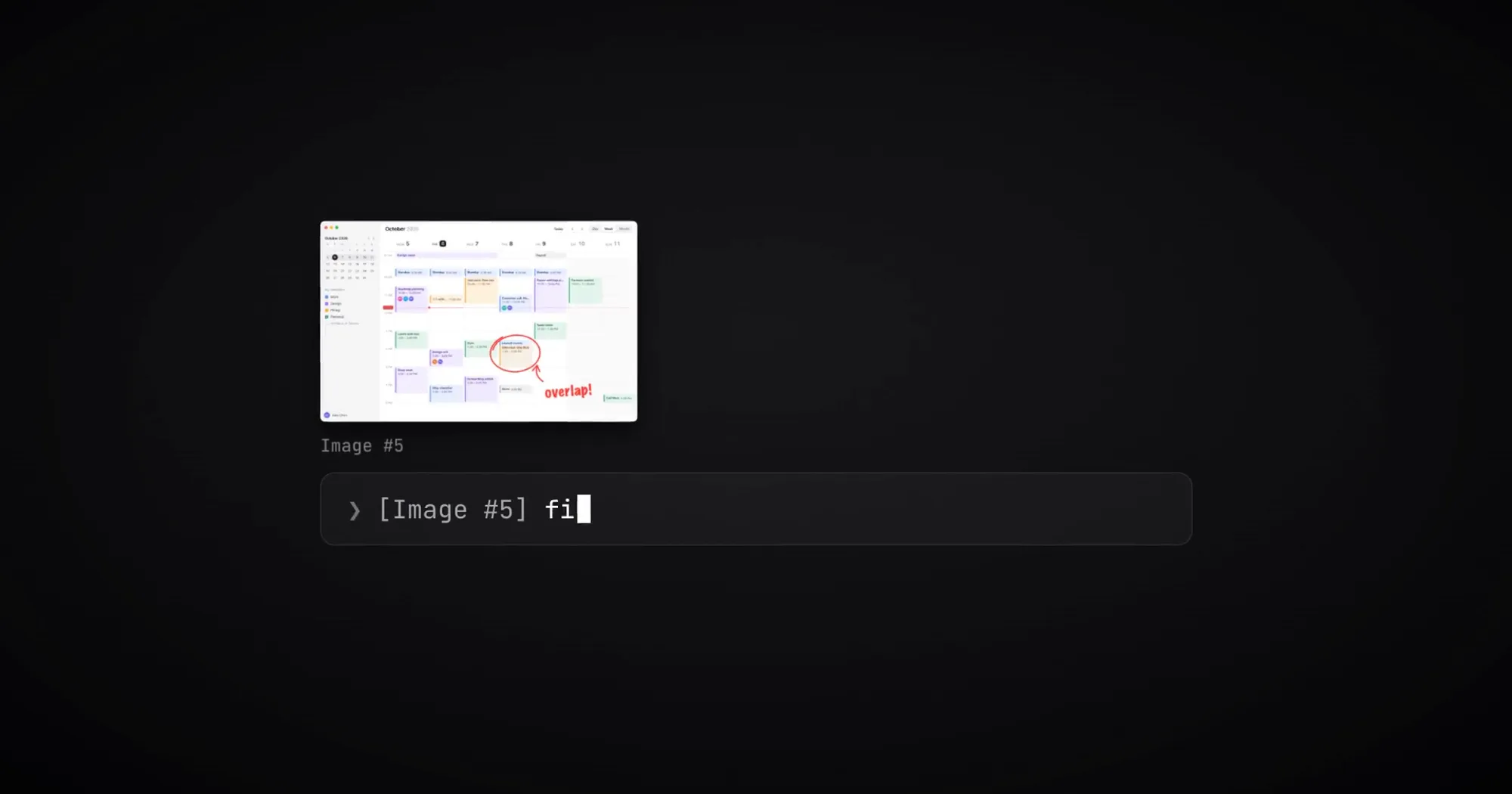
paste-preview lets you see the images you paste into Claude Code and draw on them before Claude does. Each [Image #N] in the prompt gets a thumbnail, and each paste opens an editor where you circle, box or label the part that matters. Press Enter and Claude works from the marked-up picture, not the original. paste-view and claude-image-view also draw thumbnails above the prompt; the editor, and handing Claude the edit, are what paste-preview adds.
What it does
- Thumbnails above the prompt. One per image in the box, labelled with its number and an Edit button.
ctrl+x taband then the number opens the same edit from the keyboard. - Thumbnails in the transcript. Sent prompts show their pictures under the text, each named
Image #Nand marked “edited” when you changed it. - An editor on paste. Paste as usual (Ctrl+V, or Alt+V on Windows and WSL) and it opens by itself: pen, ellipse, box, arrow and text (
POBAT), crop (C), rotate 90 degrees (R), seven colors (1to7), undo, and Shift for a true circle or square. Enter keeps the edit; Esc keeps the picture as pasted. Three pastes in a row open one after another. - Five languages. The editor and labels follow the system language in English, Traditional or Simplified Chinese, Japanese and Korean, and fall back to English.
Install
Needs Claude Code 2.1.291 or later, plus a terminal with the kitty graphics protocol, such as Ghostty or kitty, for the thumbnails. The editor needs, per system:
- macOS: the Xcode Command Line Tools (
xcode-select --install). The panel compiles once, on first use, in a few seconds. Without them the editor opens as a Google Chrome app window instead, which needs Node.js and Chrome. - Linux: Node.js 18 or later on
PATH. It opens as an app window of Chrome, Chromium, Edge or Brave, or in the default browser if none is installed. - Windows: Node.js 18 or later (
node.exeonPATH). It opens as a Microsoft Edge app window, Chrome where Edge is missing, else the default browser.
claude plugin marketplace add alan890104/claude-code-paste-preview
claude plugin install paste-preview@paste-preview
The README installs it from inside a session with /plugin install paste-preview --marketplace alan890104/claude-code-paste-preview, which loads it with no restart. Version 0.2.0 is current. Paste an image and the editor appears. If a tool is missing, a toast names it and the thumbnail still shows.
How it works
The mod watches the prompt, on every edit and every half second, for new [Image #N] placeholders. For each one it reads the copy Claude Code saves of every paste in its own temp folder (<tmp>/claude-<uid>/<project>/<session>/images/<N>.png, or %TEMP%\claude\… on Windows). That folder is Claude Code’s internal layout, not an API. If it moves, the mod reads the clipboard instead: pngpaste on macOS (optional, brew install pngpaste), wl-paste or xclip on Linux, PowerShell on Windows.
On macOS the editor is a native Swift panel that floats over a full-screen terminal the way Spotlight does: no Space switch, and the keys return to the prompt when it closes. It starts with the session and waits in the background so it shows the instant you paste, using about 100 MB while it waits. After 20 minutes unused it quits, and your next keystroke starts it again. sips makes the 480 px thumbnails. On Linux and Windows the editor is a page served by the mod’s own Node script and opened in a browser window; the band reads each picture’s size from its header and lets the terminal scale it.
Edits are written to /private/tmp/paste-preview/ on macOS, /tmp/paste-preview-<uid>/ on Linux (a folder only you can read) and %TEMP%\paste-preview\ on Windows, one folder per session. Folders older than a week are deleted.
A mod cannot replace an image in a message, only drop one. So at Enter, prompt.submit adds a one-sentence note beside your prompt naming the edited file, and session.append removes the original image block. Claude then reads the edited file, and you see that read in the transcript. The original is matched by its place among the prompt’s images and its aspect ratio. If neither matches, nothing is dropped: Claude gets both pictures, never the wrong one.
Everything the mod runs is local: uname, id, mkdir and find, plus sips, swiftc and the panel on macOS, node and a browser elsewhere, and PowerShell on Windows. It makes no network or model calls. Thumbnails cost no tokens; an edit adds the short note and one Read call, and the edited image replaces the original rather than joining it.
Limitations
- No thumbnails in terminals without the kitty graphics protocol (Windows Terminal among them) or inside tmux and GNU screen. Each paste shows as
Image #Nwith its Edit button, and the editor works as usual. - On Linux and Windows the editor is a browser window. Over a full-screen terminal it may switch desktops, and the keys return to the terminal only when it closes. In a plain browser tab the page cannot close itself and says the tab can be closed.
- On Linux and Windows, a large paste that Claude Code keeps as a JPEG shows its label but no picture in the band: the terminal draws PNG only.
- Under WSL it runs as on Linux. With no Linux browser, the editor opens through
wslviewor Windows’explorer.exe. - Transcript thumbnails cover the current session. After a restart, older messages show
[Image #N]again. - The author documents it in the terminal only, and both drawing hooks step aside on any other surface.
- Typing Chinese or Japanese with the text tool in the macOS panel may misbehave; the author asks for an issue if it does.
More mods
The whole directory →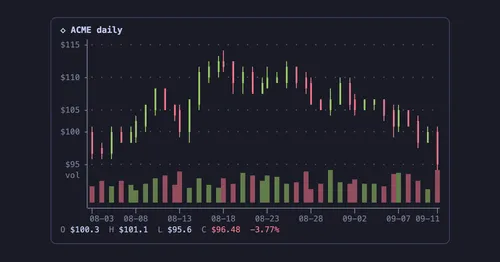
agent-charts
Claude's chart blocks drawn as line, candle, heatmap, pie and KPI charts in the terminal.
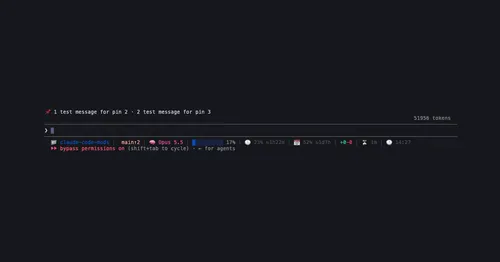
pin-board
Pin standing notes with /pin; Claude keeps following them after /compact and /clear.
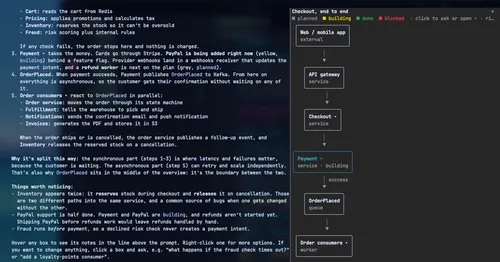
archpane
An architecture diagram Claude draws in a side pane and updates while you talk.

asd-ste100
Each answer rewritten as a Simplified Technical English manual page in a side pane.