Dashboards·terminal · desktop·MIT
inbox
Claude's questions, your tasks, its findings and your PRs, sorted in one pane.
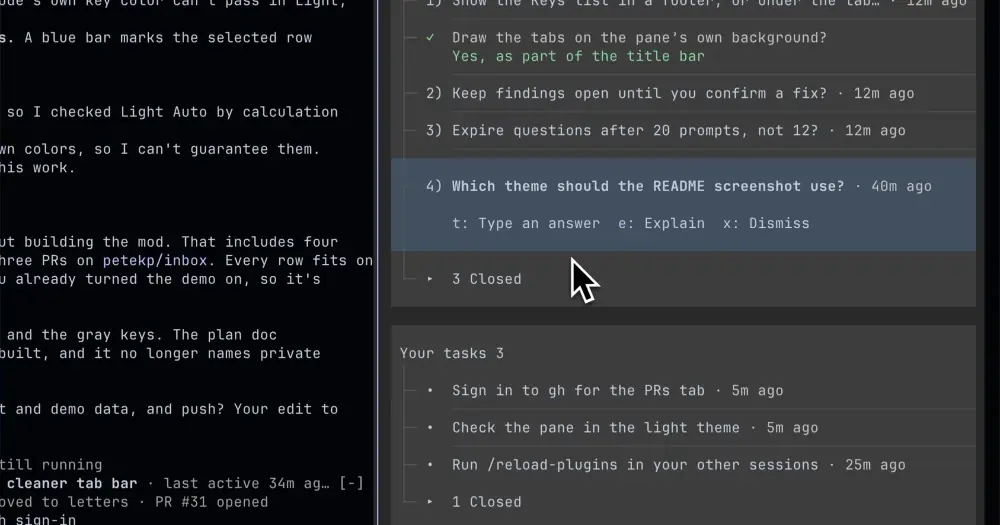
inbox keeps a running list of what waits on you in a Claude Code session: questions Claude asked, tasks only you can do, bugs and ideas it noticed outside the task at hand, and your pull requests. Type /inbox and the list opens in a pane beside the conversation, each item with the buttons that settle it. The price is one Sonnet call after each of Claude’s replies, about half a cent at API prices by the author’s numbers.
What it does
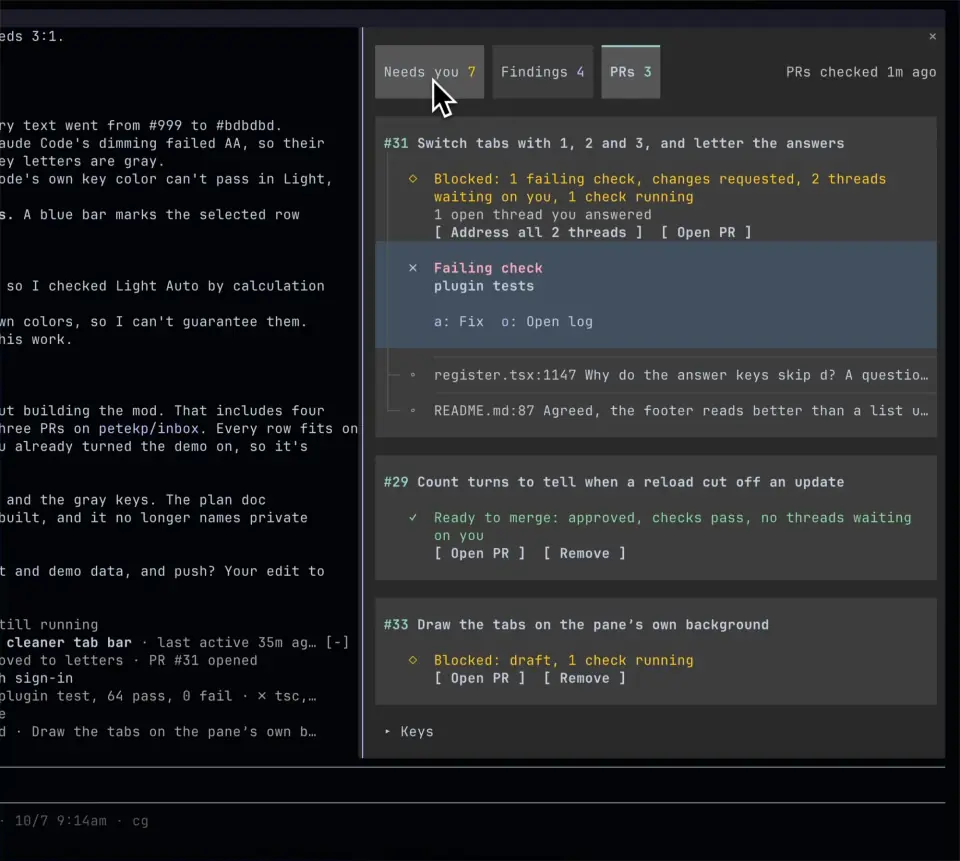
- Three tabs. Needs you holds questions and tasks. Findings holds the issues and opportunities Claude spotted on the side. PRs lists the pull requests from this session and your current branch, what blocks each one, and the review comments waiting on you.
- Buttons that answer. A question’s options are buttons: press one and it goes to Claude as your message. You can also type your own answer, mark a task done, hand a finding to Claude to fix, or dismiss anything. A row you close stays a moment with an Undo button.
- PR actions. A failing check offers Fix, which hands it to Claude, and Open log. A review comment can be opened or sent to Claude, and a PR you no longer care about can be dismissed.
- A line above the prompt. It counts what needs you and the findings waiting, with an Open inbox button. When Claude stops on an error, a second line says why, and an API error gets a Resume button that sends “Continue”.
- It follows the work. When the tab on screen is empty and something arrives on another, the pane switches to it. A task whose exact command you run with
!closes itself when nothing comes out on stderr. Marking a task done can tell an idle Claude that you did it. - A demo.
/inbox demofills every part with sample items. Presses change only the samples and send nothing; run the command again, or press Hide demo, to get your own items back.
In the terminal each action shows the letter that runs it, 1, 2 and 3 switch tabs, and j and k move up and down. ctrl+x tab moves the focus from the prompt to the line above it, then to the pane, then back. In the Claude desktop app you click.
The same repository ships a Codex desktop plugin built on the same rules. This page covers the Claude Code mod.
Install
Needs Claude Code 2.1.287 or later, plus the GitHub CLI (gh) signed in for the PRs tab. The author built and tested it with 2.1.296.
claude plugin marketplace add petekp/inbox
claude plugin install inbox@inbox
Inside a session, /plugin install inbox --marketplace petekp/inbox does the same. A user-scope install also reaches Code sessions in the Claude desktop app on that machine; to install from the app instead, open a Code session and choose + > Plugins > Add plugin.
Then type /inbox. In the desktop app, /inbox sent as the first message of a new session is not taken as a command: send it after the first message.
How it works
What Claude gets. The mod adds its instructions to the system prompt and registers two tools, record_finding and close, which Claude calls to add findings and close items. Both run without a permission prompt. The README puts the instructions and tools at about 1,350 tokens per request, cached. When you send a message, Claude also reads the questions a numbered answer refers to, and the inbox when it changed since Claude last saw it.
The update after each reply. When a turn ends, the mod sends Sonnet your messages and commands from that turn, up to 40 lines of tool activity, Claude’s final reply, whether the pane is open and on which tab, and the current inbox. The call runs at low effort with at most 1,600 output tokens, and the mod applies the changes Sonnet sends back. By the author’s figures that is 3,000 to 4,000 input tokens, about 2,000 of them cached, and 100 to 250 out: about 0.5 cents a reply at API prices, or 1 cent after five idle minutes. In one long Opus session it came to about 1% of the total cost. On a Claude plan it counts toward your usage limits.
Catch-ups. When an update fails, or the mod loads into a conversation that already has turns, it catches up instead: it forks the conversation and asks for the whole inbox at once. The code names no model for the fork and the README does not price it. A resumed conversation with nothing to fork yet has Sonnet read the transcript, uncached.
What it reads from tools. Every tool call of the main agent passes through the mod, which notes a line of activity; subagents’ calls are not noted. It scans Bash output for local URLs, links any PR that a gh pr create prints, keeps the answers to Claude’s question dialogs, and tracks permission prompts while they wait on you.
Commands it runs. gh, in the project folder with a 20-second timeout, for the PRs tab: when the tab opens, and every two minutes while you are active and there is a PR to show. The README does not list the exact gh calls. Open buttons pass links and files to the open command. Inside Herdr (when HERDR_PANE_ID is set) it runs herdr pane report-metadata to show its status in Herdr’s sidebar.
What it saves. Each conversation’s inbox goes to the plugin’s store, keyed by session, and the last 40 are kept. /resume brings a conversation’s inbox back; /clear starts an empty one. The mod makes no network calls of its own: what leaves the machine is the model calls and whatever gh asks GitHub.
Limitations
- It turns on only in interactive terminal sessions and in Code sessions of the Claude desktop app. It stays off with
claude -p, the Agent SDK and the VS Code extension, and it does not reach the desktop app’s cloud sessions. - If your organization’s settings block plugin tools, Claude cannot record or close items, and the pane says so.
- Opening a link runs
open, the macOS command. The README says nothing about Linux or Windows.
Similar Claude Mods
cc-pr-tracker
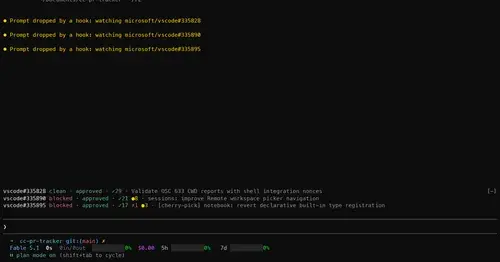
Merge state, review and checks of your PRs on one line above the prompt, with alerts.
nanoflow
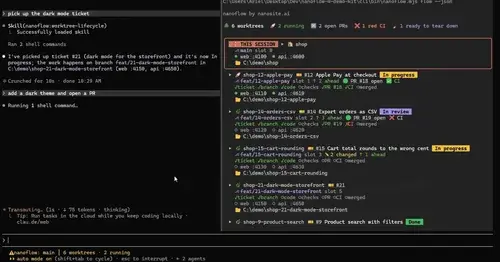
Every worktree with its ticket, ports, PR and CI in a pane, plus a progress status line.
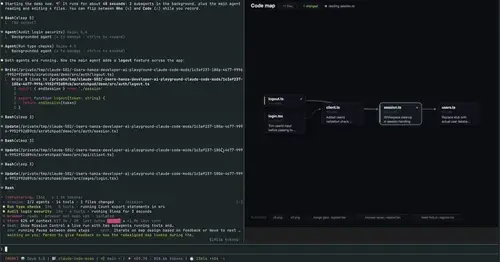
mission-control
Main agent, subagents and every tool call in a pane, plus a map of the files they touch.
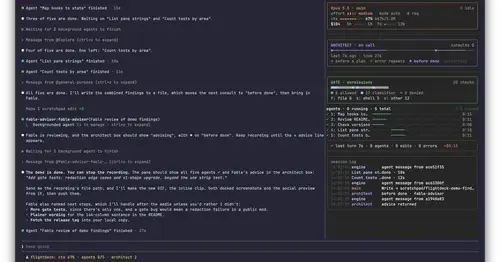
Flightdeck
Subagents, permission checks, advisor consults, context and cost, live in a pane.
Popular Claude Mods
The whole directory →
cache-keeper
Prompt-cache timer, keep-warm pings, cold-send guard, a board of chats and a handoff.
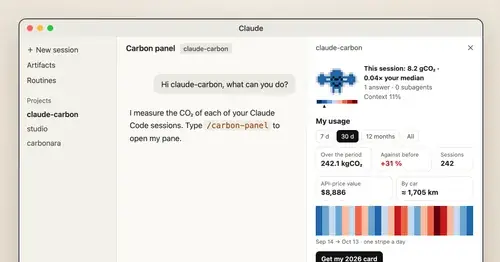
claude-carbon
Estimated grams of CO2 for each answer and session, with a molecule and warming stripes.
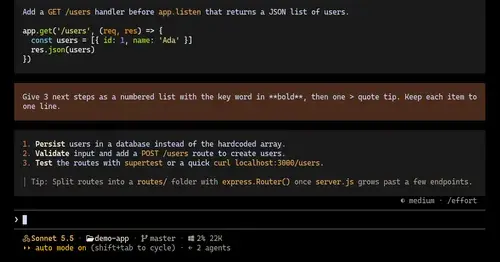
ui-themes
Padded, coloured prompt and reply boxes, themed markdown and a matching status line.
firstmate-calm
Hides tool rows and swaps the spinner for a sailboat. Toggle with /calm, zero tokens.