Interface·terminal·MIT
ui-themes
Padded, coloured prompt and reply boxes, themed markdown and a matching status line.
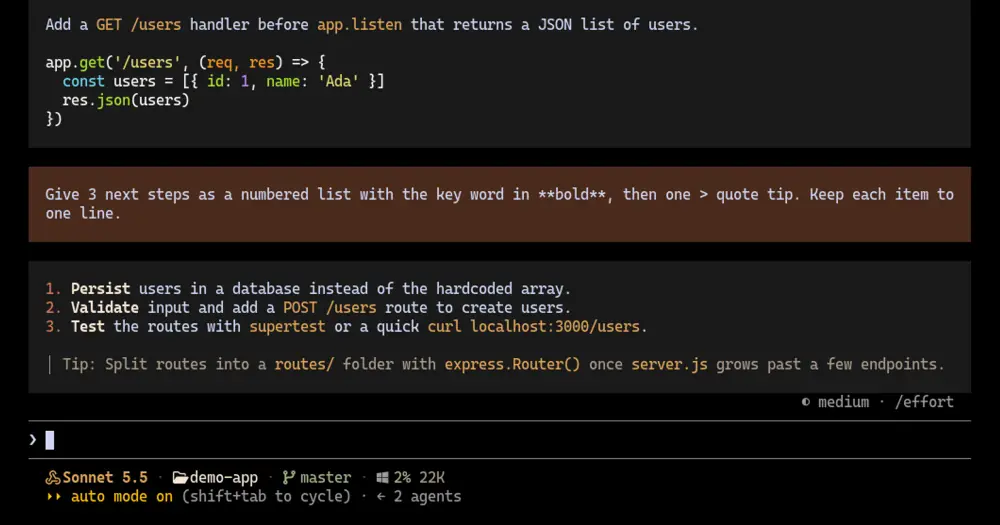
ui-themes draws your prompts and Claude’s replies in padded, coloured boxes, colours the markdown in those replies to match, and adds an optional status line in the same palette. Three themes ship with it, and /ui-theme switches all of it at once. The author built it to give Claude Code the cleaner, lighter feel of agent CLIs such as Pi and OpenCode.
The cover shows the default theme, claude-warm. This is the same session without the mod:
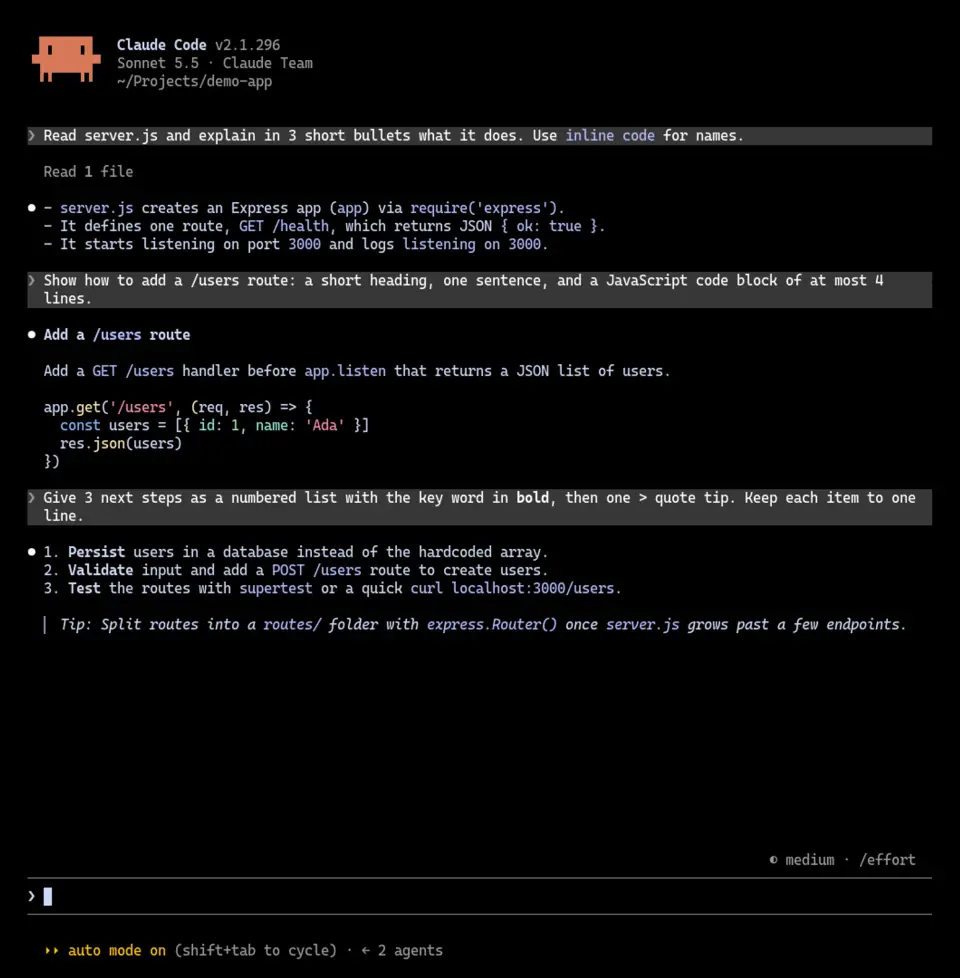
What it does
- Prompt boxes. Each prompt you send sits in a padded block of the theme’s prompt colour. Task notifications and messages from other agents keep the stock look.
- Reply boxes. Claude’s replies get a padded box of their own, which stock Claude Code doesn’t draw.
- Themed markdown. The mod renders replies with its own markdown renderer. Headings, inline code, bold, links, list markers, quotes and rules each take a colour from the theme, and nested lists keep their indent. Code blocks and tables go back to Claude Code’s own drawing, inside the box.
- Status line. An optional single line in the theme’s colours: the model, with its own icon and colour for Opus, Sonnet, Haiku and Fable, then the folder, the git branch, context use and the 5-hour and 7-day limits.
Install
Needs Claude Code 2.1.287 or later. The status line also needs jq, and its icons need a Nerd Font in your terminal.
claude plugin marketplace add yugal1107/ui-themes
claude plugin install ui-themes@ui-themes
Restart Claude Code once after installing. claude-warm is on from the first start; type /ui-theme to pick another.
Themes and commands
- claude-warm, the default: terracotta prompt boxes, charcoal replies, orange and honey accents.
- night-blue: navy prompt boxes, near-black replies, bright blue and cyan accents.
- titanium: steel blue prompt boxes and brushed-titanium replies, modelled on Oh My Pi.
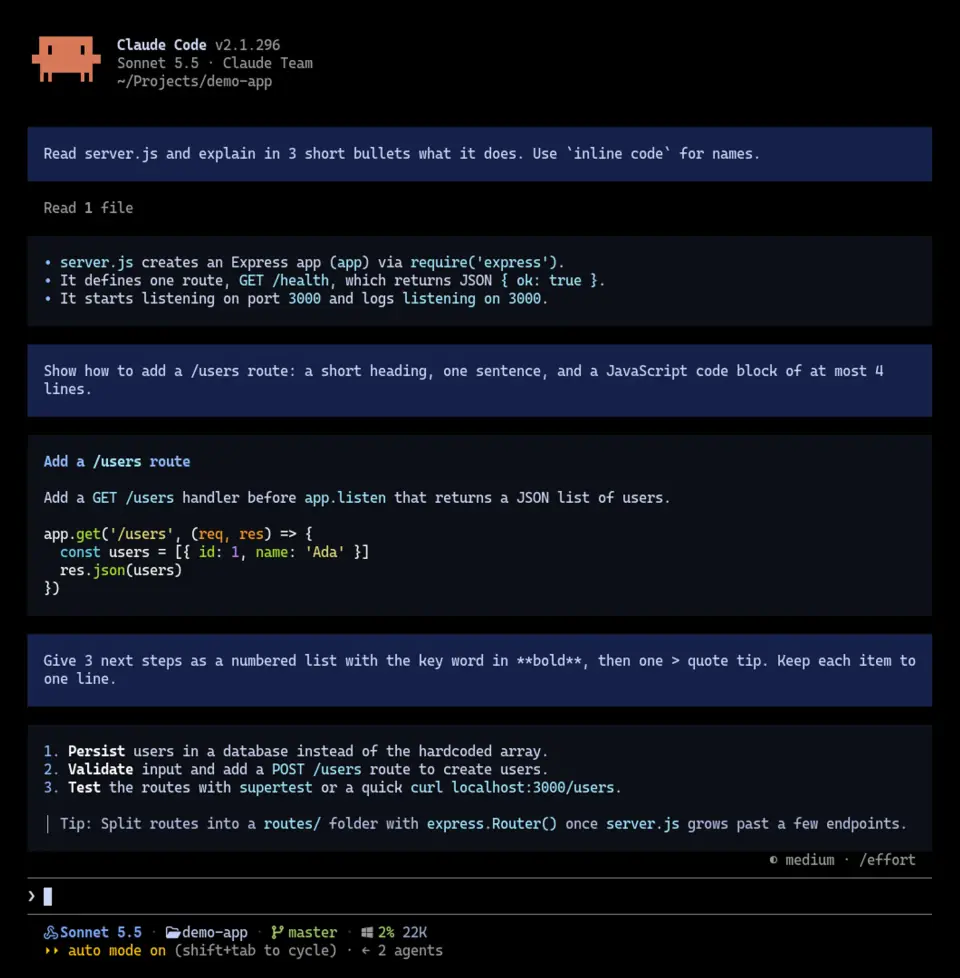
/ui-themeopens a picker: arrow keys move, Enter applies, Esc closes./ui-theme <name>switches directly,/ui-theme nextcycles to the next theme and/ui-theme listprints the current one and the rest./ui-theme statuslineprints the setting to add for the status line;/ui-theme statusline updateapplies a newer script.
The plugin’s description in /plugin says /theme, but that stays Claude Code’s own command. The mod’s is /ui-theme.
Status line
The mod doesn’t edit your settings. To use its status line, add this to ~/.claude/settings.json:
"statusLine": { "type": "command", "command": "bash ~/.claude/ui-themes/statusline.sh" }It is an ordinary Claude Code status line script, so it runs with your permissions on every refresh. For that reason the mod copies it to ~/.claude/ui-themes/ once and never overwrites it. When a plugin update ships a different script, a toast tells you at startup. /ui-theme statusline update then installs the new one, keeps your old copy as statusline.sh.bak and reports how many lines were added and removed. After a theme switch, the status line takes the new colours on its next refresh.
Your own themes
Each theme is a JSON file in ~/.claude/ui-themes/ (%USERPROFILE%\.claude\ui-themes on Windows), where the built-in ones are copied on first start. Copy one under a new name, change its colours and it shows up in /ui-theme straight away. A theme sets the prompt and reply backgrounds, seven markdown colours and the status line colours, down to one per model family. An optional description field appears beside the name in the picker.
Set the name field inside the file to the new file name as well. The mod takes the current theme’s name from that field to mark it in the list and to work out /ui-theme next.
How it works
On session.start the mod copies any missing built-in themes and the status line script into ~/.claude/ui-themes/, loads the active theme and registers /ui-theme. Its ui.render hooks redraw your prompts and Claude’s replies and draw the picker. It changes only what is drawn: the conversation, and what Claude reads, stay as they were. It calls no model, starts no process and makes no network request, so it costs no tokens.
Everything it writes stays in that folder: the theme files, active (the name of the current theme, rewritten when you switch), statusline.sh, a .statusline.installed marker holding a hash of the last script it installed, so it can tell an update from your own edits, and statusline.sh.bak after an update. It never overwrites a theme or script you already have. The status line script reads the same files for its colours. Claude Code runs it, not the mod, and you can read it at ~/.claude/ui-themes/statusline.sh before you turn it on.
Limitations
- While a reply is still streaming, Claude Code draws it its own way. It moves into the box once that block is finished.
- Your prompt is shown as the plain text you typed, so backticks and asterisks stay visible instead of being formatted.
- Tool calls, the spinner and the rest of the interface keep the stock look. claude-skins goes further, redrawing tool rows, tables and the spinner across seven skins; ui-themes keeps to the message boxes, the reply markdown and a separate status line.
- The author documents the terminal only.
Similar Claude Mods
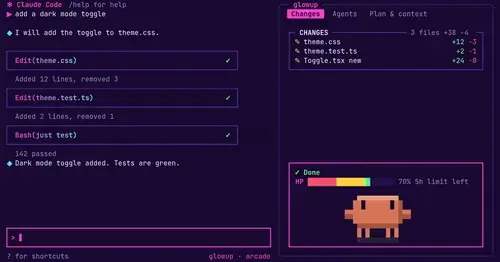
glowup
A live side pane for changes, subagents and context, shareable themes and a pixel pet.
cc-crayon
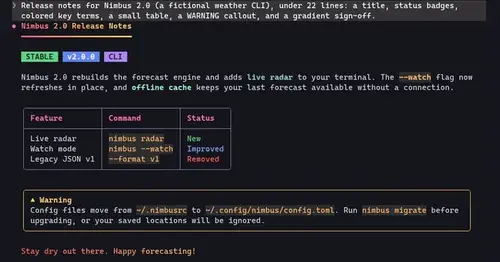
Every reply redrawn in color: themed Markdown plus inline tags the model can write.
cc-intelligent-ui
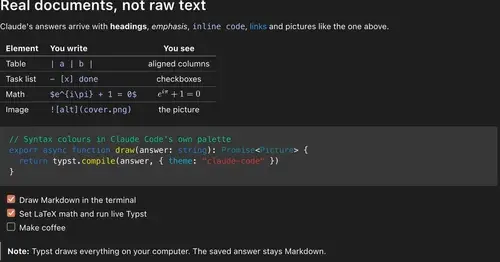
Claude's answers as typeset pictures: Markdown, LaTeX math, charts and diagrams.
md-prompt
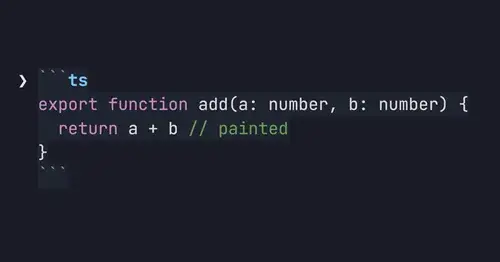
Markdown and syntax-highlighted code painted in the prompt box as you type.
Popular Claude Mods
The whole directory →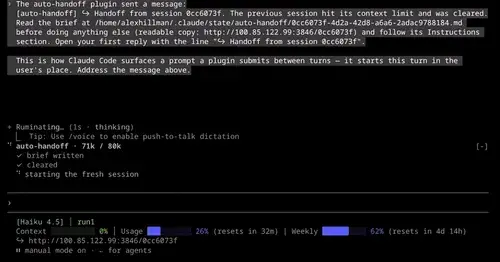
auto-handoff
Hands a long session to a fresh one with a Haiku-written brief instead of compacting.
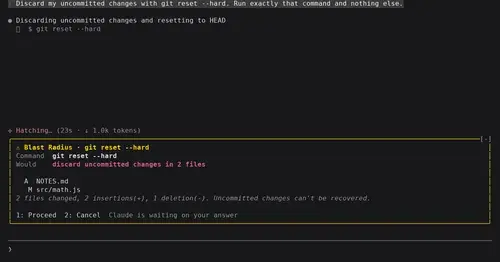
blast-radius
Shows what rm -rf or a force push would change and waits for Proceed or Cancel.
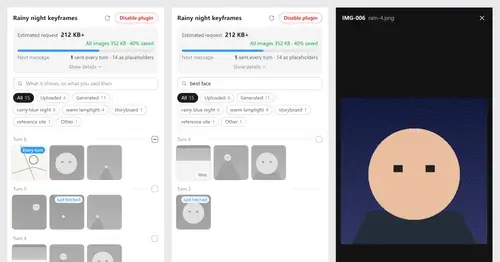
Context Attachment Manager
Pick which past images go out with your next message; the rest become placeholders.
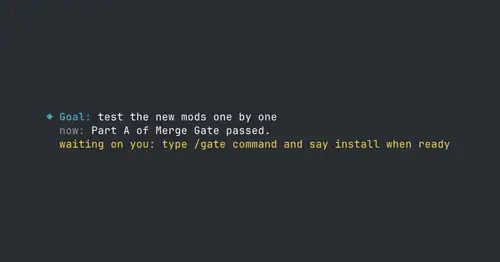
where-am-i
Goal, what Claude is doing now, what waits on you and the next step, above the prompt.