Interface·desktop·MIT
statusline-anywhere
Your Claude Code status line, drawn above the prompt in the Claude Desktop app.
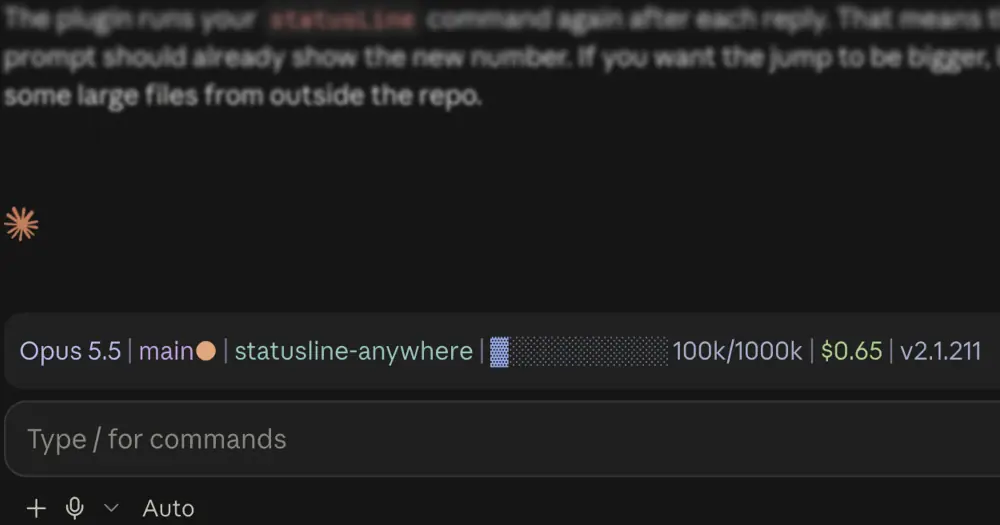
statusline-anywhere puts your Claude Code status line in the Claude Desktop app. Desktop does not draw custom status lines, so the mod runs the statusLine command you already have in your settings and draws its output above the prompt, colors included. In the terminal it does nothing: Claude Code already shows the line there.
Install
Needs Claude Code 2.1.287 or later, a statusLine command in your settings and a system with sh: the author says it does not run on Windows yet.
claude plugin marketplace add NathanAB/statusline-anywhere
claude plugin install statusline-anywhere@statusline-anywhere
Run both in a terminal, then open a new Code session in Claude Desktop. Your status line sits above the prompt. The mod comes from statuslin.es, a gallery of Claude Code status lines and the place to pick one if you have none yet; the repo lives on NathanAB’s GitHub account. Version 0.1.0 is current.
How it works
The mod reads the statusLine entry from your settings and runs its command itself, through sh -c, in the session’s working directory. It runs it when the session starts, after every reply (turn.complete) and on a timer: every 60 seconds, or every refreshInterval seconds if your settings set one. Each run gets 10 seconds before it times out.
Your script receives the same kind of JSON on stdin that Claude Code sends it: session id, transcript path, working and project directories, model id and display name, version, cost and session duration, context window use and rate limits. A plugin cannot see everything Claude Code can, so six fields are left out: lines changed, PR, vim mode, prompt cache, effort and output style. Any part of your status line built from them stays blank in Desktop.
Each non-empty line of output becomes a row above the prompt. The mod parses the ANSI escape codes itself and turns them into styled text. Bold, dim, italic, underline, inverse and strikethrough carry over. The eight basic colors keep their names, and bright, 256-color and true-color codes become hex values, because Desktop ignores the 256-color form. Other escape sequences, such as OSC 8 hyperlinks, are stripped. Your padding setting becomes left padding. If the command prints nothing and exits with an error, a dim line shows the exit code and stderr instead.
On the terminal it draws nothing, and in a session known to be terminal-only it does not run the command either, so nothing runs twice. The mod makes no network calls, writes no files and asks the model nothing, so it costs zero tokens. Besides your settings and the session’s details, it reads only HOME and CLAUDE_CONFIG_DIR, to work out the transcript path. Your command runs as you, exactly as in the terminal, so anything the script itself does is up to the script.
Limitations
- Not on Windows yet, because the command runs through
sh. Desktop sessions over WSL draw no mods either. - Links are plain text. Links in your status line are not clickable.
- One mod per band. If another installed mod also draws above the prompt, only one of them shows.
- Refresh can lag. Claude Code reruns a status line on events a mod cannot see. Here a timer stands in for them, so between replies the line can be up to one refresh interval old.
Similar Claude Mods
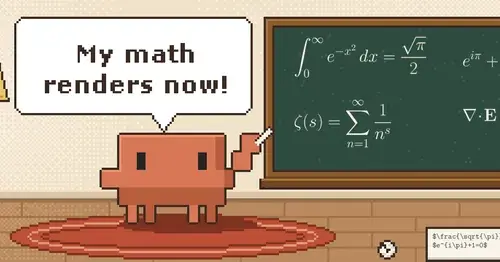
claude-latex
TeX math, TikZ diagrams and LaTeX blocks typeset in Claude's replies, in the desktop app.
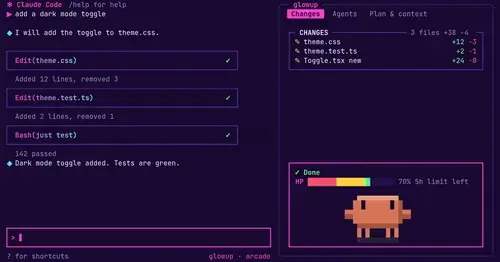
glowup
A live side pane for changes, subagents and context, shareable themes and a pixel pet.
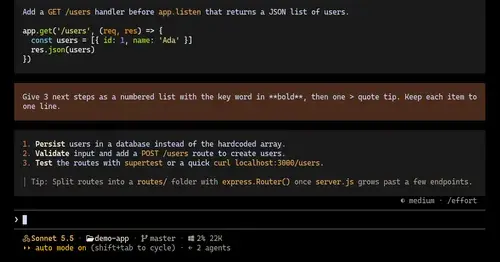
ui-themes
Padded, coloured prompt and reply boxes, themed markdown and a matching status line.
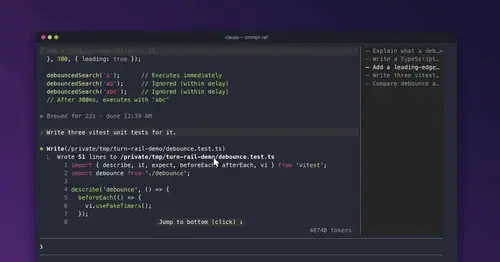
prompt-rail
Your session's prompts as a rail: hover to read one, click to jump back to it.
Popular Claude Mods
The whole directory →
firstmate-calm
Hides tool rows and swaps the spinner for a sailboat. Toggle with /calm, zero tokens.
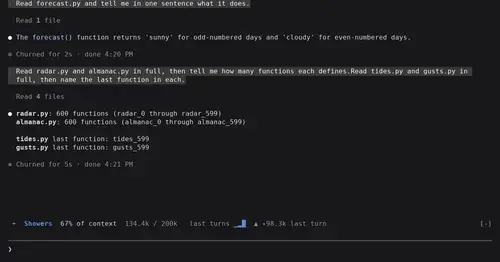
token-weather
Context window fill as a weather forecast above the prompt, with a chart of recent turns.
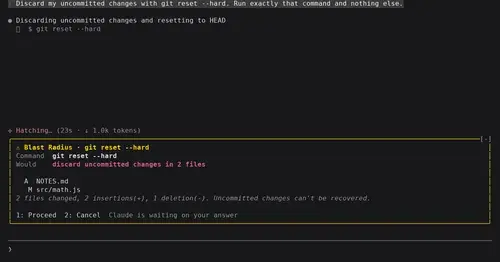
blast-radius
Shows what rm -rf or a force push would change and waits for Proceed or Cancel.
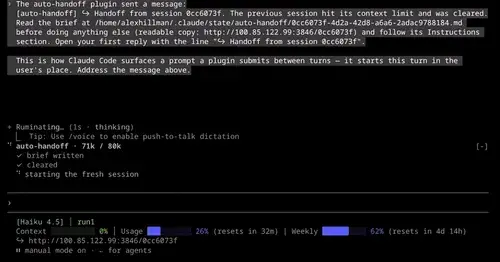
auto-handoff
Hands a long session to a fresh one with a Haiku-written brief instead of compacting.