While you wait·terminal · desktop·MIT
claude-pomodoro
Pomodoro timer above the prompt: one-click focus blocks, live countdown, break chimes.
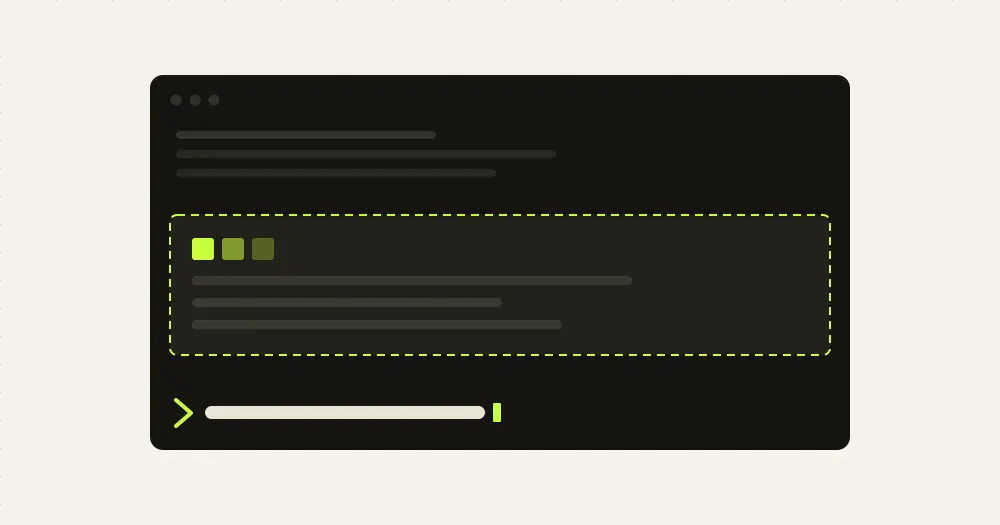
claude-pomodoro is a Pomodoro timer that lives in a band above the Claude Code prompt. You start a focus block with one click or a hotkey, watch it count down while you work, and get a chime and a toast when it is time to step away from the keyboard. The buttons and the band never involve the model.
What it does
- Idle band.
▶ 30,▶ 45and▶ 60start a focus block of that many minutes (hotkeys1,2,3), and⚙opens the config pane (c). The length you pick applies to that block only; the blocks after it use your configured focus length. There is no 25 button:/pomodoro startwith no number uses the configured length. - Running band. The phase, the time left and an eight-cell progress bar, with pause or resume, skip and stop on
1,2and3. The band turns red in the last minute. The status line shows the same countdown, for examplepomodoro 24:59 · focus 1/4. - Breaks. When a focus block runs out, a chime plays, a toast tells you to step away and a break pane opens with the countdown and the same controls.
Escordcloses the pane; the break keeps running. When the break ends, a rising chime plays, the pane closes and the next focus block starts on its own. - Long breaks. By default every fourth focus block is followed by a long break. A skipped focus block counts toward it, the same as a finished one. Chimes play only when a block runs out, never when you skip or stop it.
- Settings. The defaults are a 25-minute focus, a 5-minute break and a 15-minute long break after four focus blocks, with sound on. You change them on the plugin’s settings screen or in the config pane, which has chip rows for focus (15, 25, 45), break (3, 5, 10), long break (10, 15, 20) and blocks before a long break (2, 3, 4), plus
−and+to step the focus length by a minute. Changes apply at once: a shorter length also cuts the block that is running. - Commands.
/pomodoroshows the status./pomodoro start 50,pause,resume,skipandstopdo what the buttons do, and/pomodoro paneopens the timer pane./pomodoro config focus 50 break=10sets any length from one second (0.0167) to 600 minutes, andaftertakes a whole number from 1 to 12.
What you set in the pane or with /pomodoro config is saved for future sessions and wins over the plugin settings until you change those settings or run /pomodoro config reset.
Install
Needs Claude Code 2.1.287 or later. The chimes use your system’s audio player (afplay on macOS); without one, the timer runs silently.
claude plugin marketplace add sneycampos/claude-pomodoro
claude plugin install pomodoro@claude-pomodoro
Start a session and the idle band appears above the prompt; press 1, 2 or 3 to start a block. claude plugin uninstall pomodoro removes it.
How it works
The timer lives in the session’s plugin state, so a plugin reload does not lose it, and the countdown is computed from the block’s end time, so a late tick or a sleeping laptop does not make it drift. That state belongs to the session: a new session starts idle. The only thing written to the plugin’s own store, under your Claude Code configuration directory, is the config you saved.
It handles only its own /pomodoro command and watches config.set only to redraw when you switch between light, dark and auto themes. It reads no prompts, tool calls or files and makes no network calls.
Limitations
- The author documents it in the terminal and in the Code tab of the Claude desktop app. In the desktop app a new session starts with its first message, so the band appears only after that; send
/pomodoro start 30as that first message to start a timer straight away. The desktop autocomplete may not list/pomodoro, but it runs when typed in full. - The band steps aside while Claude Code shows a survey above the prompt.
- Below 60 columns the running band shrinks to the time and the controls.
Similar Claude Mods

cc-shorts
Your YouTube Shorts feed in a pane, with sound, while Claude works. macOS only.
claude-pokemon
A pixel Pokémon above the prompt that follows Claude's tools, levels up and evolves.
Claude-sama
An unofficial kami mascot who reads above the prompt and reacts to what Claude is doing.
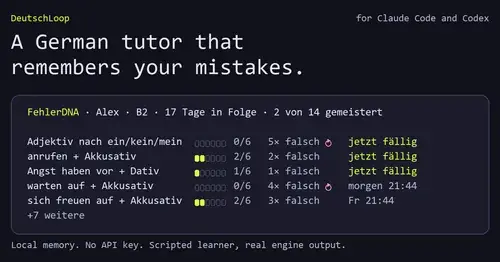
DeutschLoop
A German tutor that remembers your mistakes, with review cards while Claude works.
Popular Claude Mods
The whole directory →
claude-toons
Cartoons of Clawd under the spinner that change with what Claude is doing.
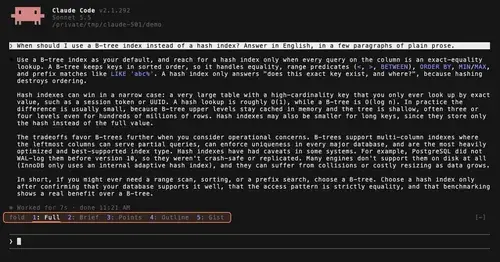
TextFold
Every reply at five levels, from every word to the answer in one sentence. One key each.
ripple
Effort per prompt, subagents routed to GPT, DeepSeek or Claude, and cache warnings.
pin-memo
Notes and clickable todos pinned above the prompt, back when you resume the session.