Context & memory·terminal · desktop·MIT
jevmem-pane
What jevmem recalled, what its guard decided and what it saved, beside the chat.
jevmem saves the decisions, rules, bugs, to-dos and dead ends (approaches that were tried and failed, with the reason) from your Claude Code chats as one-line entries in JEVMEM.md in your repo, and hands the relevant lines back to Claude on later prompts. To decide what to keep, it asks Jev, a TypeSafe AI model that answers yes/no questions with probabilities, and plain thresholds in code act on the answers. Its guard checks Claude’s commands and edits against your saved rules and makes Claude Code ask you first when one may break.
jevmem-pane shows that work as it happens. A pane beside the chat lists the lines jevmem recalled for the prompt you just sent, what the guard said about Claude’s last command or edit, and what the turn that just ended saved, with buttons to ask why, mark a line wrong or forget it.
What it does
The pane has three blocks:
- Recalled for this prompt. Every line jevmem gave Claude, with its id, kind and text, then the lines it held back and why. A last line counts them and says how long Jev took, or that recall fell back to matching words because Jev did not answer.
- The guard. The last Bash, Edit or Write call the guard asked about or denied, with the rule it matched and that rule’s score.
logprints the guard’s last five entries. - Saved last turn. The line the turn saved, with its kind and any line it supersedes, or why nothing was saved, in plain words: small talk, already in memory under another id, it read as instructions aimed at an AI, the turn is waiting on background subagents, or it is queued for a retry. A skipped turn gets a
missedbutton that, after a yes, passes your prompt tojevmem missedto add the line.
Each memory line has three buttons:
whyrunsjevmem whyand shows its output in the pane: every Jev answer behind the line, or behind a skipped turn.wronglabels the line as a wrong decision and retires it;forgetonly retires it. Both editJEVMEM.md, where the line stays marked[retired], so both ask for a yes first.- A rule cannot be retired from the pane. It gives you the command to run in a terminal instead, the same restriction
jevmem trusthas.
The author’s pane page describes every state each block can show.
Install
Needs Claude Code 2.1.299 or later, plus jevmem itself: the jevmem CLI from npm, a TypeSafe API key, which jevmem’s requests are billed to, and a project where jevmem is turned on. The pane only draws what jevmem writes, so on its own it shows nothing. The jevmem plugin from the same marketplace runs jevmem in Claude Code. The author also documents an npm-only setup, jevmem init --tool claude, which writes jevmem’s hooks into the project; the pane finds the command either way.
npm install -g jevmem
claude plugin marketplace add Avinash-jetwani/jevmem
claude plugin install jevmem@jevmem
claude plugin install jevmem-pane@jevmem
jevmem setup
Run jevmem setup in your project’s folder: it asks for the key without showing it, turns jevmem on there and checks the setup. Then start Claude Code in that project. The pane opens by itself in a terminal 144 columns wide or wider, and in the desktop app’s Code tab. /jevmem opens or closes it at any width.
How it works
The pane does something only where jevmem is turned on: at session start it checks that jevmem.config.json exists and does not say enabled: false. Elsewhere /jevmem just says so.
- On each prompt (
prompt.submit), it keeps the prompt as typed and a short hash of it, lets the prompt go on, then reads.jevmem/last-recall.json. The recall shows only if its hash and session id match, so another prompt’s or another session’s recall never appears. Slash commands are skipped. - After each Bash, Edit or Write call (
tool.call), it reads.jevmem/guard-log.jsonland picks the entry with that call’s id. It does not parse the command itself: what it shows comes from the guard’s log. - When a turn ends (
turn.complete), it reads.jevmem/last-decision.json. That file lands a fraction of a second after the turn, so the pane checks every 250 ms for up to 15 seconds, then reads.jevmem/queue.jsonland.jevmem/log.jsonlto say whether the turn is queued or failed. Subagent turns are ignored. - The buttons run the
jevmemcommand through Claude Code’s process call (process.run), as an argument list and never through a shell, in the session’s folder, with a 15-second limit:jevmem why,forget,wrong --should-be none,missedandguard log -n 5. The target is always a six-character memory id or a 16-character turn hash, checked before the call. - To find the command, it looks on your PATH and in the usual Homebrew,
~/.local/bin, Volta and nvm folders, then in the hook command of a project set up withjevmem init.
The pane writes no files of its own (wrong, forget and missed change JEVMEM.md through the command), reads no key, makes no network calls and calls no model, so it costs no tokens.
jevmem itself does send data: your message, the two turns before it and your memory lines go to TypeSafe’s API to be scored, with common secrets scrubbed first, and the lines it recalls go into Claude’s context. The author measures saving at about 18 cents per 1,000 messages, in the background, and recall at a third to half a second on each prompt, which Claude waits for.
Limitations
- Claude Code only. Cursor, where jevmem also saves, has no pane, and the author notes that the VS Code extension draws none yet.
- Unasked, the pane opens only from 144 columns. Docking beside the chat needs the fullscreen terminal and 110 columns; otherwise
/jevmemdraws it above the prompt. - The guard compares the words a rule and a call share, so a rule worded far from the command it should catch can be missed.
- jevmem is young: first released on 22 September 2026, and every number the author gives comes from the author’s own test sets, not an independent benchmark.
Similar Claude Mods
workface
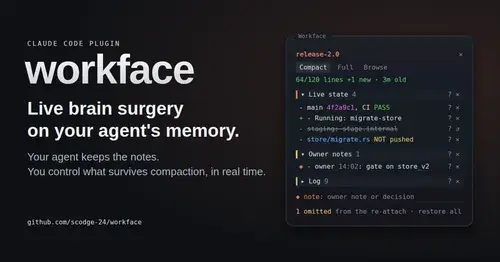
Agent notes re-attached after every compaction, with a panel to steer what survives.
SuperLcm
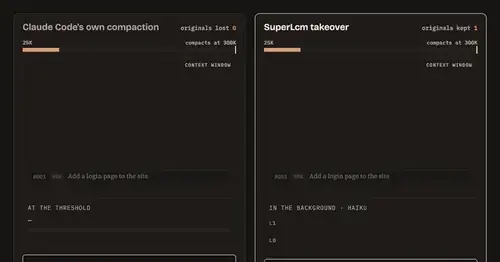
One local archive for Claude Code and Codex chats, with summaries ready before compaction.
cache-tax
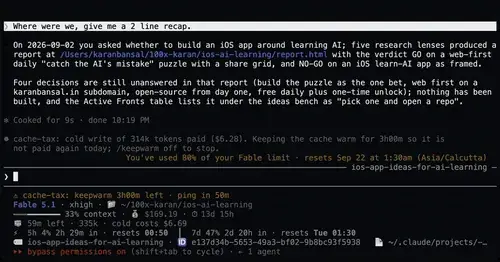
Keeps the prompt cache warm during breaks and stops a cold send once with its price.

kindex-modern
Task tools backed by a Kindex store in your repo, plus repo memory on every prompt.
Popular Claude Mods
The whole directory →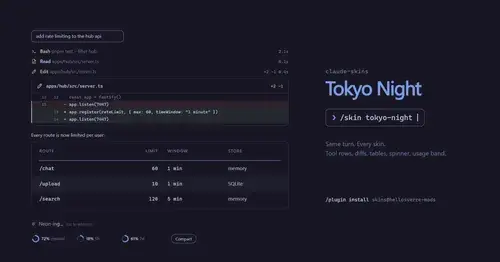
claude-skins
Fifteen transcript skins: timed tool rows, diff, table and chart cards, a usage band.

Habblaud
A pixel-art office where each Claude Code agent shows, live, what it is doing.
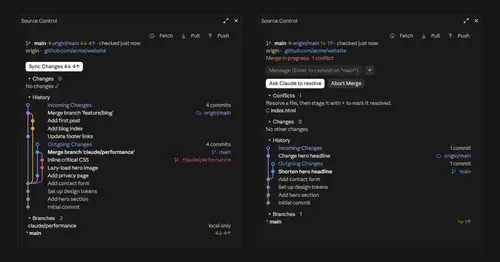
source-control
Git status above the prompt and a VS Code-style panel to commit, sync and resolve.
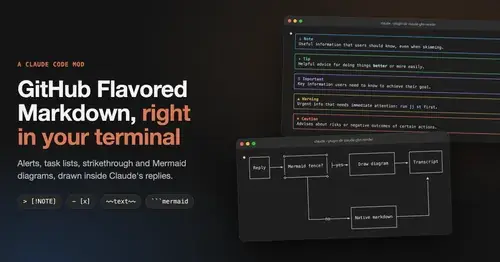
gfm-render
GitHub alerts as colored boxes, checkboxes, strikethrough and Mermaid art in replies.