Dashboards·terminal·MIT
Spark HUD
Context, plan limits with a pace forecast, cost and live subagents above the prompt.
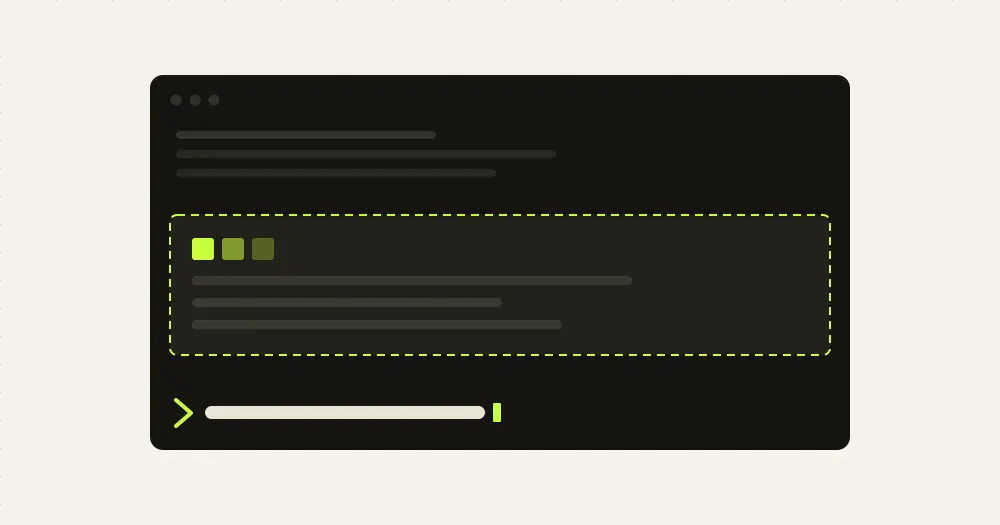
Spark HUD keeps a live dashboard above the Claude Code prompt: how full the context window is, your 5-hour and 7-day plan limits with a forecast of whether they last until the reset, the session’s cost, and what each subagent is doing. It is built for long sessions with many agents and windows open at once. Claude’s mascot sits at its right, blinking at rest, dancing while Claude works and sweating when the context is nearly full.
Collapsed, it takes four rows: two lines of figures between two animated rules. ▾ more or /hud opens the full dashboard. If you only want the plan limits, claude-code-usage-quota is a smaller option.
What it does
- Context. A fill bar with tokens used against the window size. Expanded, it adds where autocompact triggers and what fills the window: messages, system tools, MCP tools, memory files. A toast at 85% suggests
/compact. - Plan limits. The 5-hour and 7-day windows with reset countdowns, and toasts at 75% and 90%. The pace forecast is linear: it compares the share of the limit you have used with the share of the window already gone, and says you are comfortable, ahead of pace, or on track to run out before the reset, with the time left. Expanded, it also lists any other limit Claude Code reports, such as a per-model weekly limit or a spend limit.
- Session. Model, cost, tool calls, the last turn’s duration, cache hit rate and output tokens, with tips drawn from them: compact soon, switch to
/model sonnetwhen a limit is burning fast, avoid breaking the prompt cache, watch out with four or more agents in parallel. - Agents. Each subagent and teammate with a spinner, its type, its task, its latest tool call, tool count and running time. Click one, or run
/hud-agents, and a pane opens with its live transcript: the task, its messages and every tool call with a one-line result, errors in red, plus its own context use and model.◀ ▶switch agents andEsccloses the pane. - Other windows. Every Claude Code session running Spark HUD lists the others with project, model, context fill, running agents and current action.
/hud-panelopens the full list in a side pane. - Themes. Seven palettes, starting with Claude orange.
/hud-themeswitches to the next one, and new sessions keep it.
Install
Needs Claude Code 2.1.295 or later. The plan-limit bars need a Claude subscription, Pro or Max, and show up after the first response; with an API key you still get the context, cost, agents and windows.
claude plugin marketplace add Mel0nidas/spark-hud
claude plugin install spark-hud@agus-mods
Run /reload-plugins or start a new session; the HUD appears with nothing to configure. ctrl+x tab focuses it so you can press its buttons from the keyboard.
How it works
The module runs inside Claude Code’s plugin sandbox. It makes no network requests, starts no processes and never calls a model, so it costs no tokens.
- Context, limits and cost come from
$.session.usage()and thesession.measureevent, the same figures the status line gets. The cost is the API-equivalent price of the session, not what a subscription bills. The context breakdown is a local estimate, fetched only while the dashboard is expanded. - To label what Claude and each subagent are doing, the
tool.callhook reads every tool call’s input: the first 48 characters of a Bash or PowerShell command, a file name, a search pattern, a URL. It changes nothing and lets the call through.prompt.submitonly marks the turn as started; the prompt text is not read. - Subagents come from
$.agent.list(). The agent viewer reads a subagent’s transcript through$.session.messages, about once a second while the agent runs. - For the window list, each session writes a heartbeat to
~/.claude/spark-hud/sessions/<session id>.jsonabout every five seconds and after each turn: the project folder name, model, context and 5-hour percentages, whether it is working, the last action label and how many agents are running. Each window reads the other files in that folder and skips those older than ten minutes or marked as ended. That is the only file Spark HUD writes, and it never deletes old ones. The theme choice goes to the plugin’s own store. - One 220 ms timer drives the animation: about 4.5 frames a second while Claude or an agent works, about one at rest.
Limitations
- The author documents it only in the terminal.
- The window list sees only sessions that also run Spark HUD.
- On narrow terminals the bars shorten and secondary figures drop, such as the 7-day gauge; below 60 columns the mascot goes too. Expanded, the dashboard fits the rows it is given (half the terminal in fullscreen), serving agents first, then limits and session, so the window list and tips are the first to go.
- The side pane only places itself when the terminal is wide enough or in fullscreen mode.
Similar Claude Mods

syzygy
Context, spend and branch above the prompt, plus a browser board of every session.
Leitstand
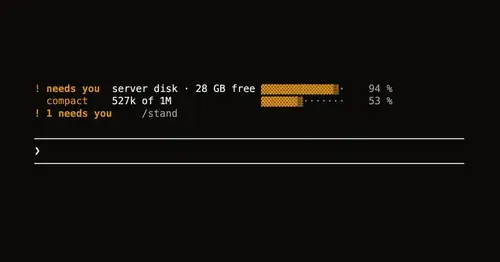
Disk space, context fill and blocked hooks above the prompt, only when they need you.
Habblaud
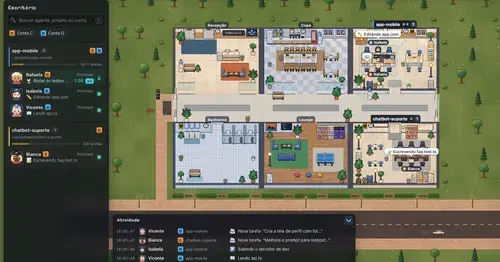
A pixel-art office where each Claude Code agent shows, live, what it is doing.
savvy-progress
Running, finished and planned subagents with model, context, cost and time, in one panel.
Popular Claude Mods
The whole directory →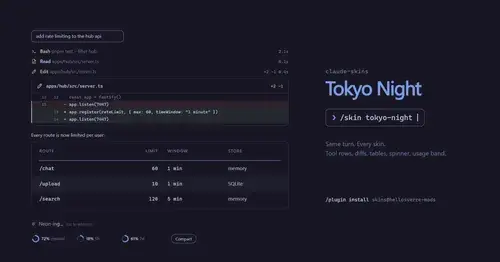
claude-skins
Fifteen transcript skins: timed tool rows, diff, table and chart cards, a usage band.
next-steps
Up to six suggested next steps after each reply. Tick some and Haiku writes the prompt.
terminal-browser
A Chromium browser in a pane beside the transcript, for previews and agent browsing.
ripple
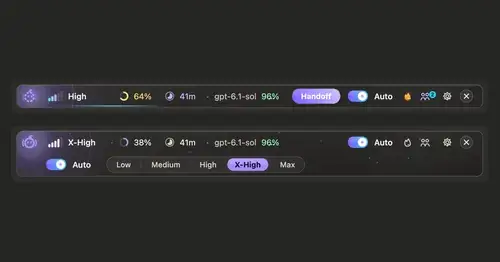
Effort per prompt, subagents routed to GPT, DeepSeek or Claude, and cache warnings.