Dashboards·terminal·MIT
Leitstand
Disk space, context fill and blocked hooks above the prompt, only when they need you.
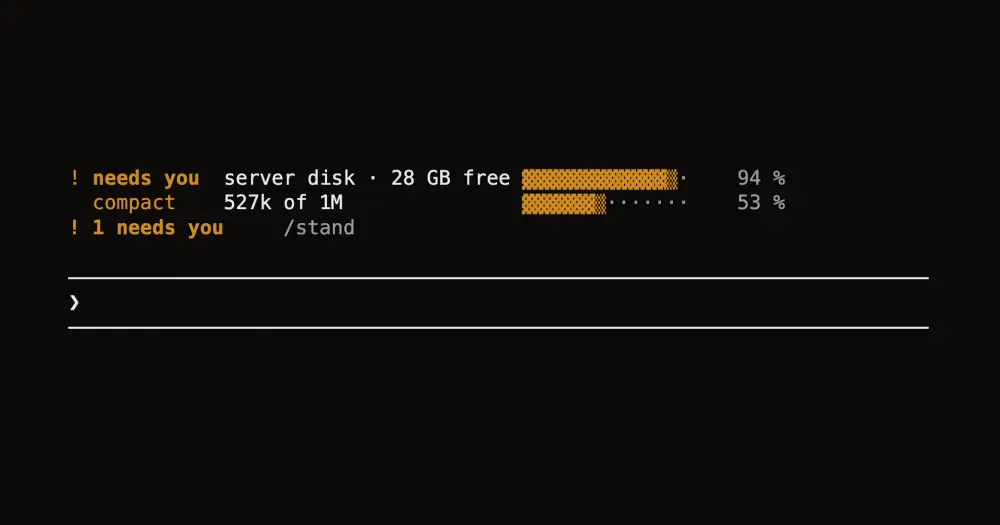
Leitstand draws a short list above the Claude Code prompt for three things Claude Code does not show you: how much disk is left, how full the context is, and which of your hooks just blocked a tool call. It stays out of sight until one of them needs you, and /stand opens or closes the list at any time. The name is German for control room.
What it does
- Disk. Free space on your machine, or on an ssh host you name. The row warns at 35 GB free and turns red at 20 GB, with a toast when it crosses into red. It counts gigabytes left, not percent used: a disk 85 % full with 68 GB free raises nothing.
- Context. Tokens used of the session’s window, as Claude Code measures them. From 250k tokens the row turns yellow and reads
compact, a reminder to run/compact. Leitstand never compacts by itself. - Blocked hooks. When one of your hooks blocks a tool call, a line shows the hook’s name and the first line of its reason, plus a toast, until your next prompt.
- Done sound. On macOS, when the work since your last prompt took a minute or longer and no background agent or shell is still running, it plays the system’s Glass sound once.
- Seen means quiet. Closing the list with
/standacknowledges the disk warning. It stays quiet until free space falls to the next level.
It does not list running agents or background shells, although the repo’s animation and most of its screenshots still show them: Claude Code already shows them below the prompt.
There are two themes. loud, the default, uses halftone bars, always includes the disk row in the open list and adds a footer that counts what needs you. quiet draws thin bars, has no footer and shows the disk only when it runs low.
Install
Needs Claude Code 2.1.287 or later, plus macOS for the done sound.
claude plugin marketplace add dominikmartn/leitstand
claude plugin install leitstand@leitstand
Add --scope project to both commands to install it for one project only. Start a new session and type /stand: the disk row appears, and a context row joins it after Claude’s first answer.
Three optional environment variables change it. Set them in your shell before you start Claude Code, or under env in ~/.claude/settings.json; a new session picks them up.
LEITSTAND_THEME=quietswitches to the quiet theme.LEITSTAND_DISK_HOSTmeasures another machine, such as a build server. It takes a host name, an ssh alias, an IP address oruser@host, and needs key-based ssh login; ports and keys go in~/.ssh/config. A value with spaces, quotes or a leading dash showsinvalid disk hostinstead of falling back to the local disk.LEITSTAND_SOUND=offmutes the done sound.
How it works
Leitstand reads the result of every tool call in the main session to spot a hook block, and follows Agent calls and Bash calls with run_in_background only to know when nothing runs any more. It reads a prompt’s text only when Claude Code marks it as a task notification, to see which job ended; your own prompts just clear the block line and restart the timer for the sound. It adds nothing to the conversation.
Every minute it checks whether the disk value is older than five minutes, and if so runs df through sh, or through ssh -o BatchMode=yes when a host is set. Opening the list also measures. Sessions share the value through the plugin store: one session measures and the others reuse its result. When a measurement fails, the last value stays on screen marked stale. The sound is afplay playing a file macOS already has.
The only network traffic is that ssh call, and only when you set LEITSTAND_DISK_HOST. Apart from the shared disk value, all state lives in the session.
Limitations
- The author tested it with Claude Code 2.1.288 on macOS. Linux is untested and the sound stays off there. The disk check needs
shanddf, and the author does not mention Windows. - The context warning is a fixed 250k tokens, not a percentage, so it only fires in sessions with a larger window, such as 1M.
- The author documents it only in the terminal.
Similar Claude Mods

context-lens
Window fill, growth per turn and turns left before compaction, pinned under the prompt.
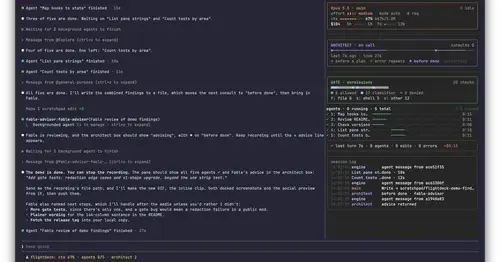
Flightdeck
Subagents, permission checks, advisor consults, context and cost, live in a pane.
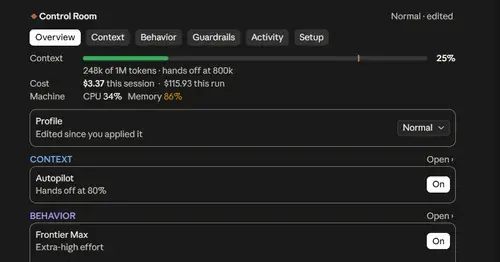
Project Sentinel
Status bar, Control Room pane and automatic context handoffs for long Claude Code runs.
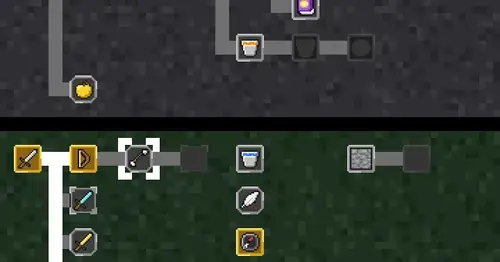
CodeCraft
Hearts for context, food for usage limits, armor for git, XP for verified work.
Popular Claude Mods
The whole directory →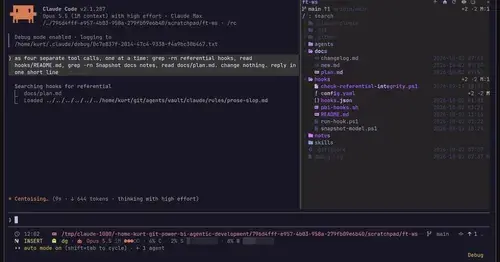
filetree
Sidebar file tree with git status that lights up what Claude reads, edits and commits.
cache-tax
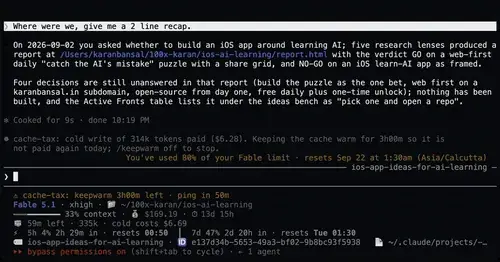
Keeps the prompt cache warm during breaks and stops a cold send once with its price.
glowup
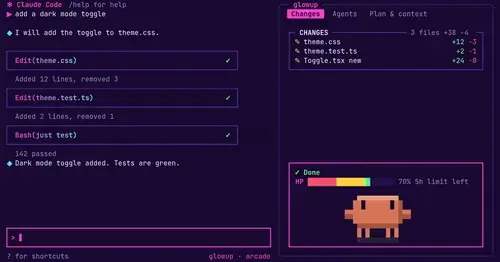
A live side pane for changes, subagents and context, shareable themes and a pixel pet.
cc-prompt-enhance-mod
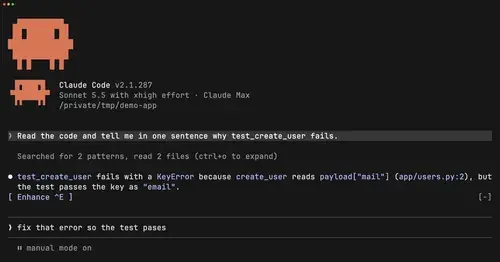
Enhance button above the prompt: Sonnet sharpens your draft using the conversation.