Dashboards·terminal · desktop·MIT
claude-code-usage-quota
5-hour and weekly plan limits, a run-out forecast and the context, with auto compact.
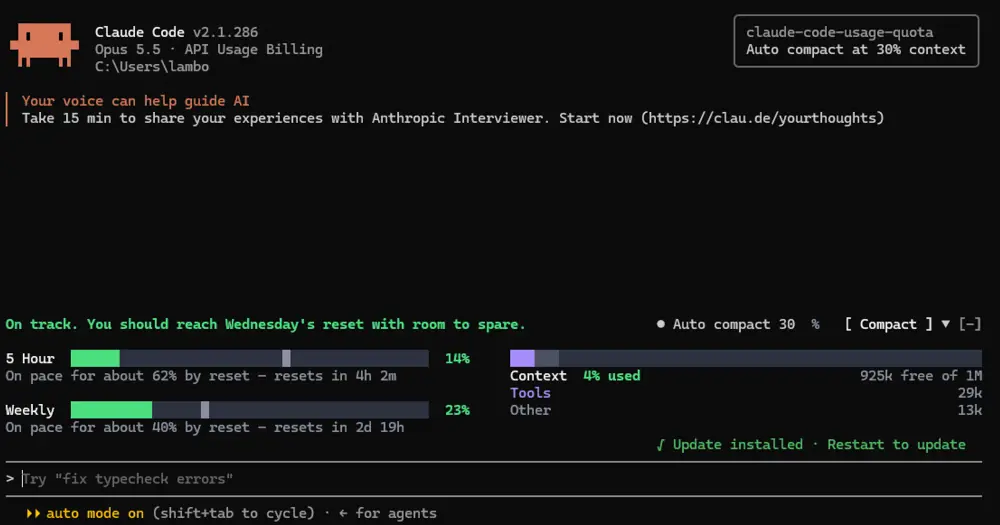
claude-code-usage-quota draws a band above the Claude Code prompt with your plan’s 5-hour and weekly limits, a forecast of whether you will run out before each one resets, and how full the context window is. The limits are your whole Claude account’s, so use in Claude chat, Cowork or another session counts too. It can also compact the session in one click, or on its own once the context passes a percentage you choose.
What it does
The 5 Hour and Weekly rows show the percent used and the time to reset, with a grey tick where the forecast puts you at reset. A headline sums both up: on track for the next reset, or on pace to run out before it, in which case the limit’s note says how long until it hits. Bars turn amber at 75% and red at 90%, or sooner when the forecast says you will run out.

The forecast starts from your usual pace, the median of how far your last eight windows got (50% until there are any), and blends in the current window’s own pace, which carries half the weight once a quarter of the window has gone. An early burst barely moves it. When you reopen a chat with a long history, the jump its first reply makes re-reading that history is kept out of the pace, though it still counts in the percent used.
The context side shows the percent used and the free space as /context counts them, split into Messages, Tools and Other. It turns amber at 50% and red at 80%.
Compact runs /compact. The Auto compact switch compacts the session once the context reaches the percentage in the field beside it: 30 by default, anything from 15 to 99. It never fires mid-reply. Each session keeps its own setting, also after a restart, and a new session starts with it off. If the context is already past your percentage when you turn it on, the band asks first: compact now, wait until the session is next compacted some other way, or leave this session alone until it is opened again.
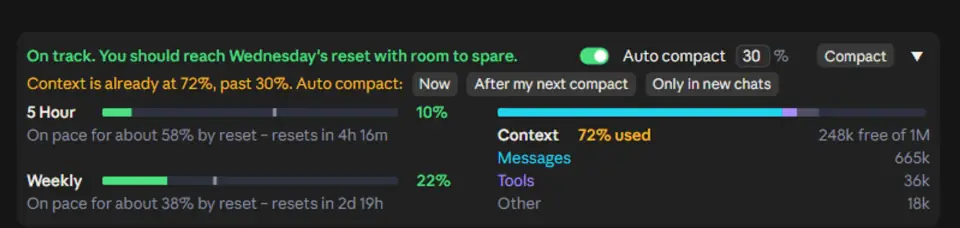
The arrow folds the band into one row with each limit’s countdown, in every session at once.
quota-meter, session-meter and wavy-usage show the same two limits as a line under the prompt, a side pane and rings. All three read only what Claude Code already has and make no network calls. This one also asks Anthropic’s usage service, so use elsewhere shows up without waiting for a reply in this session, and it is the only one of the four that compacts for you. quota-meter registers the same /quota command.
Install
Needs Claude Code 2.1.287 or later, plus a Claude login on a Pro or Max plan.
claude plugin marketplace add anantraghunath/claude-code-usage-quota-mod
claude plugin install claude-code-usage-quota@claude-code-usage-quota-mod
Restart Claude Code, or quit and reopen the desktop app: one install covers the terminal and the app’s Code tab. The band appears above the prompt once a session has started, and /quota turns it off and on. In the terminal, the [-] beside the fold arrow is Claude Code’s own control and hides the band; ctrl+x ctrl+a brings it back.
How it works
Every 3 seconds, and after each turn, the module reads what Claude Code already holds: the context and the limit figures that come back with each reply. When a session opens, and then every 2 minutes, it also asks Anthropic’s usage service (api.anthropic.com/api/oauth/usage) through the session’s Claude login. Claude Code attaches the credential, so the module never sees it. One ask serves all open sessions, and after a refusal it backs off for 2, 5 and then 15 minutes. The newest reading wins. With an API key or a gateway instead of a Claude login, it does not ask.
The 3-second context figures are a local estimate. Every 2 minutes the module runs the exact count that /context shows and corrects the estimate with it. According to the code’s comments, that costs no tokens but sends one token-counting request per tool and memory file.
The plugin store holds the last limits, the ask schedule and back-off, the peaks of past windows for the forecast, each session’s auto compact setting and whether the band is folded. To match the desktop app’s light or dark theme, the module reads the app’s config.json, and when that follows the system it asks the OS with reg query on Windows or defaults read on macOS.
Auto compact acts only while no turn is running. It calls Claude Code’s compaction directly; where that is refused, as in the desktop app, it runs /compact like the button. If the context is still past your percentage afterwards, a toast says so and it waits for the context to drop below instead of compacting again. The band sends nothing to the model; the compaction is Claude Code’s own.
Limitations
- In the desktop app the band needs a started session. The Welcome back screen has none, so it shows after your first message.
- The usage service limits how often one login may ask, and the app’s own usage panel draws on the same allowance. When it refuses, the band says so in amber with the age of its figures, and the reply figures keep it moving in the meantime.
Similar Claude Mods
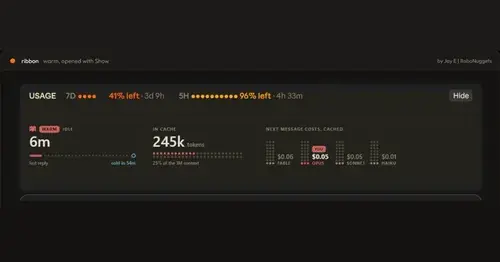
ribbon
Usage left, reset times and prompt cache warm or cold, in one band above the prompt.

starfleet-panel
Model, context, rate limits and git branch as an LCARS console under the prompt.
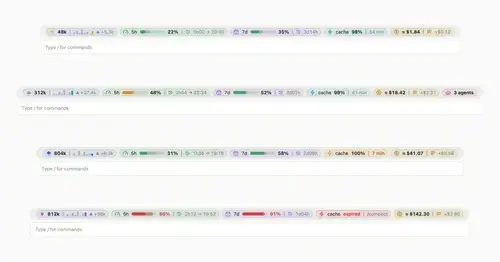
token-weather-usage
Context, 5-hour and 7-day limits, cache countdown and cost on one line above the prompt.
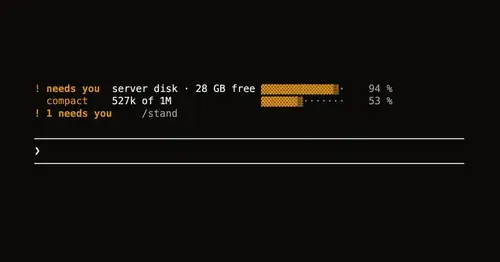
Leitstand
Disk space, context fill and blocked hooks above the prompt, only when they need you.
Popular Claude Mods
The whole directory →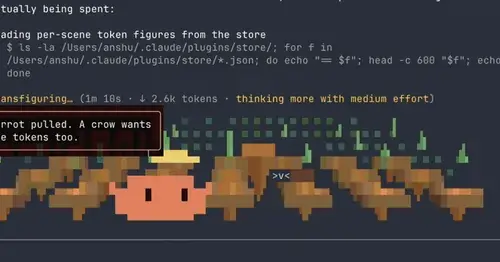
claude-toons
Cartoons of Clawd under the spinner that change with what Claude is doing.
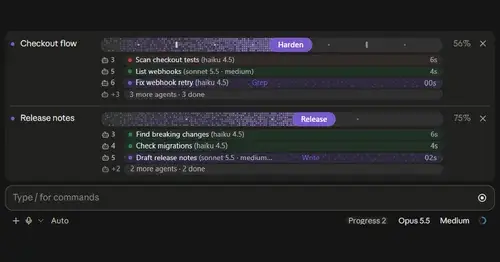
plan-progress
Claude's plan as live progress bars above the prompt, with subagents under each task.
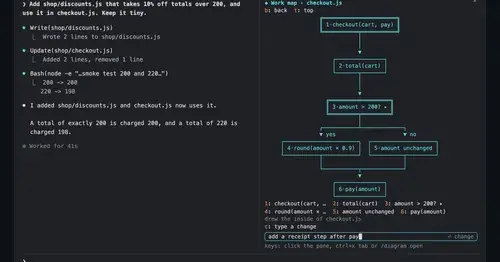
diagram-pane
Every diagram Claude draws, pinned in a side pane, plus a live map of the work.
kindex-modern
Task tools backed by a Kindex store in your repo, plus repo memory on every prompt.