Dashboards·terminal · desktop·MIT
wavy-usage
5h and 7d limits, context and cache as liquid-filled rings above the prompt.
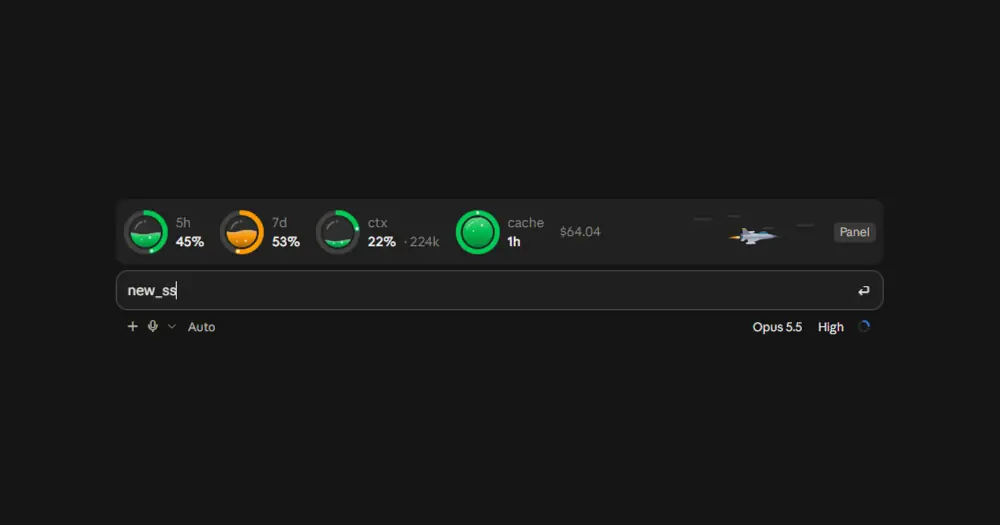
wavy-usage draws four liquid-filled rings above the Claude Code prompt: how much of your 5-hour and 7-day limit windows you have used, how full the context is, and how long the prompt cache stays warm. A small fighter jet beside them shows the model’s effort, and a side pane breaks your last turns down by tokens and cost. It only reads figures Claude Code already has, so it costs zero tokens.
What it does
- The band. Rings for
5h,7d,ctx(with the token count) andcache(time left), then the session cost and aPanelbutton. A ring turns amber past 50% and red past 75%. The cache ring drains as the cache lifetime runs out and turns amber in its last fifth. The rings stay still while Claude works and move once the reply is done. - The jet. The lower the effort, the faster it flies:
lowraces with a violet afterburner,maxcruises slowly with a small blue flame, andmedium,highandxhighsit in between. A model that reports no effort gets no jet. - The pane.
Panelor/wavy-usageopens it. It shows the jet and the rings larger, then a table of the last five turns: time, a stacked bar of input, output, cache-write and cache-read tokens (hover a segment for its size), the total, the cost and how much the 5-hour window grew. Below that, what filled the 5-hour or 7-day window by project and by model, ranked by cost, and when each window resets. - A context nudge. Once the context passes 55%, a toast suggests
/clearfor a new task or/compactto keep going. It comes back at each new ten percent.
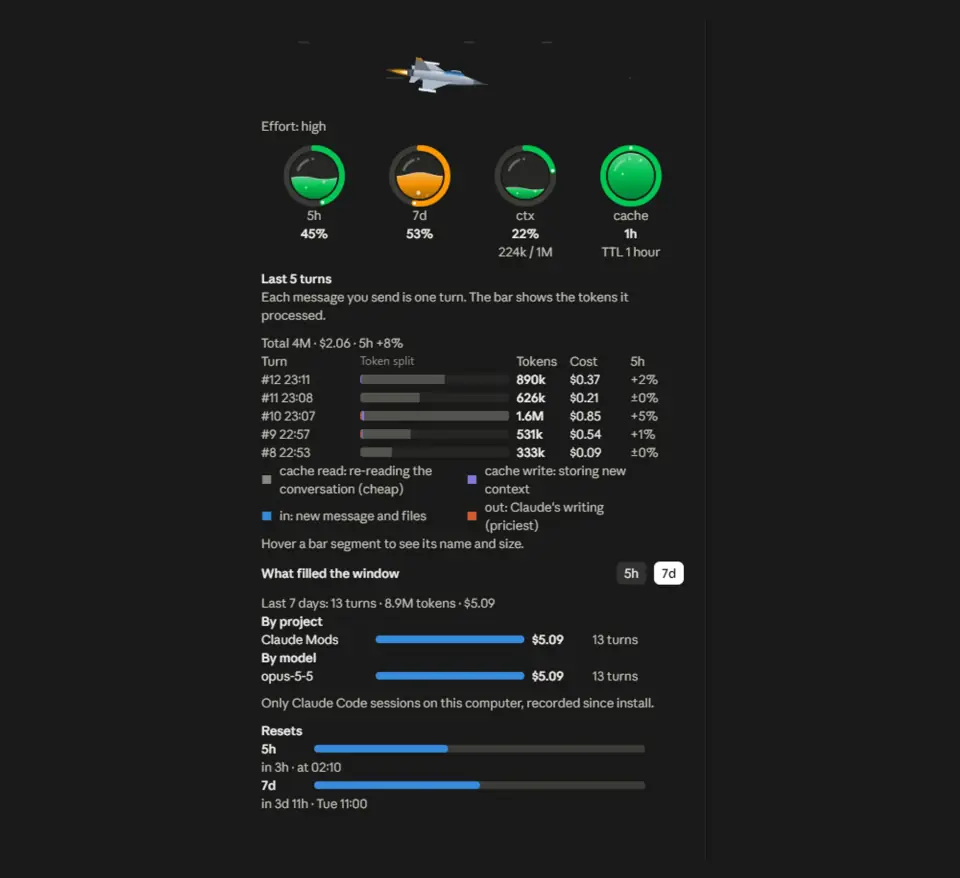
The rings and the pane are drawn for the Code tab of Claude Desktop and follow its light or dark theme. In a terminal the band is one colored line, with quarter-circle glyphs in place of the rings and the effort as text (✈ high), and the pane only says that it draws on desktop.
Install
Needs Claude Code 2.1.287 or later.
claude plugin marketplace add BatuhanCakmakk/wavy-usage
claude plugin install wavy-usage@wavy-usage
Inside a session, /plugin install wavy-usage --marketplace BatuhanCakmakk/wavy-usage does both steps at once. Start a new session and the band appears after the first reply.
/wavy-usage off hides the band and the pane and stops the toasts until you run /wavy-usage on; the choice survives restarts. /wavy-usage ttl 5m or ttl 1h sets the cache lifetime the countdown assumes. The default is 1 hour, which the author gives as what Claude Code uses on a subscription. The labels come in eight languages: pick one under Language in /config, or leave it on auto to follow Claude Code’s own language setting.
How it works
The limit windows, context fill and session cost come from Claude Code’s session.measure event, which carries the figures the last API response already reported. Turn tokens come from turn.complete and the effort level from turn.step; subagent turns are left out of both. A turn’s tokens add up every request in it, so on long multi-step turns cache reads make up most of the bar. A turn’s cost is the change in Claude Code’s own session cost across it, so it follows the real pricing. The cache countdown starts when a main-conversation turn ends and is an upper bound, since the service can drop a cache entry early.
wavy-usage makes no network requests and no model calls, and reads or writes no files outside the plugin store. There it keeps whether the band is on, the cache lifetime, the last effort level seen and, for each session, a list of turns with time, project folder name, model, token total and cost. A session’s list is deleted once its last turn is more than 8 days old. The pane reads the lists of all sessions to build its project and model breakdown.
Limitations
- Plan limits count all your usage, including claude.ai, the apps and other computers. The rings show the real fill, but the pane’s breakdown only knows the Claude Code sessions on this computer since you installed wavy-usage.
- On a narrow band the jet goes first, then the cost, then the context token count. The rings and their percentages always stay.
Similar Claude Mods
ribbon
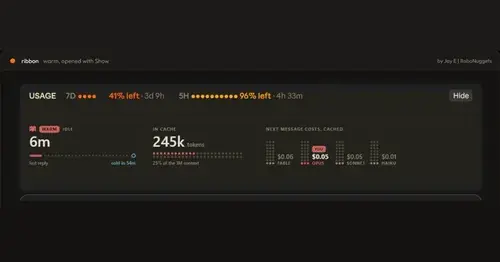
Usage left, reset times and prompt cache warm or cold, in one band above the prompt.
token-weather-usage
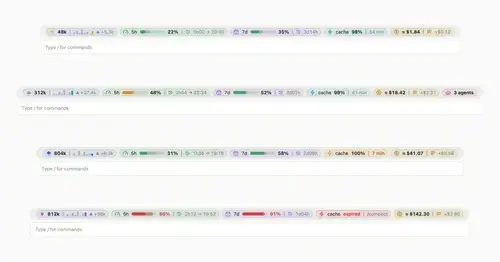
Context, 5-hour and 7-day limits, cache countdown and cost on one line above the prompt.

Sub Meter
The 5-hour and weekly subscription windows as a bar in the footer. Zero tokens.
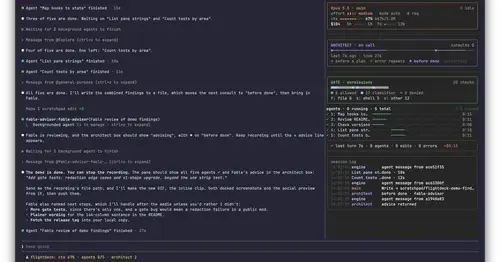
Flightdeck
Subagents, permission checks, advisor consults, context and cost, live in a pane.
Popular Claude Mods
The whole directory →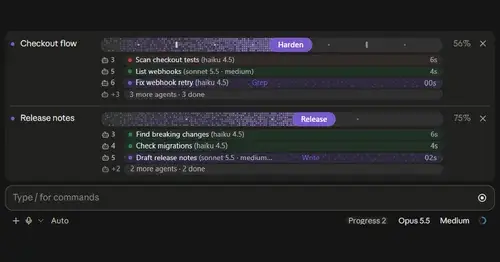
plan-progress
Claude's plan as live progress bars above the prompt, with subagents under each task.
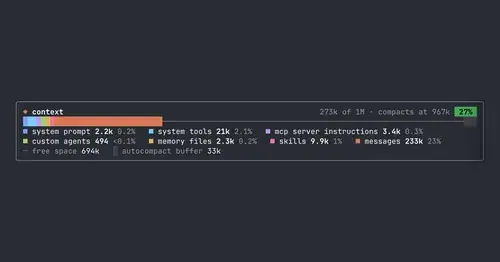
context-bar
Your context window as one stacked bar above the prompt, a color per category.
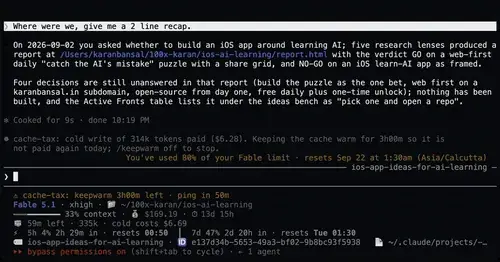
cache-tax
Keeps the prompt cache warm during breaks and stops a cold send once with its price.
token-weather
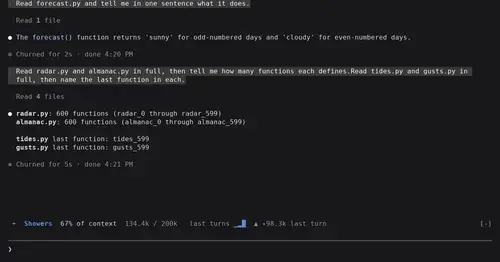
Context window fill as a weather forecast above the prompt, with a chart of recent turns.