Dashboards·terminal · desktop·Apache-2.0
token-weather-usage
Context, 5-hour and 7-day limits, cache countdown and cost on one line above the prompt.
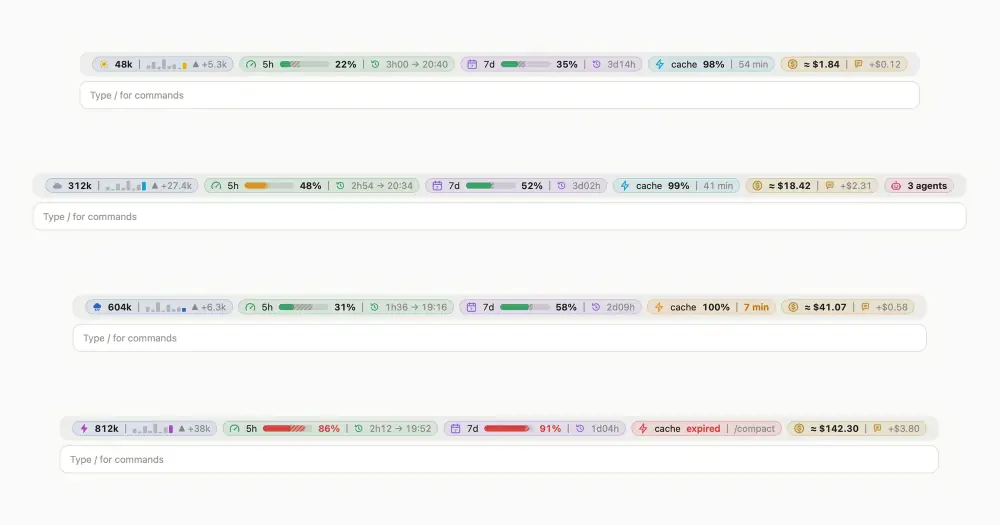
token-weather-usage draws one line above the Claude Code prompt with the numbers that decide whether a limit catches you by surprise: the tokens in the context, how much of your 5-hour and 7-day limits you have used against the time that has passed, how long the prompt cache stays warm, what the session and the last prompt cost, and how many subagents the thread has run. It costs no tokens and makes no network requests.
It is not Anthropic’s token-weather, though it starts from it: the weather icon and the per-prompt bars are adapted from that example under its Apache-2.0 license. token-weather tracks the context alone, as a percentage with twelve turns of history kept in memory, in the terminal. token-weather-usage shows the context in tokens with the last five prompts, keeps those bars across a restart, adds the limits, the cache, the cost and the agents, and also draws in the desktop app.
What it does
- Context. The tokens in the context behind a weather icon that goes from Clear to Compact soon as the window fills. Then one bar per prompt for the last five, as tall as the tokens each added, and the change from the last prompt.
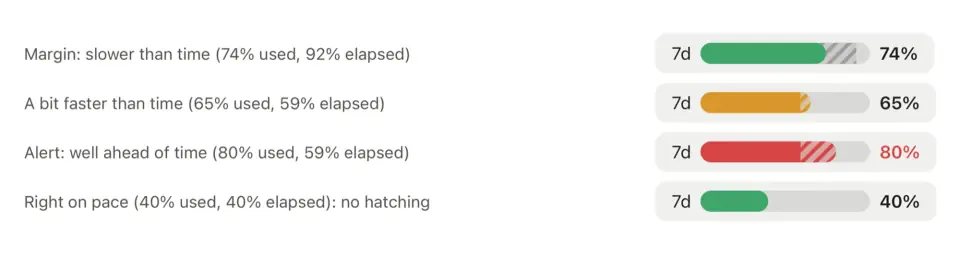
- 5h and 7d. The share of each account limit used, drawn as a gauge against the share of the window already elapsed. The gap between the two is hatched: grey while you have margin, in the bar’s color when you use faster than time passes. The gauge is green on pace, amber ahead of it, and red more than 15 points ahead or past 90%. The time left until the reset follows.
- Cache. A countdown to the prompt cache lapsing, restarted by each message. Under 10 minutes it turns amber with the dollars at stake. After a message that had to write the cache again, it names the cause (model changed, lapsed, start changed) and the extra cost. Once expired it turns red with the cost of writing the context again, and suggests
/compactfrom 100k tokens or a new thread from 300k, where a compaction would only read the whole context again. - Cost. The session total as
/costcounts it, and what the last prompt added, in dollars and in points of the 5-hour limit. - Agents. How many subagents the thread has run, and how many are running now.
In the terminal the blocks share one line, split by thin rules. When it does not fit, the bars, the details and the cost drop out and the labels and percentages stay. In the desktop app each block is a tinted pill with a card on hover: the weather and the share of the window, the 5-hour reset time, the cache expiry and what the cache saved in the thread, and for the agents the cost split by model and effort, with what delegating saved against the main thread’s model.
Labels come in English, French or Russian, following LC_ALL, LC_MESSAGES or LANG. The desktop app often sets none of them, so pick en, fr or ru in the plugin’s Language option in /config.
Install
Needs Claude Code 2.1.287 or later.
claude plugin marketplace add augiefra/claude-mods
claude plugin install token-weather-usage@augiefra-mods
Run /reload-plugins. If the line does not appear above the prompt, restart Claude Code.
How it works
The mod reads what Claude Code hands to mods: the session’s usage figures (context, the account’s limits, the session cost), the token counts each model request returns, the list of subagents, the locale variables and four prompt-cache switches (DISABLE_PROMPT_CACHING, FORCE_PROMPT_CACHING_5M, CLAUDE_CODE_PROMPT_CACHE_TTL, ENABLE_PROMPT_CACHING_1H). It does not read prompts, replies or tool calls, and adds nothing to the context.
It keeps in the plugin’s local storage the latest limits reading, shared by every session open on the machine, and per session the recent context readings, the last request’s cache figures, what the cache saved, the last prompt’s cost, and each subagent’s model, effort, token counts and description. Sessions idle for 8 days are deleted.
The dollars come from a table of Anthropic list prices inside the module, dated 2026-10-08. On a subscription they are what the same tokens would cost on the API, not a bill, hence the ”≈” before them. Subagent requests are priced as they come back, assuming 5-minute cache writes; the main thread’s share is the session cost minus the agents’.
The line redraws every minute for the elapsed time, and every 10 seconds when the cache countdown or the running agents change. After a compaction it updates at once, and the cache reads “compacted” until the next message. Mods placed after it in the band draw below its line.
Limitations
- Mods get the cache’s token counts but not its lifetime. The mod assumes 1 hour on a Claude subscription within its plan usage and 5 minutes on usage credits or an API key, unless a cache switch says otherwise, then corrects itself from what the traffic shows.
- The 5-hour limit is the account’s, so the last prompt’s points include any other session running at the same time.
- Prices are fixed in the module: a model missing from the table shows tokens only, and new prices need a plugin update.
- Background shell commands are not counted with the agents: Claude Code does not expose them to mods.
- The terminal has no hover cards, so the 5-hour reset time and the agents’ cost split show only in the app. The agent count appears once the thread has run one.
- A limit window that has just reset is hidden until the next reading, and the per-prompt bars start from the second reading.
Similar Claude Mods
Observability
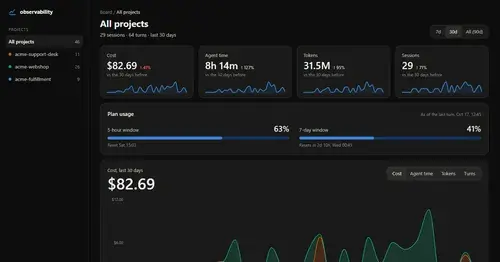
Cost, tokens, tools and plan usage of every turn, on a local HTML board.
Habblaud
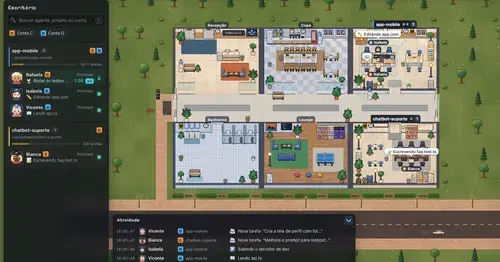
A pixel-art office where each Claude Code agent shows, live, what it is doing.
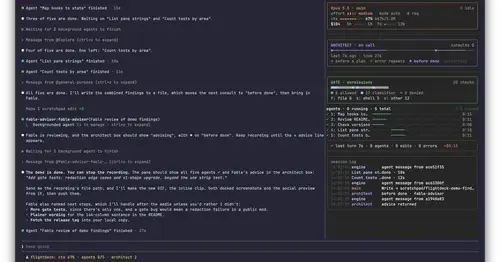
Flightdeck
Subagents, permission checks, advisor consults, context and cost, live in a pane.

shunt
Shared account pool headroom and reset times from the shunt gateway, at zero token cost.
Popular Claude Mods
The whole directory →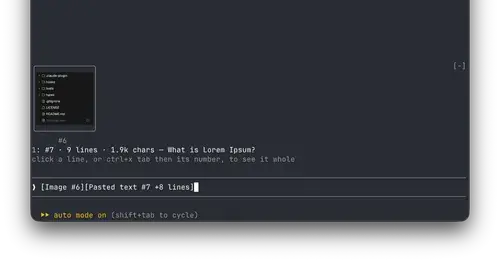
paste-view
Previews of pasted text and thumbnails of pasted images, drawn above the prompt.
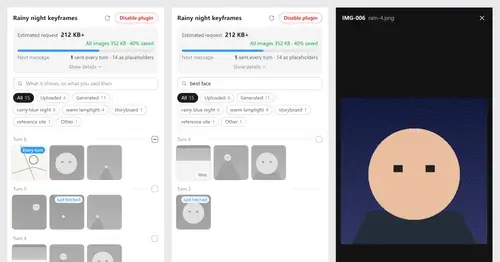
Context Attachment Manager
Pick which past images go out with your next message; the rest become placeholders.
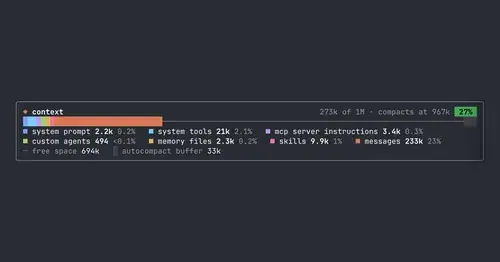
context-bar
Your context window as one stacked bar above the prompt, a color per category.
cc-prompt-enhance-mod
Enhance button above the prompt: Sonnet sharpens your draft using the conversation.