Interface·terminal·MIT
Image Preview
Hover a pasted [Image #N] to see the picture; click it to open the file.
Image Preview lets you see the images you paste into Claude Code. Put the pointer on a pasted [Image #N] and the picture opens next to it, in a small window of its own or drawn in the terminal. Move off and it closes. Click and the file opens in the system’s image viewer.
What it does
- While you write, a row above the prompt lists the draft’s
[Image #N]placeholders, and hovering one shows its preview. The row exists because text inside the prompt box cannot take the pointer. - After you send, the
[Image #N]in the first line of the sent prompt and the⎿ [Image #N]rows under it show the preview too. Only the first-line one opens the file on a click. - Typing, sending, a click or the transcript moving closes the preview.
- In a window: where the terminal cannot draw pictures (Warp, iTerm2, Terminal.app, VS Code), a borderless window opens beside the pointer in about a third of a second, never under it and never taking the focus. The picture keeps its sharpness and only shrinks to fit 800 points on its longest side and 70% of the screen. macOS gets an AppKit panel run by
osascript, Windows and WSL a Windows Forms window run by PowerShell, Linux a Tk window on X11. - In the terminal: Ghostty and kitty draw the picture themselves through the kitty graphics protocol. Elsewhere it is drawn in colored block characters, which shows a screenshot’s layout but not text you can read. The card floats over the transcript without scrolling it.
- The Preview in a window option in
/configturns the window off. Over SSH the terminal always draws the preview, since the window would open on the other machine.
Install
Needs Claude Code 2.1.287 or later running in the fullscreen interface ("tui": "fullscreen" in your settings, or /config), a terminal that reports mouse motion, and a tool to shrink images: sips on macOS, ImageMagick on Linux, ImageMagick or PowerShell on Windows. The Linux window also needs X11 or XWayland and Python’s Tk (python3-tk on Debian and Ubuntu, python3-tkinter on Fedora).
claude plugin marketplace add midudev/better-claude
claude plugin install image-preview@better-claude
Paste an image and hover the [Image #1] that appears above the prompt. It is one of eight plugins in midudev’s better-claude marketplace. image-peek is another mod for seeing the images you paste.
How it works
The mod reads the prompt box on every edit and every half second, because a paste puts the placeholder in the box without an edit event. Its prompt.submit hook reads the text you send only to find its image numbers, and passes the prompt on unchanged. The pictures come from the folder where Claude Code stores the session’s pasted images, inside its temp folder; images from other sessions are not found. Shrunk BMP and PNG copies go to an image-preview folder beside them.
It runs local programs through $.process.run and $.process.spawn: uname and id to learn the system, the converter (sips, magick, convert or PowerShell), the window program on each hover (osascript, PowerShell or python3), and the viewer on a click (open -a Preview on macOS, explorer on Windows and WSL, xdg-open elsewhere). On Windows its PowerShell scripts run with -NoProfile -ExecutionPolicy Bypass as an encoded command, and the first window compiles a small helper into the temp folder, which takes a second. It makes no network calls and asks the model nothing, so it costs no tokens.
Limitations
- It draws only in the terminal, in the fullscreen interface.
- A window stays two minutes at most. Move off the
[Image #N]and back on to open it again. - In a sent prompt, an
[Image #N]past the point where the first line wraps takes no pointer. - A terminal multiplexer must pass mouse motion through. In the author’s testing herdr 0.9.1 did not, and no preview opened.
- On Wayland without XWayland there is no window and the terminal draws the card. Under XWayland the window may not sit by the pointer.
- The author has checked the Windows scripts and run them on Windows from WSL.
- Warp speaks the kitty graphics protocol but not the Unicode placeholders Claude Code draws pictures with, so it gets the window or the block characters.
Similar Claude Mods
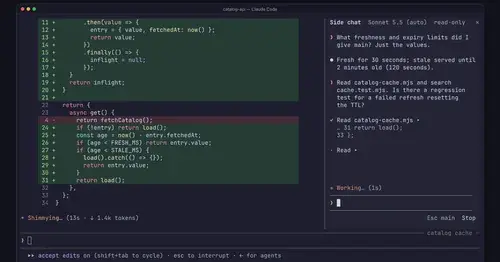
cc-side
A throwaway second chat in the right pane, forked from your main conversation.

terminal-browser
A Chromium browser in a pane beside the transcript, for previews and agent browsing.
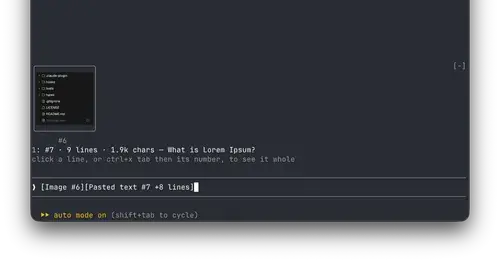
paste-view
Previews of pasted text and thumbnails of pasted images, drawn above the prompt.
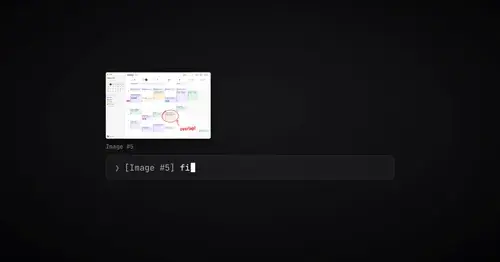
paste-preview
Thumbnails of pasted images, plus an editor to circle what matters before Claude sees it.
Popular Claude Mods
The whole directory →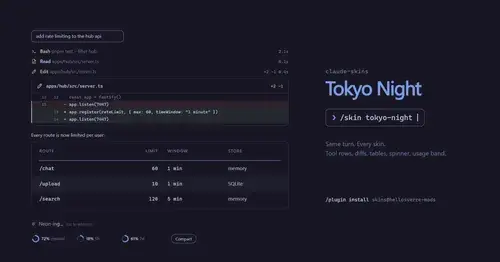
claude-skins
Fifteen transcript skins: timed tool rows, diff, table and chart cards, a usage band.
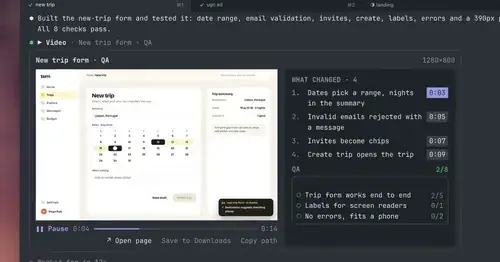
show-your-work
Claude shows screenshots and recorded Playwright runs in the chat, with before/after QA.
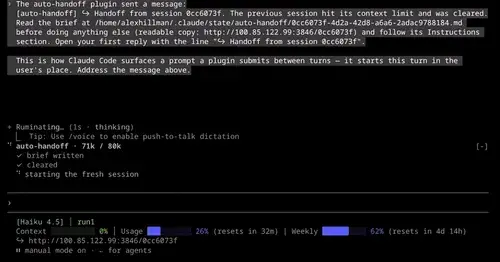
auto-handoff
Hands a long session to a fresh one with a Haiku-written brief instead of compacting.
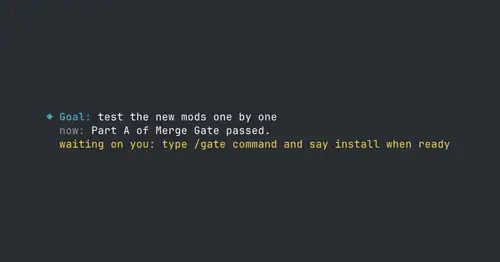
where-am-i
Goal, what Claude is doing now, what waits on you and the next step, above the prompt.