Interface·terminal·MIT
image-peek
Pasted images as thumbnails above the prompt and as pictures under your sent message.
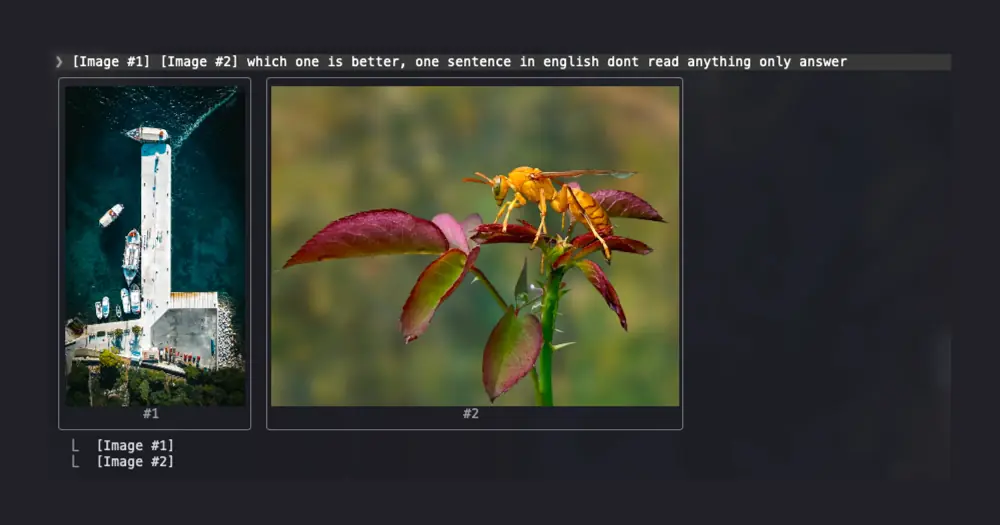
image-peek shows the images you paste into Claude Code. Where the prompt only says [Image #1], you see the picture: a thumbnail above the prompt while you write, and a larger copy under your message once it is sent. It changes nothing in what the model receives.
What it does
- While you write: one thumbnail per
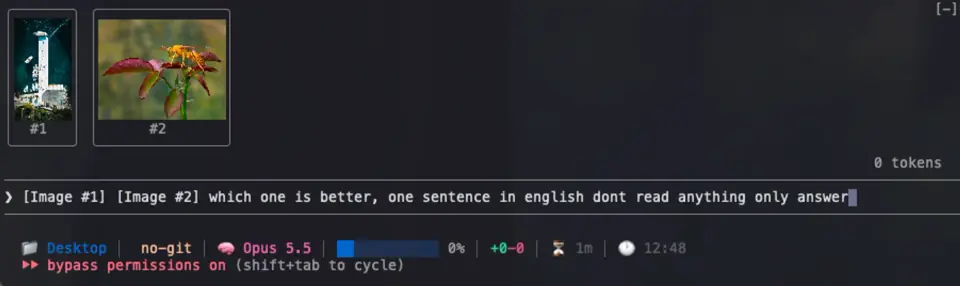
[Image #n]tag in the draft, in a row above the prompt, each labelled with its number. They keep their proportions, shrink to the terminal’s width and stay within six rows. Send the prompt or delete the tags and the row goes away. - After you send: the same pictures under your message in the transcript, up to 120 columns wide and 20 rows tall, and never more than the terminal’s width or half its height. Several pictures share one row.
Install
Needs Claude Code 2.1.287 or later and a terminal with the kitty graphics protocol, such as Ghostty or kitty. In other terminals each tile shows its [Image #n] text instead of the picture.
claude plugin marketplace add arasovic/claude-code-mods
claude plugin install image-peek@claude-code-mods
Restart Claude Code and paste an image into the prompt.
image-peek is one of 14 mods in Mehmet Aras’s marketplace, each installed on its own. If you already added it for session-meter, the second command is enough. Other authors publish marketplaces with the same name, claude-code-mods: if claude plugin marketplace list shows one from another repo, the add clashes with it, so remove that one first with claude plugin marketplace remove claude-code-mods.
How it works
Pasting raises no event a mod can hook, so image-peek reads the prompt draft four times a second and looks for [Image #n] tags in it. Nothing from the draft is stored or sent anywhere.
The pictures are the copies Claude Code itself keeps of each paste, as <tmp>/<project>/<session>/images/<n>.png. <tmp> is $CLAUDE_CODE_TMPDIR, or /tmp/claude-<uid> when that is unset, in which case the mod runs id -u to get your user id. It then searches the project folders for the one that holds the current session’s id, reads each PNG for its width and height, and hands the file to Claude Code’s image element, above the prompt and under each user message.
It writes nothing to disk, keeps no copy of your images and makes no network calls. What it knows about the pictures stays in memory and is cleared when the session ends.
Limitations
- PNG only. Claude Code saves every paste as PNG, so a pasted image always qualifies.
- The pictures depend on Claude Code’s temporary copies. Once that folder is gone, for example after the computer restarts, older messages show only their tag.
- Claude Code does not document that folder. If an update moves it, the pictures stop appearing and no error says so.
- It draws only in the terminal. The Claude desktop app shows pasted images on its own.
Similar Claude Mods
pin-board
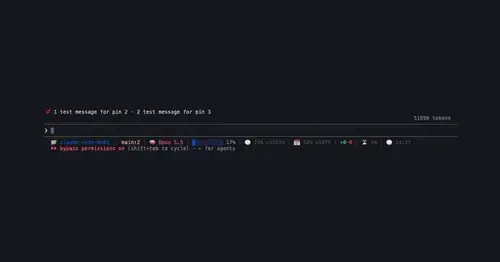
Pin standing notes with /pin; Claude keeps following them after /compact and /clear.
cc-image-view
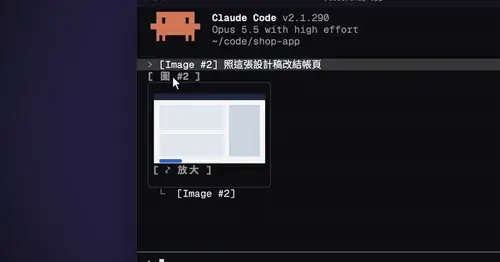
Thumbnails of pasted images above the prompt and under sent prompts, with a zoom pane.
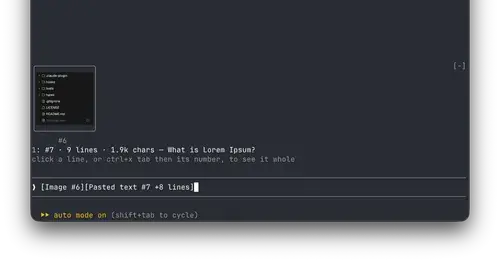
paste-view
Previews of pasted text and thumbnails of pasted images, drawn above the prompt.
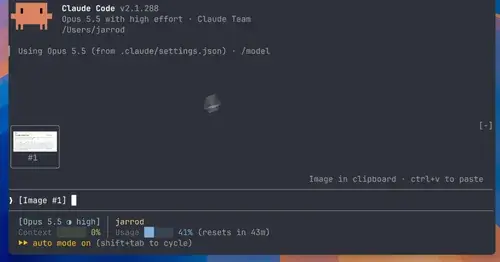
image-view
Thumbnails of the images you paste, drawn above the prompt instead of [Image #1] tags.
Popular Claude Mods
The whole directory →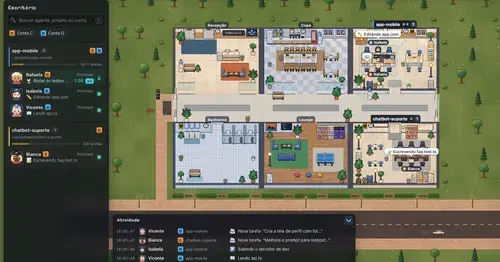
Habblaud
A pixel-art office where each Claude Code agent shows, live, what it is doing.

pii-guard
Reversible Taiwanese PII redaction for tool results, prompts and writes, all on loopback.
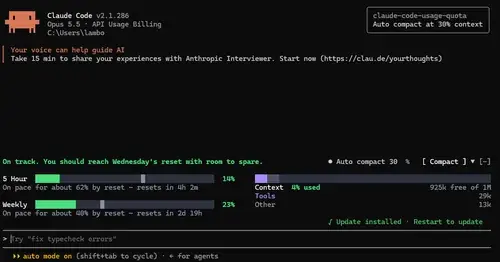
claude-code-usage-quota
5-hour and weekly plan limits, a run-out forecast and the context, with auto compact.
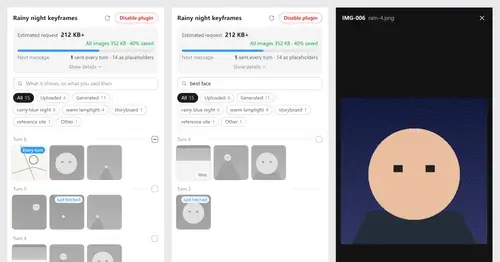
Context Attachment Manager
Pick which past images go out with your next message; the rest become placeholders.