Interface·terminal · desktop·MIT
tool-cards
Tool calls redrawn as cards with status, timing and result, output folded behind Details.
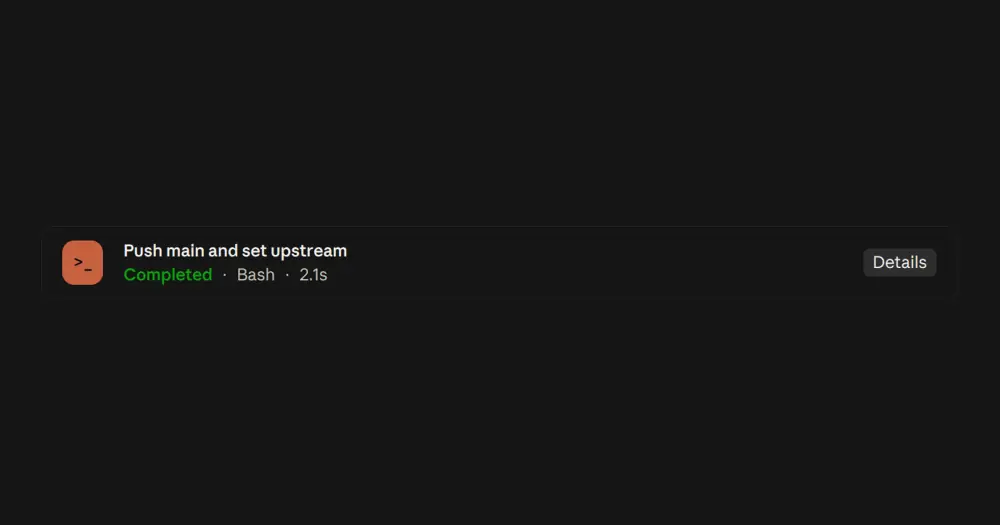
tool-cards replaces the row Claude Code draws for each tool call with a card: a title that says what the call does, its state, the tool, how long it took and a one-line result. The output stays folded behind a Details button, except when a call fails: then it opens on its own, so the error is the first thing you see. Everything is drawn locally, at zero token cost.
What it does
- States.
Runningin yellow with a live timer,Completedin green,Failedin red, andStoppedin muted grey when you interrupt a call. A finished card keeps its final time. - Titles. The description Claude gave the call, or a title built from its input:
Read hooks/register.tsx(the last two parts of the path),Search for "pattern",Search the web for "query", the URL a fetch opens. Each tool family has its own marker, so they tell apart without relying on color:>_Bash,▤reads,✎edits,+writes,⌕searches,↗web calls,◎agents,◆MCP tools. - Result line. Lines returned out of the file’s total for a read, added and removed lines for an edit, output lines, changed files or a background task id for Bash, and tokens and tool calls for a finished agent.
- Details. Bash output with stderr marked, an edit’s diff highlighted, or an MCP tool’s structured result laid out as JSON. The button reads
Hide detailswhile it is open. - No folded groups. Claude Code normally collapses a run of reads and searches into one summary line. tool-cards keeps those groups expanded, so every card stays in the transcript.
In the Code tab of Claude Desktop each card is a bordered box with a colored icon tile. In the terminal it shrinks to two lines with no tile or padding, so a long run of calls does not take over the transcript.
Install
Needs Claude Code 2.1.287 or later. For the Code tab of Claude Desktop, the author’s floor is a desktop build that ships Claude Code 2.1.286 or later.
claude plugin marketplace add bradtraversy/traversy-claude-mods
claude plugin install tool-cards@traversy-mods
Start a new session or run /reload-plugins, and the next tool call shows up as a card. To get Claude Code’s own rows back, turn the mod off in /plugin.
It comes from Brad Traversy’s traversy-mods marketplace, alongside session-hud, whose strip sits above the prompt and never touches the cards in the transcript.
How it works
The tool.call hook reads the clock when each call starts and again when it ends, and does nothing else: the call goes through unchanged. The drawing hook takes over Claude Code’s tool row, hides the separate result row, and builds the card from the call’s input (description, file path, pattern, query or URL) and its output. Timings for the last 200 calls live in memory and are cleared when the session ends. While a call is running, the card redraws once a second. Nothing is written to disk or sent anywhere, no process runs and no model is called.
Limitations
- The README says a Bash card shows the command. In version 0.2.6 the code shows Claude’s description of the command instead, or
Run terminal commandwhen there is none. - Details hold at most 6,000 characters. A diff longer than that is replaced by a note with its size.
- Edits show added and removed lines only when Claude Code supplies a Git diff; the author’s test uses a tracked file.
- A card has a time only if the mod saw the call start or the tool reports its own duration, so calls from before the mod loaded may show none.
- Nothing draws in the VS Code chat panel,
claude -p, the Agent SDK or cloud sessions.
Similar Claude Mods

firstmate-calm
Hides tool rows and swaps the spinner for a sailboat. Toggle with /calm, zero tokens.
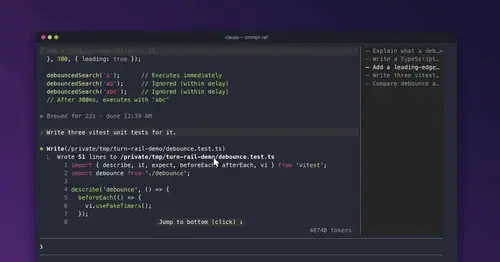
prompt-rail
Your session's prompts as a rail: hover to read one, click to jump back to it.
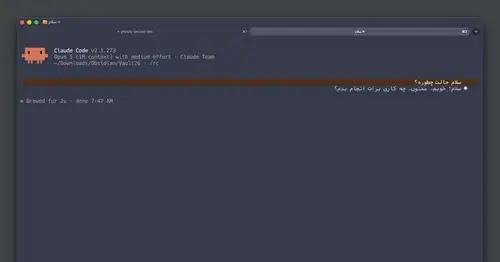
rtl-text
Persian, Arabic and Hebrew drawn joined, right-to-left and flush right in the transcript.
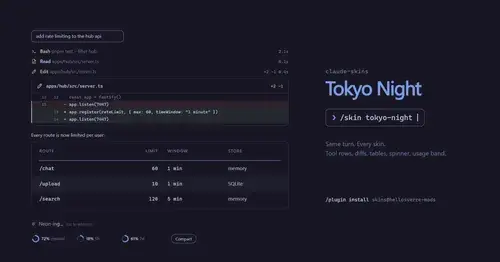
claude-skins
Fifteen transcript skins: timed tool rows, diff, table and chart cards, a usage band.
Popular Claude Mods
The whole directory →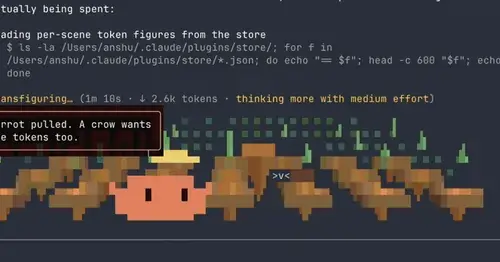
claude-toons
Cartoons of Clawd under the spinner that change with what Claude is doing.
replay-theater
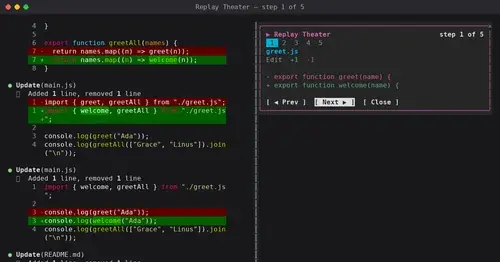
A /replay pane that walks through the last turn's file edits, one diff per step.
harness-mods
Model routing, secret redaction, read cache and subagent accounting, per-guard modes.
mission-control
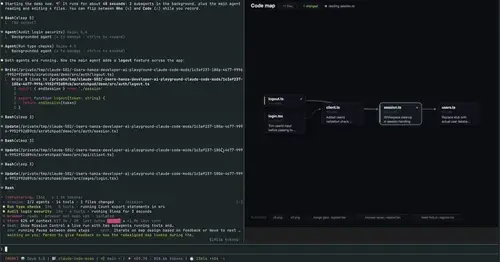
Main agent, subagents and every tool call in a pane, plus a map of the files they touch.