While you wait·terminal·MIT
verbs
A looping pixel-art picture above the spinner for each of its 188 verbs.
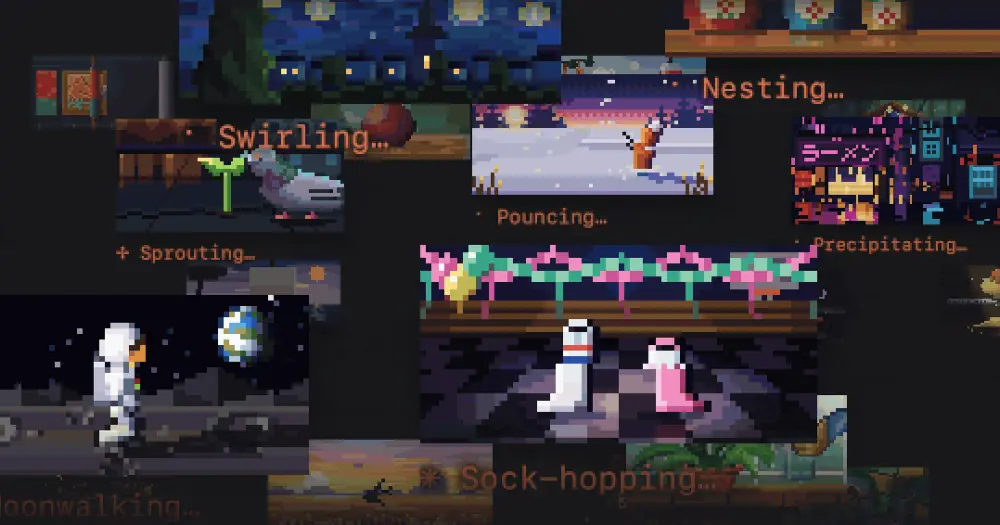
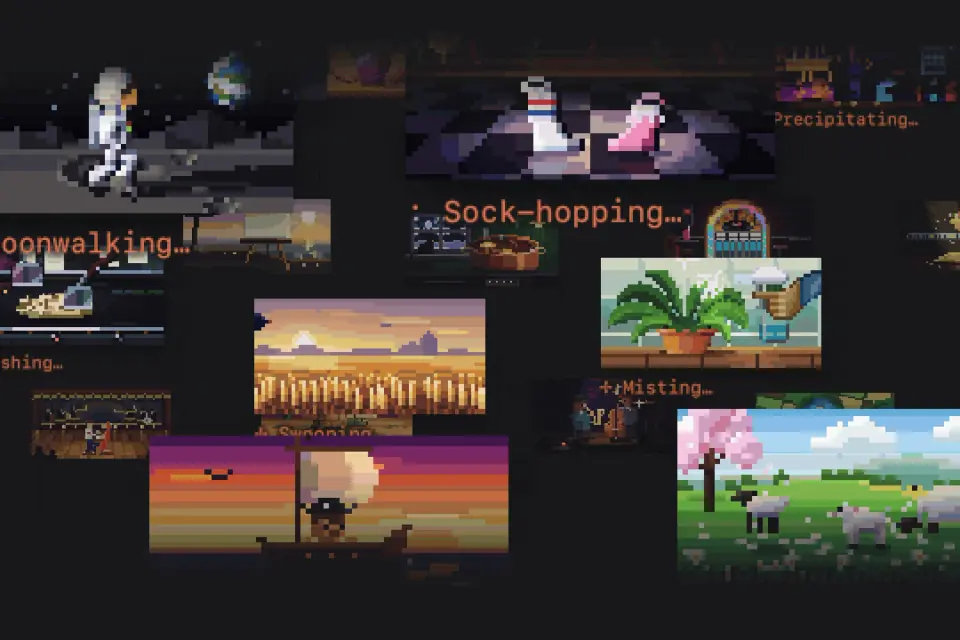
verbs puts a looping pixel-art picture above the Claude Code spinner while Claude works, a different one for each of the spinner’s 188 verbs. When the spinner says Moonwalking, an astronaut walks across the moon with the Earth in the sky; when it says Sock-hopping, two socks dance on a checkered floor. It never calls the model, so the pictures cost no tokens. The author’s site, ollie.md/verbs, plays every one of them.
What it does
- Follows the spinner. The picture changes whenever the spinner word does, and the usual spinner line stays underneath it.
- Three sizes. Three-quarter size by default (48 columns by 12 rows), full size (64 by 16) or half size (32 by 8). Small
+and−buttons beside the picture step between the sizes that fit your terminal, and(i)swaps the picture for an About card with the version and a link to the author’s site. - Plays any verb on demand.
/verb moonwalkingplays that verb’s loop in the transcript three times, then slows it to a stop on one frame. Part of a name is enough, and/verbalone picks a random verb. - Plays them all.
/verbsruns through all 188 in the spinner’s order, with the verb and its number under the picture. - Two settings.
/verbs offtakes the spinner back to words alone and/verbs onbrings the pictures back./verbs small,/verbs mediumor/verbs largesets the size. Both are remembered between sessions. - Reduced motion and NO_COLOR. With
prefersReducedMotionon in your Claude Code settings, the spinner shows a still frame instead of the loop. With theNO_COLORenvironment variable set, the mod draws nothing.
For a single pixel-art cat that reacts to Claude’s tools instead of a picture per verb, see cat-spinner.
Install
Needs Claude Code 2.1.287 or later (terminal only).
claude plugin marketplace add olliewagner/verbs
claude plugin install verbs@verbs
Restart Claude Code if it is open. The pictures start with the first prompt of the next session.
Plugins from other people’s marketplaces only auto-update if you turn that on: in /plugin, open Marketplaces, choose verbs and enable auto-update. To update by hand, run these and restart Claude Code:
claude plugin marketplace update verbs
claude plugin update verbs@verbs
How it works
ui.render wraps the spinner and draws the picture above it with half-block characters, two pixels per cell, so full size is a 64 by 32 pixel image. Each verb’s frames ship pre-drawn inside the plugin as compressed files, read from its own folder when needed. The smaller sizes keep, in each block of pixels, the colour that stands out most from its surroundings, so thin details survive the shrink. session.start loads your settings and registers the two commands, command.run answers them, and turn.start clears a still frame left from the previous turn.
It reads no prompts, tool calls or project files, and it calls no model, so it uses none of your plan. On startup it looks for Apple’s SF Pro font to decide whether its buttons use that font’s symbols or plain text.
It makes one network request. Once a day, five seconds after a session starts, it downloads the plugin’s own plugin.json from the repository on GitHub (raw.githubusercontent.com) to compare version numbers, and shows a toast with the update commands if a newer version is out. The request sends nothing about your session, and it is skipped while CLAUDE_CODE_DISABLE_NONESSENTIAL_TRAFFIC is set.
It runs a process only when you click the author’s name on the About card: open, xdg-open or rundll32, whichever works on your system, to open ollie.md/verbs in your browser. Its plugin store holds three values: whether the pictures are on, the size, and when it last checked for an update.
Limitations
- Terminal only. The code draws only on the terminal surface, so the Desktop app and other surfaces keep the plain spinner.
- The spinner picture needs four spare columns beside it and no more than 40% of the terminal’s height. Full size wants at least 68 columns and 40 rows, three-quarter size 52 by 30, half size 36 by 20. In a smaller terminal it drops to the largest size that fits, or shows only the spinner line.
- If you set your own spinner verbs, only the ones that match one of the 188 built-in verbs get a picture.
Similar Claude Mods
nowloading
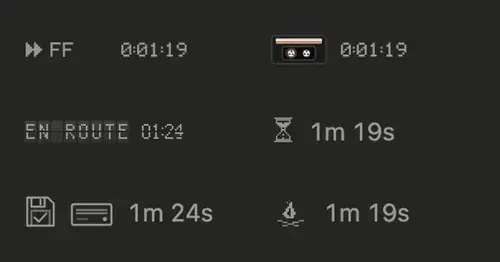
The working line as a tape deck, a flap board or a campfire that tracks what Claude does.
pixelband
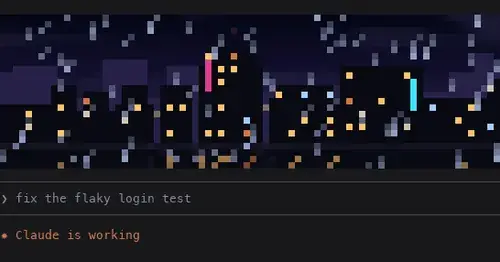
Pixel art above the prompt that reacts to Claude: seven scenes, or your own image or GIF.
claude-toons
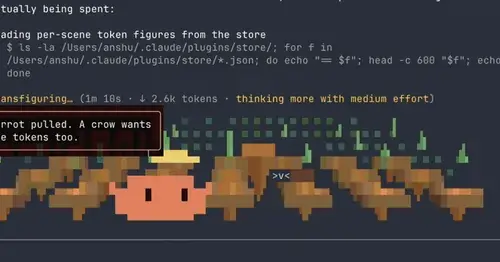
Cartoons of Clawd under the spinner that change with what Claude is doing.
mindful-claude
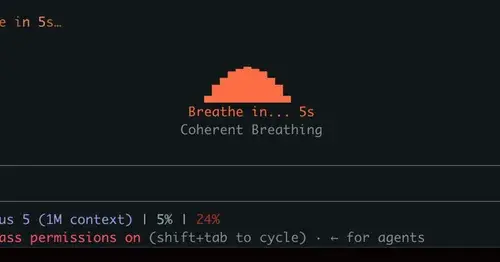
Guided breathing above the prompt while Claude works. Four techniques, zero tokens.
Popular Claude Mods
The whole directory →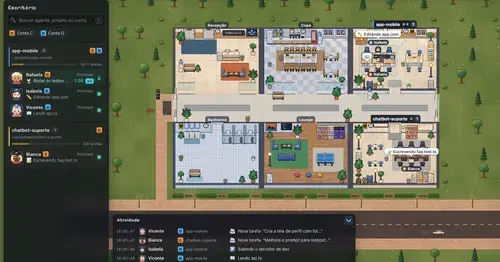
Habblaud
A pixel-art office where each Claude Code agent shows, live, what it is doing.
shared-session
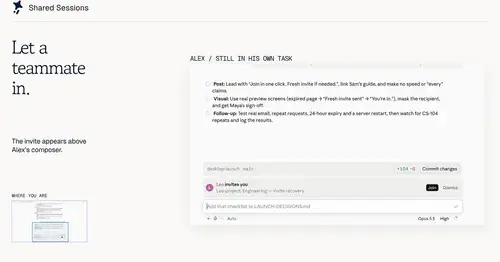
Share a session by link: teammates join from their Claude Code and prompt it live.
claude-skins
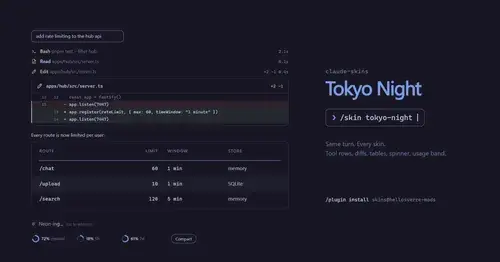
Fifteen transcript skins: timed tool rows, diff, table and chart cards, a usage band.
prismantis
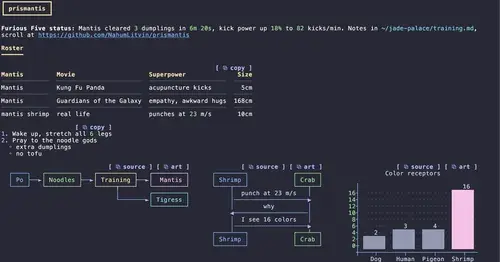
Claude's replies in 15 themes: colored tables, highlighted code, diagrams and charts.