While you wait·terminal · desktop·MIT
nowloading
The working line as a tape deck, a flap board or a campfire that tracks what Claude does.
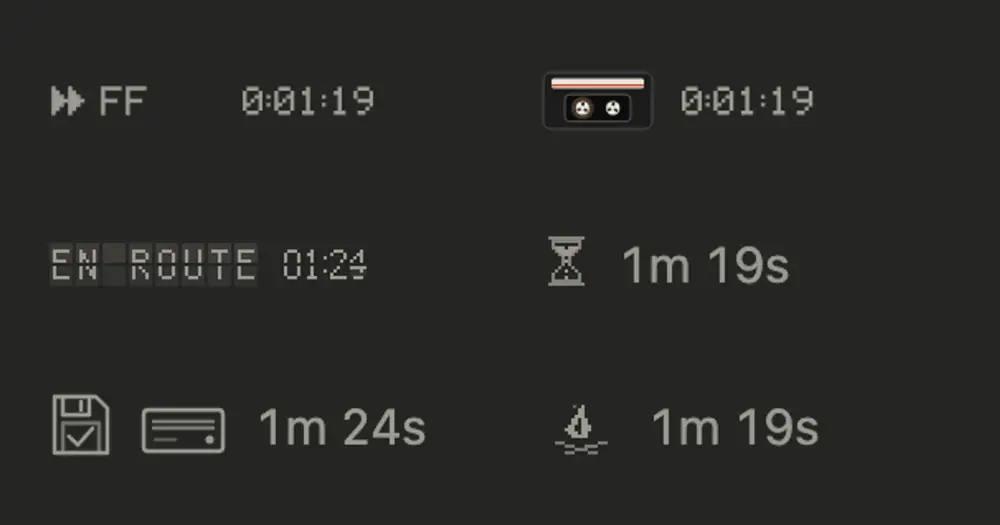
nowloading replaces the line Claude Code animates while it works with something from an older machine: a VCR display, a cassette, a split-flap departure board, a one-bit hourglass, a floppy drive, a dot-matrix printer, a paddle game, a filmstrip or a pixel campfire. The picture follows the turn, so you can tell Claude thinking from a tool running, a tool failing and the answer being written. Nothing reaches the model, so it costs zero tokens.
What it does
There are eleven themes, each with its own take on the same moments of a turn:
- rewind, the default, writes the word a VCR puts on screen, in your text color: PAUSE while Claude thinks, FF during tools, PLAY while it answers. channel3 shows it on a tiny screen with scanlines and a slow rolling picture. cassette is a tape whose reels change speed to match.
- platform and arrivals run the turn as a flight on a split-flap board: CHECK IN, BOARDING, EN ROUTE, LANDING, and DELAYED when a tool fails. The flaps move only when the word changes. arrivals is the night version.
- sandglass lets the sand fall while Claude works, flips the glass when a tool succeeds and knocks it over when one fails.
- floppy, dotmatrix, rally, filmstrip and campfire work the same way: a seeking drive that rattles the disk on an error, a print head that parks on success and jams on failure, a paddle game that speeds up during tools and misses on a failure, a projector gate that stops on a check or a jam, and a fire that sparks on success and smokes after a failure.
A finished tool stays on screen for 1.5 seconds, so even a quick one flips the board or turns the glass.
You pick the theme with a command:
/nowloadingshows the current theme and lists the others./nowloading floppyswitches at once, even mid-turn, and later sessions keep it./nowloading randomdraws a new theme each turn, never the one just shown.- The Theme option in
/configsets it too. Whichever you changed last wins.
What you see depends on where you run Claude Code:
- Desktop app, Code tab: the art takes the place of the working line’s dots, followed by the step text and the elapsed time. rewind, channel3 and cassette show the time as a tape counter, platform and arrivals as a flap clock. A running tool keeps its own line with its description.
- Terminal: the art is a small picture at the start of Claude Code’s own working line, which keeps its verb, time and token count. Ghostty and kitty show it as pixels. Other terminals and tmux show the theme’s word instead, such as PAUSE, BOARDING, SEEK or JAM.
Install
Needs Claude Code 2.1.287 or later. For pictures in a terminal, use Ghostty or kitty.
claude plugin marketplace add vgnshiyer/mods
claude plugin install nowloading@vgnshiyer-mods
Send a prompt: the rewind theme draws while Claude works.
How it works
The mod redraws Claude Code’s Spinner component, the working line, through ui.render. turn.start and turn.complete mark the turn; a subagent’s turn inside it doesn’t count. tool.call watches the main conversation’s tool calls only to know how many are running and whether the last one succeeded, failed or was denied. A subagent’s own tool calls don’t move the art. Every event passes through unchanged and nothing makes Claude wait. In the terminal the art is a set of prerendered PNG frames swapped in place ten times a second; in the Desktop app it is animated SVG. If a theme fails to draw, Claude Code draws its usual line.
It makes no network calls. It saves the theme you pick with /nowloading in Claude Code’s plugin store on your machine, along with the /config value at that moment, so a later /config change can win. It also keeps the turn’s start time in plugin state, so a hot reload mid-turn, after a /config change or an update, doesn’t reset the clock.
Limitations
- It draws only in the terminal and the Desktop app’s Code tab. Other surfaces, such as the VS Code extension’s chat panel or
claude -p, keep Claude Code’s usual line. - In the terminal, a permission prompt over the working line pauses the animation until the line is drawn again.
Similar Claude Mods
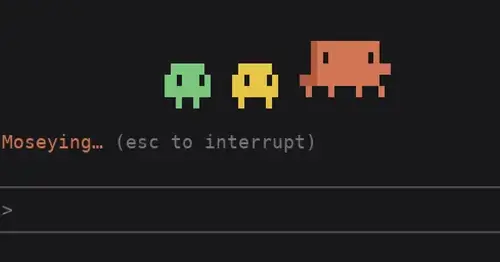
clawd-actor
Clawd acts out the spinner's -ing word above the prompt while Claude works.
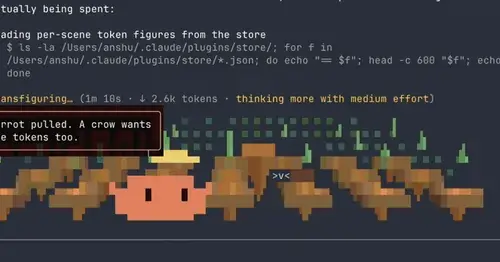
claude-toons
Cartoons of Clawd under the spinner that change with what Claude is doing.
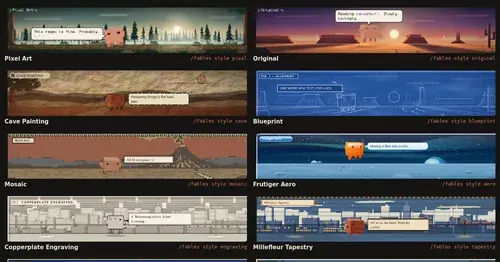
Claude Fables
Short animated cartoons of Claude's work above the prompt, scripted by Sonnet or Haiku.
claude-skins
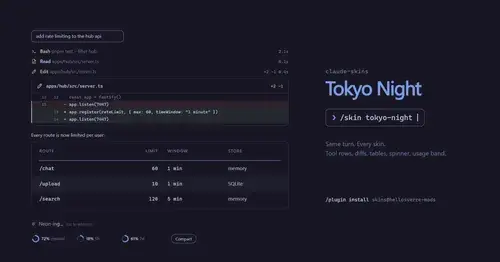
Fifteen transcript skins: timed tool rows, diff, table and chart cards, a usage band.
Popular Claude Mods
The whole directory →
pin-memo
Notes and clickable todos pinned above the prompt, back when you resume the session.
show-your-work
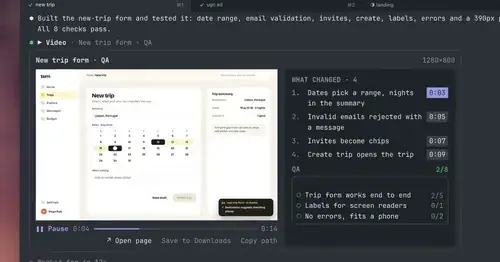
Claude shows screenshots and recorded Playwright runs in the chat, with before/after QA.
paste-view
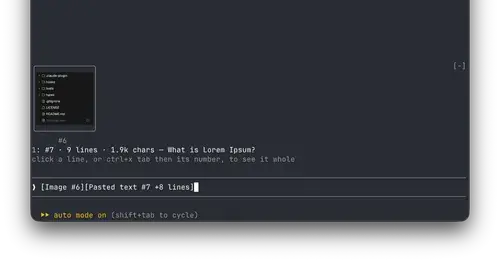
Previews of pasted text and thumbnails of pasted images, drawn above the prompt.
pii-guard
Reversible Taiwanese PII redaction for tool results, prompts and writes, all on loopback.