While you wait·terminal · desktop·MIT
spell-bar
Clawd casts Avada Kedavra above the prompt, one rank for each effort level.
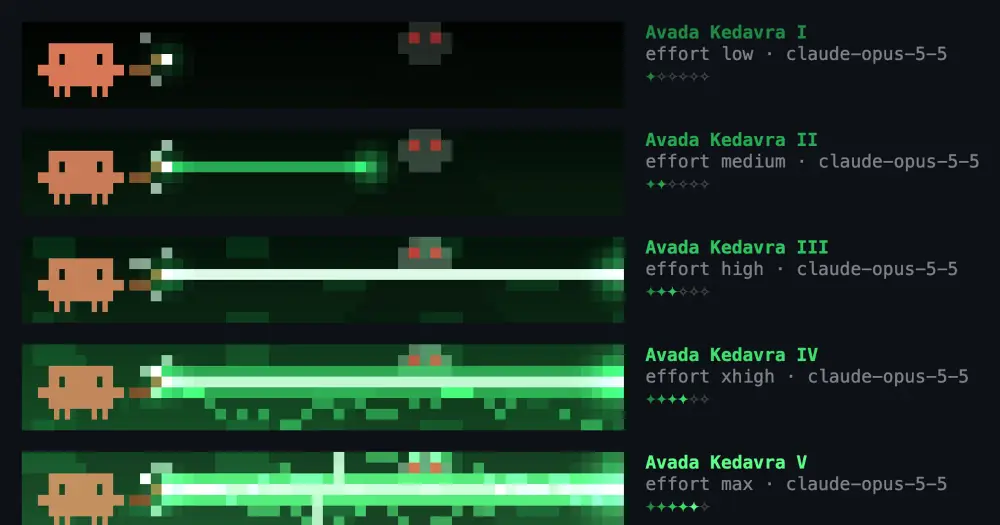
spell-bar turns the session’s effort level into an animated bar above the Claude Code prompt. Clawd raises a wand and casts Avada Kedavra, with one rank of the curse for each effort level from low to ultracode, while Voldemort watches from the smoke behind him. It draws in the terminal and in the desktop app’s Code tab, and adds nothing to the conversation.
What it does
Each rank keeps everything the rank below it draws and adds a layer:
- I, low. A few sparks and a misfire. Of Voldemort, only the red eyes show.
- II, medium. A thin, jagged bolt that stops halfway.
- III, high. The bolt reaches the far side and lands with shockwave rings, green smoke and a flash that lights up Voldemort’s face.
- IV, xhigh. Arcs wrap the bolt, Clawd’s eyes go green and the bar shakes.
- V, max. The bolt thickens and pulses, and forked lightning strikes from the sky.
- VI, ultracode. The jet holds for most of the cast, the lightning strobes, the frame burns, and Clawd becomes the Dark Lord: pale green skin, black robe, bone-white wand.
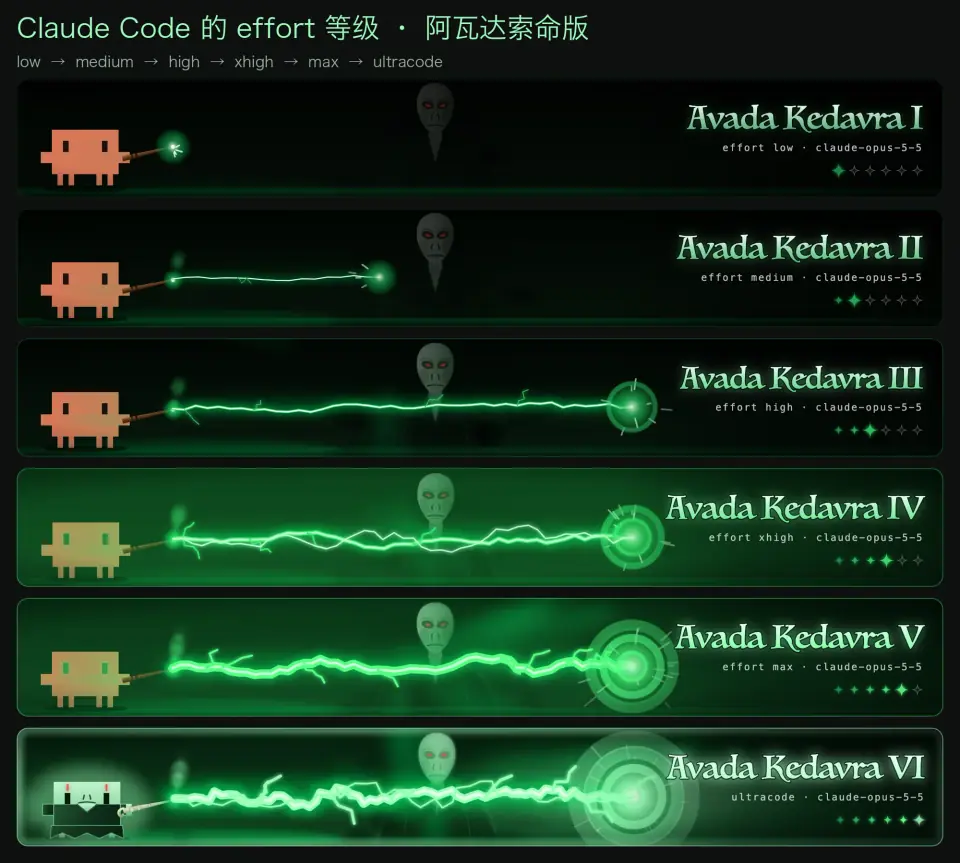
Next to the animation sit the rank, a line with the effort and the model id (effort high · claude-opus-5-5) and six stars lit up to the current rank. In the terminal the scene is pixel art four rows tall, drawn in half blocks at 12 frames a second, with Clawd in the glyphs of his logo. In the desktop app it is an animated SVG banner sized to the band.
/spelllists the ranks and shows what the bar is following./spell 1to/spell 6, a roman numeral (/spell IV) or an effort name (/spell max) pins a rank so you can look at it./spell autofollows the effort again./spell offhides the bar and/spell onbrings it back./spellbookopens a pane with all six ranks playing at once.
The author calls it an unofficial fan project, not affiliated with the Harry Potter rights holders or with Anthropic, and drew all the artwork from scratch.
Install
Needs Claude Code 2.1.287 or later.
claude plugin marketplace add powerofjinbo/claude-code-spell-bar
claude plugin install spell-bar@claude-code-spell-bar
Start claude and the bar appears above the prompt. Until it has seen your effort level it shows rank I with the line effort not seen yet. claude plugin uninstall spell-bar removes it.
How it works
Plugins have no event for an effort change and no call that returns the current effort, so spell-bar reads it from two places:
- The flag settings, every 1.5 seconds. The desktop app’s effort picker writes its choice there, so a switch shows up without waiting for a message. low, medium, high and xhigh appear as themselves. The settings schema drops max, so a level that vanishes right after a pick is read as max. ultracode arrives as its own flag alongside xhigh.
- Each model request (
turn.step). A request carries the effort it was sent with and the model, which covers max and the effort a session started with. Only the main conversation counts: subagent requests do not move the bar. The hook reads the request and passes it on unchanged.
A model that takes no effort setting shows rank I. A numeric thinking budget instead of a named level maps to ranks I to V by cut-offs the code itself calls rough.
spell-bar reads no prompts, tool calls or files and makes no network calls. It keeps three values in its plugin state: the last effort and model it saw, a pinned rank, and whether the bar is hidden. In the terminal a clock repaints the pixel strip 12 times a second; the desktop banner animates itself with CSS, so nothing redraws there. When Claude Code shows a survey above the prompt, the bar steps aside.
Limitations
- The author documents the update between messages for the desktop app’s effort picker. Otherwise the bar changes at the next model request.
- A new session gets its starting effort as a launch flag, which plugins cannot see. If the session’s flags already say ultracode is off and your first pick is max, nothing visible changes, and the bar catches up at the next message.
- Draws only in interactive sessions: nothing appears in
claude -por the VS Code extension’s chat panel.
Similar Claude Mods
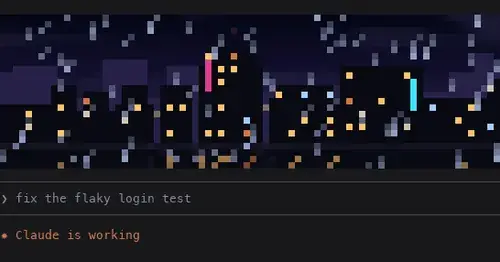
pixelband
Pixel art above the prompt that reacts to Claude: seven scenes, or your own image or GIF.
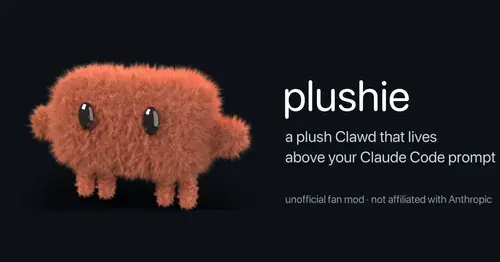
plushie
A plush Clawd above the prompt that reacts to what Claude is doing. Pat it or drag it.
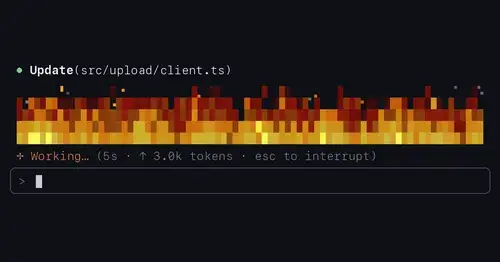
flow-scenes
Eleven ambient scenes above the prompt that grow busier as Claude works.
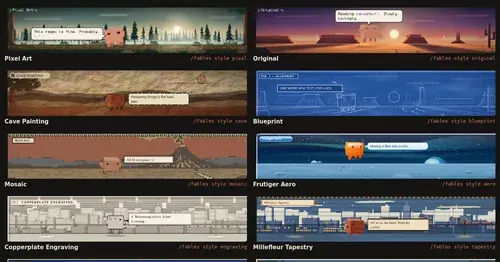
Claude Fables
Short animated cartoons of Claude's work above the prompt, scripted by Sonnet or Haiku.
Popular Claude Mods
The whole directory →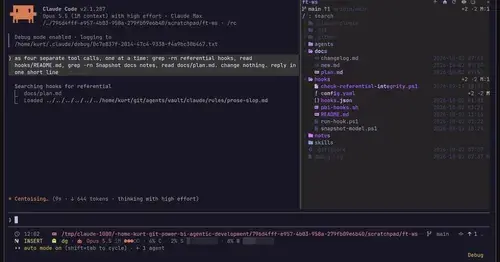
filetree
Sidebar file tree with git status that lights up what Claude reads, edits and commits.

collision-guard
Asks before Claude edits a file another open chat just changed.
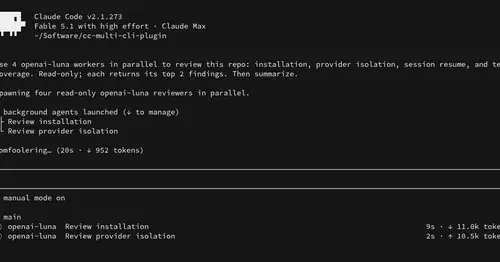
multi-core
ChatGPT, Cursor, Zen, Antigravity and Grok models in one Claude Code session, via /model.
env
Claude manages your .env keys and asks you for values it never gets to see.