While you wait·terminal·MIT
plushie
A plush Clawd above the prompt that reacts to what Claude is doing. Pat it or drag it.
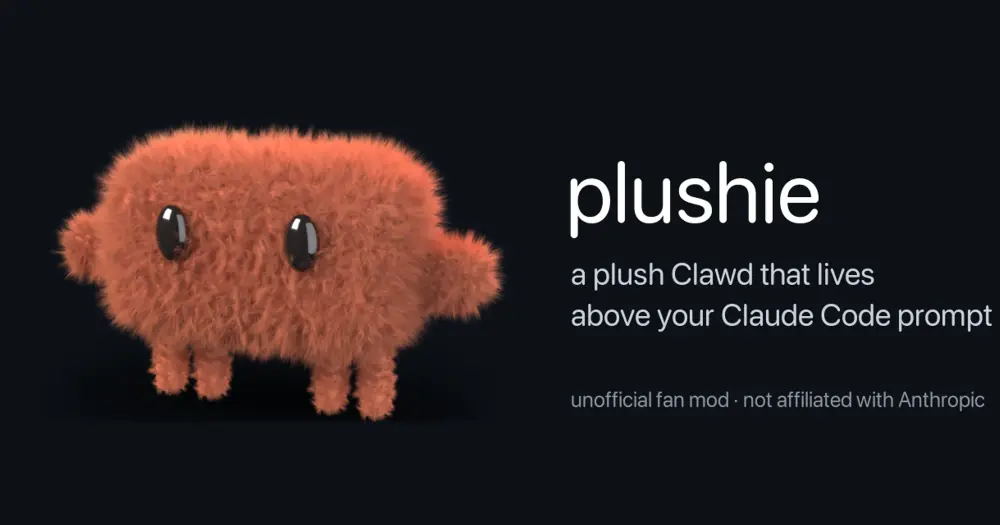
plushie puts a plush Clawd at the right end of the band above the Claude Code prompt and makes it react to what Claude is doing. It wiggles while a turn runs, holds a prop for each tool, wobbles when something fails, jumps when a long turn ends and dozes off when you leave it alone. You can pat it or pick it up and move it. Its frames are images rendered in Blender, so it only draws in terminals that can display images, which the author names as Ghostty and kitty.
The author calls it an unofficial fan project, not affiliated with or endorsed by Anthropic. Its MIT license covers the code, the scripts, the frames and the sounds, not the Clawd character.
What it does
- Moods. Clawd idles and blinks, works while any turn is running, and gets sleepy after two minutes with no prompt, turn or click.
- Reactions. It wobbles when a tool call is denied or fails, or when a turn is interrupted or ends in an error. It jumps when a turn of four seconds or more finishes, so quick answers don’t set it off.
Everything else is a switch, on by default:
toolProps: a magnifier for Read, Grep and Glob, knitting needles for Edit, Write and NotebookEdit, a keyboard for Bash, binoculars for WebFetch and WebSearch. Each prop stays up at least 1.5 seconds, so a burst of fast reads shows one steady prop.miniClawds: a half-size Clawd for each running subagent, up to three, then a+Ncounter. Each one walks off when its subagent finishes.stuffing: after every turn Clawd checks how full the context window is. It turns plump at 50 percent and stuffed at 80, and deflates with a sigh when the conversation is compacted.blush: it blushes when your prompt contains thanks or praise.pats: a click without dragging gives a squish, a happy squint and hearts.drag: press and pull it sideways along the band. It dangles while held and stays where you drop it, next session too.fidgets: left idle, every 15 to 40 seconds it looks around, scratches, yawns or hops.sounds: short sounds for pats, jumps, wobbles, blushes, being picked up and put down, deflating and dozing off.
Commands:
/plushiehides or shows Clawd./plushie listshows every reaction and the state of every switch./plushie on <switch>and/plushie off <switch>flip a switch. The same switches are in/config./plushie <reaction>plays any reaction by hand, such ashappy,blush,sleepyorworking-binoculars.
Install
Needs Claude Code 2.1.287 or later and Ghostty or kitty. Pats and drags use the mouse.
claude plugin marketplace add xyc/plushie
claude plugin install plushie@plushie
Start claude and Clawd appears at the right end of the band above the prompt. Sounds are on from the start; /plushie off sounds silences them.
How it works
The animation is nearly 700 PNG frames in 22 clips, about 38 MB, shipped inside the plugin. When the session starts, the module reads its frame manifest, registers /plushie and starts its own clock, which swaps the file behind a single image above the prompt at the manifest’s frame rate. The animation never waits on the model.
What each hook reads:
prompt.submit: the text of your prompt, only to match it against a short list of kind words (thanks, thx, good job, well done, awesome and a few more). Nothing is kept.tool.call: the tool’s name, to pick a prop, and whether the call was denied or failed. It does not read commands or arguments, and it ignores subagents’ tool calls.turn.complete: how long the turn took and how it ended. Withstuffingon, it also asks Claude Code how full the context window is.agent.spawnandsession.compact: when to add a mini Clawd and when to deflate.
Every hook passes its event on unchanged, so nothing reaches the model and it costs zero tokens. It makes no network calls. It stores one value, the column where you last dropped Clawd, in Claude Code’s plugin store on your machine; the switches are the plugin’s own settings in Claude Code. The sounds are WAV files bundled with the plugin.
The repository also holds the Blender scripts that made the frames. One builds the model, the fur, the props, the lights and every clip’s motion, and renders Clawd and its shadow separately; another lays them together into the frames folder and writes the manifest the mod reads. The README’s Rebake section has the commands. Its tests, run with claude plugin test ., trigger each reaction through its real event with its switch on and off.
Limitations
- Draws only in the terminal. The module skips every other surface, so the Desktop app’s Code tab, the VS Code extension’s chat panel and
claude -pshow nothing. - In a terminal without an image protocol, the first frame is refused and Clawd stops drawing for the rest of the session. The band stays as it was.
- It needs at least four rows of band and a band at least 20 columns wider than Clawd. When agents listed under the prompt take rows, Clawd draws smaller; below four rows it disappears. It also steps aside while a survey is shown.
Similar Claude Mods
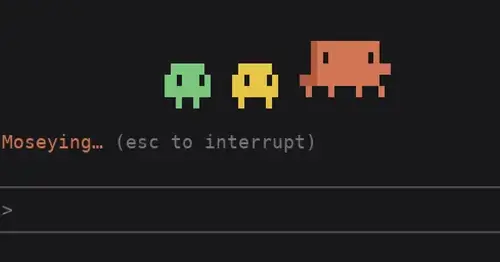
clawd-actor
Clawd acts out the spinner's -ing word above the prompt while Claude works.
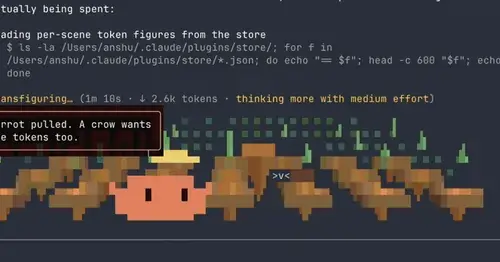
claude-toons
Cartoons of Clawd under the spinner that change with what Claude is doing.
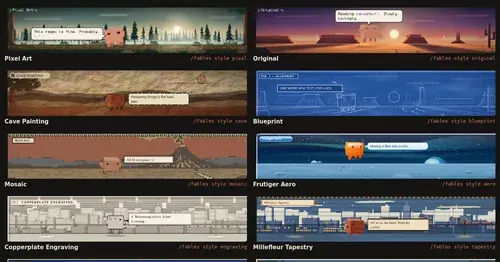
Claude Fables
Short animated cartoons of Claude's work above the prompt, scripted by Sonnet or Haiku.
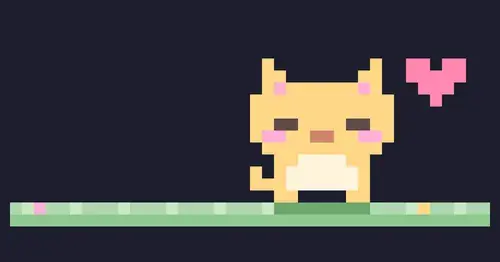
claude-pets
A pixel pet in a pane that reacts to your session and levels up as you work.
Popular Claude Mods
The whole directory →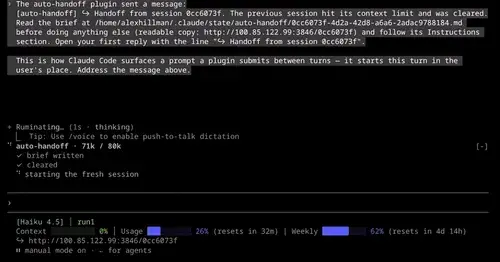
auto-handoff
Hands a long session to a fresh one with a Haiku-written brief instead of compacting.
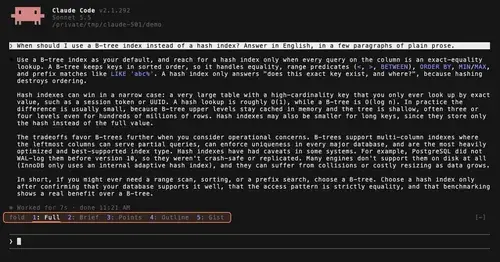
TextFold
Every reply at five levels, from every word to the answer in one sentence. One key each.
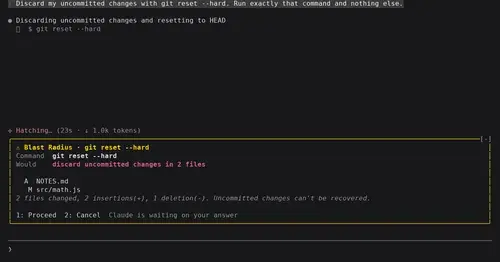
blast-radius
Shows what rm -rf or a force push would change and waits for Proceed or Cancel.

commonplace
Your notes as a wiki Claude maintains: ingest papers, ask questions, keep it healthy.