Games·terminal · desktop·MIT
minefield
Minesweeper in a pane, with a best time and a face that watches the board.
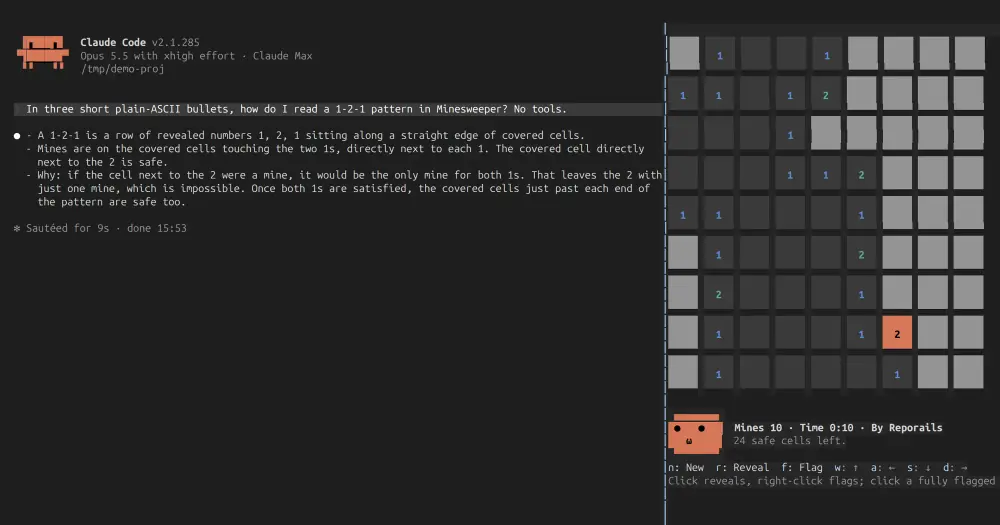
minefield is Minesweeper in a Claude Code pane: one 9×9 board with 10 mines, sized for the few minutes Claude spends on a turn. Run /mines and play with the mouse or the keys, even while Claude is mid-turn. Nothing goes to the model, so playing costs zero tokens.
What it does
- A safe first move. The mines are laid only after your first reveal, away from that cell and the eight around it, so the first click always opens an area.
- Mouse or keys. Left click reveals a cell, and on a number whose flags are all set it opens the cells around it. Right click, or ctrl or alt with a left click, sets a flag. Without the mouse,
wasdmove the cursor,rreveals,fflags andndeals a new game. The letter keys work as soon as the pane opens. - A timer and a best time. The clock runs from the first reveal to the last, and your best time is kept between sessions.
- A face. Under the board, in your theme’s Claude orange, a face follows the cursor, blinks, gasps at a reveal, winks at a flag and puts on sunglasses when you clear the board. Left alone for a few seconds it glances at the transcript and pretends to read it; the mod itself sees nothing of the transcript.
- A board that fills the pane. Docked beside the transcript, cells grow into large square tiles. Above the prompt, where rows are scarce, each cell takes one row and the face moves beside the board.
Install
Needs Claude Code 2.1.287 or later.
claude plugin marketplace add reporails/arcade
claude plugin install minefield@reporails-arcade
Run /mines. For the mouse and the side pane, start Claude Code in the fullscreen layout, or switch an open session with /tui fullscreen:
CLAUDE_CODE_NO_FLICKER=1 claudeWithout it the pane sits above the prompt and you play with the keys alone. Esc hands the keyboard back to the prompt and leaves the game as it is; ctrl+x tab gives the board the keys again.
Each game in the reporails-arcade marketplace is its own plugin; the other one is doom.
How it works
The mod hooks four events: the session start, the /mines command, the drawing of its pane and the board’s report of a win. It hooks no prompt, tool call or attachment and makes no network calls. Its only write is the best time, kept in the plugin’s own store on your machine. The By Reporails credit in the status line links to the author’s CLI on GitHub; your terminal opens it if you click.
Limitations
- One board size and no difficulty levels.
- Closing the pane, with its
✕orctrl+x x, ends the game in play. - VS Code’s chat panel and
claude -phave nothing to draw on;/minessays so. - The code also draws in the Desktop app’s Code tab, but the author has tried that only through Claude Code’s plugin test kit, not in the app itself.
Similar Claude Mods
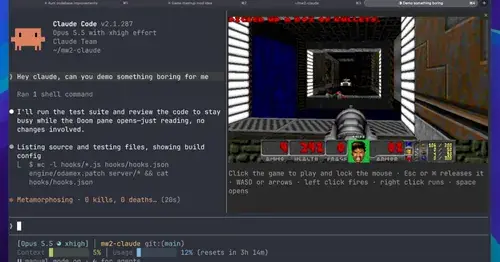
intermission
Multiplayer Doom deathmatch in a pane while Claude works, handed back when it needs you.
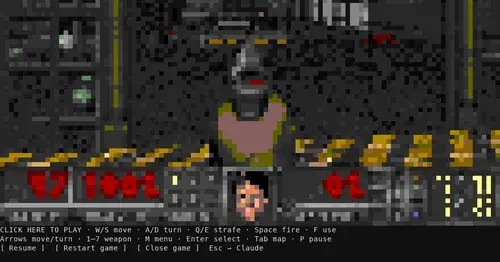
claude-doom
The original Doom engine and Freedoom, playable in a Claude Code pane with /doom.
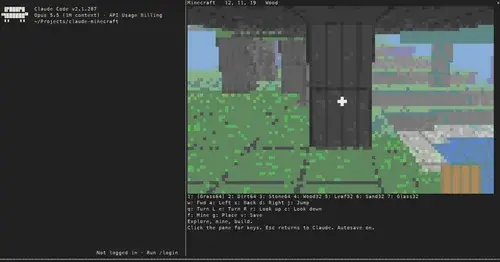
claude-minecraft
A first-person voxel sandbox in its own pane: mine, build and keep your world.
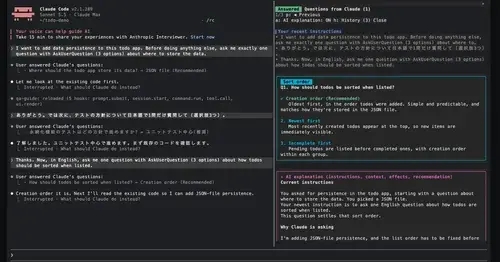
qa-guide
Explains each question Claude asks in a side pane: context, option effects, history.
Popular Claude Mods
The whole directory →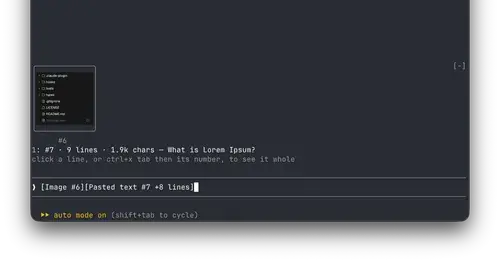
paste-view
Previews of pasted text and thumbnails of pasted images, drawn above the prompt.
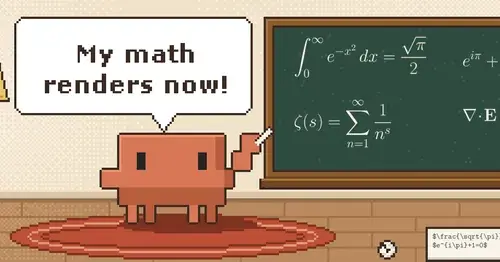
claude-latex
TeX math, TikZ diagrams and LaTeX blocks typeset in Claude's replies, in the desktop app.
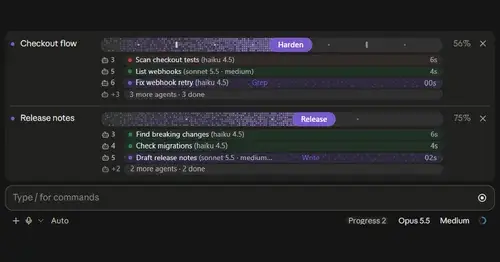
plan-progress
Claude's plan as live progress bars above the prompt, with subagents under each task.
ripple
Effort per prompt, subagents routed to GPT, DeepSeek or Claude, and cache warnings.