Games·terminal·MIT AND GPL-2.0-or-later AND BSD-3-Clause
doom
Freedoom in a pane: a real picture in kitty and Ghostty, block characters elsewhere.
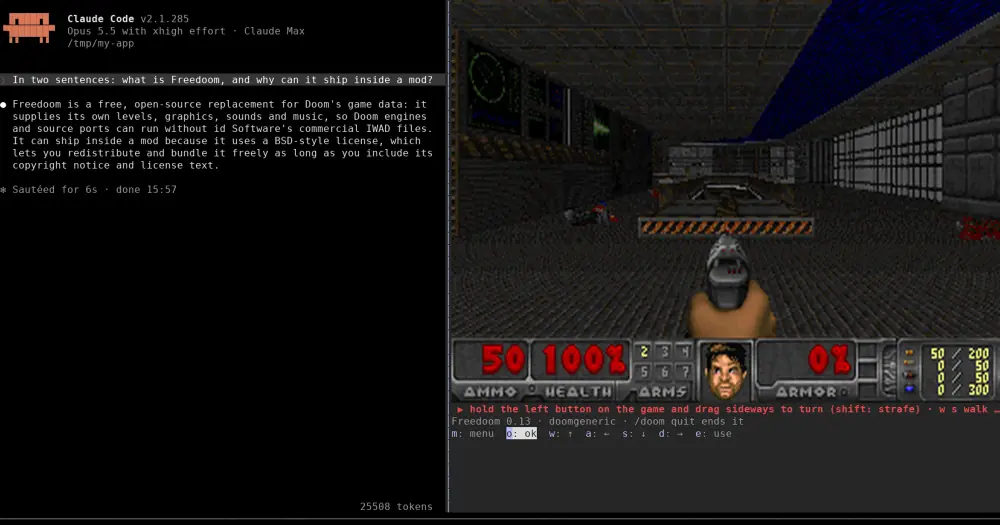
doom plays Doom in a Claude Code pane while Claude works. It runs Freedoom, a free game made for Doom engines, on doomgeneric, a port of the original engine. In kitty or Ghostty the pane shows a real picture at Doom’s own 320×200; in other terminals it draws the game in quadrant block characters, four pixels to a cell. Nothing reaches the model, so playing costs zero tokens.
Unlike claude-doom, which runs the same engine and game data in half blocks on Apple Silicon Macs only, this one ships prebuilt engines for Linux, macOS and Windows and turns with the mouse.
What it does
- Freedoom included. The plugin carries Freedoom Phase 1 0.13.0, so you supply no WAD and nothing of id Software’s is involved. The licences follow the folders: the hooks are MIT, the engine and its prebuilt binaries GPL-2.0-or-later (doomgeneric’s licence), and the game data BSD-3-Clause. The mod runs the engine as a separate program.
- An engine for your machine. Linux, macOS and Windows builds, each for x86_64 and arm64, so nothing needs compiling. On any other platform
/doombuilds one withmakethe first time, which needs a C compiler. Under WSL it uses the Linux engine. - Mouse to turn, keys to walk. Hold the left button on the game and drag sideways to turn, with shift to strafe; hold the right button to fire. Walk with
wandswhile you drag. Space fires,eopens doors and presses switches,1to7pick a weapon,,and.strafe, Tab shows the map andppauses. The menu ismor backspace, because Esc belongs to Claude Code. - A screen that fits the dock. Outside kitty and Ghostty the screen grows with the terminal’s height, and the pane narrows to it so the transcript keeps the rest. More rows give a sharper picture.
/doom works mid-turn and brings back a running game. /doom quit, or Ctrl+X then X, ends it and closes the pane.
Install
Needs Claude Code 2.1.287 or later, plus kitty or Ghostty for the full picture.
claude plugin marketplace add reporails/arcade
claude plugin install doom@reporails-arcade
Start Claude Code in the fullscreen layout, which docks the pane on the right and lets it take clicks, then run /doom:
CLAUDE_CODE_NO_FLICKER=1 claudeWithout it the pane sits above the prompt and you play with the button keys alone. Click the game or the red strip under it to give Doom the keyboard.
How it works
A mod has no WebAssembly, so the game runs as a native program. /doom reads a few environment variables (operating system, architecture, TERM, TERM_PROGRAM, runtime and temp directories), runs uname -sm outside Windows to pick the engine, and starts it as a child process.
The mod talks to the engine on your machine only: over a Unix socket in your runtime or temp directory on Linux and macOS, or on 127.0.0.1 with a random per-run token on Windows. Every 28 ms it asks for the newest frame. In kitty and Ghostty the engine writes the frame as a raw image file next to its socket and Claude Code hands the terminal its path; elsewhere the engine answers with block characters the mod paints into the pane.
While you play, the mod also hooks the prompt box. For 10 seconds after your last game input, game keys that land in the prompt go to Doom and any other key is dropped, so nothing piles up there. Type / to have the prompt back at once. A draft you typed before playing is left alone. It hooks no tool calls and reads nothing the model sees.
The plugin’s data/ folder keeps Doom’s config, saves and engine.log, the engine’s output from its last run. Closing the pane, /doom quit or the end of the session stops the engine, and the engine exits by itself after 30 seconds without a request, so nothing keeps running if Claude Code dies.
Limitations
- The author has played it only with the Linux x86_64 engine, on Claude Code 2.1.285. The macOS and Windows engines, Ghostty and Claude Code 2.1.287 or later are not yet verified.
- Windows gets blocks: no Windows terminal the mod detects speaks kitty’s picture protocol. Inside tmux it falls back to blocks too.
- Blocks are heavy. Claude Code paints each block frame itself, at 50 to 90% of a CPU core and about 30 frames a second at best.
- Terminals send no key releases, so key holds are timed, there is no run key, and the keyboard alone cannot walk and turn at once. A walking key plus a mouse drag can.
- No sound.
- Terminal only. The Desktop app gets a message instead of the game, and VS Code’s chat panel and
claude -pget nothing.
Similar Claude Mods
tictactoe
Tic-tac-toe against a minimax opponent above the prompt, painted with kitty graphics.
katzensteg
SDL games and HTML pages in panels beside the transcript, with tools so Claude can play.
intermission
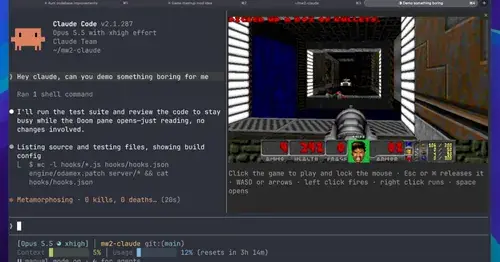
Multiplayer Doom deathmatch in a pane while Claude works, handed back when it needs you.
gamble-with-claude-code
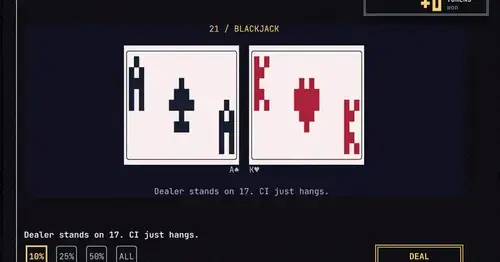
Slots, roulette and blackjack, played with the tokens Claude Code burned today.
Popular Claude Mods
The whole directory →savvy-progress
Running, finished and planned subagents with model, context, cost and time, in one panel.
pii-guard
Reversible Taiwanese PII redaction for tool results, prompts and writes, all on loopback.
TextFold
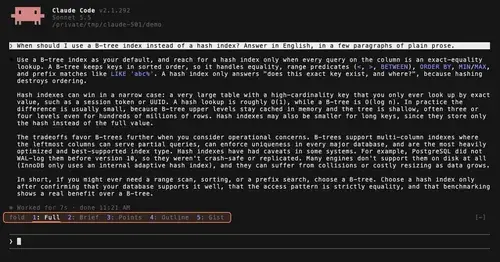
Every reply at five levels, from every word to the answer in one sentence. One key each.
xcode-mods
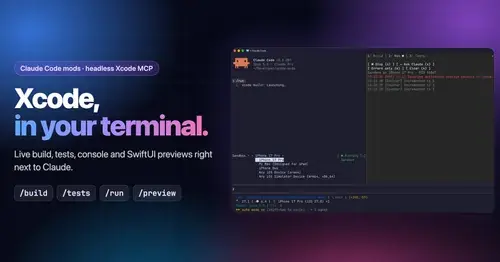
Xcode build, tests, console and SwiftUI previews in panes, plus a toolbar band.