Games·terminal·MIT
claude-minecraft
A first-person voxel sandbox in its own pane: mine, build and keep your world.
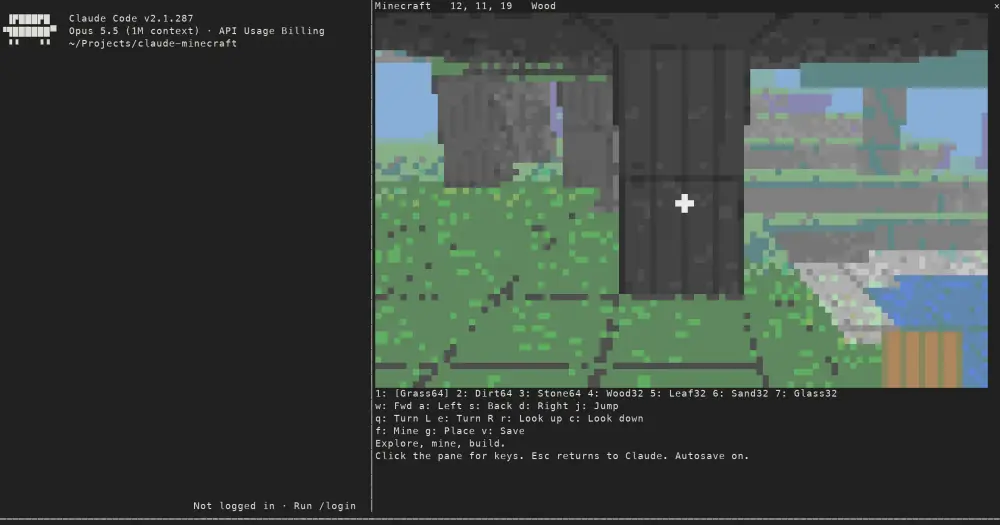
claude-minecraft is a first-person voxel sandbox you play in a pane beside the Claude Code conversation. You walk a small generated world, mine blocks, build with them, and find the world as you left it next session. Open it while Claude works or whenever you like: the game runs locally and never calls the model, so it costs zero tokens.
It is a fan project inspired by Minecraft and written from scratch. The author states that it contains no Minecraft code or assets and is not affiliated with Mojang, Microsoft or Anthropic.
What it does
- A world 48 by 48 blocks wide and 32 high, with hills, trees, water, sand along the shore and a bedrock floor.
- Seven blocks to build with: grass, dirt, stone, wood, leaves, sand and glass. You start with 64 or 32 of each. Mining a block adds it to the count, placing one spends it. Water and bedrock cannot be mined.
- A crosshair with a reach of six blocks. The top line of the pane shows your coordinates and the block you are aiming at.
- Gravity and jumping, and you step up one-block ledges as you walk.
Install
Needs Claude Code 2.1.287 or later.
claude plugin marketplace add adamholter/claude-minecraft
claude plugin install minecraft@claude-minecraft
Restart Claude Code and run /minecraft. Click the pane to give it the keyboard.
Controls
WASD: move. Each press moves you about half a block.QE: turn left or right.RC: look up or down.J: jump.F: mine the block under the crosshair.G: place the selected block against it.1to7: pick a block.V: save now.Esc: close the pane and return to Claude.
Apart from Esc, every key also has a button in the pane you can click. /minecraft new discards the saved world and starts over; /minecraft close closes the pane from the prompt.
How it works
/minecraft is registered as an immediate command, so it opens without waiting for Claude’s turn to finish. The plugin ray-casts the first-person view itself and draws it with half-block characters, two pixels per character cell, at up to 100 by 30 cells.
It hooks only session start and end, its own command and its own pane. It never sees your prompts, tool calls or files, and it makes no network calls.
The world is kept in Claude Code’s plugin store on your machine: the blocks you changed, your position, the selected block and your inventory. It saves under a second after each change, when you close the pane, when the session ends and when you press V. A copy run from a clone with claude --plugin-dir . uses separate storage from the marketplace install, so the two keep different worlds.
Limitations
- The author has verified gameplay only in the terminal. The code includes a renderer for the Desktop app’s Code tab and the tests cover it, but playing there is unverified. Nothing draws in
claude -por the VS Code extension’s chat panel. - Movement is one step per key press, and there is no mouse look.
- One world per install, and the map is fixed:
/minecraft newbrings back the same starting terrain.
Similar Claude Mods
intermission
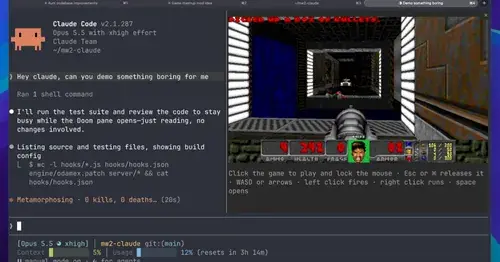
Multiplayer Doom deathmatch in a pane while Claude works, handed back when it needs you.

firstmate-calm
Hides tool rows and swaps the spinner for a sailboat. Toggle with /calm, zero tokens.
prompt-rail
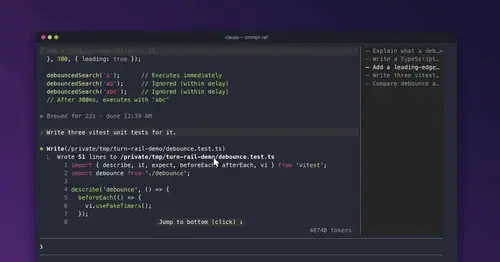
Your session's prompts as a rail: hover to read one, click to jump back to it.
glass
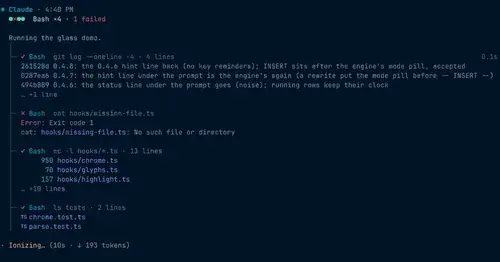
The transcript redrawn like a desktop app: colored commands, a tool tree, code cards.
Popular Claude Mods
The whole directory →terminal-browser
A Chromium browser in a pane beside the transcript, for previews and agent browsing.
claude-skins
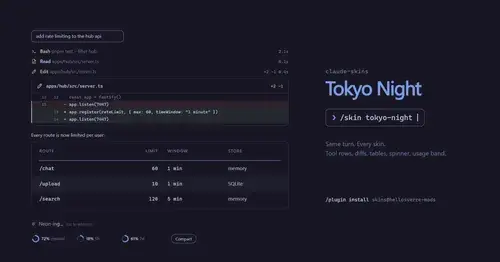
Fifteen transcript skins: timed tool rows, diff, table and chart cards, a usage band.
secret-redactor
Swaps secrets, emails and IPs for placeholders before the model sees them.
Sub Meter
The 5-hour and weekly subscription windows as a bar in the footer. Zero tokens.