Dashboards·terminal · desktop·MIT
codebase-galaxy
Your repo as a live braille starfield; a comet follows each file Claude touches.
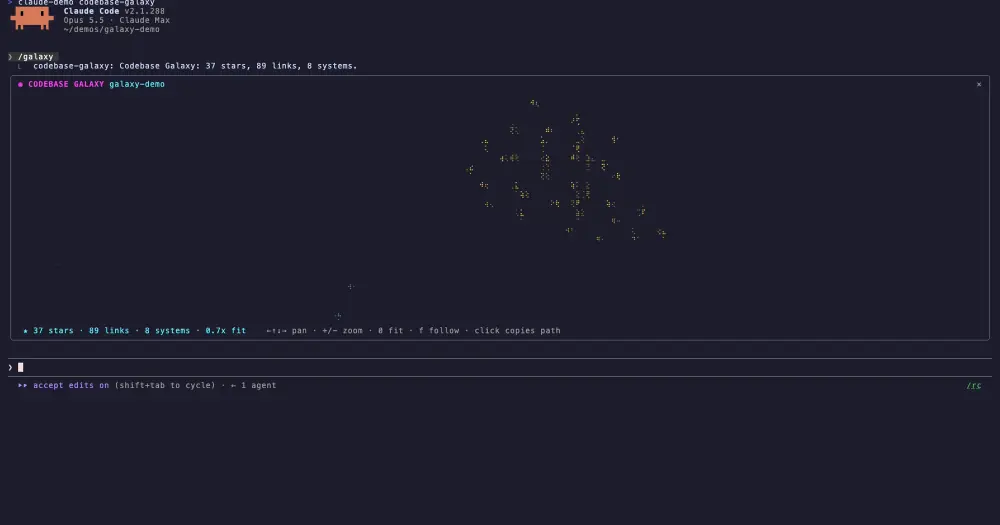
codebase-galaxy draws your repository as a starfield in braille inside a Claude Code pane. Files are stars, imports are faint dotted links between them, and Claude is a comet that flies to every file it reads, edits or names in a shell command. You see where Claude’s attention goes in the codebase while it works.
What it does
- Stars are files. Colour marks the language and brightness the file size. Each folder two levels deep, such as
src/ui, is its own star system with its own place in the sky. - Links are imports. A dotted thread joins a file to each file it imports. Hovering a star, or the comet landing on it, brightens its links.
- The comet is Claude. Reads ping cyan, edits flare amber, shell commands pulse green, and the comet glides over with a fading tail. A file Claude creates, or one the scan left out, appears as a new star.
- The layout is live. A force layout settles at about 30 frames a second: stars push apart, imports pull together and each system holds its centre. Starting positions come from file and folder names, so a repo opens in the same shape every time and a rescan does not scramble it.
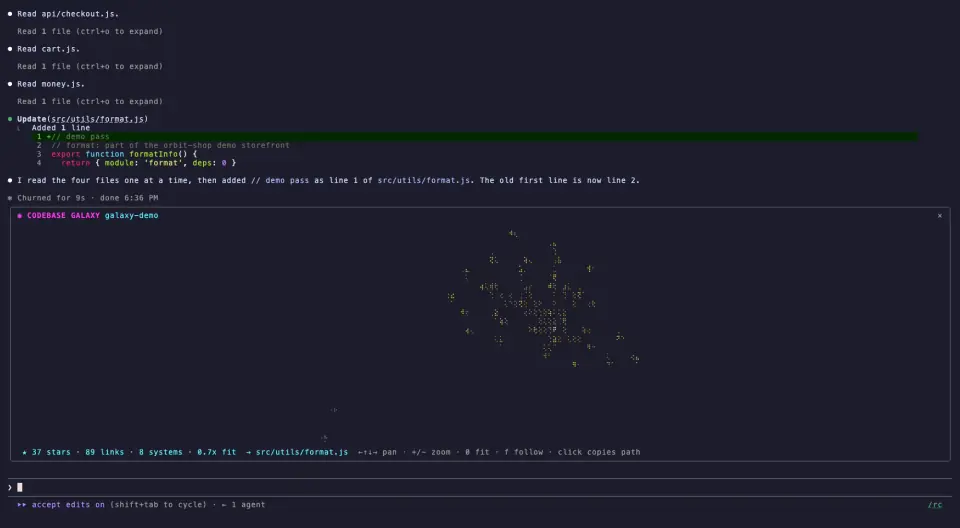
Links come from TypeScript and JavaScript (relative imports, with @/ and ~/ read as src/), Python (relative and package imports) and Kotlin and Java (matched by package path). Swift, Go, Rust, C and C++, Ruby, shell scripts, stylesheets, data files and docs get stars and systems but no links. Files with any other extension, PHP or C# for example, are not drawn.
Install
Needs Claude Code 2.1.287 or later.
claude plugin marketplace add ccdwyer/claude-mods
claude plugin install codebase-galaxy@ccdwyer-mods
The marketplace is the author’s shared one, which also carries speedrun-splits and context-dungeon; if you already added it, the second command is enough.
Run /reload-plugins, then /galaxy. The first run scans the repo, opens the pane and prints a one-line count of stars, links and systems; /galaxy rescan scans again after big changes. Click the pane to give it the keyboard. Arrow keys or a drag pan, + and - zoom, 0 fits everything again, f follows the comet and r re-heats the layout. Hovering a star shows its path in the status line, and clicking it copies the path to the clipboard.
How it works
The tool.call hook lets each call run first and only looks at the ones that succeeded. It never changes or refuses a call. From Read, Edit, Write and NotebookEdit it takes the file path. From Bash it takes up to three paths per command: the files the command changed, then the arguments that look like paths, following any cd or pushd earlier in the command and a plain cd from a previous call. A command with $(…), backticks or a subshell is skipped rather than guessed at.
The scan starts at the folder that holds .git above the session’s working directory, or at the working directory when there is none. It walks folders breadth first through Claude Code’s file system calls and skips node_modules, build output, caches, dotfolders and symlinked folders. To find imports it reads at most 450 files, only in the languages that get links, only under 200 KB, and only the first 64,000 characters of each, matched with regular expressions rather than a parser. Before reading a file Claude touched outside the scan, it resolves symlinks and checks that the file really lives inside the repo.
The graph and the last 24 attention events stay in the plugin’s session state. It writes no files, makes no network calls and runs no programs, which matches the README’s privacy section.
Limitations
- Big repos are capped at 600 stars, picked round-robin across systems so every folder shows up, plus up to 100 more for files Claude touches. The scan also stops at fixed budgets, such as 3,000 folders and 300 files per folder; a
+after the total in the count, as inof 2001+, means it was cut short. - At most 24 links per file and 1,600 in total are drawn, so a barrel file that re-exports everything does not flood the sky.
- Opened inline, the pane takes about half the terminal’s height, at most 28 rows.
- The code draws the galaxy for the terminal and Claude Desktop’s Code tab; the author’s screenshots show the terminal. On surfaces without interactive views, which the README names as mobile and VS Code, the pane falls back to a text chart of each system and its star count.
Similar Claude Mods
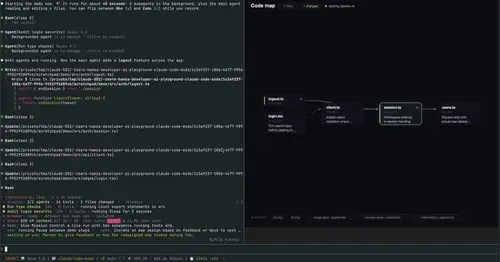
mission-control
Main agent, subagents and every tool call in a pane, plus a map of the files they touch.
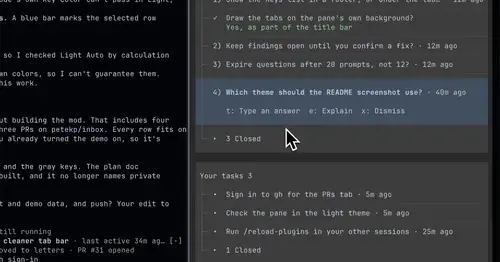
inbox
Claude's questions, your tasks, its findings and your PRs, sorted in one pane.
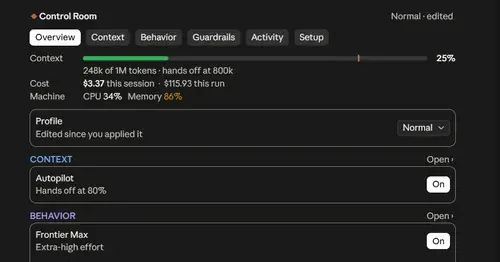
Project Sentinel
Status bar, Control Room pane and automatic context handoffs for long Claude Code runs.
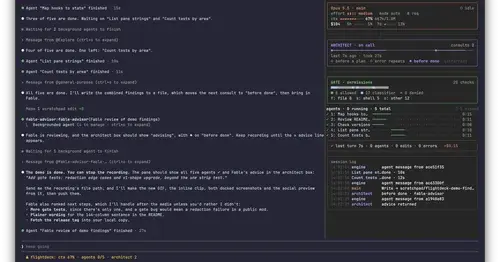
Flightdeck
Subagents, permission checks, advisor consults, context and cost, live in a pane.
Popular Claude Mods
The whole directory →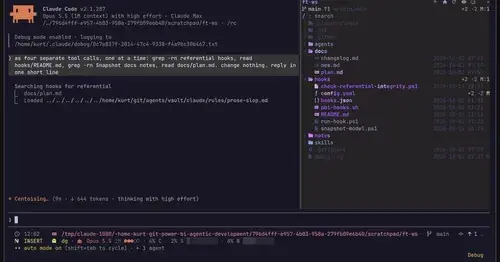
filetree
Sidebar file tree with git status that lights up what Claude reads, edits and commits.
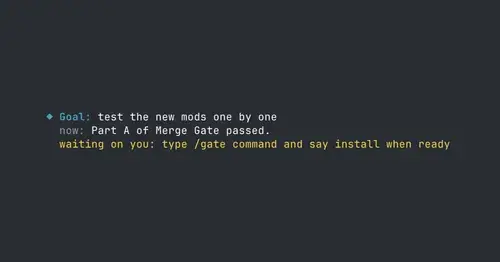
where-am-i
Goal, what Claude is doing now, what waits on you and the next step, above the prompt.
fast-jev-compaction
Compaction that drops stale tool calls instead of summarizing; the rest stays verbatim.
gfm-render
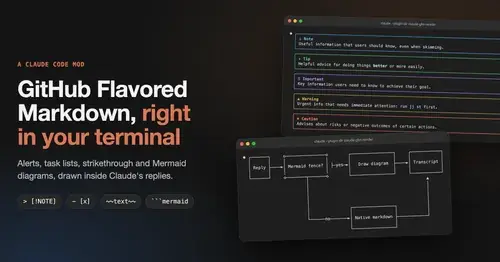
GitHub alerts as colored boxes, checkboxes, strikethrough and Mermaid art in replies.