While you wait·terminal · desktop·MIT
cc-tamagotchi
A pixel pet that eats Claude's work, needs your care and grows into one of eight adults.
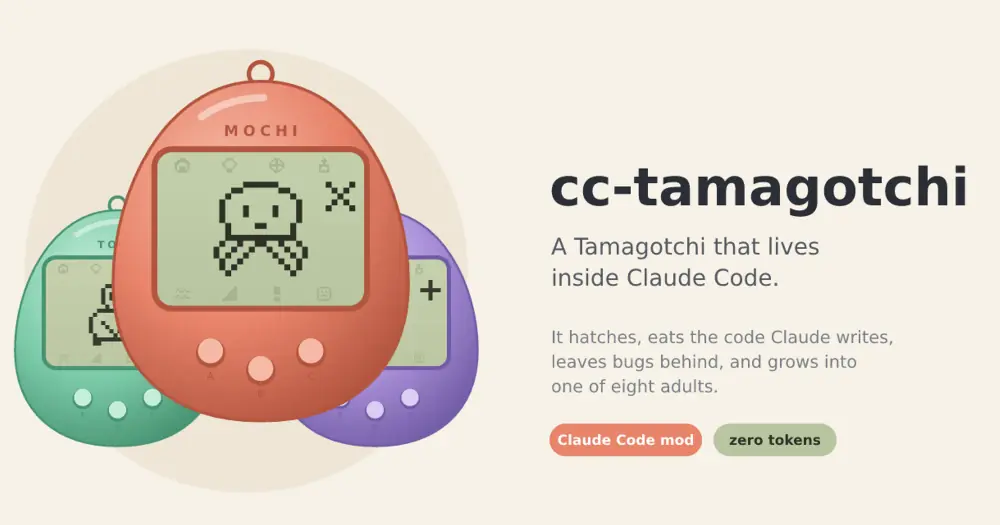
cc-tamagotchi is a virtual pet that lives in Claude Code. It hatches from an egg, feeds on the work Claude does, leaves bugs for you to clean up, gets sick, throws tantrums and, after three days and 800 tool calls, grows into one of eight adults chosen by how you cared for it and what it watched Claude do. Nothing it does reaches the model, so it costs zero tokens.
It is a fan project: the author notes it is not affiliated with or endorsed by Bandai, which owns the Tamagotchi trademark, or by Anthropic. cc-buddy is another pet that lives in Claude Code, if you want to compare.
Install
Needs Claude Code 2.1.287 or later, plus macOS if you want its beeps.
claude plugin marketplace add davidurco/cc-tamagotchi
claude plugin install cc-tamagotchi@cc-tamagotchi
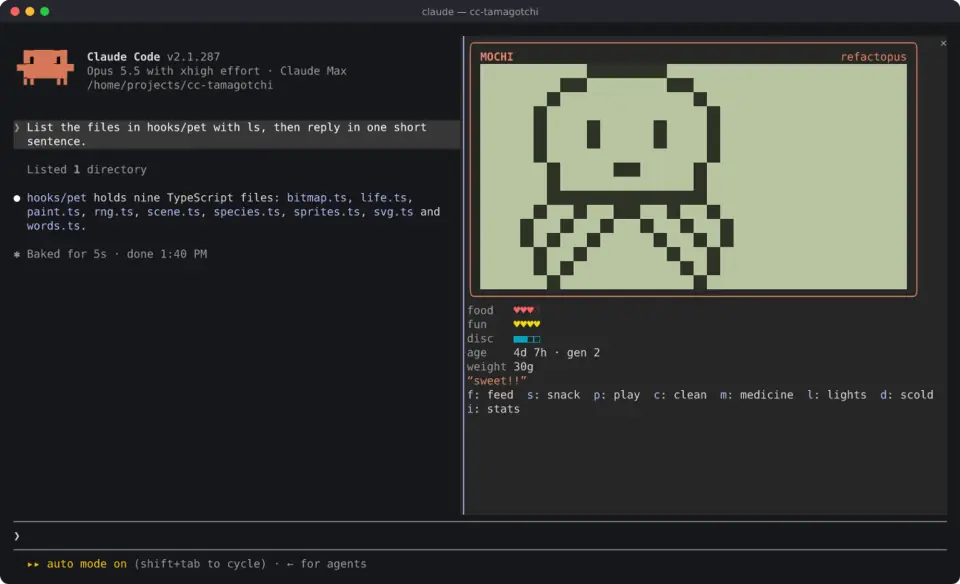
Start claude and a toast says an egg has appeared. Type /tama (or /tamagotchi) to open the device, and again to close it.
Growing up
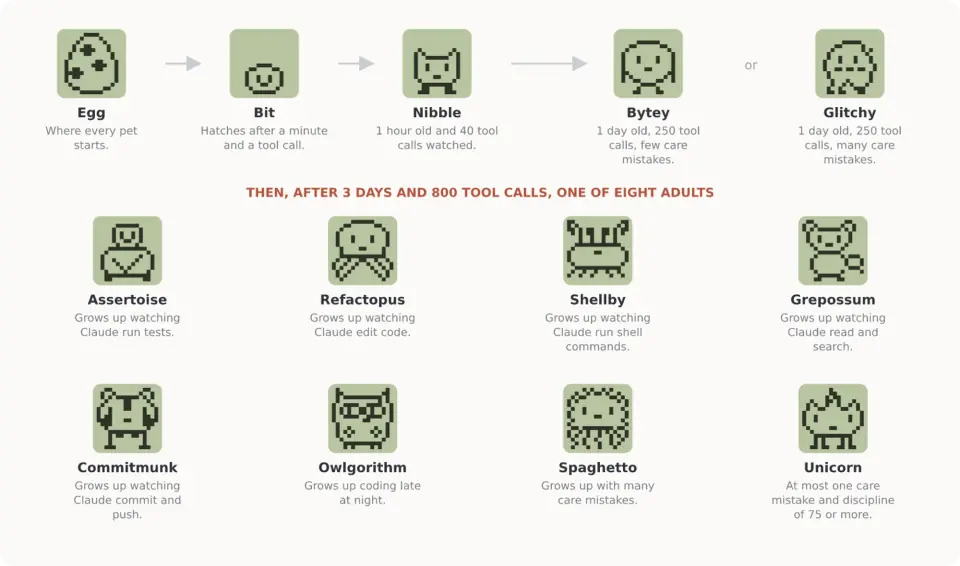
The egg hatches a minute after it appears, at Claude’s first tool call, or after three minutes regardless. From then on each stage needs both age and work:
- Bit after 1 hour and 40 tool calls.
- Nibble after 1 day and 250 tool calls. Three care mistakes or fewer make a Bytey teen; more make a Glitchy.
- Adult after 3 days and 800 tool calls.
Which adult depends on care first. Eight or more care mistakes give a Spaghetto (six are enough for a Glitchy). At most one mistake and three tantrums disciplined give the rare Unicorn. If at least 40% of Claude’s turns end between 11 pm and 5 am, it becomes an Owlgorithm. Otherwise it becomes what it watched most: Assertoise for test runs, Refactopus for edits, Shellby for shell commands, Grepossum for reads and searches, Commitmunk for commits and pushes. The count is weighted, so one test run weighs as much as six file reads, and a commit as much as 25.
Taking care of it
The device opens in a pane beside the transcript. While the pane has the keyboard, each button has a key. Click the screen to pat the pet; after that click, the same keys work on the screen. Esc hands the keyboard back to the prompt. Every action is also a /tama command, runs at once even while Claude is working, and writes nothing into the conversation.
- Feed (
f,/tama feed): a meal, one heart of food and one gram. It refuses when full. - Snack (
s,/tama snack): candy, one heart of fun and two grams. An overweight pet falls sick more easily. - Play (
p,/tama play): guess which way it will look, left or right, over five rounds. Three wins lift its mood. - Clean (
c,/tama clean): squashes the bugs it left behind. - Medicine (
m,/tama medicine): cures it, sometimes in two doses. A healthy pet hates it and loses fun. - Lights (
l,/tama lights): tucks it in, so it sleeps through Claude’s work, or wakes it. - Scold (
d,/tama scold): ends a tantrum and builds discipline. Scolding a pet that did nothing wrong costs fun. - Stats (
i,/tama stats): its age, care mistakes, the work it watched and what it is growing into.
The rules behind the meters:
- Food empties in four awake hours and fun in five. Asleep, everything runs ten times slower.
- After 20 minutes with nothing going on, it naps. Claude’s next tool call or your next prompt wakes it; a tucked-in pet sleeps on.
- Bugs turn up about half an hour after each meal and now and then on their own, up to four. Left lying around, they make it sick.
- It calls you when it is hungry, bored, sick, buried in three or more bugs, or in a tantrum: a
!on the device and a line under the prompt. A call left unanswered for 15 awake minutes is a care mistake. - In classic mode, the default, 12 awake hours of hard neglect (starving and miserable at once, or sick) and it leaves for the cloud. It joins the hall of fame in
/tama history, and/tama newbrings the next egg. With/tama mode gentleit never leaves. /tama vacation onstops its clock: no hunger, no ageing and no growing until/tama vacation off.
/tama name <name> renames it and /tama reset starts over after asking.
While Claude works
Each tool call Claude finishes feeds the pet in its own way:
- An edit is a nibble: a little food.
- A test run that passes makes it cheer and squashes a bug. One that fails lets a bug crawl out and costs fun.
- A commit is a party, with fun and food. A push earns a smaller one.
- A failed command or tool call makes it flinch.
With the pane closed, the pet moves above the prompt. While Claude works, or just after something happens, it strolls along a strip of braille dots four rows high, next to its name and meters. When Claude is idle the strip folds into one line: face, name, meters and whatever it is saying. With the pane open, the band steps aside. /tama band changes this: auto (the default), big (the strip in eight rows of solid pixels), on (the strip always), line (one line always) or off. Its face also rides beside the spinner (/tama spinner off removes it), and when it needs you while Claude is idle, the hint line under the prompt says so.
In the Code tab of the Claude desktop app, the device is an egg-shaped shell drawn as an animated SVG, with buttons, and the band is drawn as SVG too. /tama shell picks the color: coral (the default), mint, grape, sky, banana or ink.
Sound is off by default. /tama sound on makes it beep when it hatches, grows up or calls you, on macOS only; /tama sound off silences it again.
How it works
The mod hooks tool.call after each call finishes and never blocks or changes one. It reads the tool’s name and whether it failed. For Bash and PowerShell it also reads the command line, split into its commands, to spot git commit, git push and test runners such as jest, vitest, pytest, go test, cargo test or npm test. A runner counts only where a command starts, so cat jest.config.js is not a test run. A refused tool call feeds nothing.
prompt.submit only wakes a napping pet; it does not read the prompt. turn.complete counts the turn, the number of output tokens Claude wrote (for the stats page) and the hour, which is how an Owlgorithm is picked.
Everything is kept in Claude Code’s plugin store on your machine (~/.claude/plugins/store/): the pet, the settings and a hall of fame of up to 50 past pets. There is one pet per machine. Every session loads the same one, and work in any of them feeds it. The simulation is deterministic, seeded by the pet’s id and the minute, so two sessions open side by side see the same pet.
It keeps living while Claude Code is closed. The next session runs it forward minute by minute from the last save, up to 30 days back, and an interactive session does it again every 30 seconds. Since it naps after 20 idle minutes and runs ten times slower asleep, a night away costs little; a week away in classic mode can cost you the pet. Vacation mode is for that.
The mod makes no network calls, reads no files, runs no processes and calls no model. The only things it uses are Claude Code’s store, clock and screen and, when you turn it on, audio.
Limitations
- Nothing is drawn in the VS Code extension’s chat panel,
claude -por the Agent SDK, but Claude’s tool calls there still feed the pet. - Beeps work only on macOS.
- Tests, commits and pushes are recognized only in Bash and PowerShell command lines. Tests run through any other tool count as ordinary work.
- Below 60 columns, the band above the prompt stays on one line.
Similar Claude Mods
ClaudeAmp
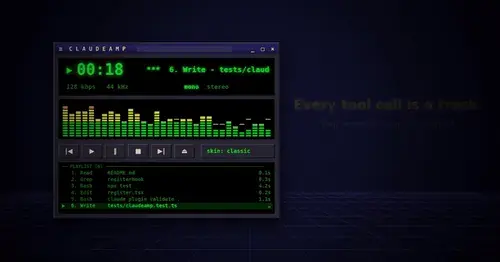
A Winamp-style player with a live spectrum and your tool calls as the playlist.
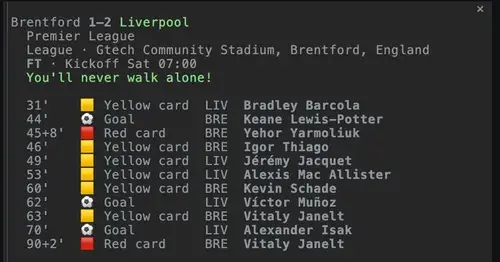
claudinho
Live football scores or the next kickoff above the prompt, goal toasts and a match pane.
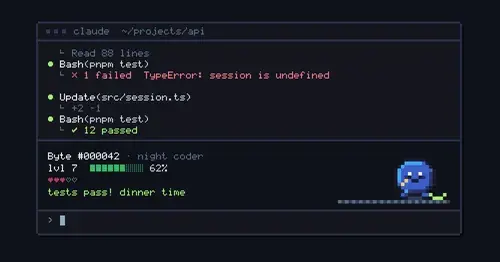
nibbl
A pixel pet above the prompt that eats the bugs your failed tool calls leave.

claude-pokemon
A pixel Pokémon above the prompt that follows Claude's tools, levels up and evolves.
Popular Claude Mods
The whole directory →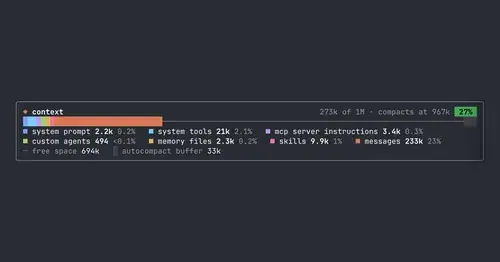
context-bar
Your context window as one stacked bar above the prompt, a color per category.
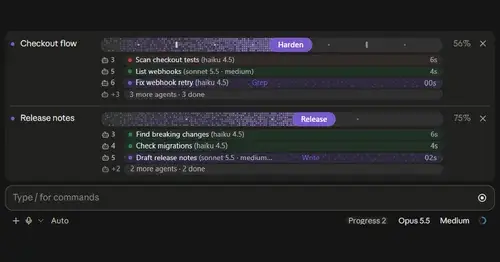
plan-progress
Claude's plan as live progress bars above the prompt, with subagents under each task.
claude-skins
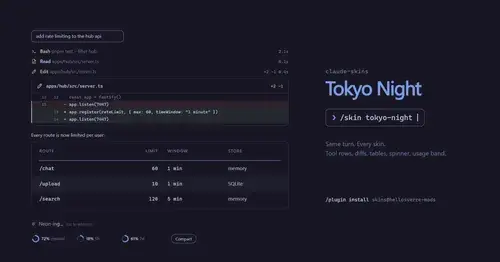
Fifteen transcript skins: timed tool rows, diff, table and chart cards, a usage band.
filetree
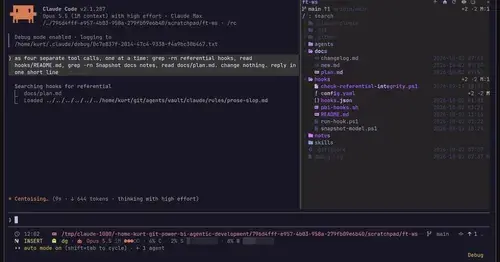
Sidebar file tree with git status that lights up what Claude reads, edits and commits.