While you wait·terminal · desktop·MIT
ClaudeAmp
A Winamp-style player with a live spectrum and your tool calls as the playlist.
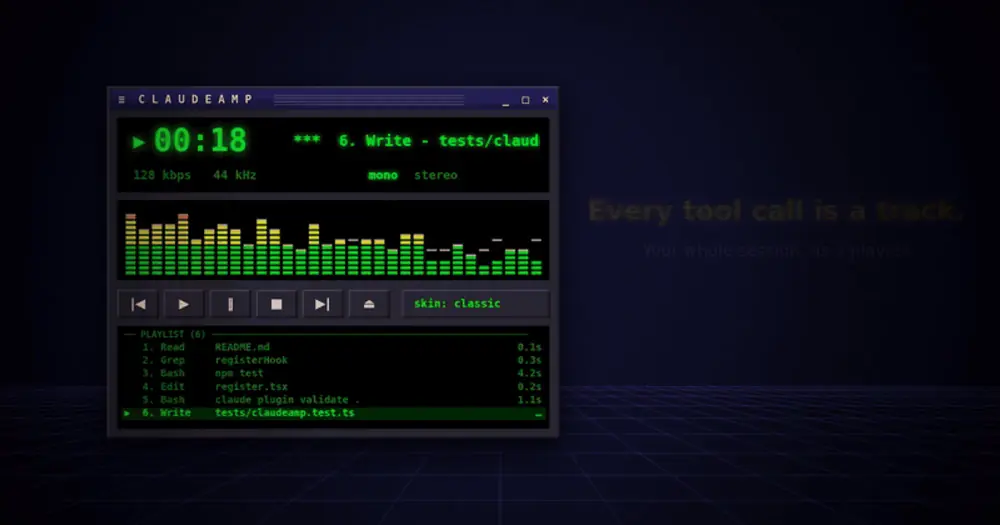
ClaudeAmp docks a retro media player beside your Claude Code session, inspired by Winamp. Each turn plays like a song, each tool call becomes a playlist track, and a spectrum analyzer jumps to the text Claude streams. Nothing goes to the model, so it costs zero tokens. The author calls it a fan tribute, not affiliated with Winamp or Anthropic.
The animation is the author’s promo render. In the terminal the player has the same layout, drawn with text and block characters.
What it does
- The display. The clock runs while a turn is in progress. The scrolling title shows the current tool call, or your prompt when a turn starts.
kbpsis the last turn’s output tokens per second,kHzthe session’s output tokens in thousands, andstereolights up while tools run in parallel. - The visualizer. It hears no audio. The bars move with Claude’s streamed text and thinking, kick on every tool call and keep a low hum while a turn runs, with peak caps that hang and then fall.
- The playlist. Every tool call of the session, numbered, with a short title taken from its arguments (description, command, file name, pattern, URL or query), its duration and a ✗ on failures.
- Skins.
classic,claude,llamaandvapor.
The transport buttons answer to Winamp’s own keys while the pane is focused. ctrl+x tab focuses it and ctrl+x x closes it.
zandbstep back and forward through the playlist on the marquee. Stepping past the last track follows the live one again.x(play) typescontinueinto your prompt box. Nothing is sent until you press Enter. If a turn is already running, it only tells you so.c(pause) freezes the visualizer. Claude keeps working.v(stop) aborts the running turn. It is the one button that changes what Claude does.l(eject) closes the pane andscycles the skins.
Install
Needs Claude Code 2.1.287 or later, plus macOS for the optional chime. There is no marketplace: you clone the repository and load it as a plugin directory.
git clone https://github.com/katzboaz/ClaudeAmp ~/claudeamp
claude --plugin-dir ~/claudeamp
--plugin-dir loads it for that launch only. To load it in every session, including the ones the Desktop app starts, the author adds it to ~/.claude/settings.json:
{ "env": { "CLAUDE_CODE_PLUGIN_DIRS": "~/claudeamp" } }The player opens on its own when a session starts. /claudeamp opens it again, /claudeamp skin vapor picks a skin and /claudeamp close ejects it. In /config, or under pluginConfigs.claudeamp.options in settings, you set the starting skin, turn autoOpen off, or turn sounds on for a chime when a turn finishes. Sound is off by default; setting sounds back to off silences it. To remove the mod, drop the flag or the settings entry and delete the folder.
How it works
The hooks module watches turns and tool calls without changing them. turn.start reads the first 120 characters of your prompt for the marquee. turn.step reads the text and thinking Claude streams and maps each character to a spectrum band, passing every chunk through untouched. tool.call reads the tool name and arguments to title the track, times the call and notes whether it failed; it never blocks or rewrites a call. turn.complete reads the output token count and the turn’s duration for the readouts.
That means your prompt and the commands, file names and URLs Claude works with scroll across the player, which matters if you share your screen. The mod keeps the playlist (the last 500 calls), the counters, the skin and the pause state in its plugin state inside Claude Code. It writes no files and makes no network calls. The only controls that touch the session are play, which fills the prompt box, and stop, which aborts the turn.
Limitations
- The animated version is terminal only. On other surfaces the author draws the same window as plain text, redrawn when the state changes. The README names Desktop, VS Code and mobile; Claude Code’s documentation says mods draw nothing in the VS Code extension’s chat panel or on a phone.
- The pane docks in fullscreen terminals. When it opens on its own at session start, it waits until the terminal is at least 144 columns wide.
Similar Claude Mods
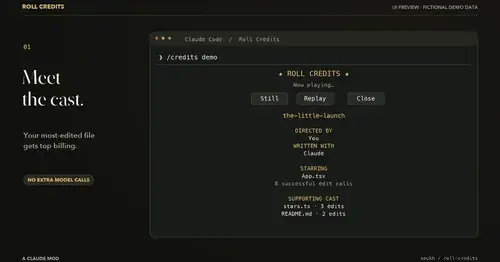
roll-credits
Movie-style credits for your session in a pane: top file, tools, turns and plot twists.
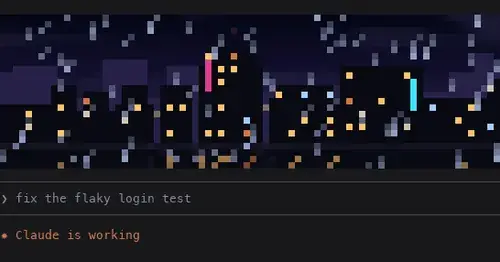
pixelband
Pixel art above the prompt that reacts to Claude: seven scenes, or your own image or GIF.
claude-pets
A pixel pet in a pane that reacts to your session and levels up as you work.

subway-surfer
Subway Surfers from headless Chrome, drawn and played in a pane. Videos too.
Popular Claude Mods
The whole directory →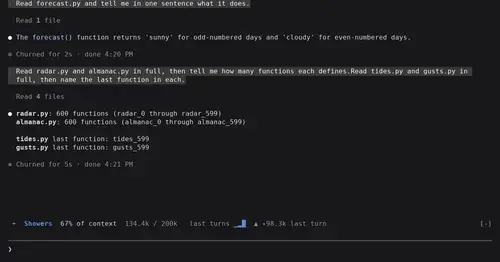
token-weather
Context window fill as a weather forecast above the prompt, with a chart of recent turns.
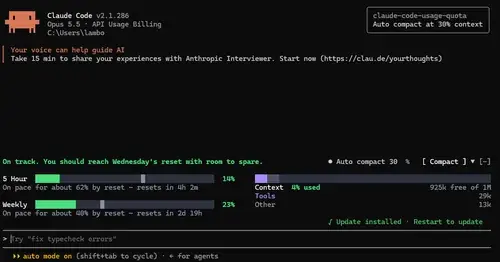
claude-code-usage-quota
5-hour and weekly plan limits, a run-out forecast and the context, with auto compact.
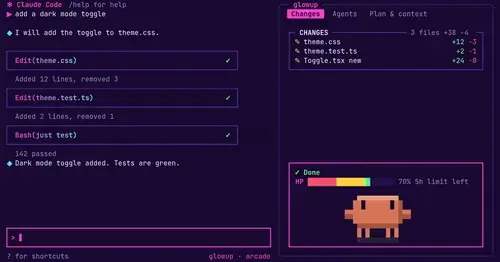
glowup
A live side pane for changes, subagents and context, shareable themes and a pixel pet.
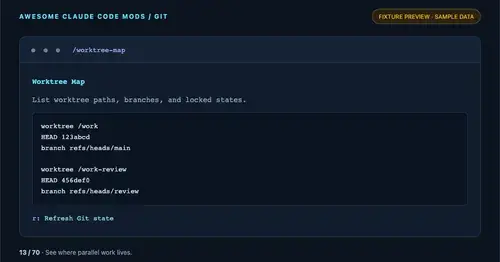
worktree-map
Every git worktree of the repo with its path, HEAD, branch and lock state, in a pane.