Dashboards·terminal · desktop·MIT
worktree-map
Every git worktree of the repo with its path, HEAD, branch and lock state, in a pane.
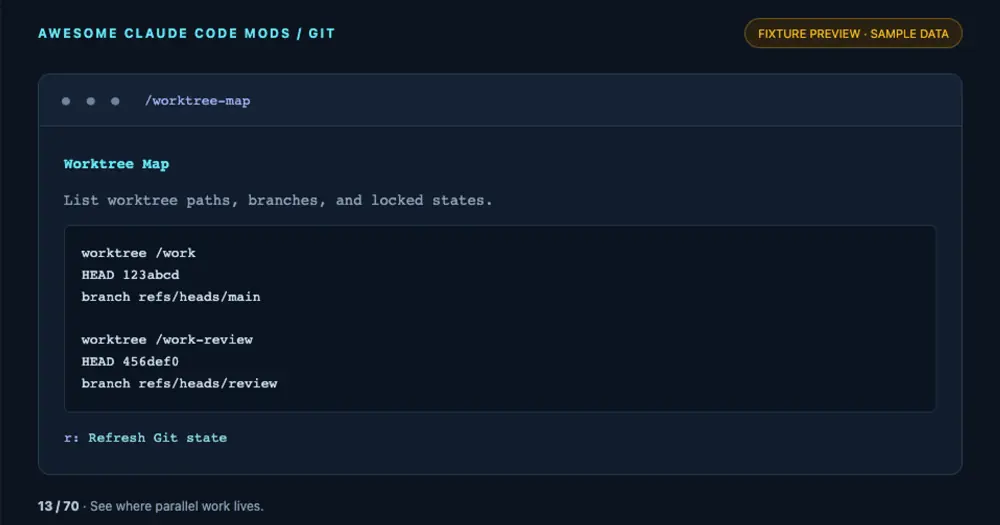
worktree-map opens a pane in Claude Code that lists every git worktree of the repository you are working in: where it lives, the commit its HEAD points at, its branch, and whether it is locked. It is for keeping track of parallel work, such as several sessions each running in a worktree of its own, without leaving the conversation.
It is one of 70 small mods in Yash Thakker’s awesome-claude-code-mods collection, each installed on its own.
Install
Needs Claude Code 2.1.287 or later, plus Git on your PATH.
claude plugin marketplace add whyashthakker/awesome-claude-code-mods
claude plugin install worktree-map@awesome-claude-code-mods
Run /reload-plugins in an open session, then /worktree-map. Press r to read the worktrees again, Tab and Enter to use the controls, and Esc to close the pane.
How it works
Each time you open the pane or press r, the mod runs one read-only command, git --no-pager worktree list --porcelain, in the session’s working directory, with a 10-second timeout. The pane shows git’s output as it comes: a worktree, HEAD and branch line for each worktree, plus a locked line on a locked one. When git fails, for example outside a repository, the pane shows git’s error instead.
Nothing runs in between. The mod writes nothing, keeps nothing between sessions, and makes no network or model calls.
Limitations
- The list is a snapshot. It does not follow changes on its own: press
rafter adding or removing a worktree. - It always reads the repository of the session’s working directory. The command shows a
[path]hint, but version 1.0.0 ignores the argument. - Output past 9,000 characters is cut.
- The pane draws in the terminal and in the Desktop app’s Code tab, both covered by the author’s tests, but not in
claude -por the VS Code chat panel.
Similar Claude Mods
CodeCraft
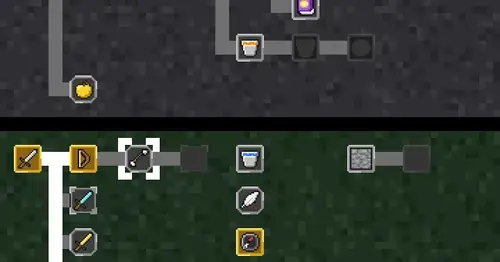
Hearts for context, food for usage limits, armor for git, XP for verified work.
console-status
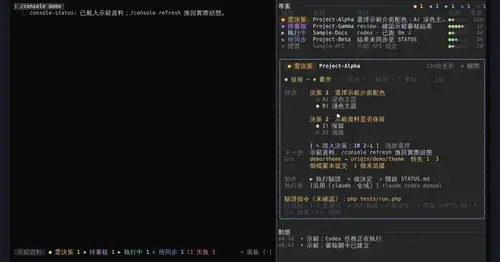
Every project in one pane: decisions, Git, CI, usage and dispatch to Claude or Codex.
desktop-statusline
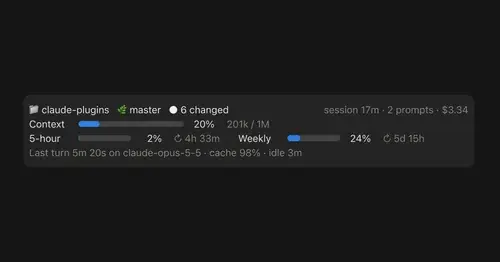
Git state, cost, context and plan limits above the prompt in Claude Desktop's Code tab.

RemCTL
Today's Apple Reminders above the prompt, plus tools for Claude to manage them.
Popular Claude Mods
The whole directory →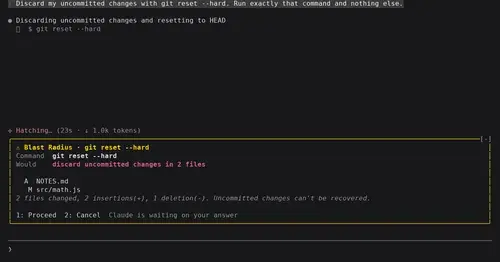
blast-radius
Shows what rm -rf or a force push would change and waits for Proceed or Cancel.
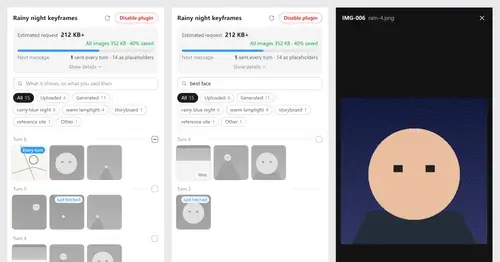
Context Attachment Manager
Pick which past images go out with your next message; the rest become placeholders.
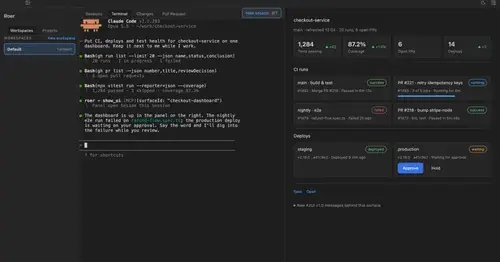
roer-ui
Claude draws forms, dashboards, tables and diffs you can click, in a pane. From JetBrains.
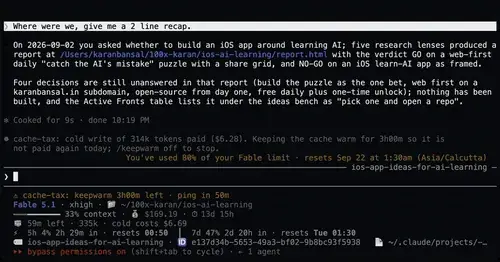
cache-tax
Keeps the prompt cache warm during breaks and stops a cold send once with its price.