Dashboards·terminal · desktop·MIT
transit-map
Git history as a Vignelli-style subway map; the train moves when Claude commits.
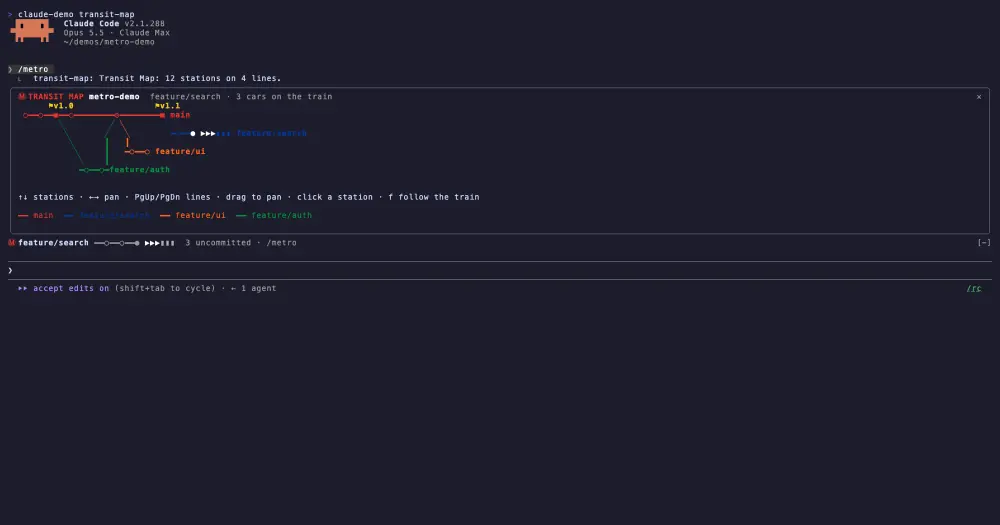
transit-map draws your git history as a subway map in a Claude Code pane. Branches are coloured lines, commits are stations, merges are interchanges, and your working tree is a train parked just past HEAD. The map follows Claude as it works: a commit pops in a new station and slides the train forward, and a branch switch moves the train onto another line.
What it does
- Lines are branches. The trunk (
main,master,trunkordevelop) is always red and runs along the top. Your current branch comes next, then the others by latest commit, each in a flat colour from a Vignelli-era subway palette. - Stations are commits.
○is a commit,◎a merge,▣a tagged commit with the tag name above it, and●is HEAD. Branches that exist only on the remote are drawn dashed and grey. - The train is your working tree. It carries one car
▮per modified or untracked file. A car turns yellow when Claude has edited that file.
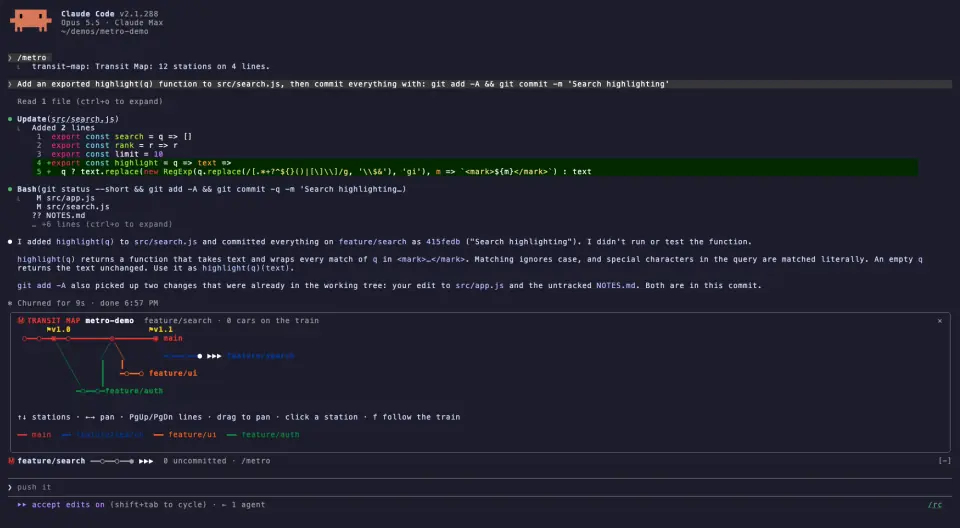
A branch that points at the same commit as another, such as one you just created, gets no line of its own: its name appears under that station. Commits from merged or deleted branches keep grey lines without a name.
Install
Needs Claude Code 2.1.287 or later, plus git.
claude plugin marketplace add ccdwyer/claude-mods
claude plugin install transit-map@ccdwyer-mods
The marketplace is the author’s shared one, which also carries a starfield view of the repo by the same author, codebase-galaxy; if you already added it, the second command is enough.
Run /reload-plugins, then /metro inside a git repository. It replies with the number of stations and lines and opens the map in a pane. Arrow keys ← → or a drag pan along the map, ↑ ↓ walk from station to station, PgUp and PgDn bring lower lines into view, f follows the train and Home jumps back to the oldest station. Hovering a station shows its short hash, subject, author and age below the map; clicking it or pressing Enter adds the files that commit changed.
After the first /metro, a one-row strip above the prompt shows your branch, the train, how many files are uncommitted and how many of them Claude edited, and how far you are ahead of or behind the upstream. /metro strip off hides it and /metro strip on brings it back.
How it works
Everything comes from the local git binary, run in the repository root with a five-second timeout. To draw the map, transit-map reads the log of all branches, the current branch, its upstream with the ahead and behind counts, and git status including untracked files. Clicking a station runs git show for that one commit. All of these commands only read, and none of them is git fetch, so remote lines show whatever your last fetch brought in.
Nothing happens until you open the map once. From then on, the tool.call hook lets each call run first and only looks at the result: it never changes, refuses or adds to a call, and it ignores calls made by subagents. It reads the text of each shell command to check it against a pattern of git verbs that move history (commit, checkout, switch, merge, rebase, reset, pull, push, tag, stash and a few more) plus gh pr merge and gh pr checkout; a match redraws the whole map. A successful Edit, Write or NotebookEdit records the file’s path, so its car can light up, and re-reads git status. Any other shell command that Claude Code does not mark as read-only re-reads git status too. At the end of each turn the whole map is redrawn, which picks up commits made by subagents or by commands the pattern missed.
The map, the selected commit’s details and the last 50 paths Claude edited stay in the plugin’s state. It writes no files and makes no network calls, which matches the README’s privacy section.
Limitations
- The map shows the newest 120 commits across all branches. If you check out something older, up to 30 commits of HEAD’s own history are added.
- At most 10 lines get their own colour; the rest share one grey
+N more lineslane. - The train carries at most 60 cars, and the strip above the prompt shows eight of them.
- The map only refreshes on Claude’s tool calls, at the end of each turn and on
/metro. A commit you make in another terminal appears after Claude’s next turn or the next/metro. - The author shows the map only in the terminal. On surfaces without interactive regions, such as mobile, the pane falls back to a plain timetable of the newest 15 stations.
Similar Claude Mods
console-status
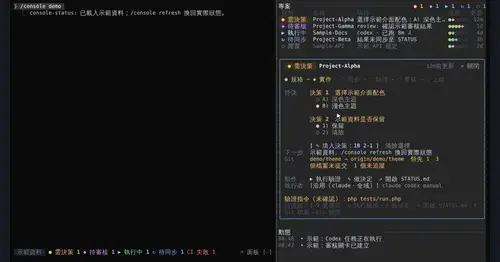
Every project in one pane: decisions, Git, CI, usage and dispatch to Claude or Codex.
worktree-map
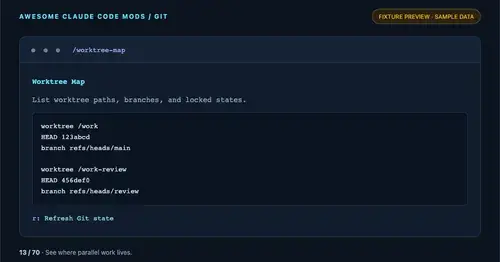
Every git worktree of the repo with its path, HEAD, branch and lock state, in a pane.
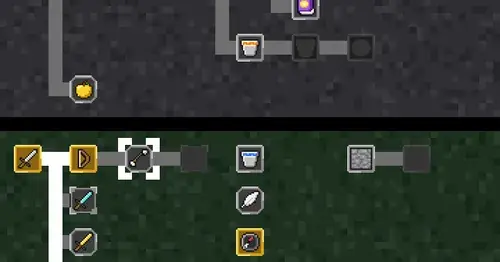
CodeCraft
Hearts for context, food for usage limits, armor for git, XP for verified work.
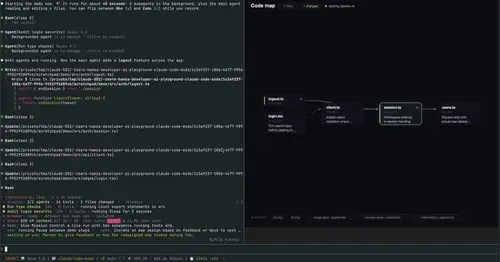
mission-control
Main agent, subagents and every tool call in a pane, plus a map of the files they touch.
Popular Claude Mods
The whole directory →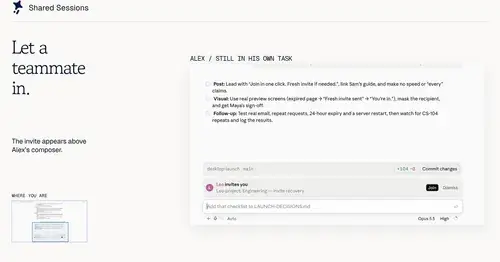
shared-session
Share a session by link: teammates join from their Claude Code and prompt it live.
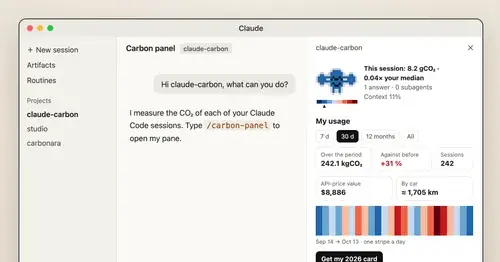
claude-carbon
Estimated grams of CO2 for each answer and session, with a molecule and warming stripes.
auto-handoff
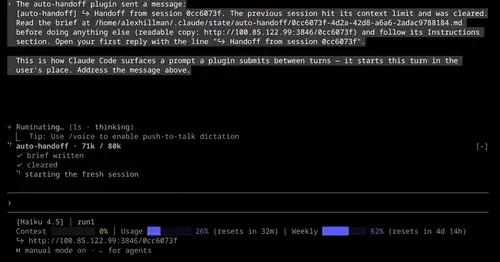
Hands a long session to a fresh one with a Haiku-written brief instead of compacting.
pin-memo
Notes and clickable todos pinned above the prompt, back when you resume the session.