Dashboards·terminal · desktop · mobile·MIT
workflow-watch
Each stage of a running Workflow, its model, tokens and current tool, live in a pane.
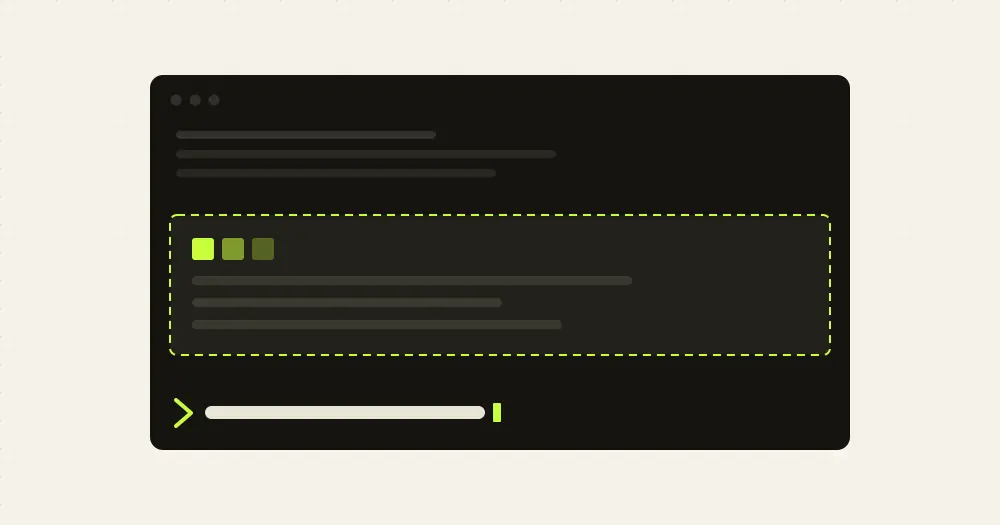
workflow-watch draws a running Workflow live inside Claude Code: each stage as it starts and finishes, the model and effort it runs on, the tokens it has written and the tool it is calling right now. A Workflow is a script run by Claude Code’s Workflow tool that spawns a subagent per stage. The mod only reads files on disk, so it costs no tokens.
What it does
- A pane titled Workflow. It opens when the session starts, with a placeholder until a run appears. The header gives the run id, how many stages are running and done, and the output tokens so far; below, the stages are grouped by phase, one line each.
- Each line carries a mark (running, done, or done with no result), the elapsed time, the stage label, the model alias the script asked for and the id it resolved to (
fable→claude-fable-5-1), the effort and the output tokens. Then, for a running stage, its tool call count and the last call with its argument; for a finished one, its result in one line. - A band above the prompt while stages run: the tally plus up to four running stages with their time, model, effort and last tool. It goes away when nothing is running.
- The status line: the run id, the names of the running stages and how many are done; when the run ends, the number of stages it had.
- A toast each time a stage finishes, with its result.
/workflow-watchopens the pane and prints the same report as text.
The author’s build-loop workflow gets a tailored result line per stage, such as the task and branch the plan stage picked or a refute lens’s verdict with its first blocking finding. Any other workflow gets a short generic line built from the stage’s result.
Install
Needs Claude Code 2.1.287 or later.
claude plugin marketplace add alonbaron/claude-skills
claude plugin install workflow-watch@alonbaron
The same marketplace carries alon-skills, the author’s six skills and his build-loop workflow. workflow-watch does not need it. Run /reload-plugins or restart, then start any Workflow. The pane wants a terminal 144 columns wide; on a narrower one, type /workflow-watch to place it anyway.
How it works
Every two seconds the mod finds the newest Workflow run of the current session under ~/.claude/projects/<project>/<session>/subagents/workflows/<run>/ and reads the files Claude Code keeps there: journal.jsonl for stages starting and returning, agent-<id>.meta.json for the alias, and each subagent’s transcript, agent-<id>.jsonl, for model, effort, output tokens and tool calls. For the current tool it takes the first 50 characters of the call’s command, file path, search pattern or description. A finished stage is read one last time and then left alone.
It makes no network calls, runs no processes and calls no model: nothing leaves your machine and it spends none of your usage.
The repository’s scripts/tracker.mjs, part of alon-skills, renders the same rows as an HTML page or PNG from any shell, with a timeline column added.
Limitations
- The run folder layout is internal to Claude Code. If it moves, the mod shows nothing rather than guessing.
- It follows only the newest run of the current session.
- Times count from the moment the mod first sees a stage, to within its two-second poll.
- It locates runs through the
HOMEenvironment variable and shows nothing when that variable is empty. - A stage whose transcript grows past the engine’s file read limit stops updating its tokens and last tool.
- The author says the pane and the band draw in the terminal and in the desktop app. The mobile app shows only the text report from
/workflow-watch. - This is version 0.1.0, and the author does not say which Claude Code version it was tested with.
Similar Claude Mods
context-lens
Window fill, growth per turn and turns left before compaction, pinned under the prompt.
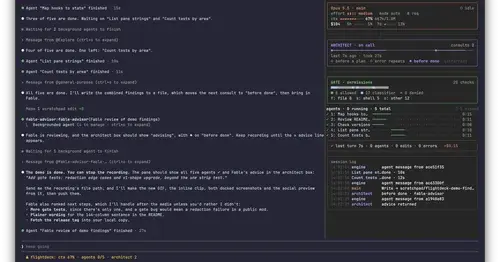
Flightdeck
Subagents, permission checks, advisor consults, context and cost, live in a pane.
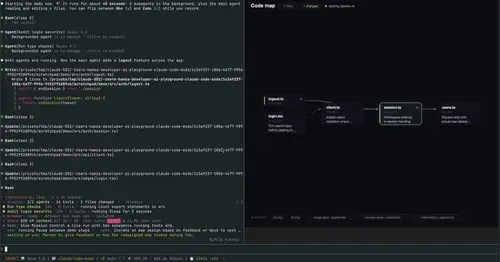
mission-control
Main agent, subagents and every tool call in a pane, plus a map of the files they touch.
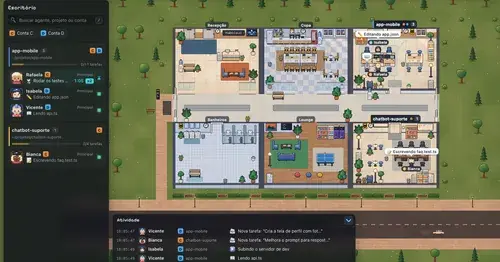
Habblaud
A pixel-art office where each Claude Code agent shows, live, what it is doing.
Popular Claude Mods
The whole directory →fast-jev-compaction
Compaction that drops stale tool calls instead of summarizing; the rest stays verbatim.
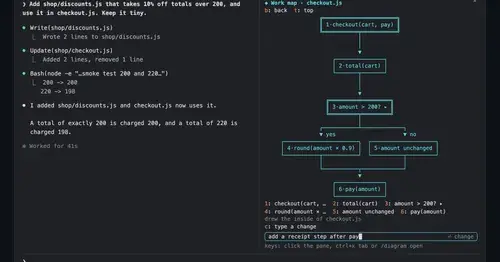
diagram-pane
Every diagram Claude draws, pinned in a side pane, plus a live map of the work.
pii-guard
Reversible Taiwanese PII redaction for tool results, prompts and writes, all on loopback.
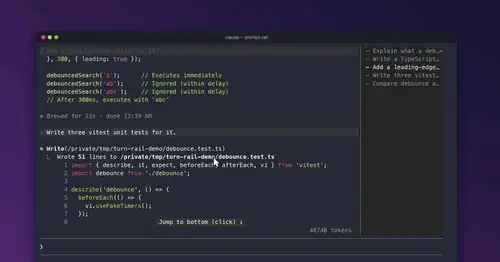
prompt-rail
Your session's prompts as a rail: hover to read one, click to jump back to it.